Automatic texts and emails. Confirmations and reminders that send themselves in your wording.
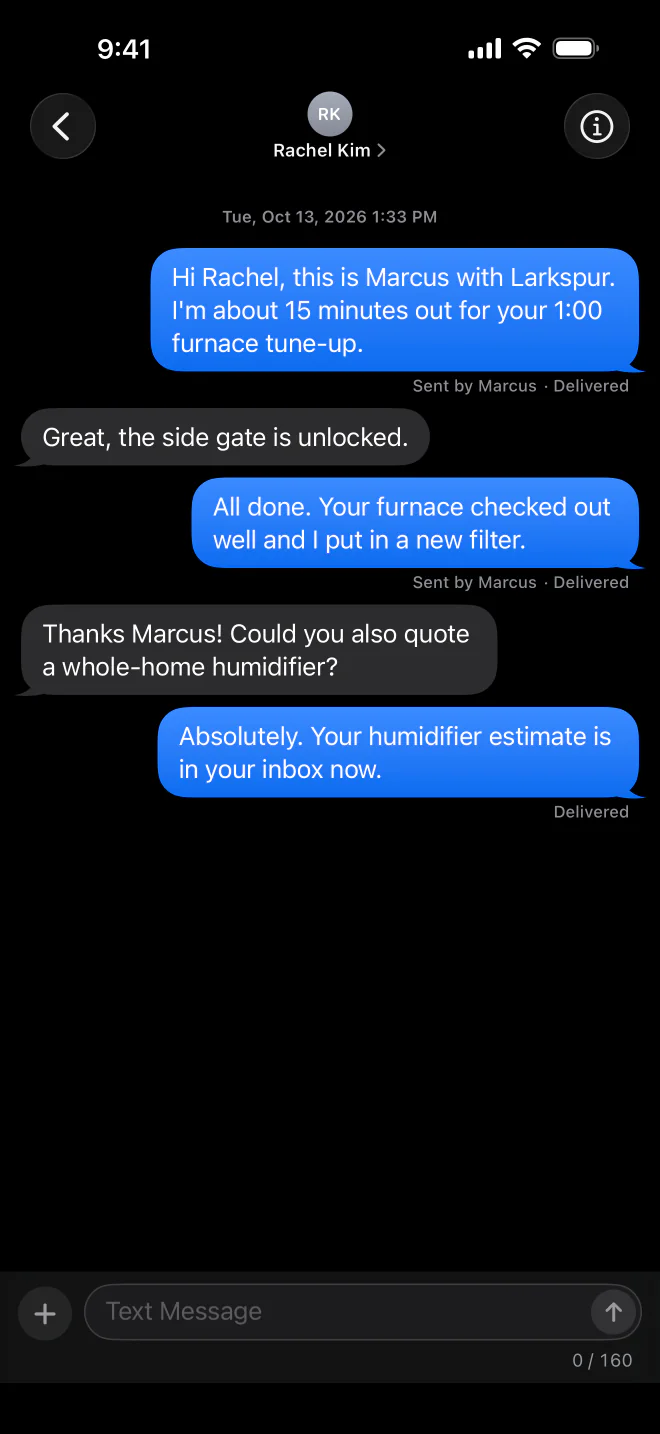
Every customer text lands in one inbox your whole team can see, with photos both ways and the thread saved on the customer's record. Reply from the dashboard or the MeridianOS™ app, and replies from employees show their name.
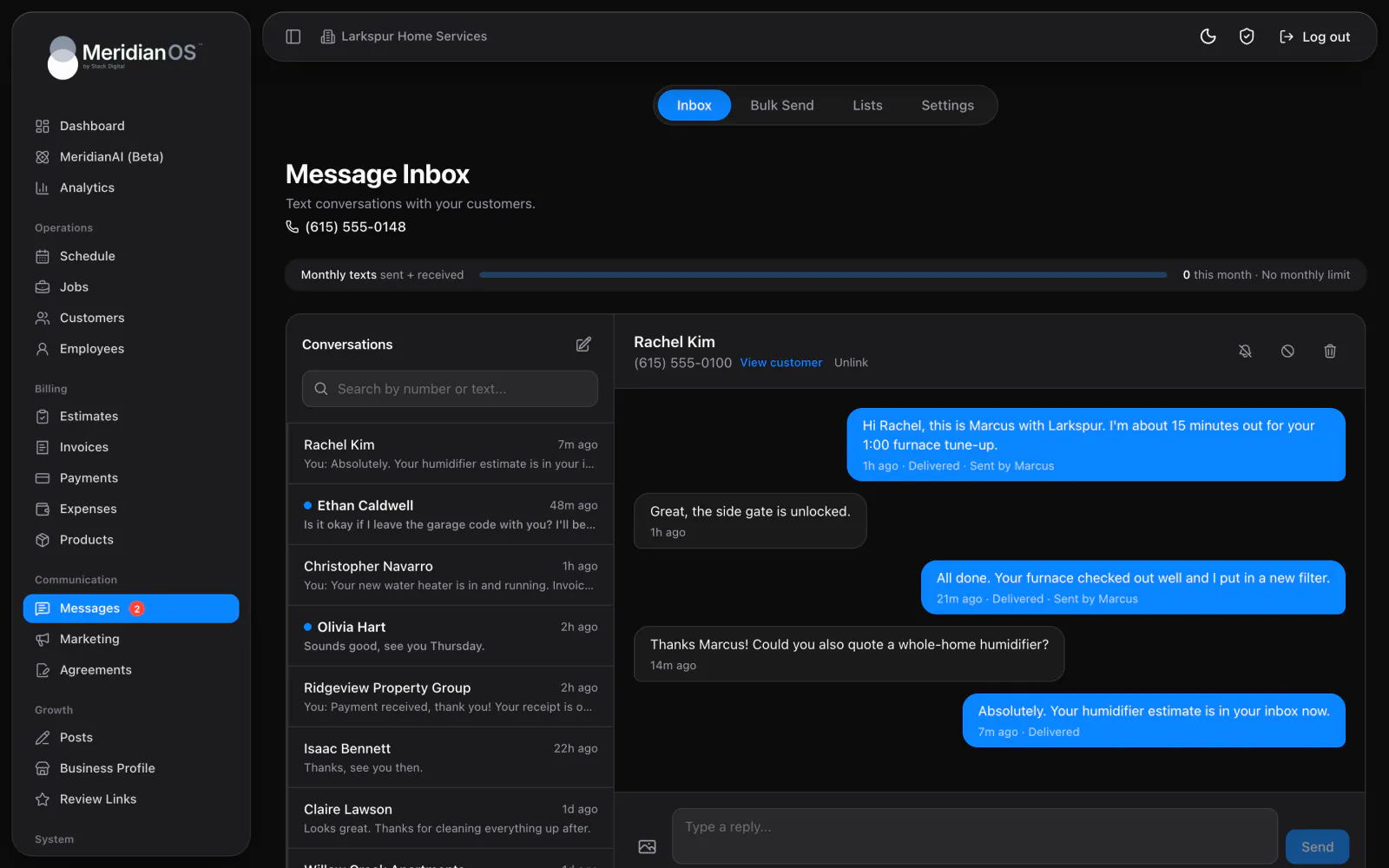
One shared inbox. Your whole team sees every conversation with your business number.
Photos both ways. Send up to 10 images in a message and see theirs inline.
Delivery you can see. Each text shows Sent, Delivered, Undelivered or Failed, with a plain reason.
Opt-outs handled. STOP and START replies are honored on every text you send.
Customer texts to your business number land in a shared inbox your whole team can see. Unread threads show a dot and a bold name, and search finds any number or message. Each text shows its delivery status, and replies from employees carry the sender's name.
Every conversation also appears in the MeridianOS™ app and in a Messages card on the customer and job pages. Employees can text the customers on jobs assigned to them, right from the job in their portal. Their replies land in the same thread with their name on each one.
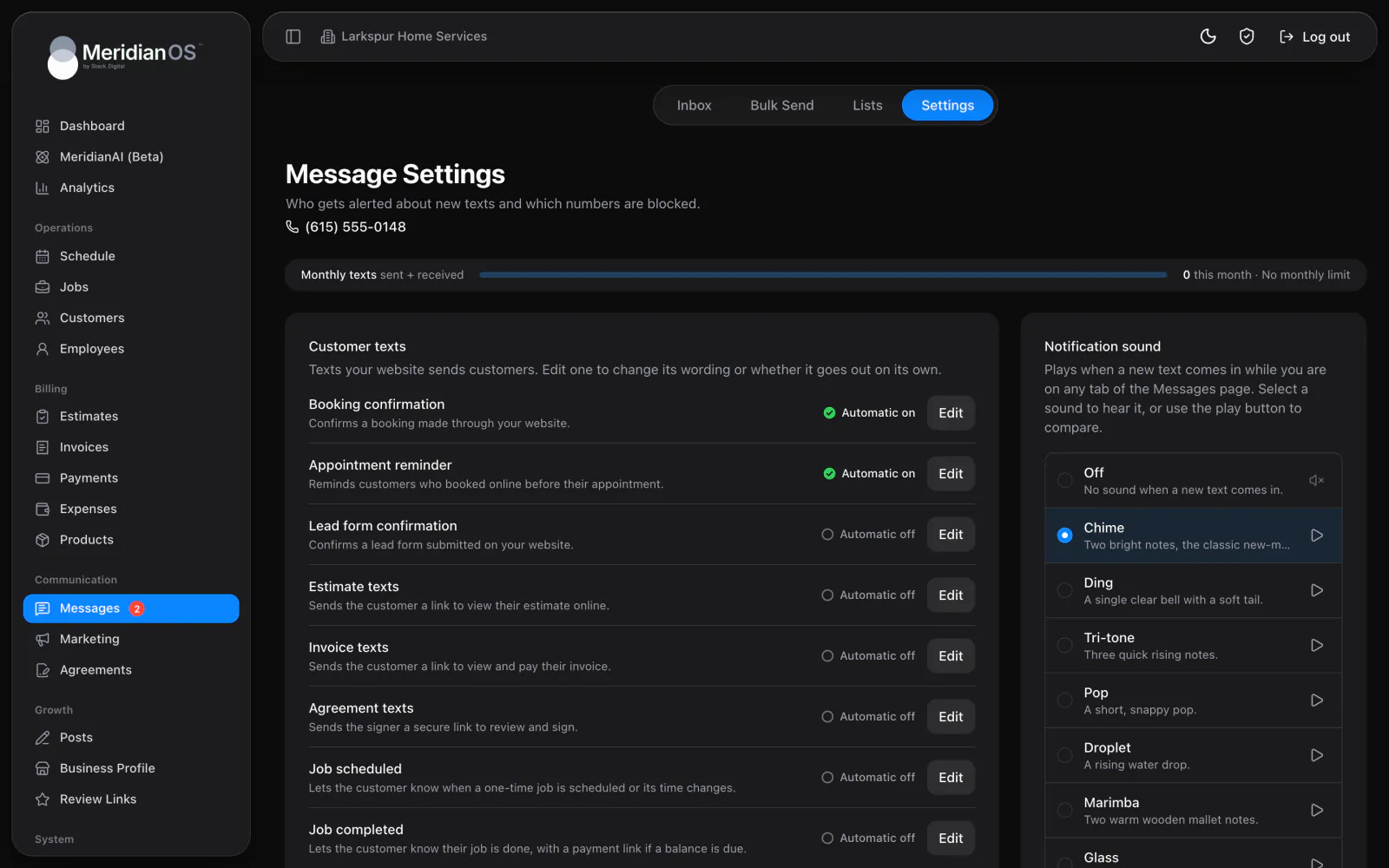
Texting is an add-on to MeridianOS™. Once it is on, a red badge on Messages counts unread texts, and alert emails can go to up to 20 addresses with a View & Reply button. The app sends a push alert too, and a sound of your choice plays while Messages is open.
Curly quotes and dashes are converted and emojis are removed as you type. A live counter shows how much room is left, so a text never quietly turns into several messages.
Photos you send are resized and converted so carriers accept them. Photos customers send are copied into your website's own storage, so the thread keeps them.
A bulk text that would go past the texts left this month is refused before anything sends, with the exact shortfall shown. Duplicate, invalid, blocked and opted-out numbers are skipped automatically.
STOP, UNSUBSCRIBE, CANCEL, QUIT and the other common opt-out words are recognized, along with START to opt back in. Every text MeridianOS™ sends honors them.
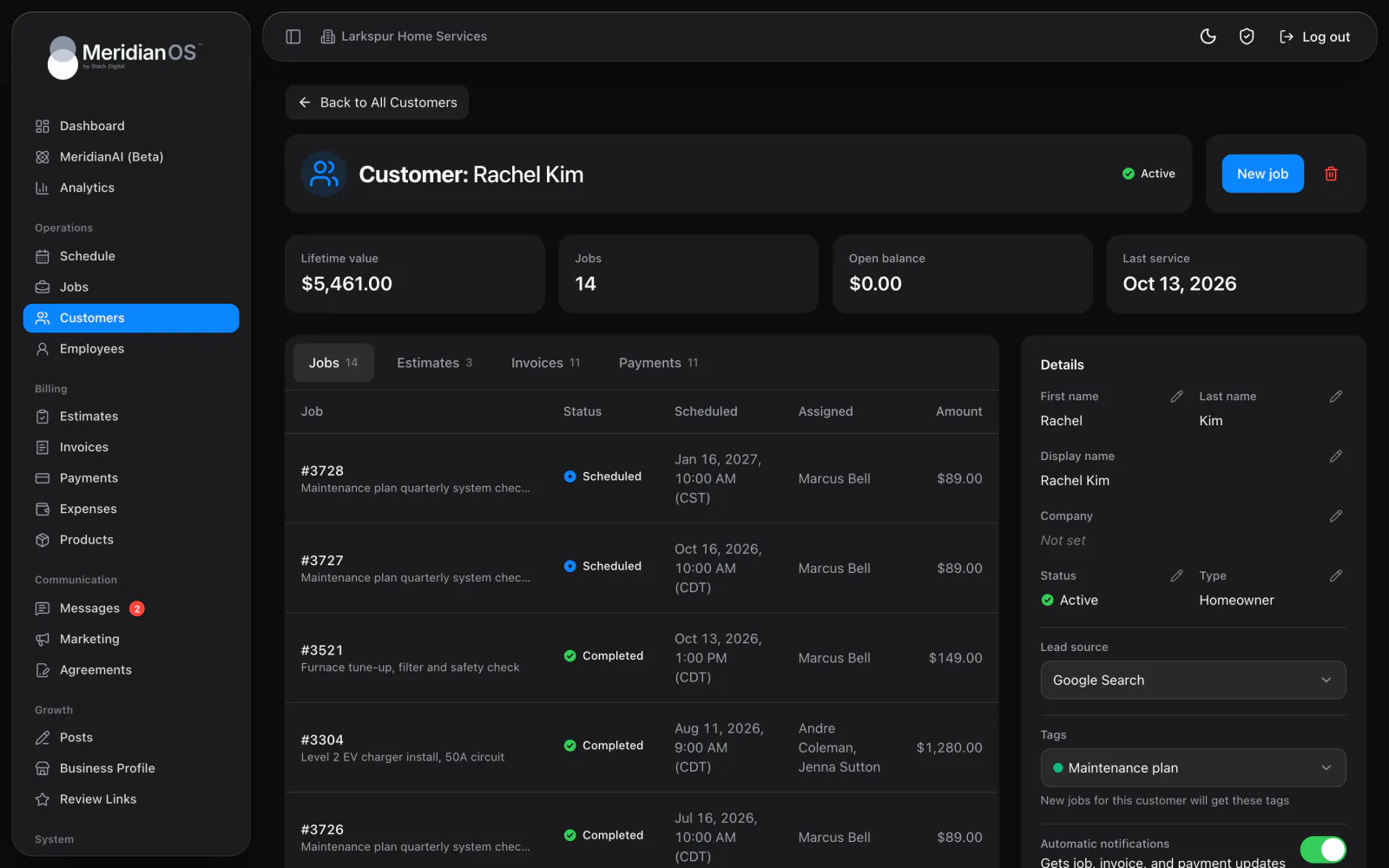
Yes. Customers text your business number, and every reply from the inbox or the app goes out from it. The number shows at the top of the Messages page.
Yes. Employees can text the customers on jobs assigned to them, from the Messages card on the job. Their texts land in the same shared inbox with their name on each one.
The contact is marked as opted out, and the reply box explains that you cannot text them again unless they reply START. Bulk sends skip them automatically.
Yes. Attach up to 10 images to a message, and photos customers send show right in the thread. Outgoing photos are resized first so they deliver.
We will show you the shared inbox and a customer thread on a live system. Tell us what you do and we will reply within the hour.