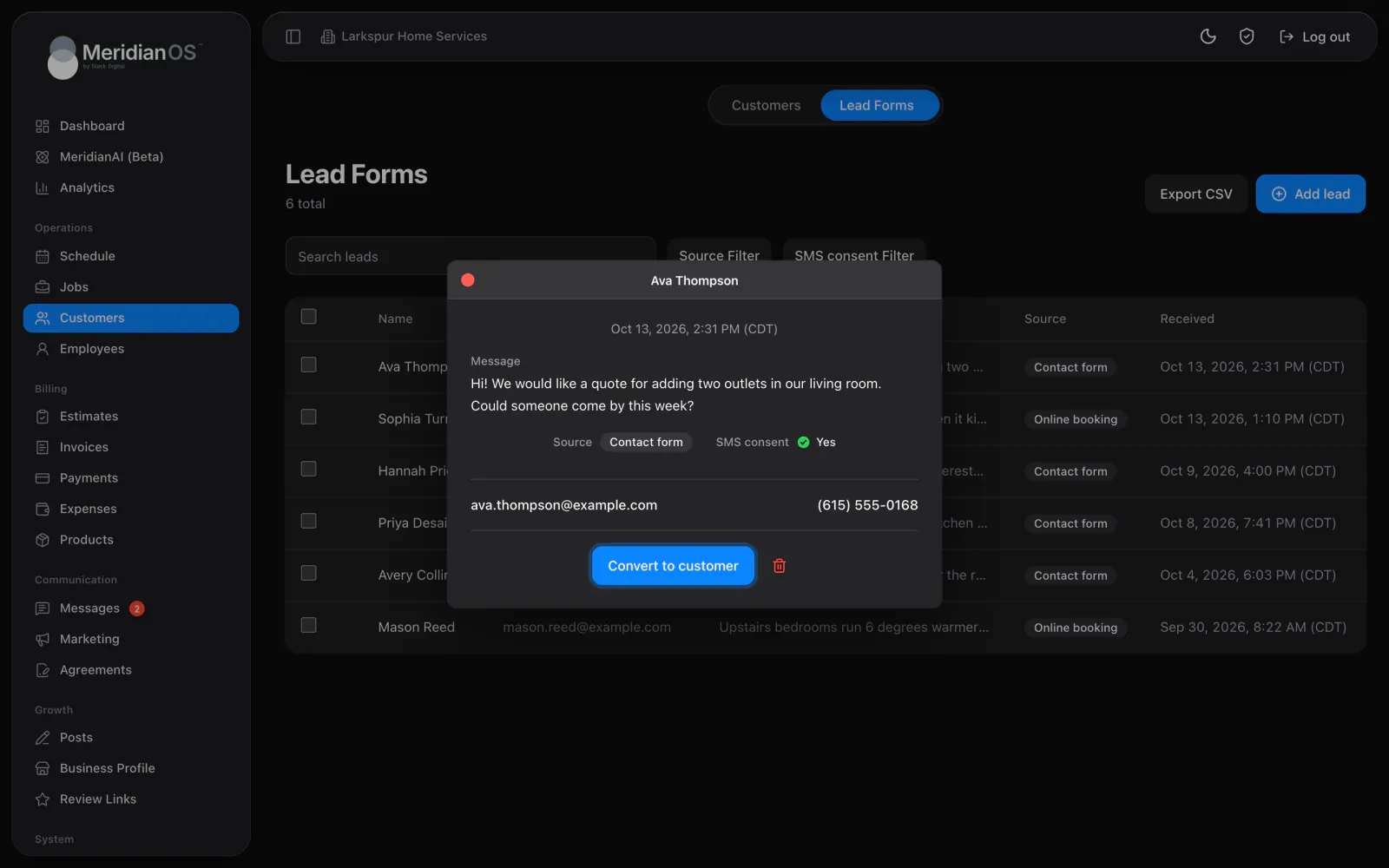
Lead capture. Website inquiries arrive as leads and become customers in one click.
Each customer record in MeridianOS™ holds their jobs, estimates, invoices, payments, notes and text thread. Lifetime value and last service update themselves as payments come in and jobs are completed, so the numbers you see stay current.
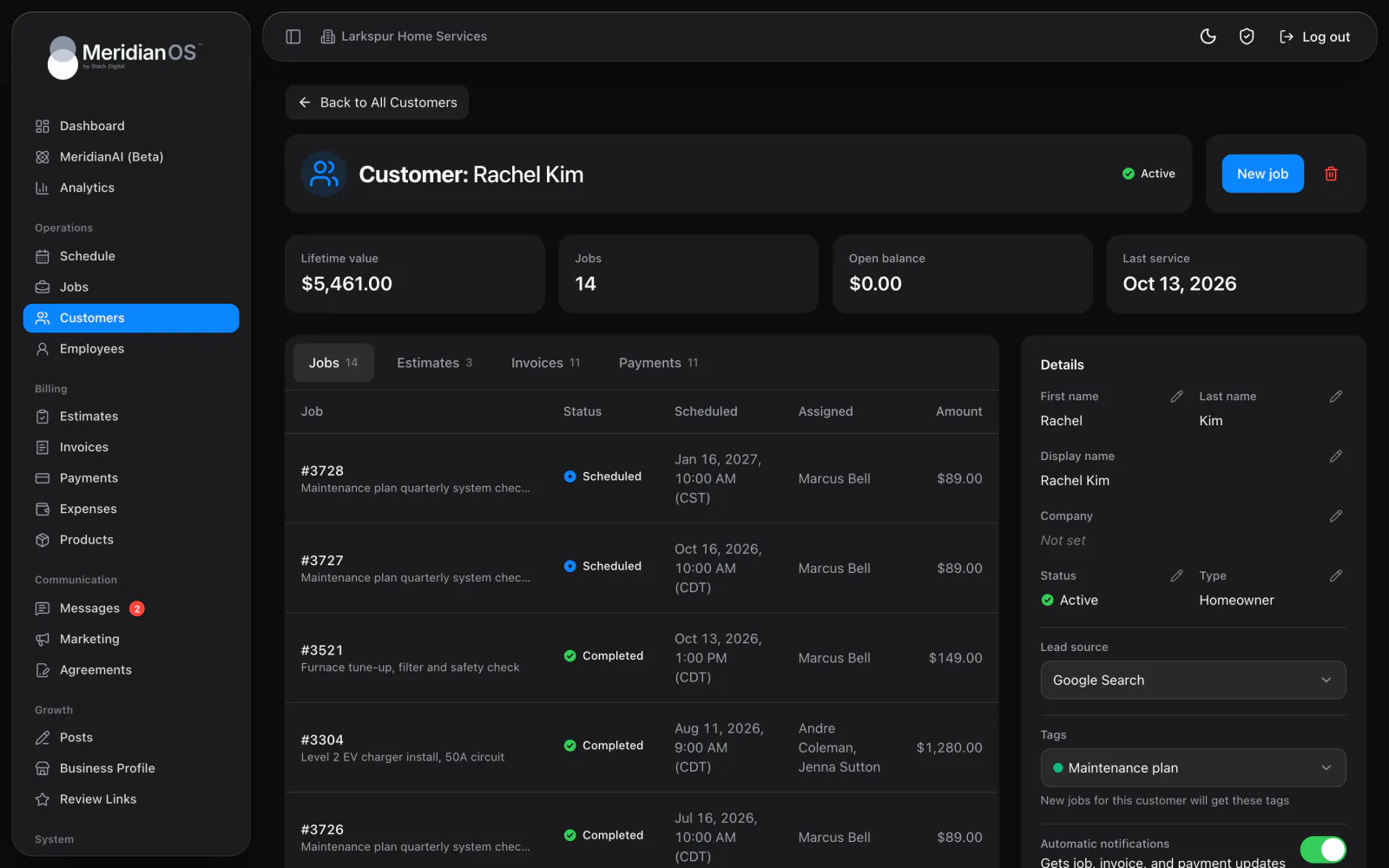
Lifetime value. Rises with every payment and comes back down on refunds.
Status that moves itself. Completing a job turns a lead into an Active customer.
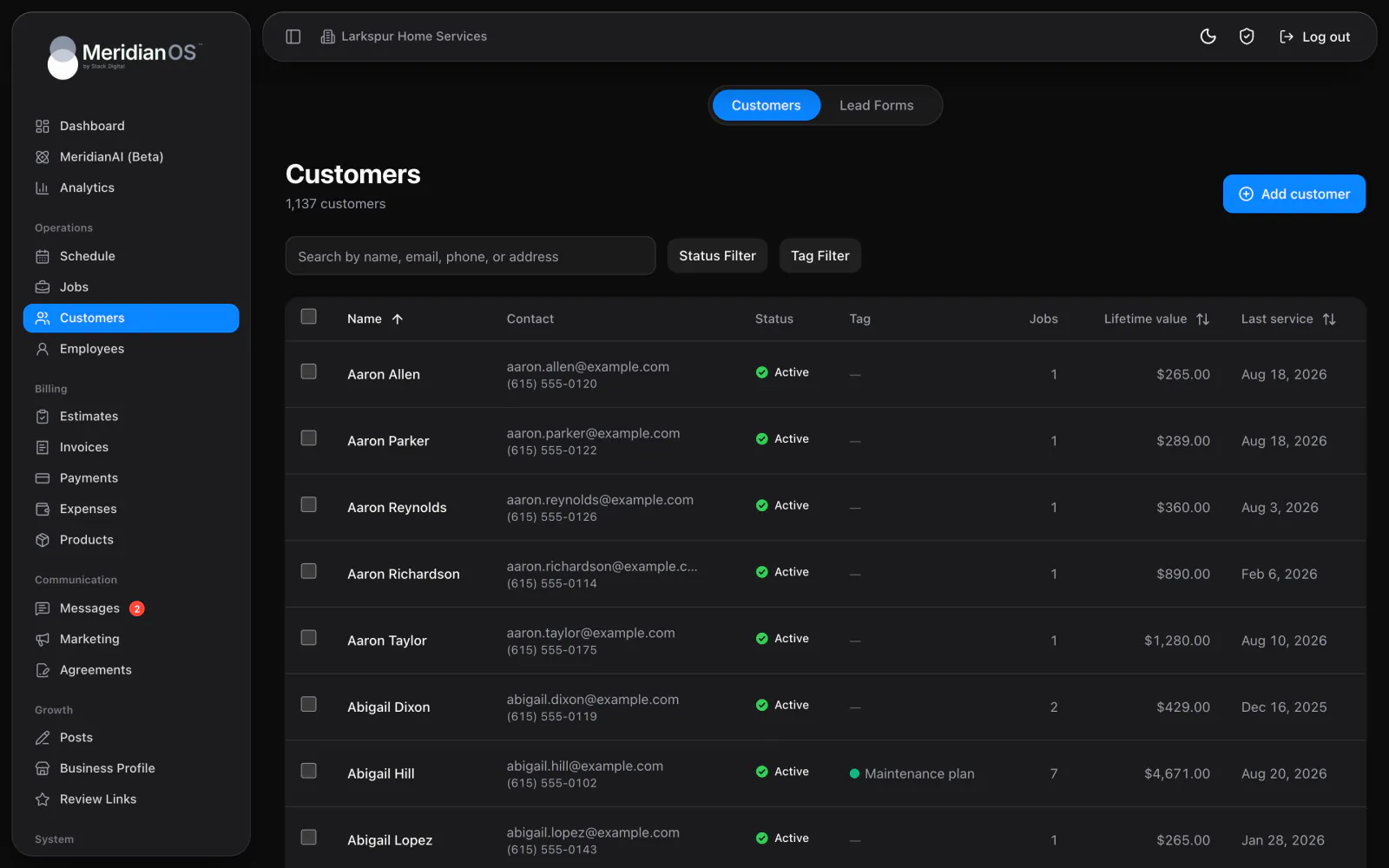
Search any detail. Find someone by name, email, phone or street address.
Tags that follow. Tag a customer once and their new jobs and invoices carry it too.
Every customer record opens with lifetime value, jobs, open balance and last service. Lifetime value rises with each payment you record and drops on refunds or lost disputes. Completing a job sets the last service date and moves the customer from Lead to Active.
Jobs, Estimates, Invoices and Payments each get a tab with a count, and every row opens the record. Notes hold formatting and photos, and the text thread with the customer sits on the same page. Press New job and the job form opens with this customer already filled in.
Search matches a name, company, email, street address or any of three phone numbers. Filter by status or tag, then sort by lifetime value or last service. Check up to 500 customers and change their status or tags in one step.
A customer with payments on record cannot be deleted. MeridianOS™ suggests marking them Inactive, so your revenue and payment history stays whole.
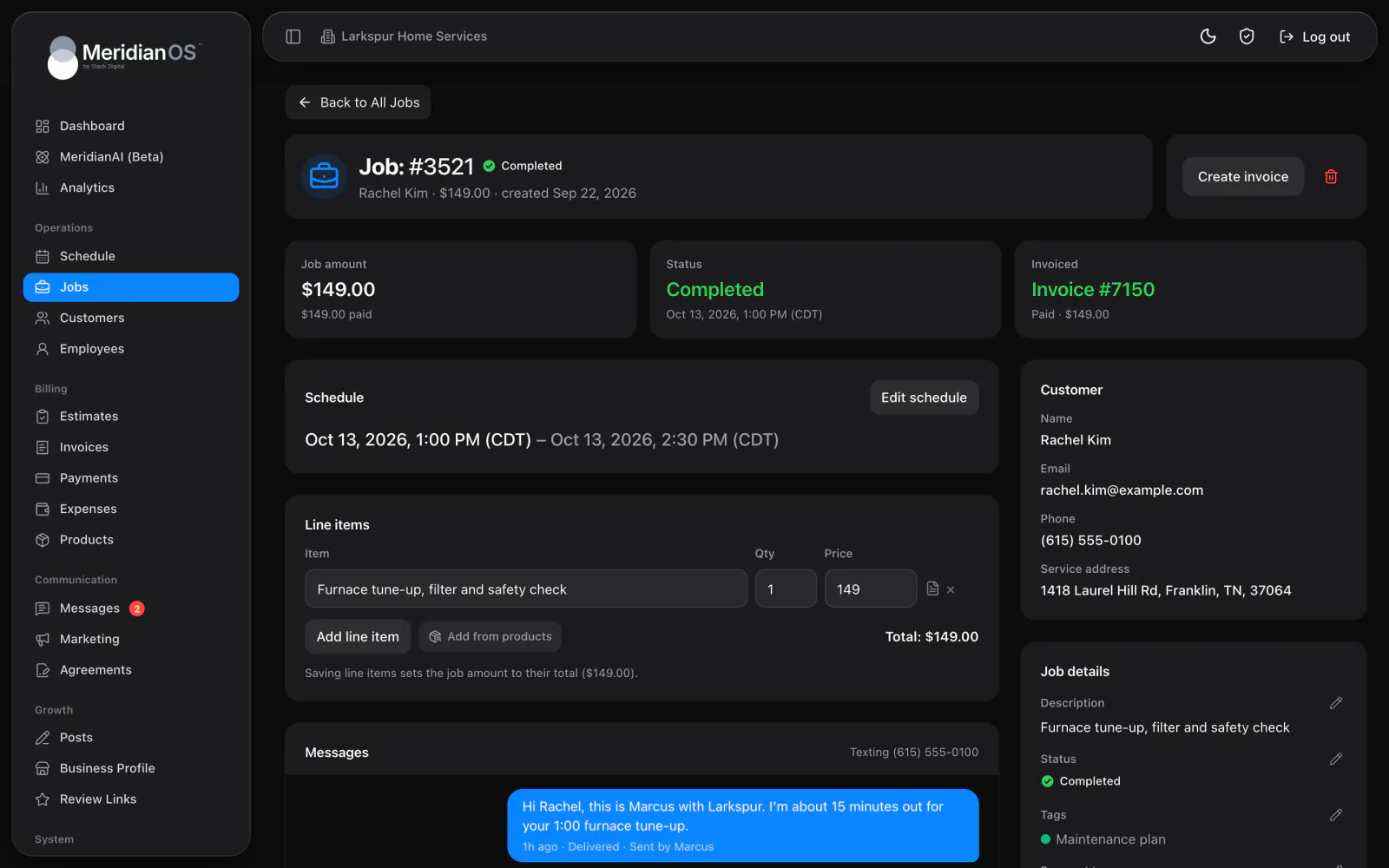
When a job is marked Completed, the customer's last service date updates and a Lead becomes Active in the same moment. Nobody has to remember to change it.
Refunds and lost disputes come off lifetime value automatically. The figure on each customer record reflects the money you actually kept.
MeridianOS™ checks that an email domain can receive mail only when the address changes. An older record with an unusual address still saves normally.
Yes. Each customer has an Automatic notifications switch. Turn it off and they get no automatic emails or texts, and your team can still message them by hand.
Yes. Add as many addresses as you need, each with its own notes and a billing flag. Address notes reach the people assigned to the job as Property notes.
MeridianOS asks you to confirm, then removes the customer along with their jobs and billing records. A customer with payments on record cannot be deleted, so you mark them Inactive.
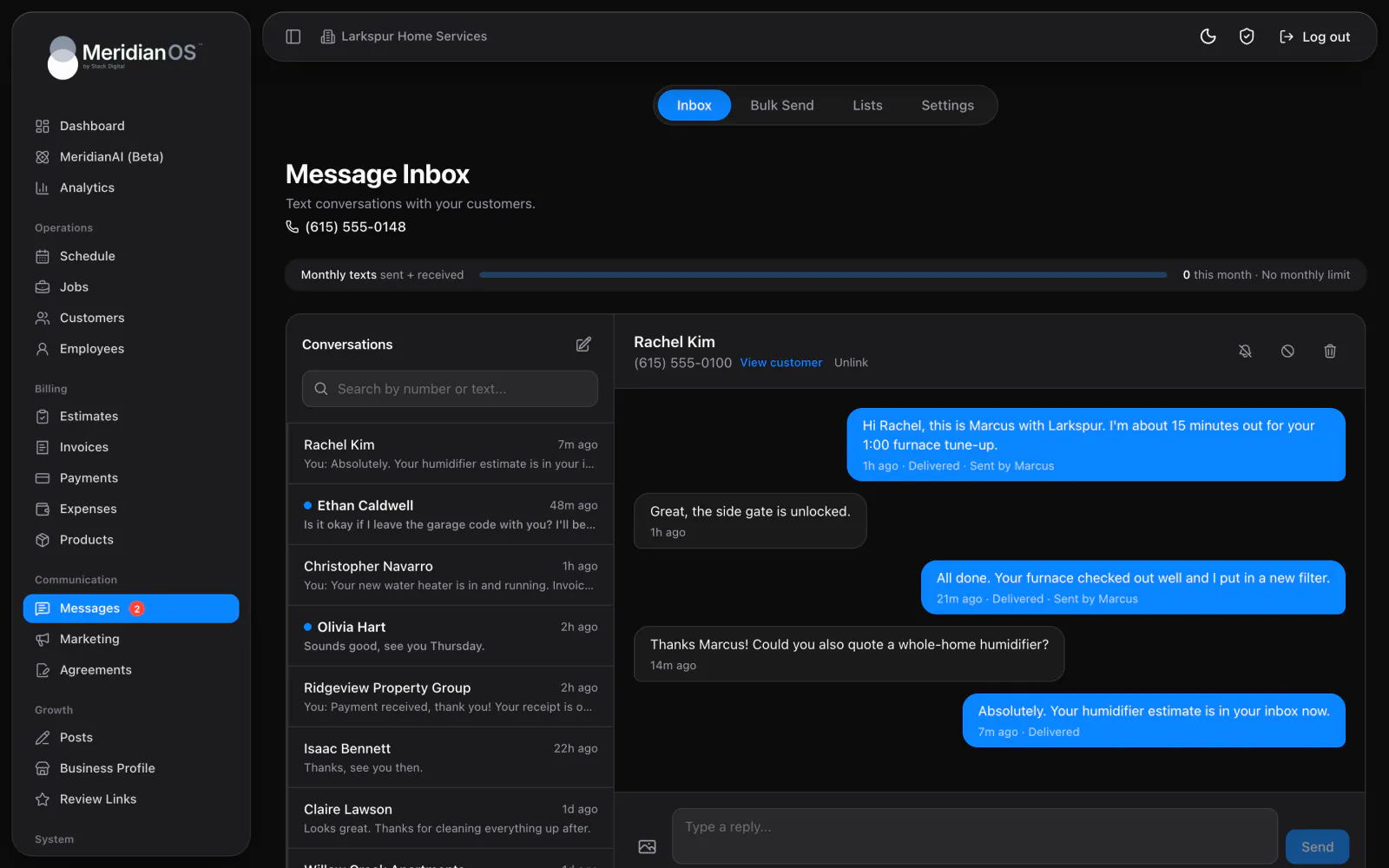
Yes. The Messages card on each customer shows the two-way text thread, and you can send words and up to 10 images. Texting is an add-on to MeridianOS that we turn on for your website.
We will walk you through a full customer record and its history on a live system. Tell us what you do and we will reply within the hour.