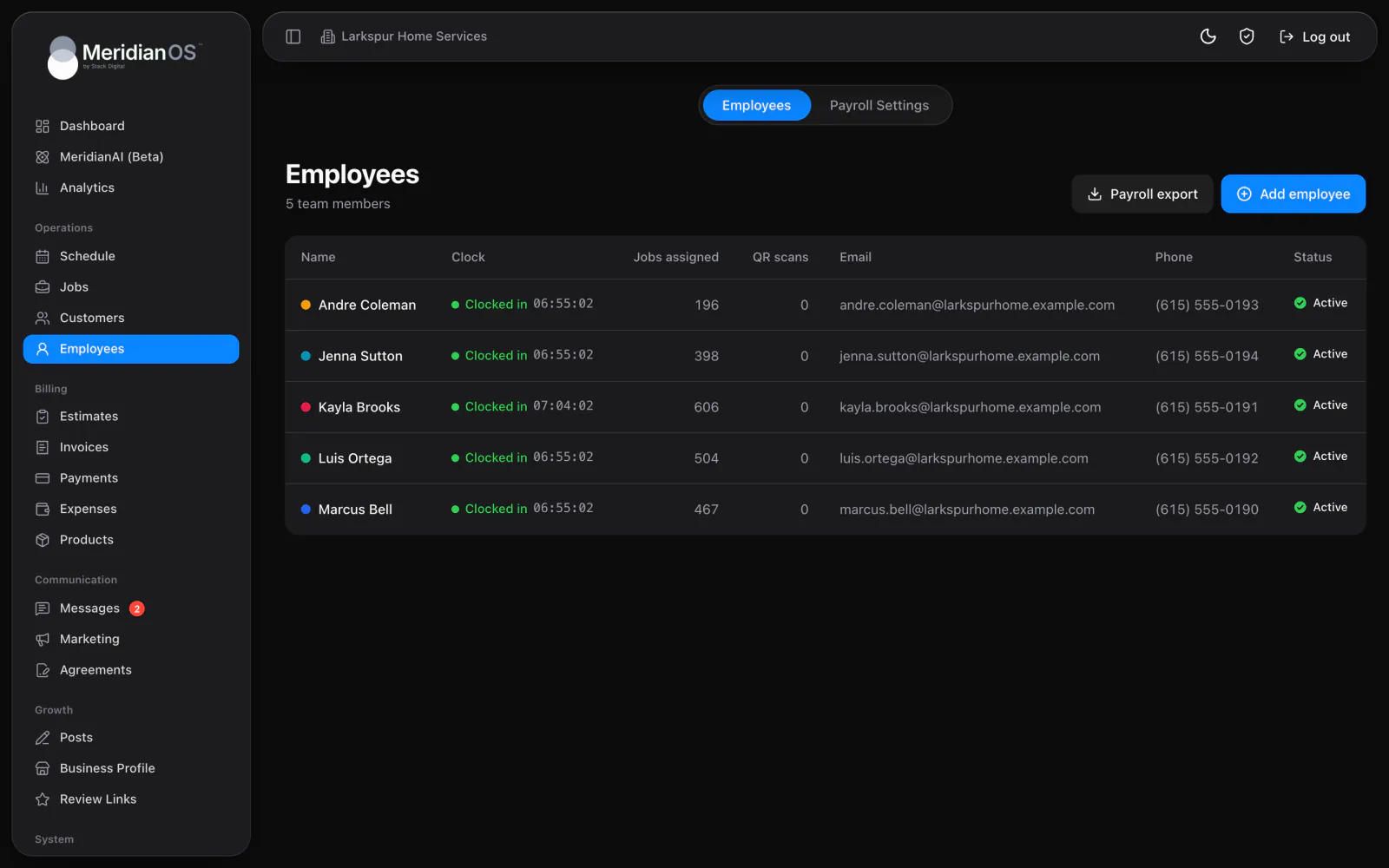
Time clock. Your team clocks in from their phones, and you see who is working right now.
Each employee signs in to MeridianOS™ and sees the jobs assigned to them, with directions and customer notes a tap away. The time clock and their pay for each period live in the same place.
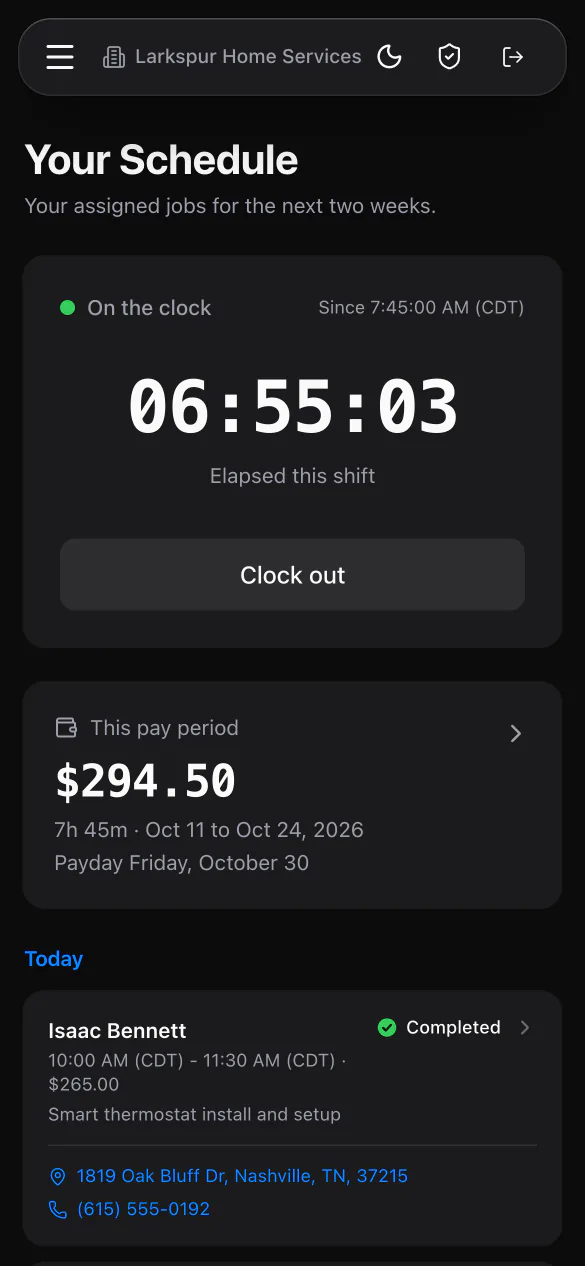
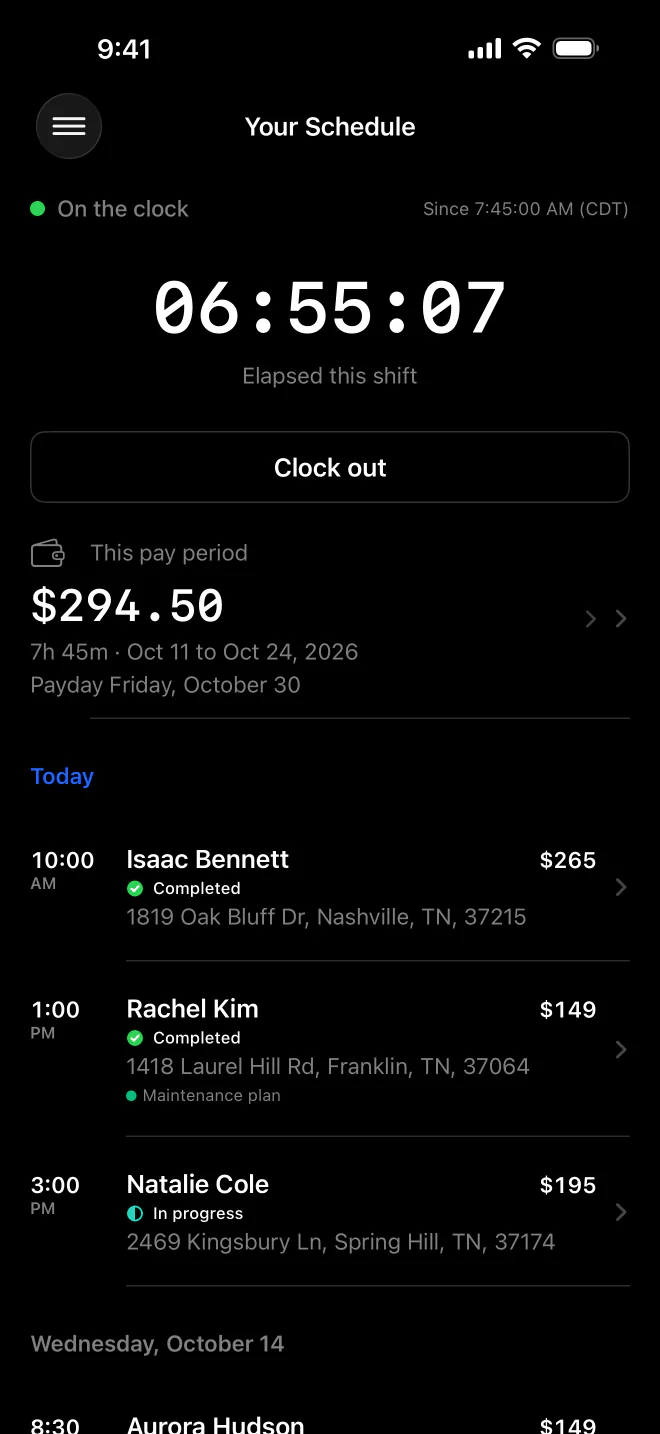
Two weeks ahead. Their own assigned jobs, grouped by today and by day.
Tap to call. Phone numbers dial and addresses open directions in one tap.
Pay they can see. Earnings for each pay period, with the date it gets paid.
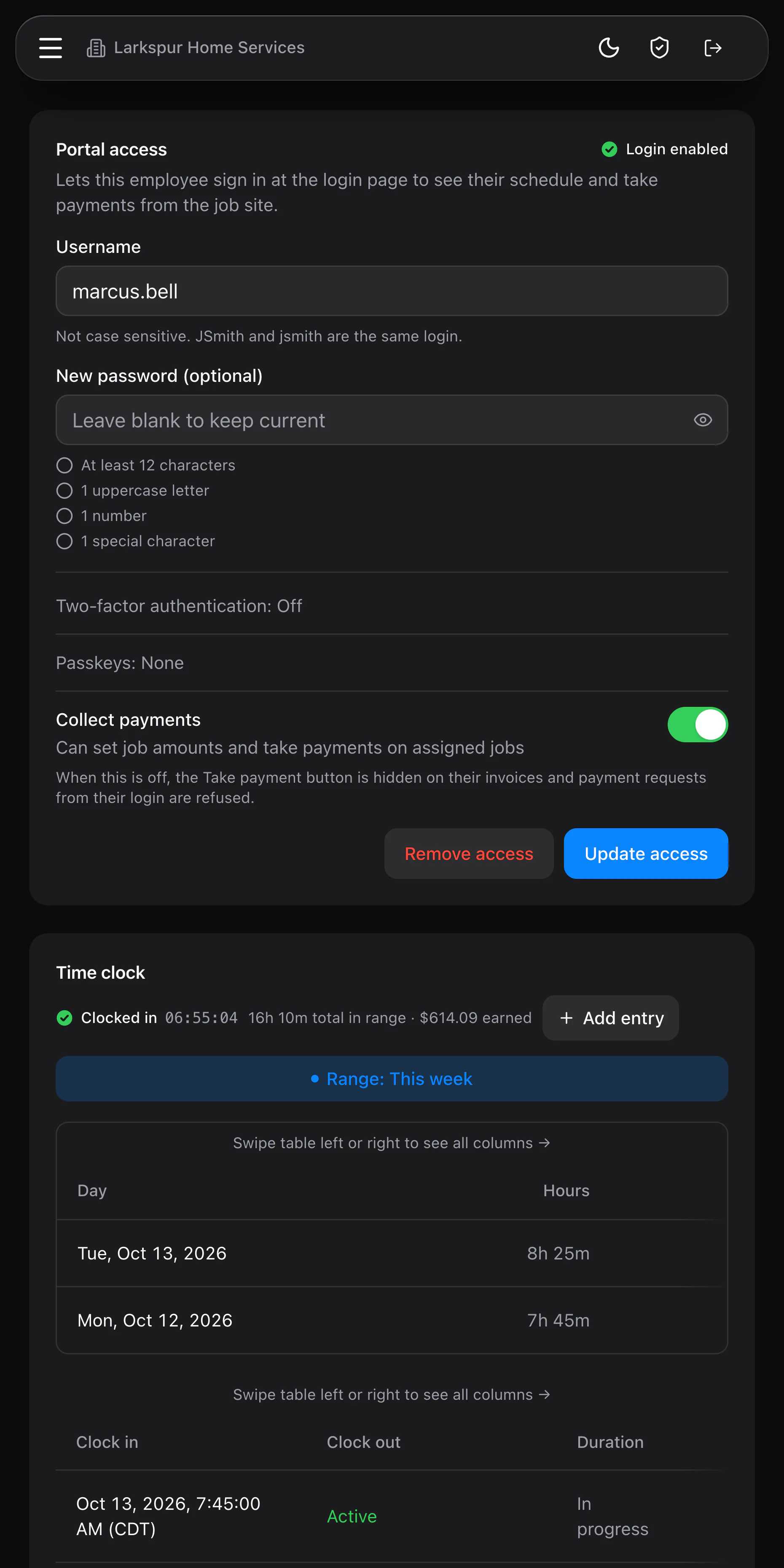
Payments when allowed. Collect payments lets them take card, cash, check or bank payments.
Employees see the jobs assigned to them for the next two weeks, grouped under Today and then by day. Each job shows the customer, time window, amount and status, and cancelled jobs drop off on their own. One tap calls the customer and another opens directions to the address.
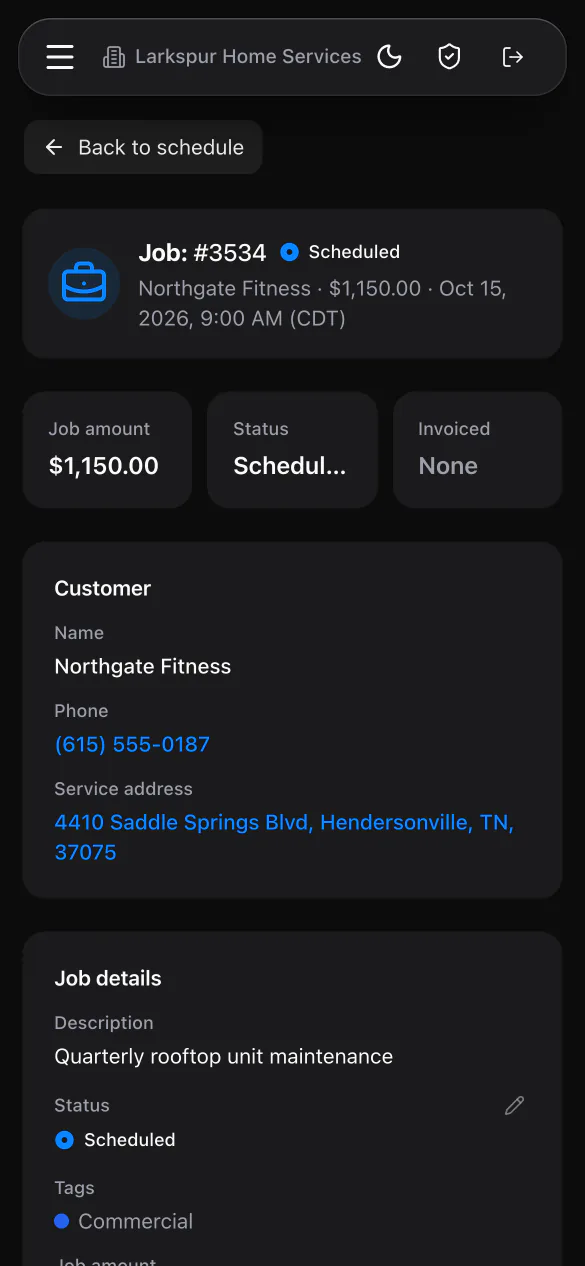
The job page shows the amount and status along with the customer's name, phone, service address and Property notes. Employees add notes with photos and update the status as the work moves along. Create invoice builds an open invoice from the job's line items.
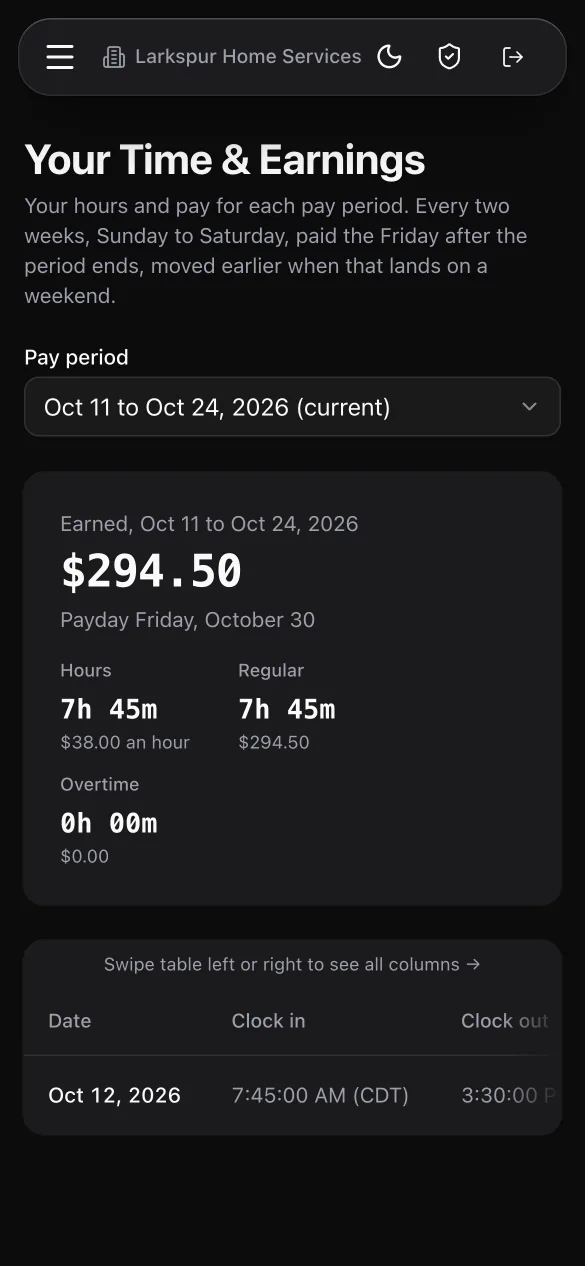
Time & earnings splits the current pay period, or any of the last 12, into regular and overtime pay with the payday date. With Collect payments on, an employee can take card, cash, check or bank payments on site. Each person also has a personal review QR code that counts every scan.
Turning off Collect payments hides the Take payment button and blocks any payment attempted from that login. Job and invoice amounts become read only for them.
Employees can open only the jobs assigned to them and the invoices and text threads tied to those jobs. Cancelled jobs drop off their schedule on their own.
When a tipped job has several people assigned, the tip is split evenly between them. Leftover cents are handed out consistently, so the shares always add up to the full tip.
If an admin edits a shift, the employee sees an Edited badge on it in their own time and earnings. Hours still waiting on approval are spelled out for them.
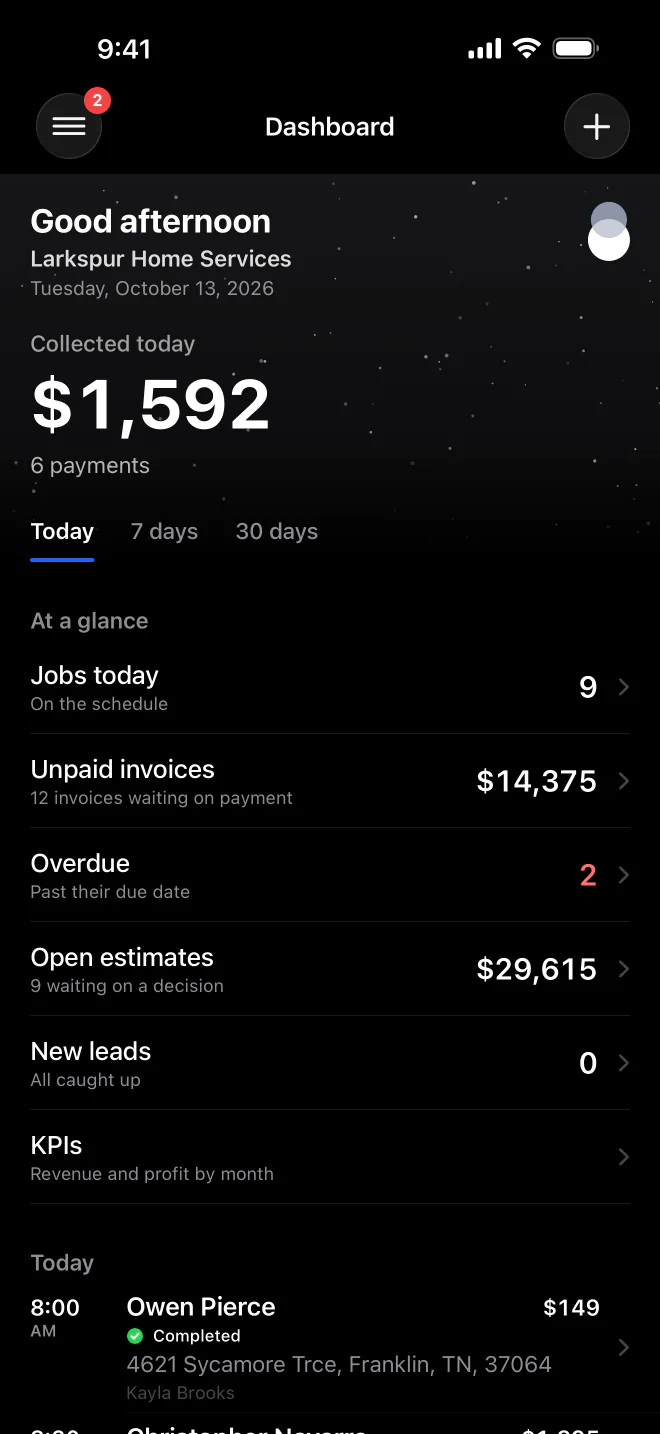
No. The employee portal works in the browser on any phone, and the MeridianOS app on iPhone gives them the same schedule and time clock.
No. Each employee sees only the jobs assigned to them, along with the invoices and texts tied to those jobs.
Yes. Turn on Collect payments for them and connect your Stripe account. They can also record cash or check payments, and in the app they can use Tap to Pay on iPhone.
Yes. Once you set an hourly rate, Time & earnings shows their pay for each period with the payday date. Overtime and double time are listed apart from regular hours.
We will show you an employee's day from schedule to payment on a live system. Tell us what you do and we will reply within the hour.