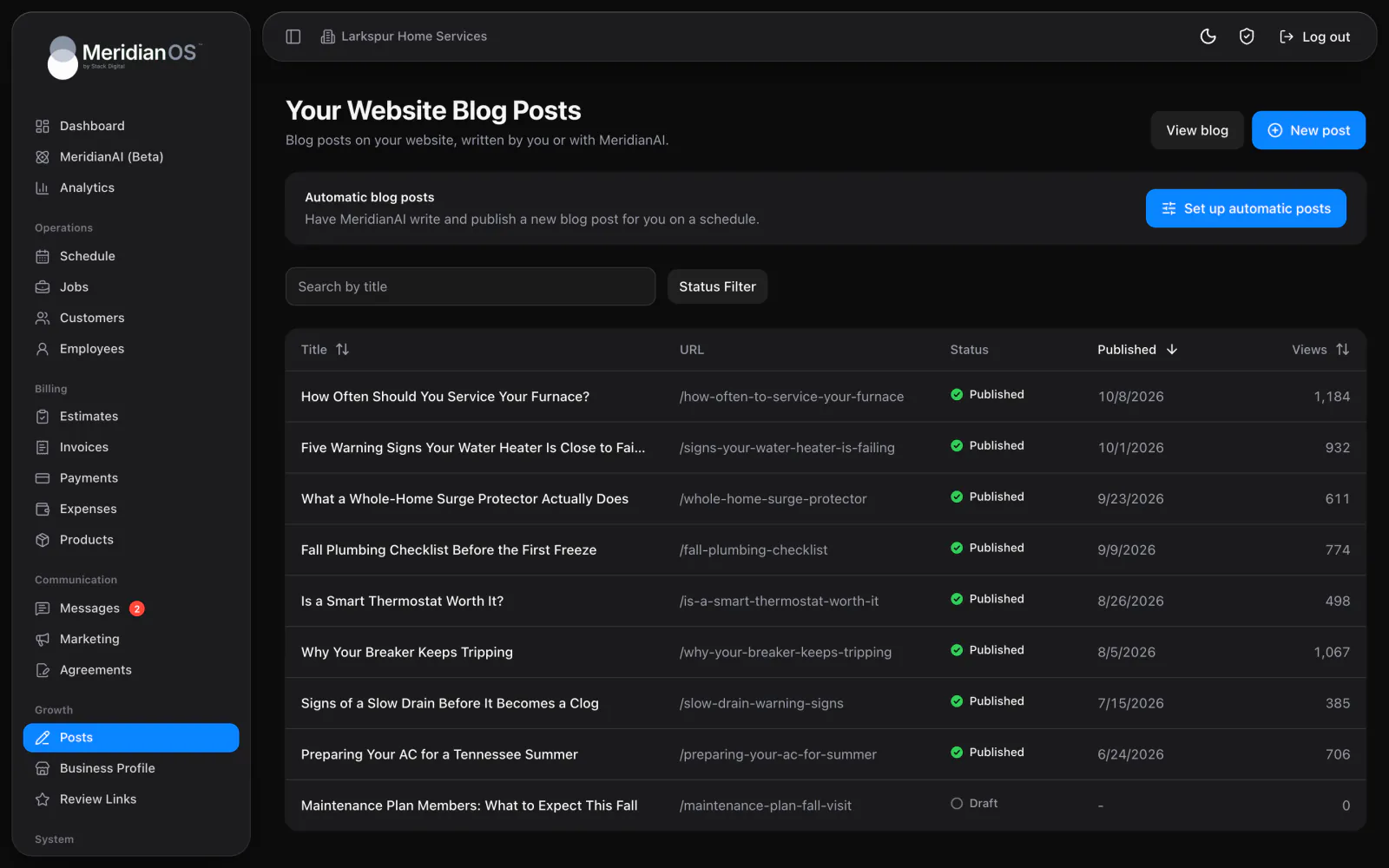
Blog and automatic posts. A blog on your own site that can write and publish on a schedule.
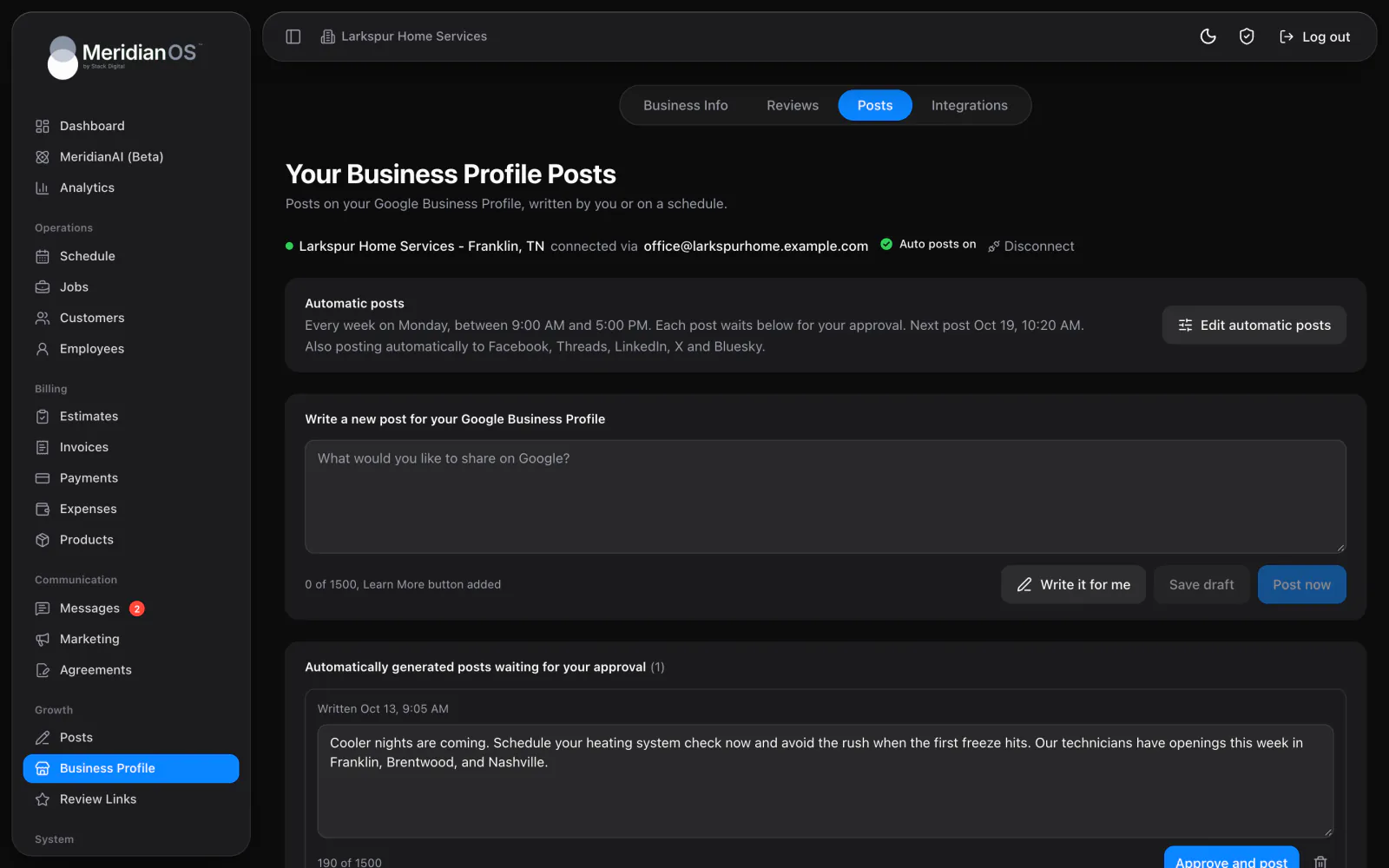
MeridianOS™ posts to your Google Business Profile and to Facebook, Threads, LinkedIn, X and Bluesky. Write each post yourself or have MeridianAI write it for that network, and automatic posts wait for your approval until you say otherwise.
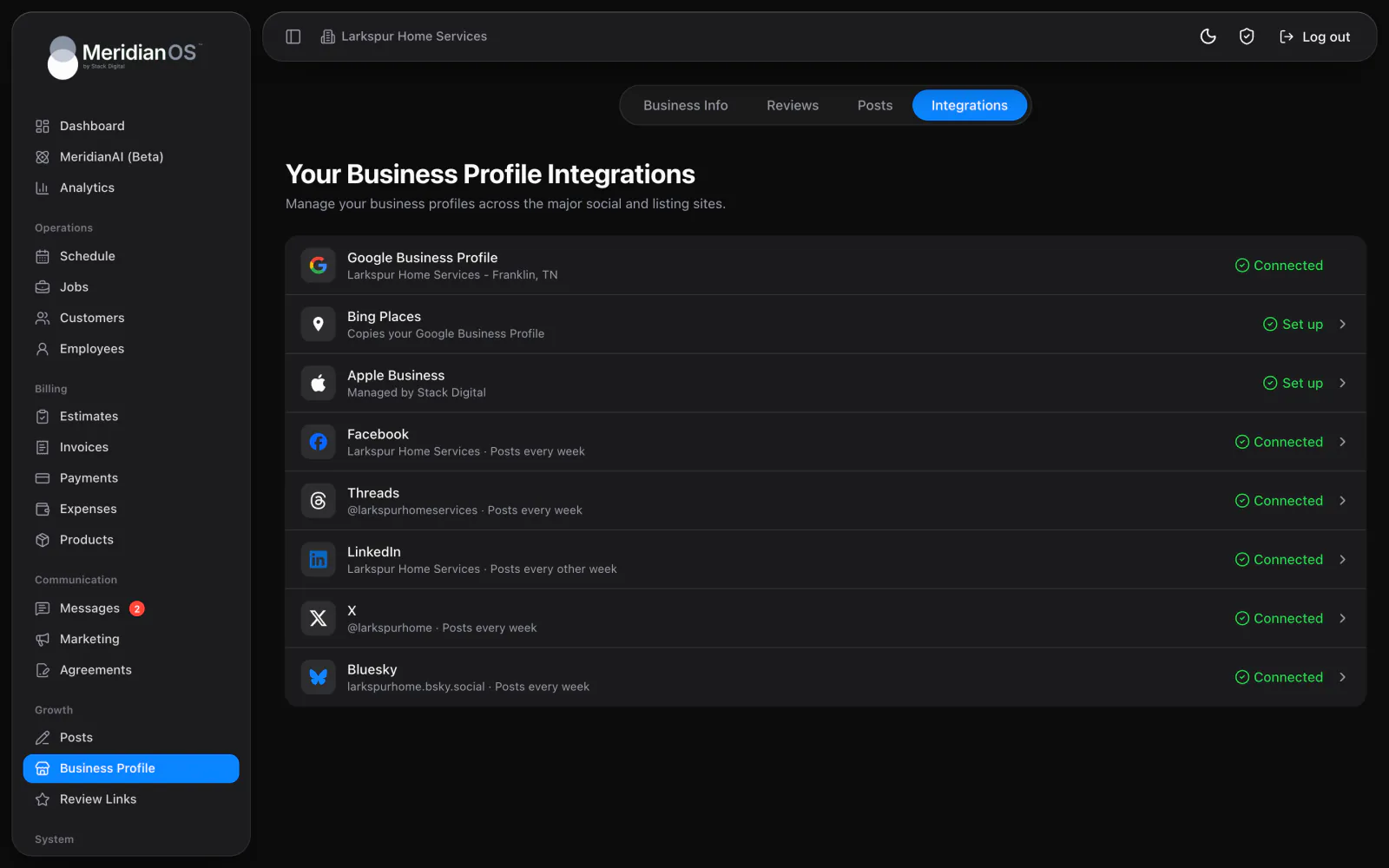
Six places to post. Google Business Profile plus Facebook, Threads, LinkedIn, X and Bluesky.
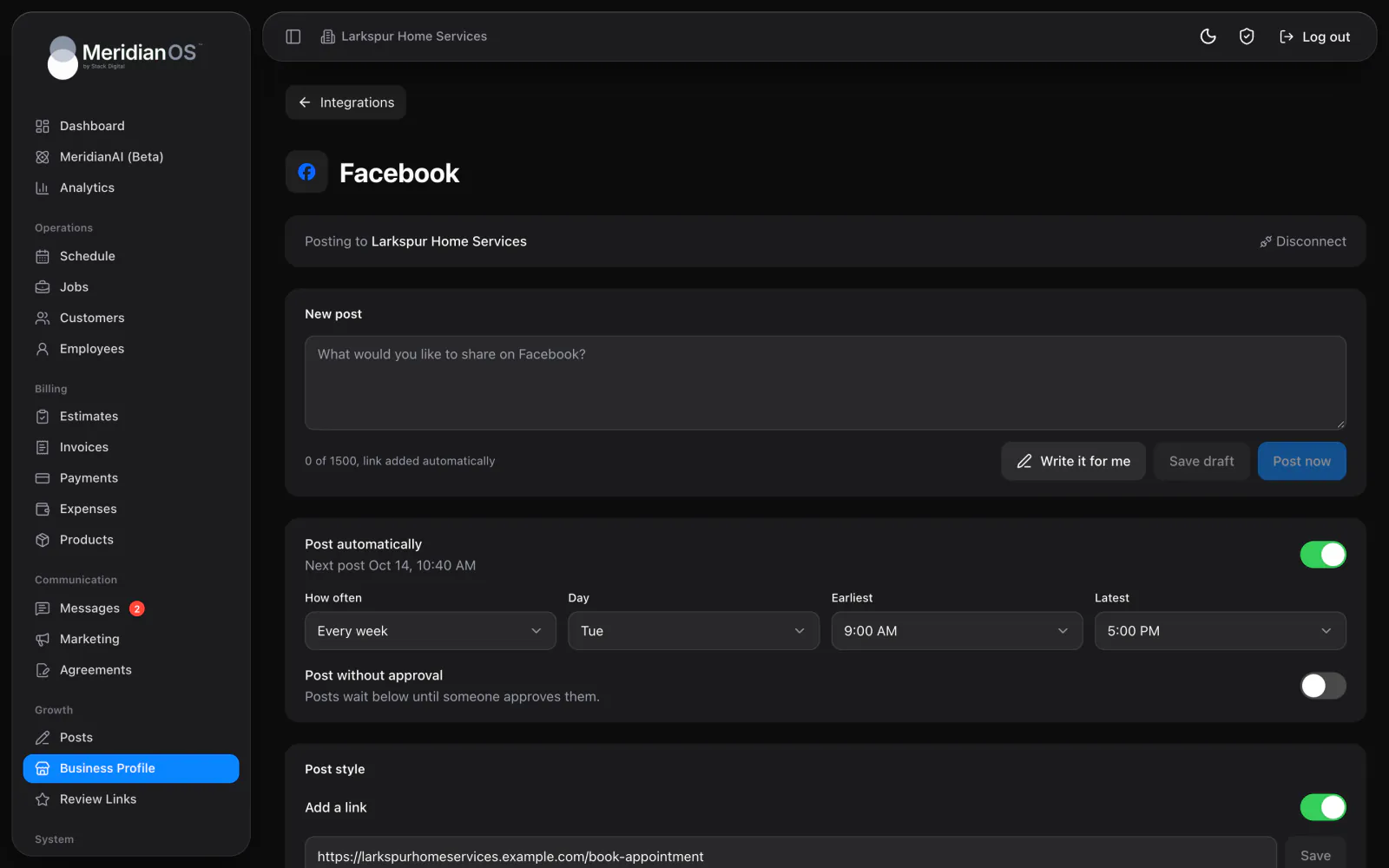
Write it for me. MeridianAI drafts a post sized and styled for that network.
Approval by default. Automatic posts wait for your OK unless you switch that off.
A schedule per network. Each network posts on its own days and times.
Write a Google post yourself or press Write it for me and MeridianAI drafts one. Post now asks you to confirm before anything goes live, and every post can carry a Learn More button link. Automatic posts run every week, every other week, every month or every quarter, inside a time window you choose.
Facebook, Threads, LinkedIn, X and Bluesky each get their own page in MeridianOS™, where you connect the account and write posts. Character limits and hashtag rules match each network, so nothing gets cut off mid-word. Drafts wait under Waiting to post, and Posted keeps the history with a link to each one on the network.
Connect each account from Integrations and pick the profile to post to. Every network gets its own Post automatically schedule and its own Post without approval switch. MeridianAI writes each post for that network's style and length, and it avoids repeating what you posted recently.
Every Post now asks you to confirm first, and automatic Google and social posts wait for your approval until you choose to turn that off for a network.
Each network has its own character limit and hashtag cap. When a post runs long, MeridianOS™ trims it at the end of a sentence so it still reads cleanly.
When a network signs you out or a login expires, MeridianOS™ says so in plain language with a Reconnect button and a help link. Rate limits are retried on their own.
If an automatic Google post fails to publish, MeridianOS™ retries it up to five times. After that it hands the post to a person, so nothing fails quietly.
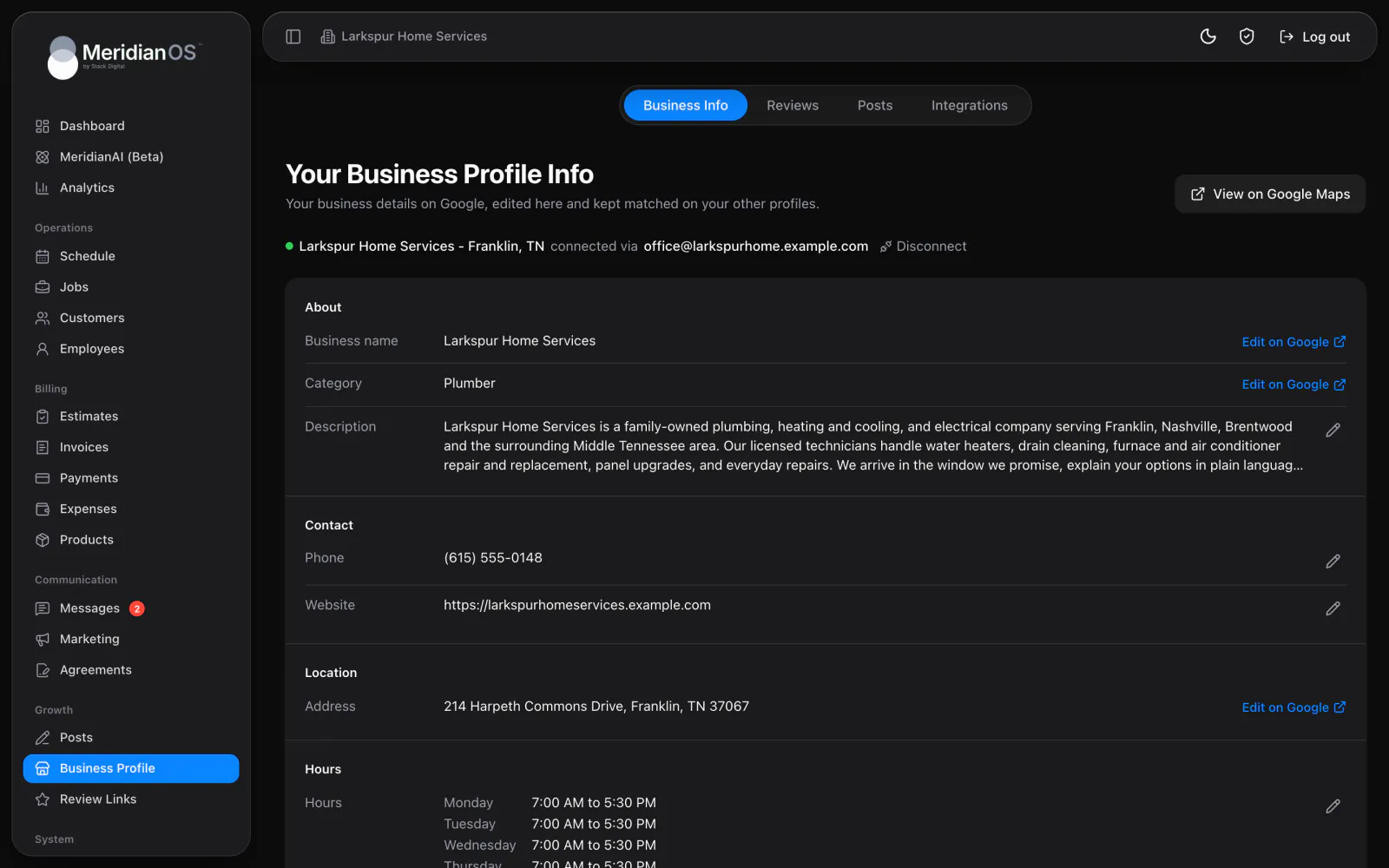
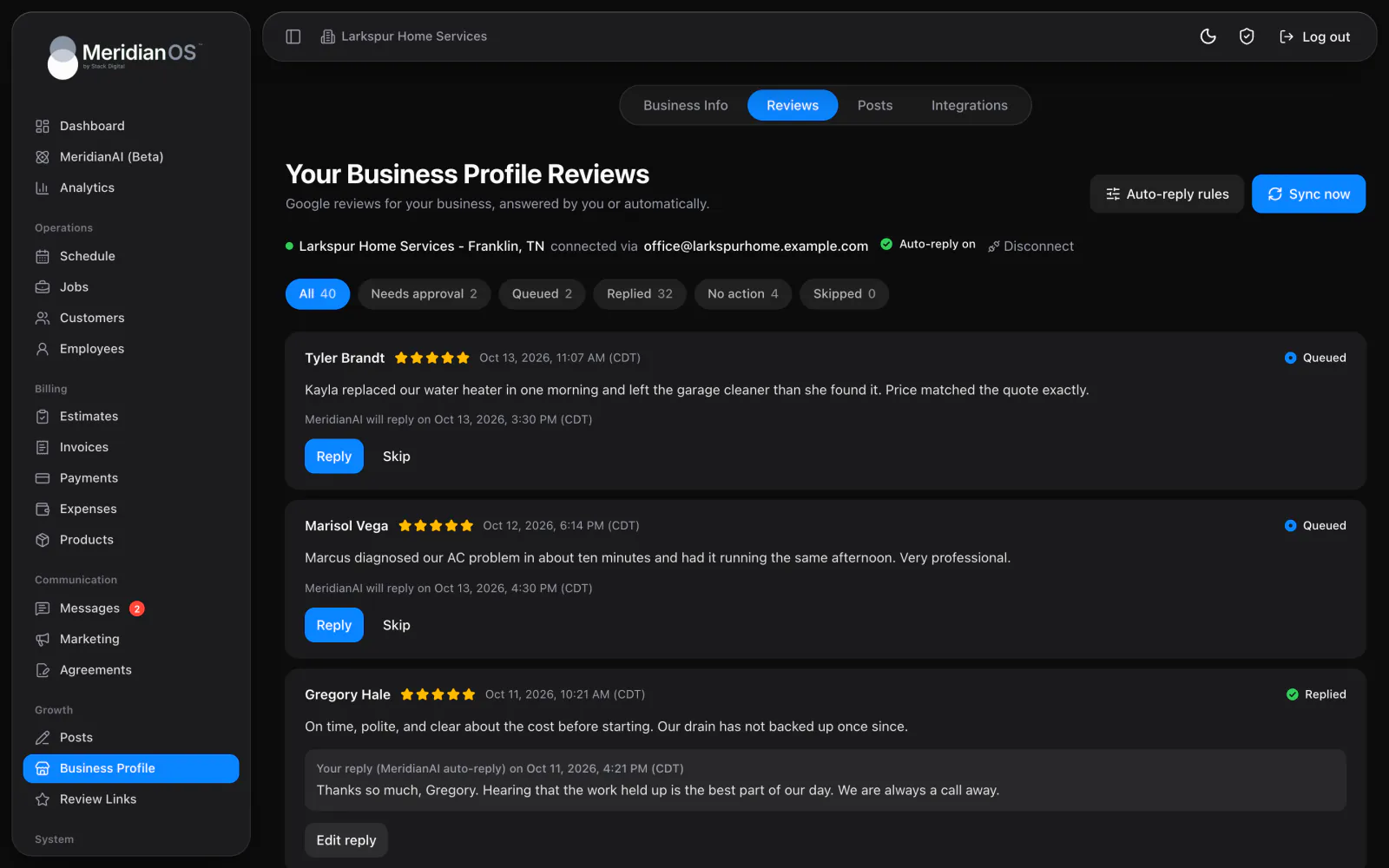
Facebook, Threads, LinkedIn, X and Bluesky, plus your Google Business Profile. Each network is connected on its own page in MeridianOS once your Google Business Profile is connected.
No. Automatic Google and social posts wait for your approval by default. If you are happy with how they read, switch on Post without approval for that network.
No. MeridianAI writes each post for that network's style and length, inside its character limit and hashtag rule. It also avoids repeating what you posted recently.
Yes. Write any post yourself and post it now or save it for later. Write it for me is there when you would rather start from a draft.
We will show you Google and social posting on a live system. Tell us what you do and we will reply within the hour.