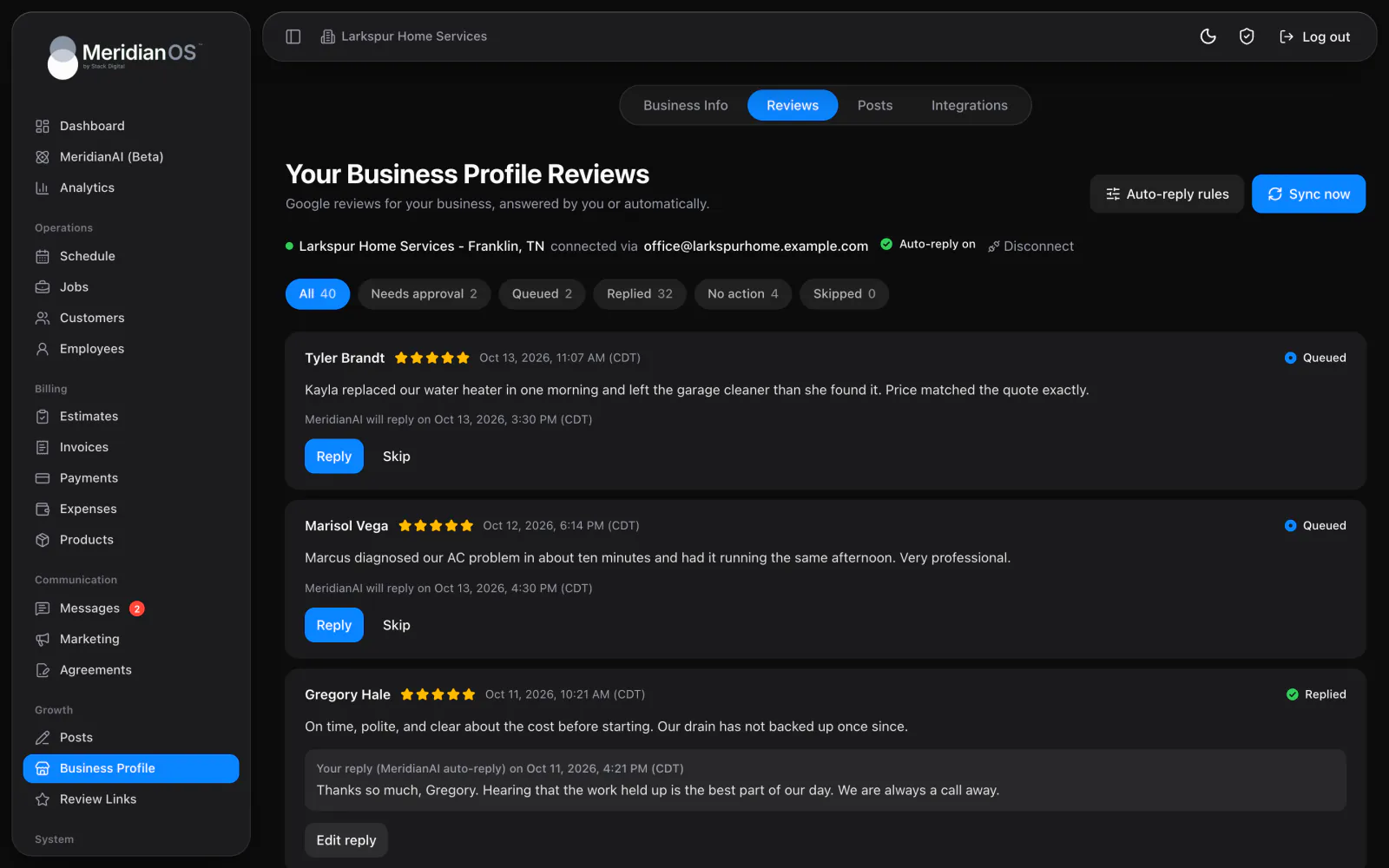
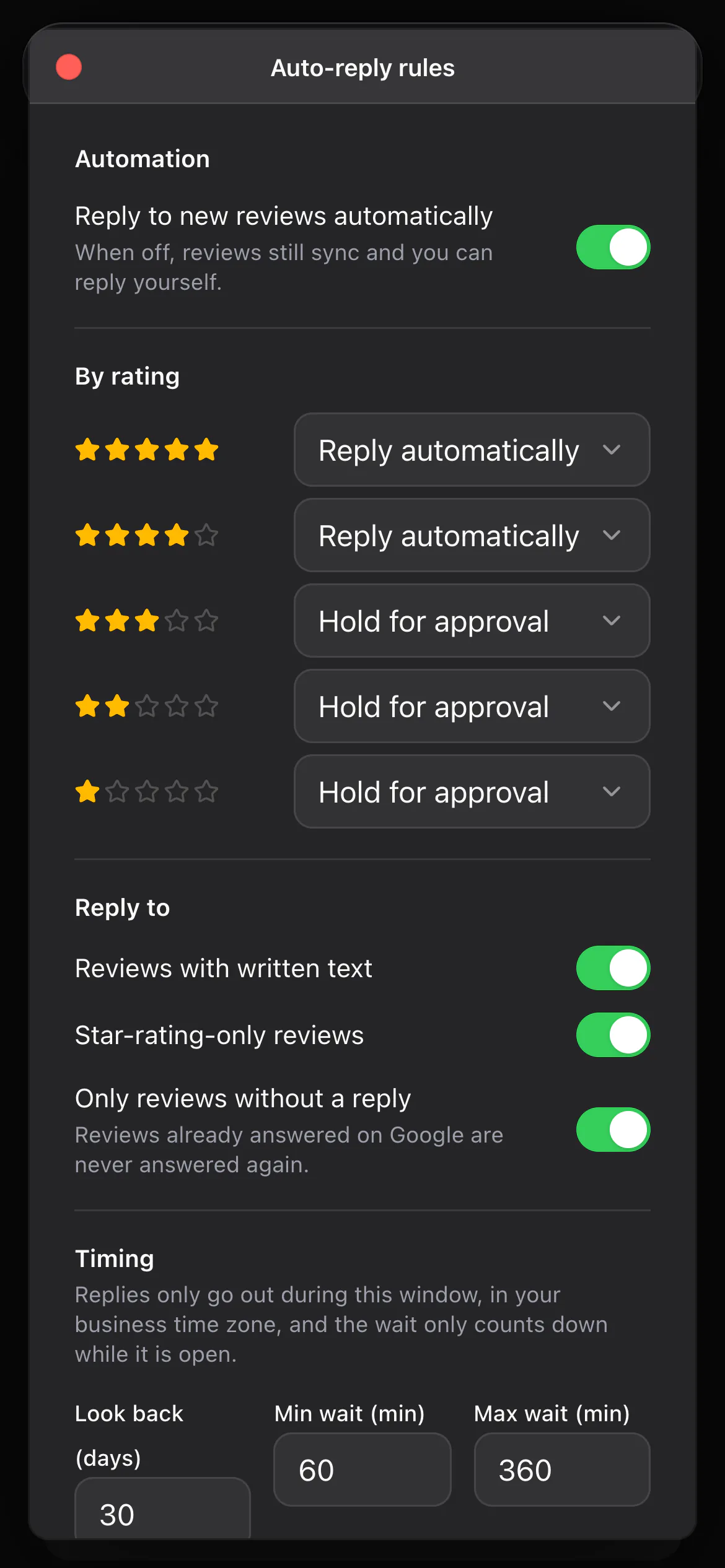
Google reviews. Every review in one inbox, with replies drafted and posted for you.
MeridianOS™ shows your live Google listing and lets you edit the description, phone, website and hours without opening Google. Saving your hours or contact details can also update your Facebook Page and Foursquare, and a daily check keeps them matched.
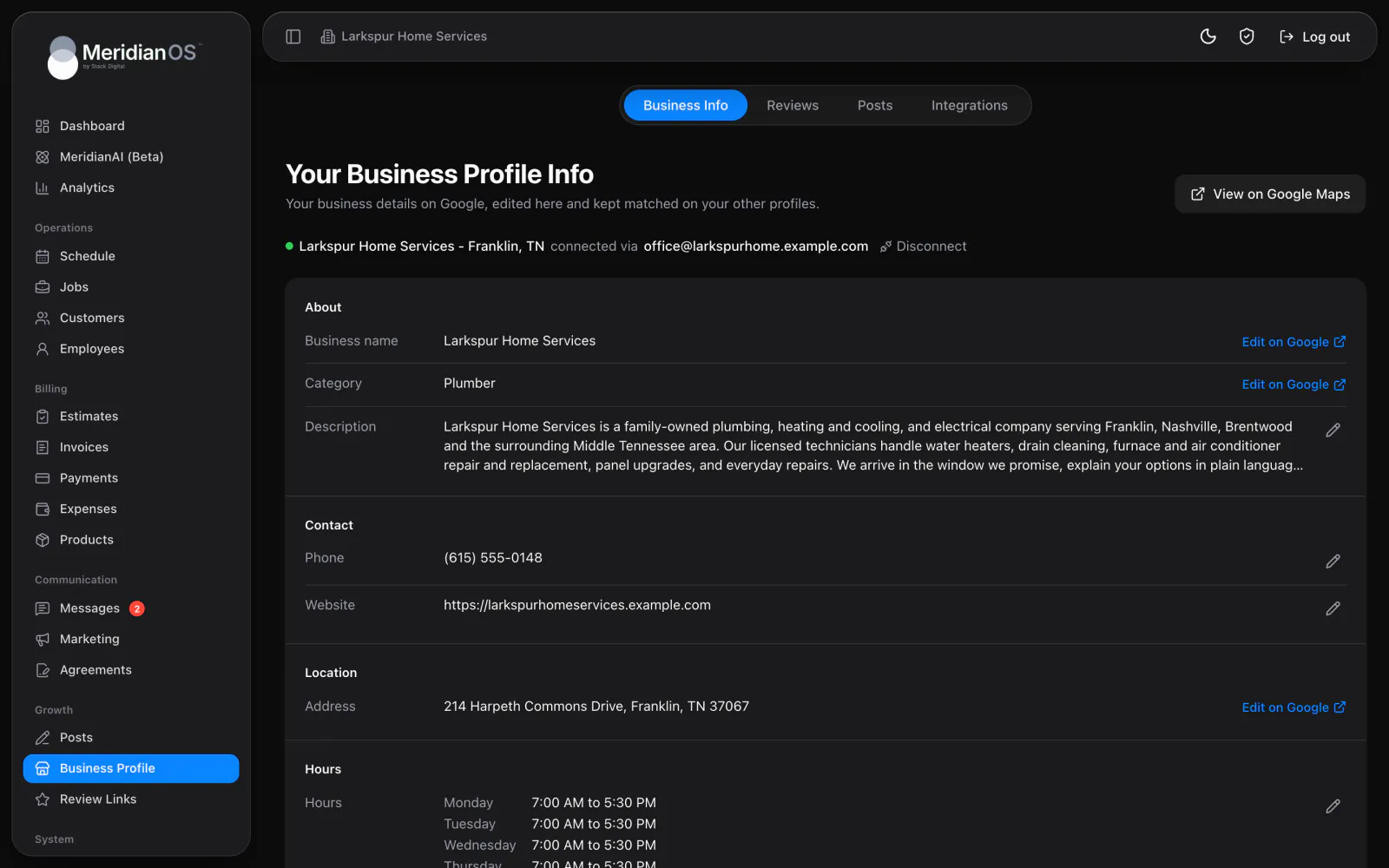
Edit from MeridianOS™. Change description, phone, website and hours without leaving your dashboard.
Holiday hours by date. Set special hours for holidays ahead of time.
Changes flagged. See which details Google changed and which are still pending.
Checked every day. Connected listings are compared with Google and sent again if they drift.
Business Info shows your live Google listing and lets you change the description, phone, website, weekly hours and holiday hours from MeridianOS™. Any detail Google edited on its own is flagged Changed by Google, and edits still waiting are marked Pending on Google. Plain notices explain the listing's state when something needs your attention.
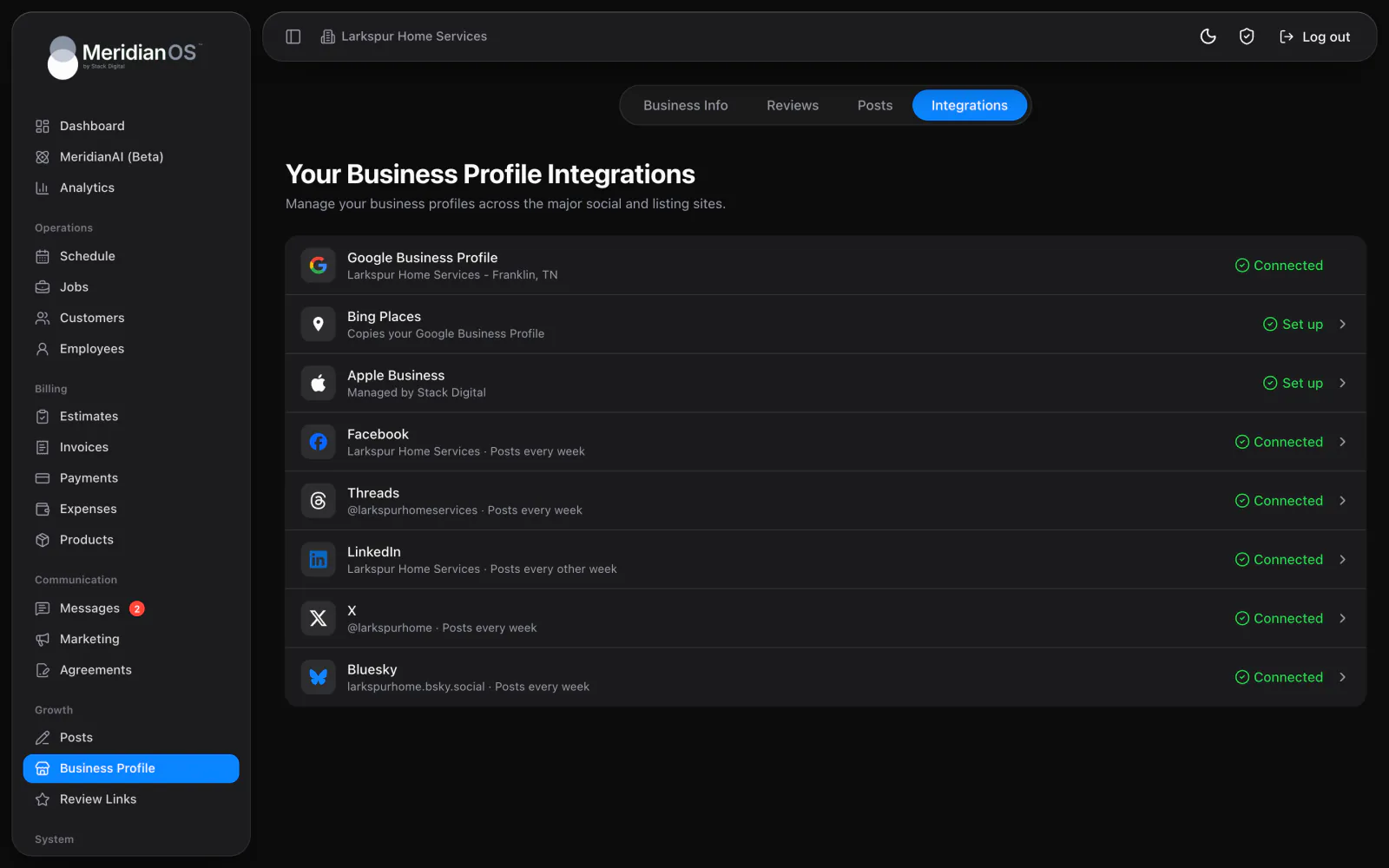
Under Also update, choose which listings follow when you save your hours or contact details. Your Facebook Page and Foursquare update straight from MeridianOS™. Bing Places imports from Google through a guided setup, and Stack Digital keeps Apple Maps current once you share access.
Google sometimes changes a listing on its own. MeridianOS™ flags those details Changed by Google, so you see the edit and decide what stays.
Once a day MeridianOS™ compares your Google listing with what it last sent to each connected listing. Anything that drifted is sent again automatically.
Details that can send your listing back through Google verification open in Google with a warning first, so a small edit never puts your listing at risk by surprise.
The description box catches links and contact details before anything is sent to Google, and tells you in plain words why they were blocked.
Your Facebook Page and Foursquare update along with Google when you switch them on under Also update. Bing Places follows through its import from Google, and Stack Digital updates Apple Maps for you after a one-time setup.
No. Those details open in Google, with a warning that changing them can send your listing through verification again. Phone, website, description and hours are edited right in MeridianOS.
MeridianOS flags that detail Changed by Google so you can see it. The daily check then compares your connected listings with Google and sends again any that drifted.
Stack Digital does. After you follow a four-step guide once to create the listing and share access, Stack Digital updates Apple Maps when your details change.
We will show you Business Info and the Also update switches on a live system. Tell us what you do and we will reply within the hour.