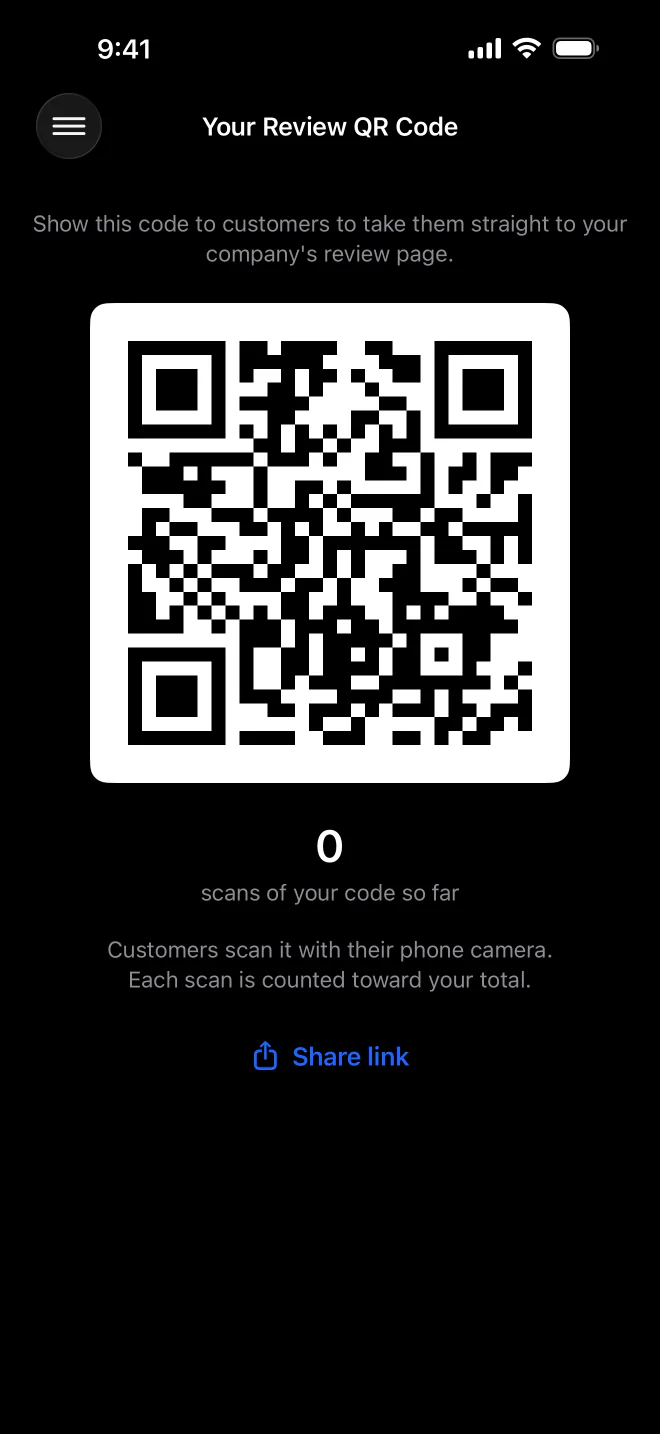
Review requests and QR codes. Ask for a review when the work is done, by text or a personal QR code.
MeridianOS™ pulls in every review from your Google Business Profile and lets you reply from one inbox. MeridianAI drafts replies for you to edit, and rules can answer good reviews on their own during the hours you allow.
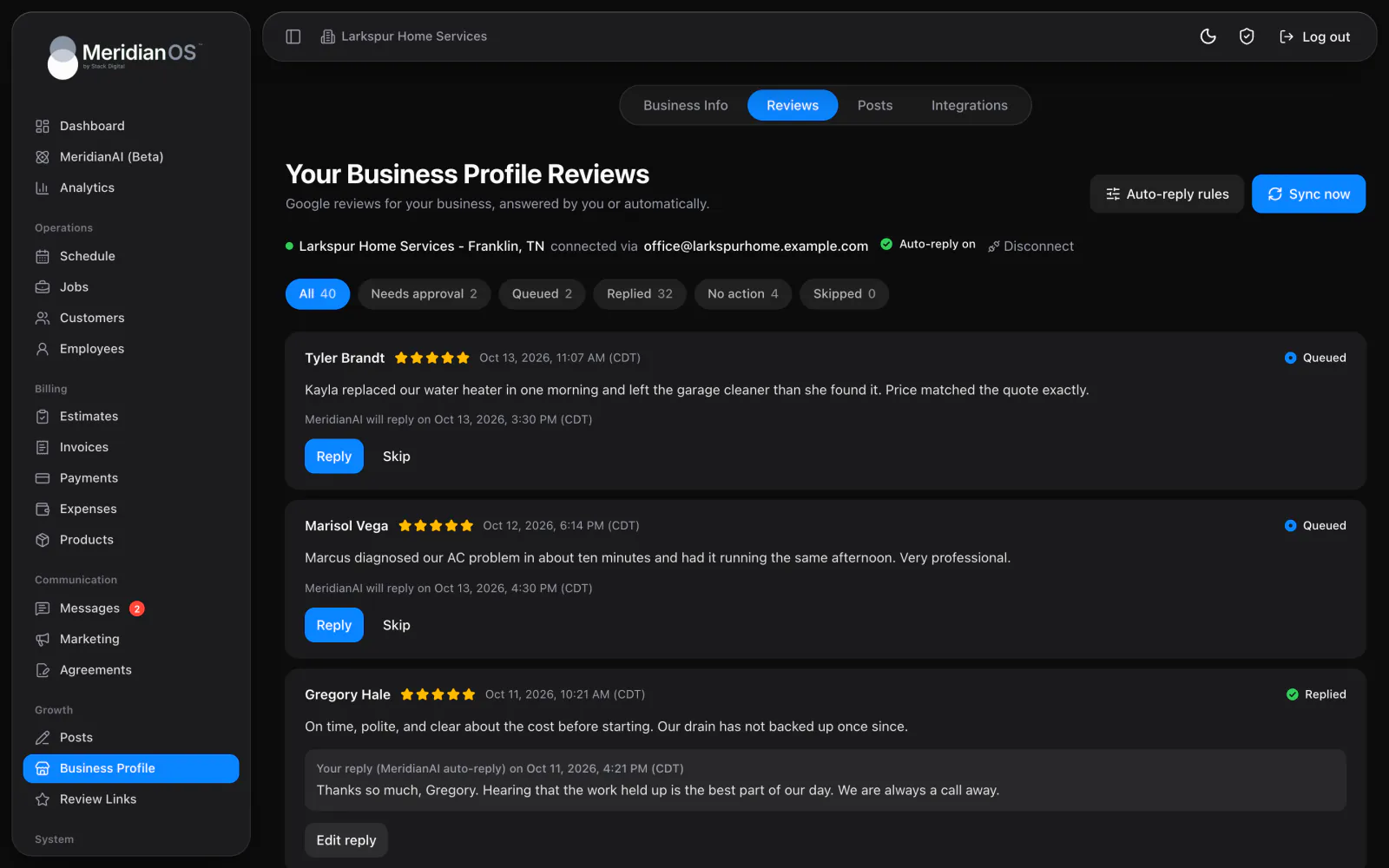
One review inbox. Filter by Needs approval, Queued, Replied, Skipped and more, with counts.
Drafted replies. MeridianAI writes a reply you can edit before it posts to Google.
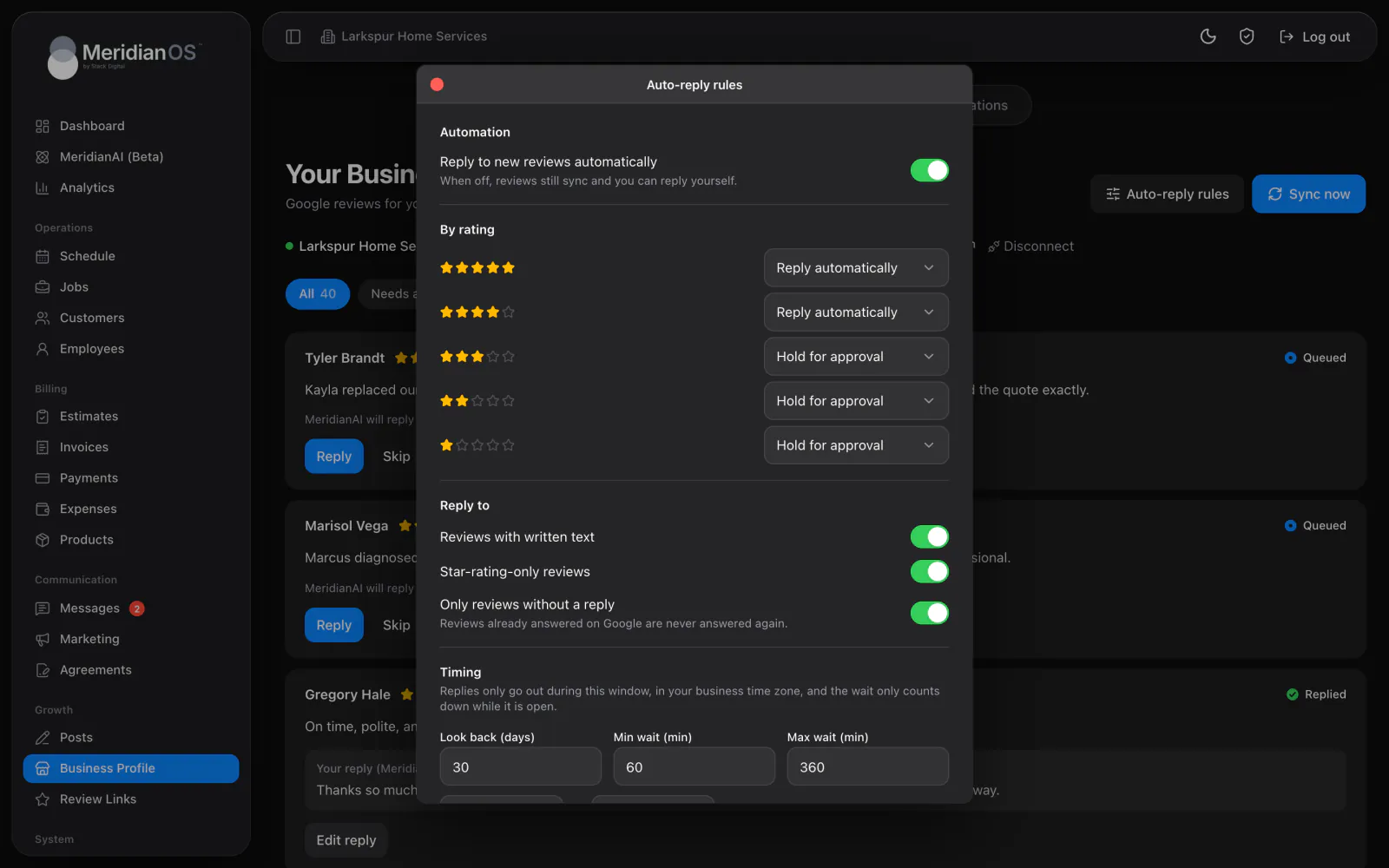
Rules by star rating. Good reviews can be answered automatically while low ratings wait for you.
Alerts by rating. New review emails go to the right people based on the stars.
Connect your Google Business Profile once and MeridianOS™ keeps your reviews in sync, with a Sync now button when you want them this minute. Filter the inbox to see what needs you. Press Generate response and MeridianAI drafts a reply you can edit before it posts to Google.
Auto-reply rules give each star rating its own setting. By default 4 and 5 star reviews are answered automatically and 1 to 3 stars are held for your approval. Each automatic reply waits a random stretch of time and only goes out on the days and hours you allow.
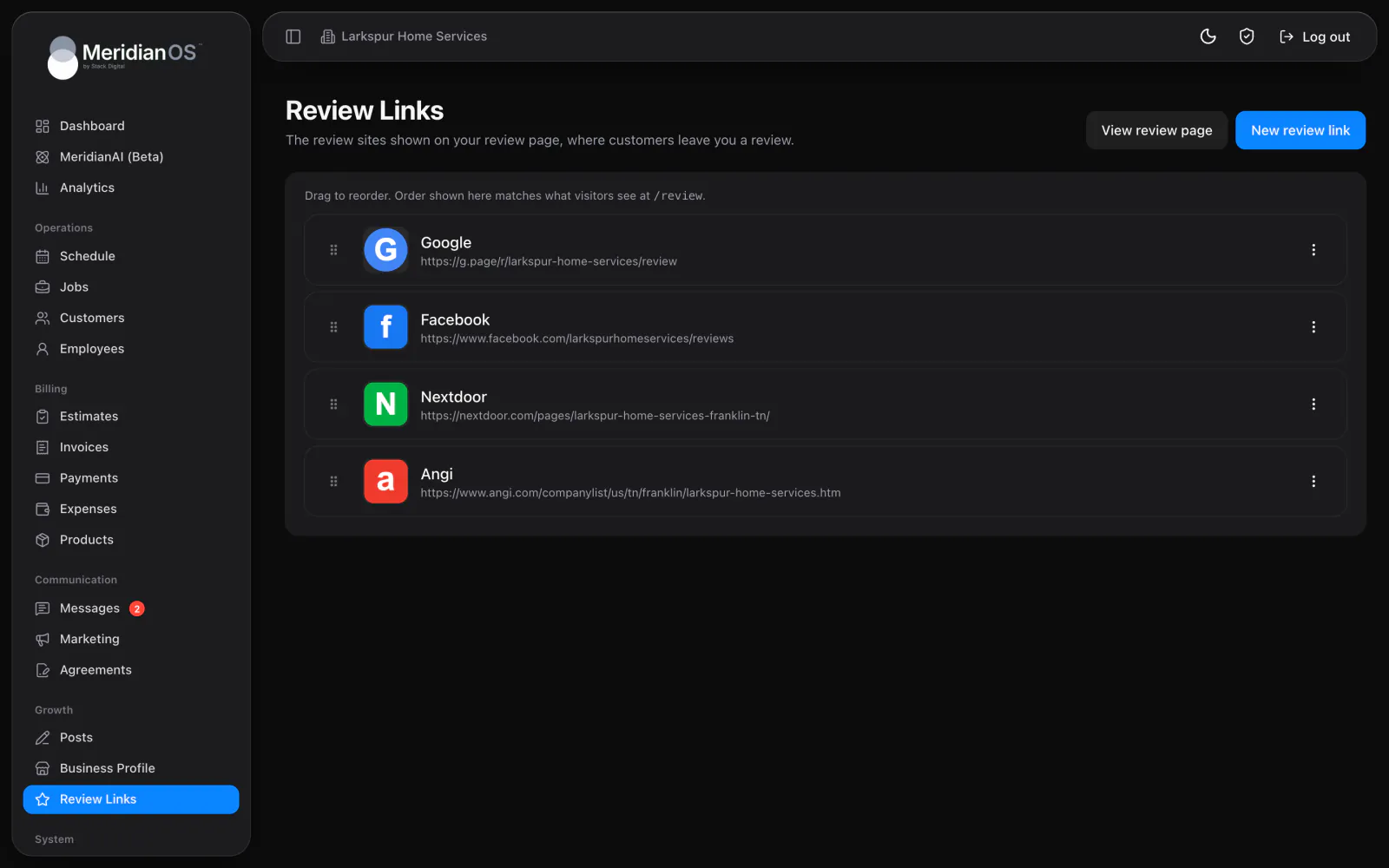
Email alerts go to up to 20 addresses, and each address chooses which ratings it hears about. The owner can get only the 1 to 3 star reviews while the office sees them all. Your review page puts your Google link in front of customers, beside any other review sites you add.
An automatic reply waits a random interval that only counts down during your allowed hours and days. Reviews never get an answer seconds after posting or in the middle of the night.
Reviews of 1 to 3 stars are held for approval by default, so a person reads them before anything posts. You can change the rule for any rating at any time.
If an automatic reply fails to post five times, MeridianOS™ moves that review to manual approval. Nothing retries forever and nothing fails silently.
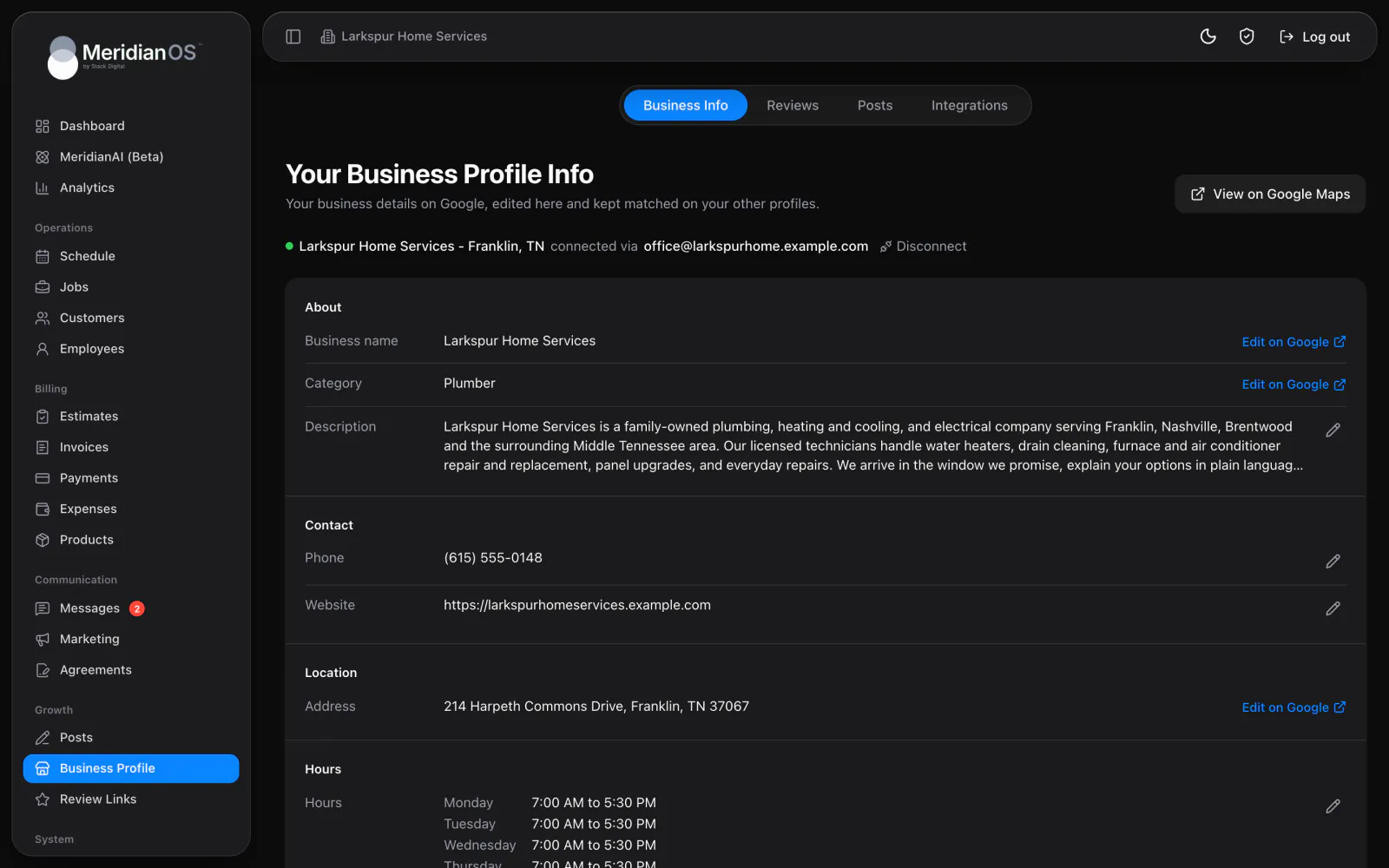
A Google location that Google has not verified cannot be connected. Once connected, it stays locked until you disconnect it, and the disconnect dialog spells out What stops and What stays.
No. Reviews of 1 to 3 stars are held for your approval by default, so you read the drafted reply and edit it before it posts. You can change the rule for each star rating whenever you like.
Inside the days and hours you allow, after a random wait between the minimum and maximum you set. The wait only counts down while that window is open, so a review left late at night gets its reply during your next allowed hours.
Yes. Every reply is written from the MeridianAI Prompt, which you can edit at any time. The default thanks reviewers by first name, apologizes on low ratings, never argues and never offers discounts.
Yes. You connect a verified Google Business Profile location once, and reviews start syncing into MeridianOS. One location is connected per website.
We will show you the review inbox and the auto-reply rules working on a live system. Tell us what you do and we will reply within the hour.