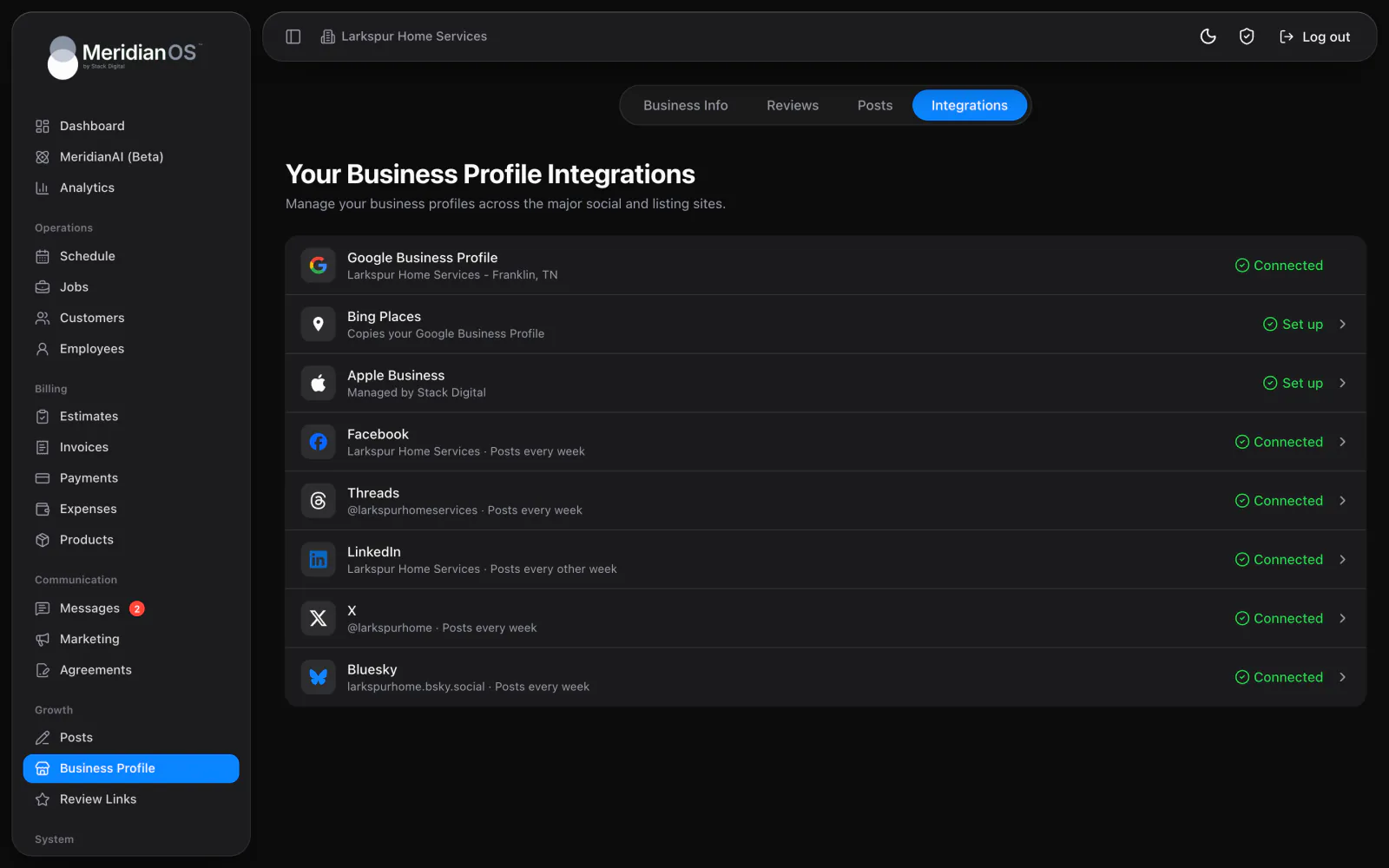
Social and Google posting. Posts written for each network and published on the schedule you pick.
Write posts in MeridianOS™ and they publish to the blog on your own website, with search titles and descriptions written for you. Turn on automatic posts and MeridianAI writes and publishes new ones on the schedule you pick.
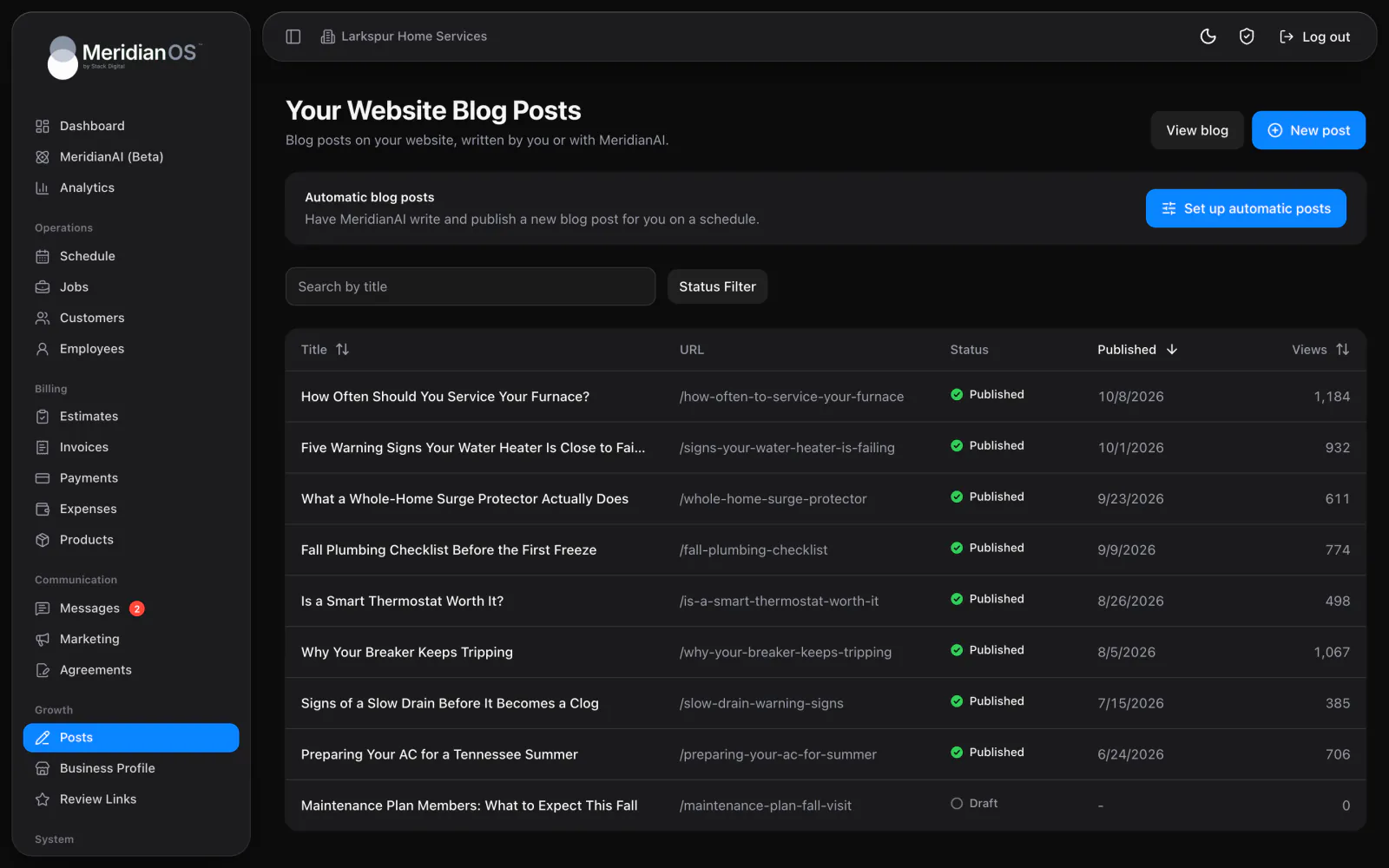
On your own site. Posts live on your website's blog and in your sitemap.
View counts. See how often each post is read, right in the list.
Search details written. Titles and descriptions for search are generated on first publish.
Posts on a schedule. Every week, every other week, every month or every quarter.
The Posts page lists every post on your website's blog with its status and view count. Filter to drafts or published posts, or sort by views to see what readers open most. Automatic posts can fill the blog on a schedule you set.
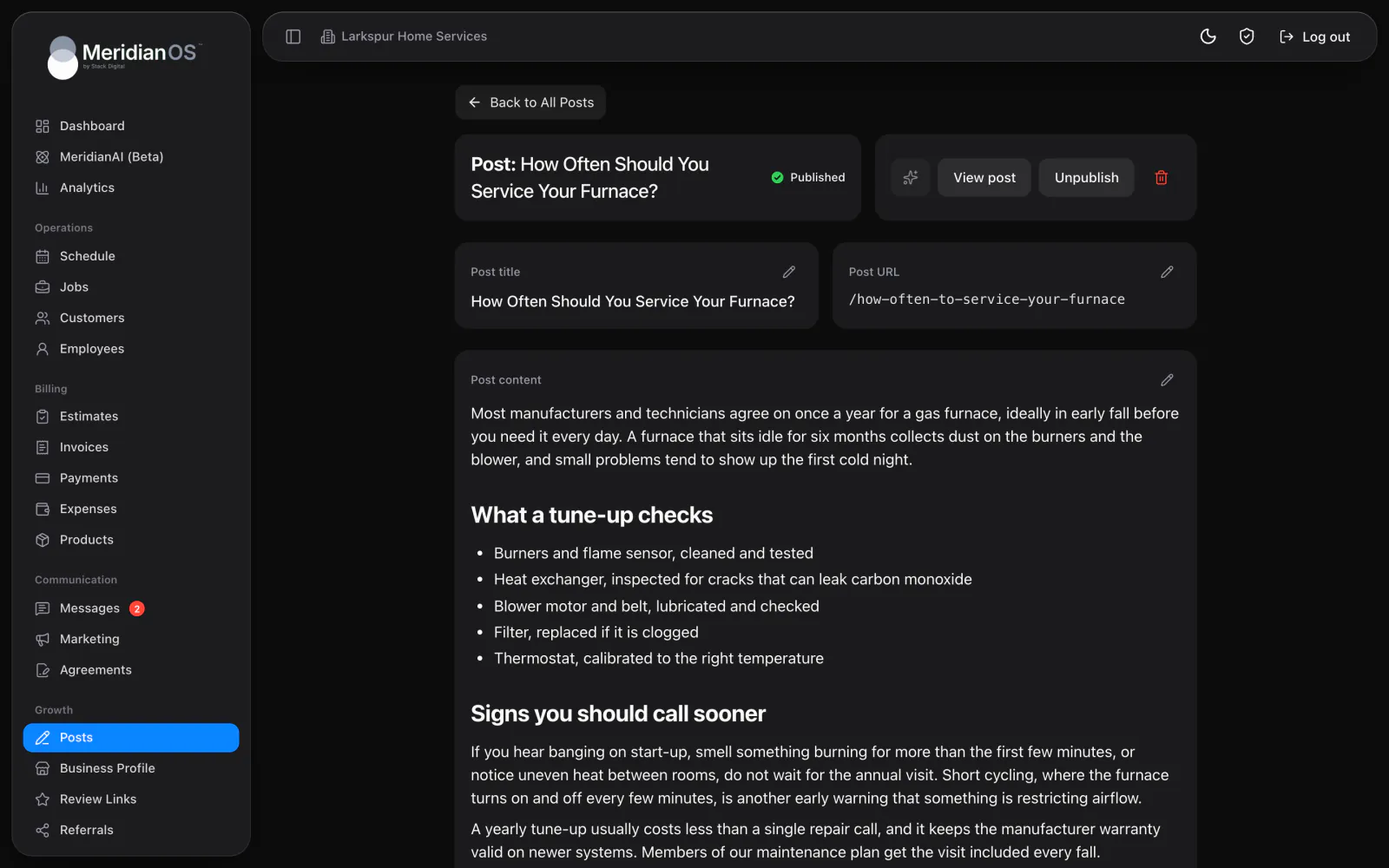
The editor handles headings, lists, quotes and links, and you can upload images or embed a video from a link. The first time a post is published, MeridianOS™ writes its search title and description for you. Search engines are then notified of new and changed pages on your site.
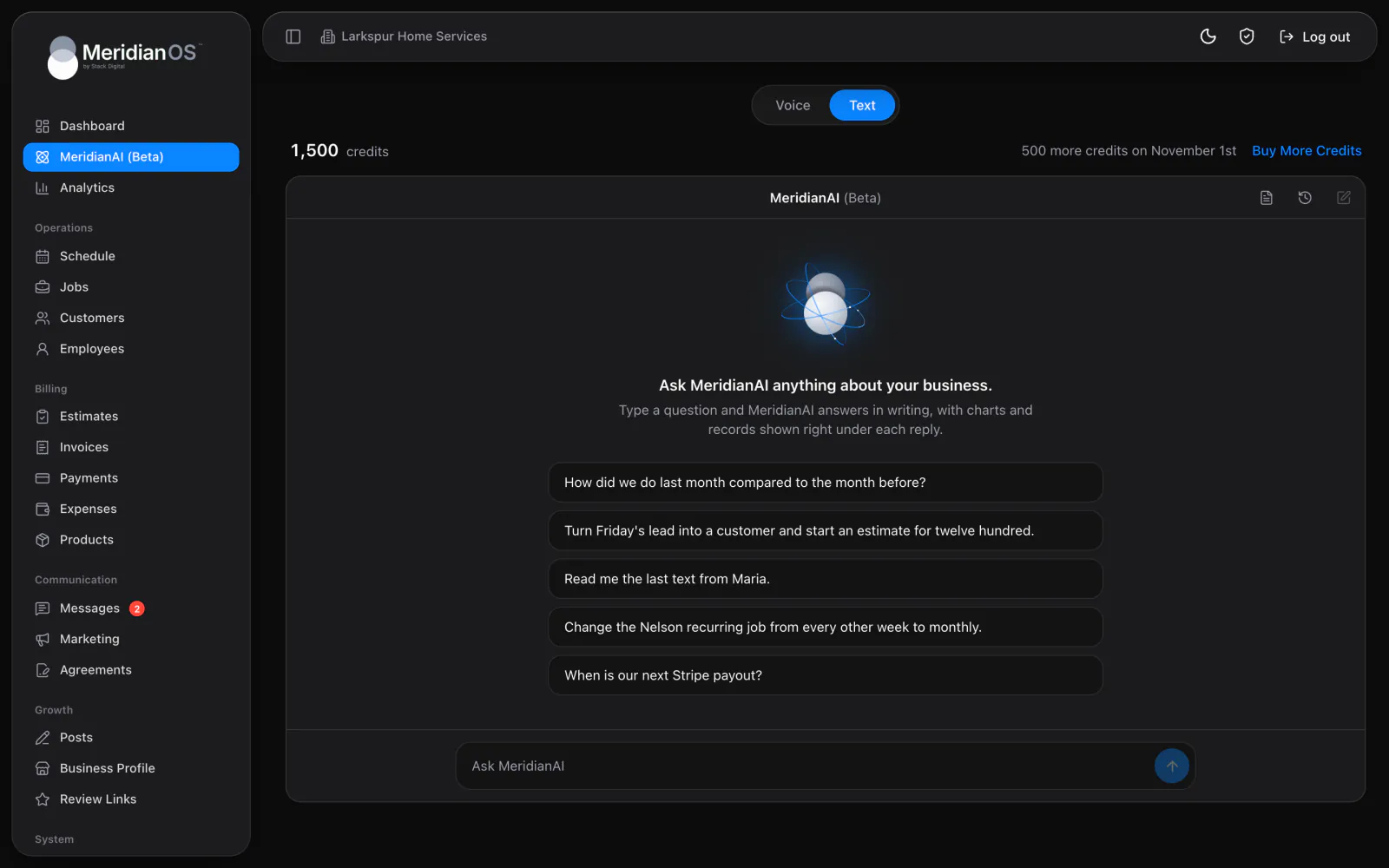
Describe your business and the topics you want covered in your MeridianAI Prompt, which you can edit any time. Press Generate post with MeridianAI and it writes a complete post of around 600 words, saved as a draft for you to review. It checks your existing titles so it picks a new subject.
Each automatic post goes live at a random time inside the window you set, so your blog does not publish at the same minute every week.
If an automatic post is written but cannot publish, MeridianOS™ keeps it as a draft and the card shows a Review draft link. The writing is never lost.
MeridianAI is told the titles of your existing posts before it writes, so each new post picks a different subject from the ones already on your blog.
Your brand name is added to a post's search title only when the result still fits in 70 characters. A long post title keeps its own wording in full.
Yes. New posts appear in your sitemap, and search engines are notified when pages on your site are added or changed. Each post also carries article details that search engines read.
Yes. Start a New post with a title and build the body in the editor. Publish when you are ready, and Unpublish later if you want to take it down.
It writes from your MeridianAI Prompt, where you describe your business and the kind of posts you want. It also reads your existing post titles so it picks a different subject each time.
Every week, every other week, every month or every quarter. You pick the day and an earliest and latest time, and each post goes live at a random moment inside that window.
We will show you the post editor and automatic posts on a live system. Tell us what you do and we will reply within the hour.