Team and access. Give each employee a login and decide who can take payments.
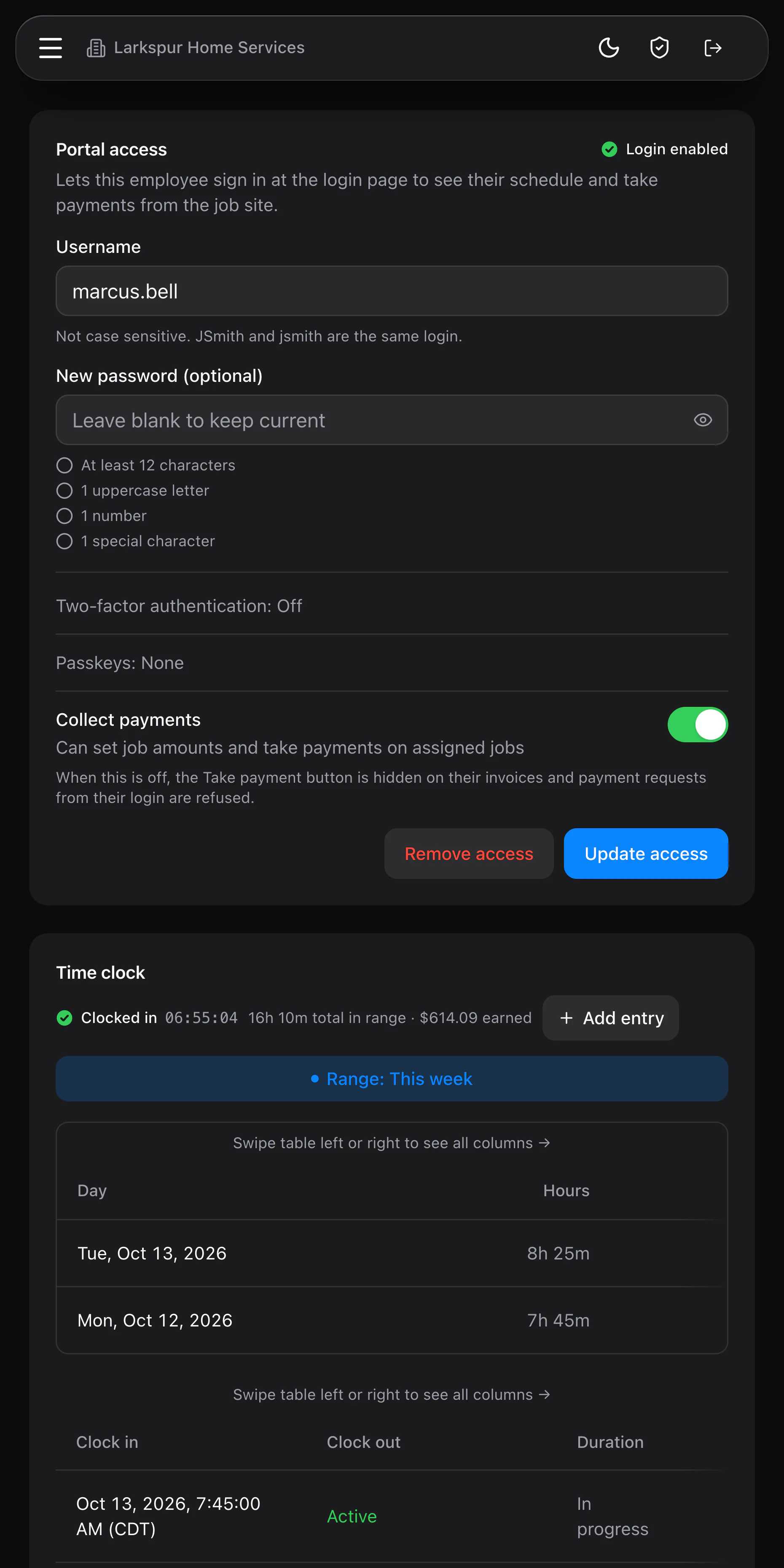
Every login to MeridianOS™ can use a passkey with Face ID or Touch ID, or a code from an authenticator app. Repeated wrong passwords trigger a lockout, and changing a password signs that account out everywhere else.
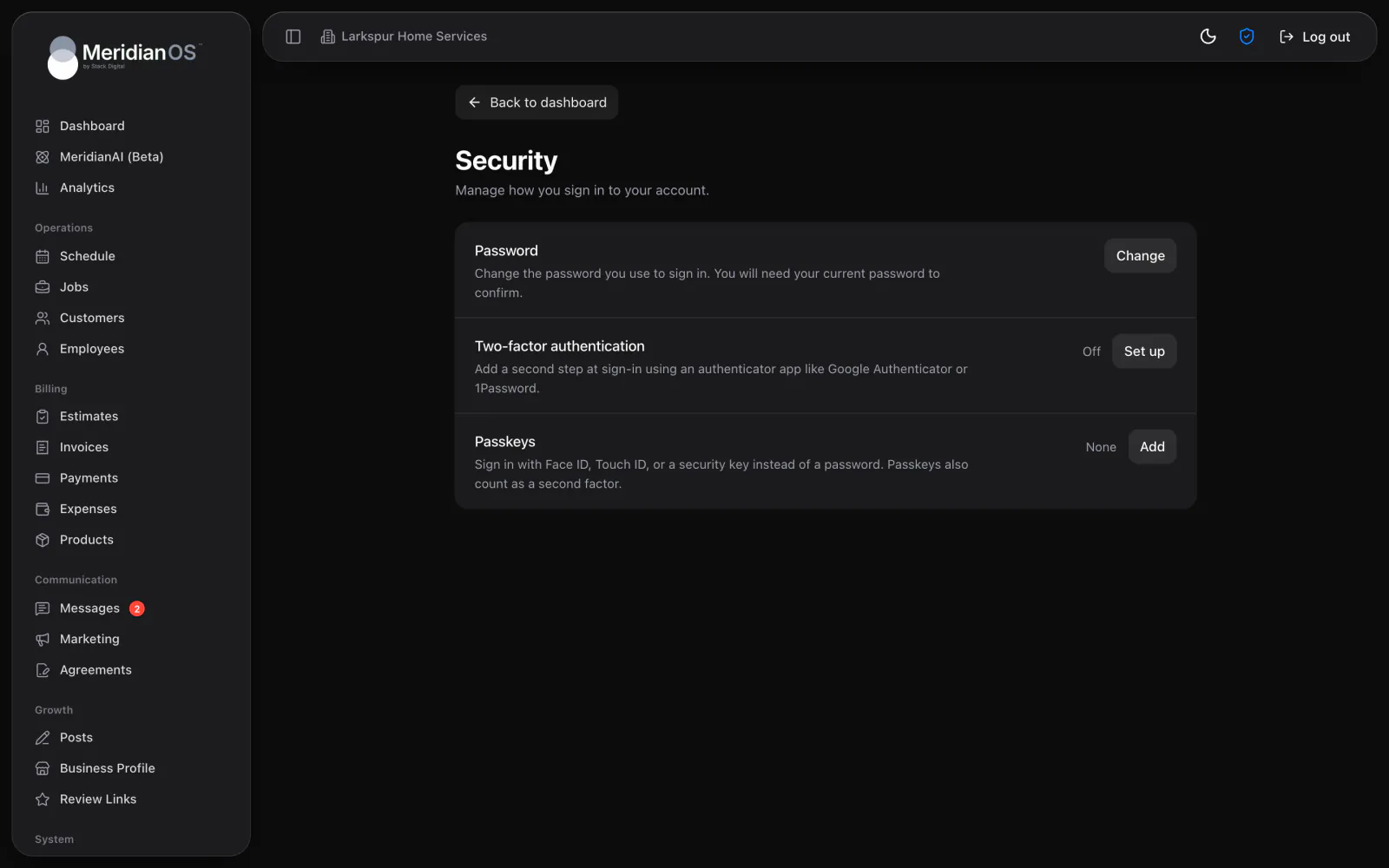
Passkeys built in. Sign in with Face ID or Touch ID on your device.
Lockout after failed tries. Too many wrong passwords pauses sign-in for that username.
App lock. The iPhone app asks for Face ID after five minutes away.
Access ends fast. Remove someone's access and their app signs out within minutes.
A new password must pass a live checklist of 12 characters, an uppercase letter, a number and a special character. Add a second step with codes from an authenticator app, or add passkeys that sign you in with Face ID or Touch ID. A passkey also counts as the second step.
If an employee loses their phone, an admin can reset their two-factor or remove their passkeys from the employee page. Remove access ends their login and leaves their jobs and history in place. Change a password or remove access, and every session that person has ends at once.
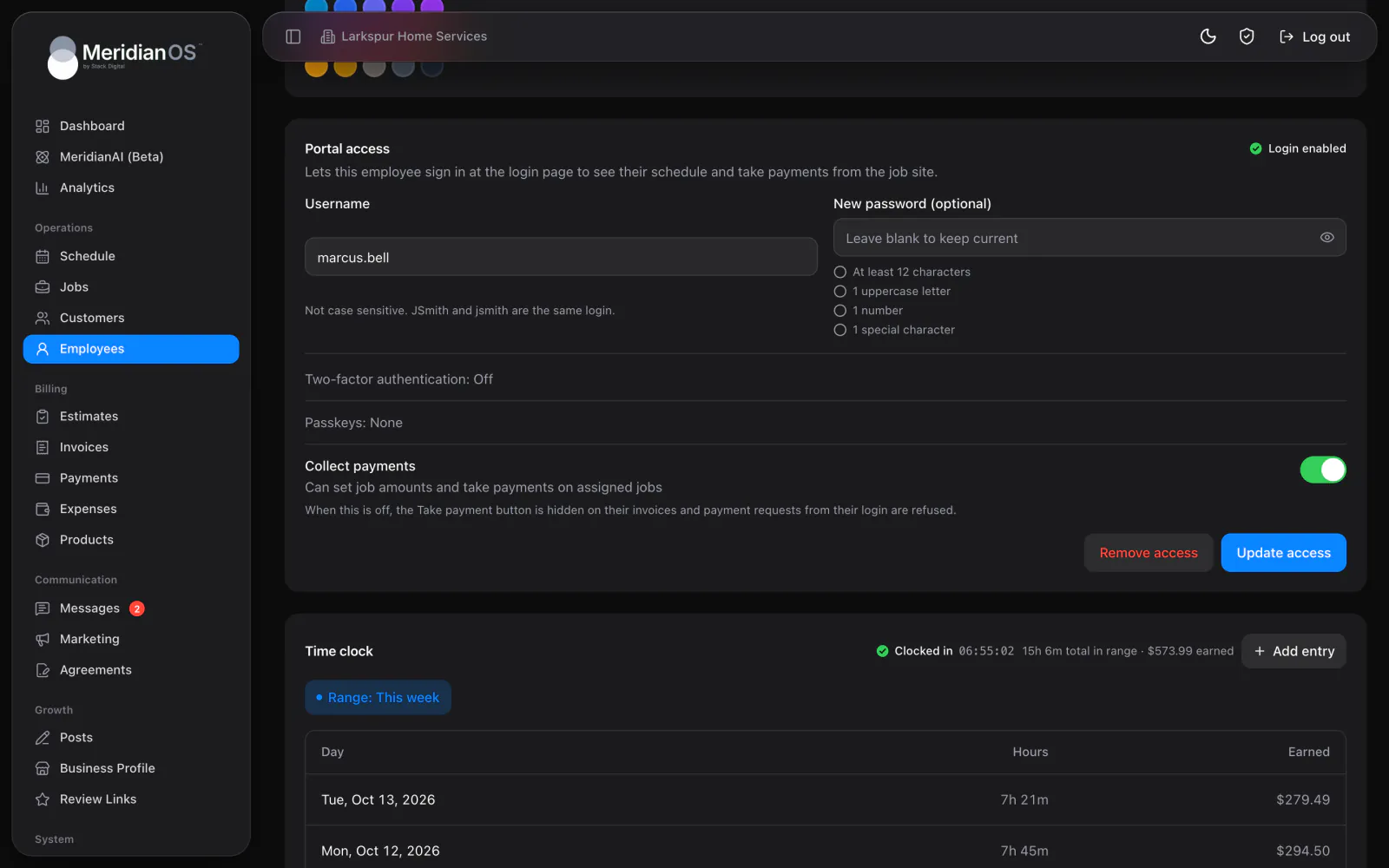
Password rules are checked by MeridianOS™ when a password is saved, as well as in the live checklist. A weak password cannot slip through another way.
Failed sign-ins are counted per username and per network over 15 minutes. Someone guessing at one account, or at many from one place, gets locked out with a clear wait time.
Sessions last seven days on the web and are stored only in hashed form. In the app, sign-in details stay in the phone's secure storage for that device only.
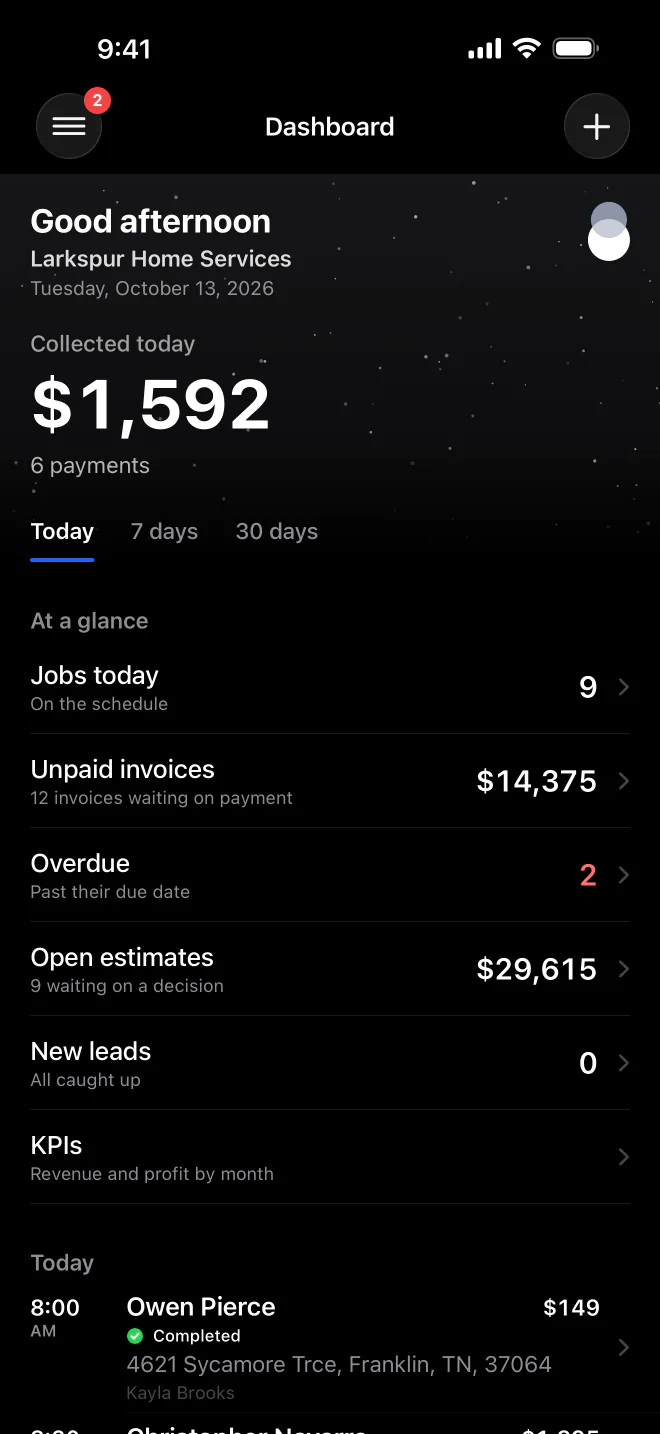
The MeridianOS™ app asks for Face ID after five minutes away and on every fresh launch. It is on by default, and the lock screen offers Sign out too.
Yes. Employees use the same sign-in, and they can add two-factor codes or passkeys from their own Security page. Lockouts and password rules apply to them too.
No. It is optional, and anyone who signs in with only a password is offered a Secure your account prompt to add a passkey or an authenticator app. They can choose Not now and add it later.
An admin can reset their two-factor or remove their passkeys from the employee page. They then sign in with their password and set up a new second step.
Seven days on the web. The app stays signed in while you use it and locks with Face ID after five minutes away.
We will walk you through passkeys and two-factor on a live system. Tell us what you do and we will reply within the hour.