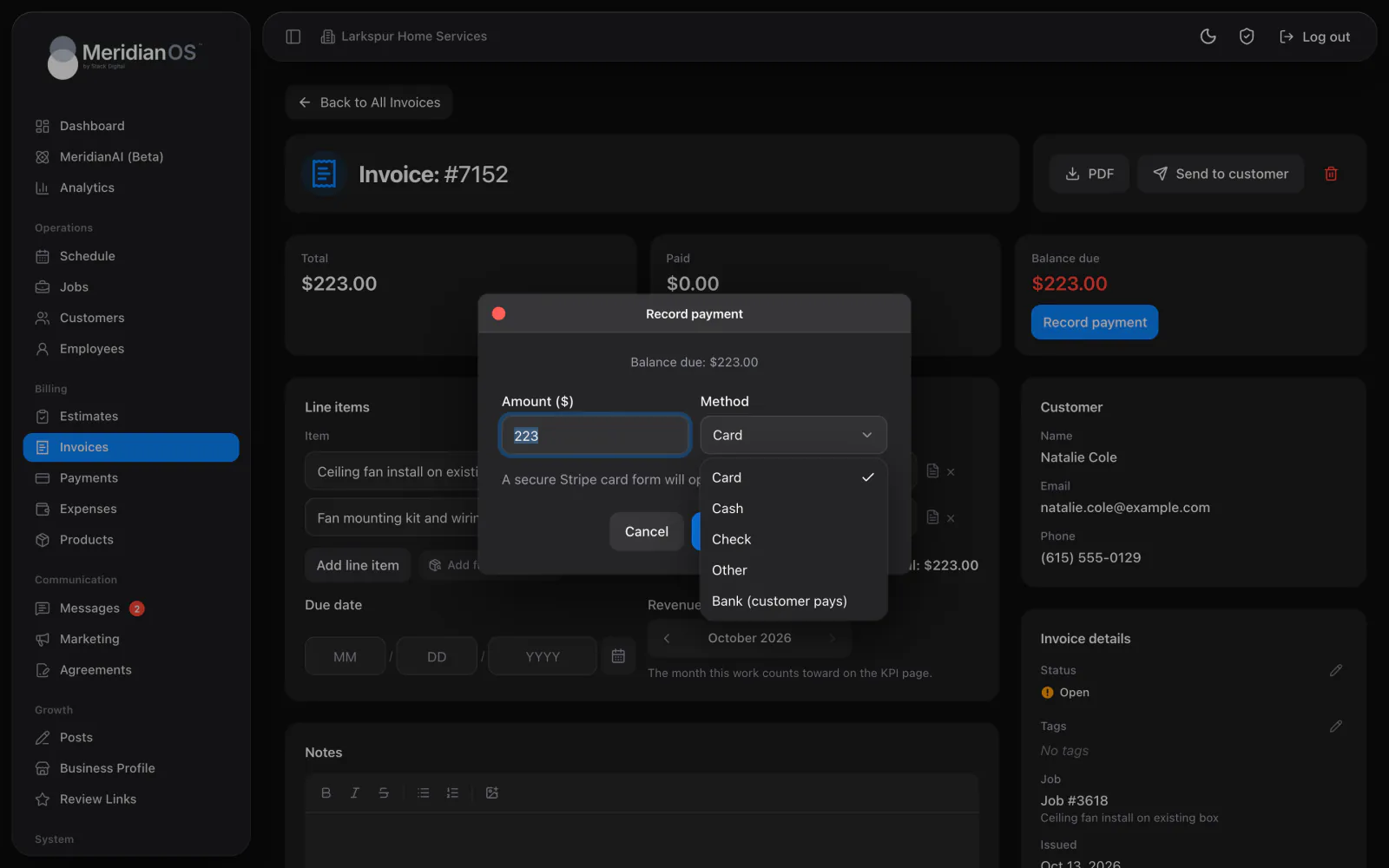
iPad and Mac. The same app laid out for a bigger screen, with a sidebar and full tables.
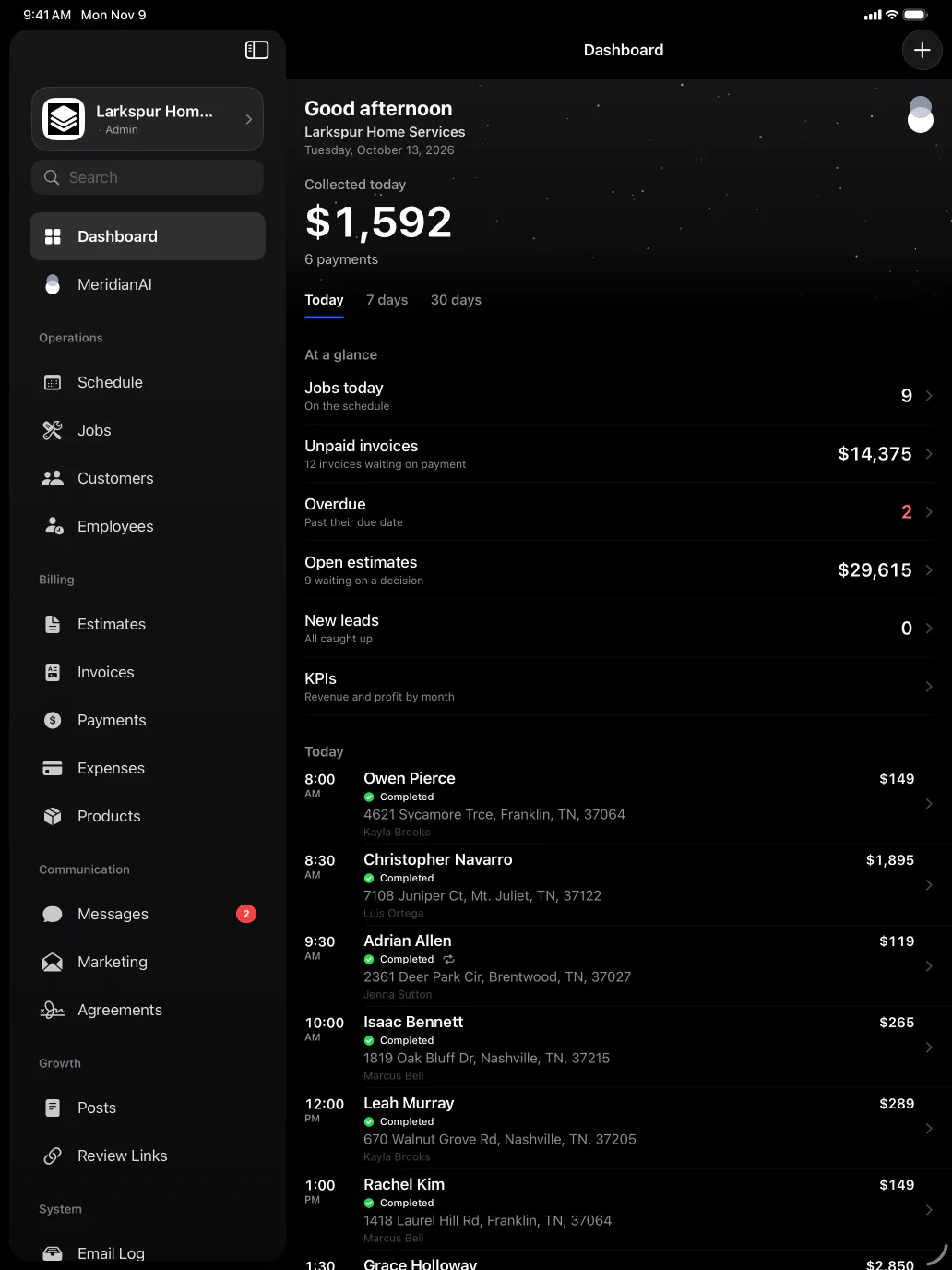
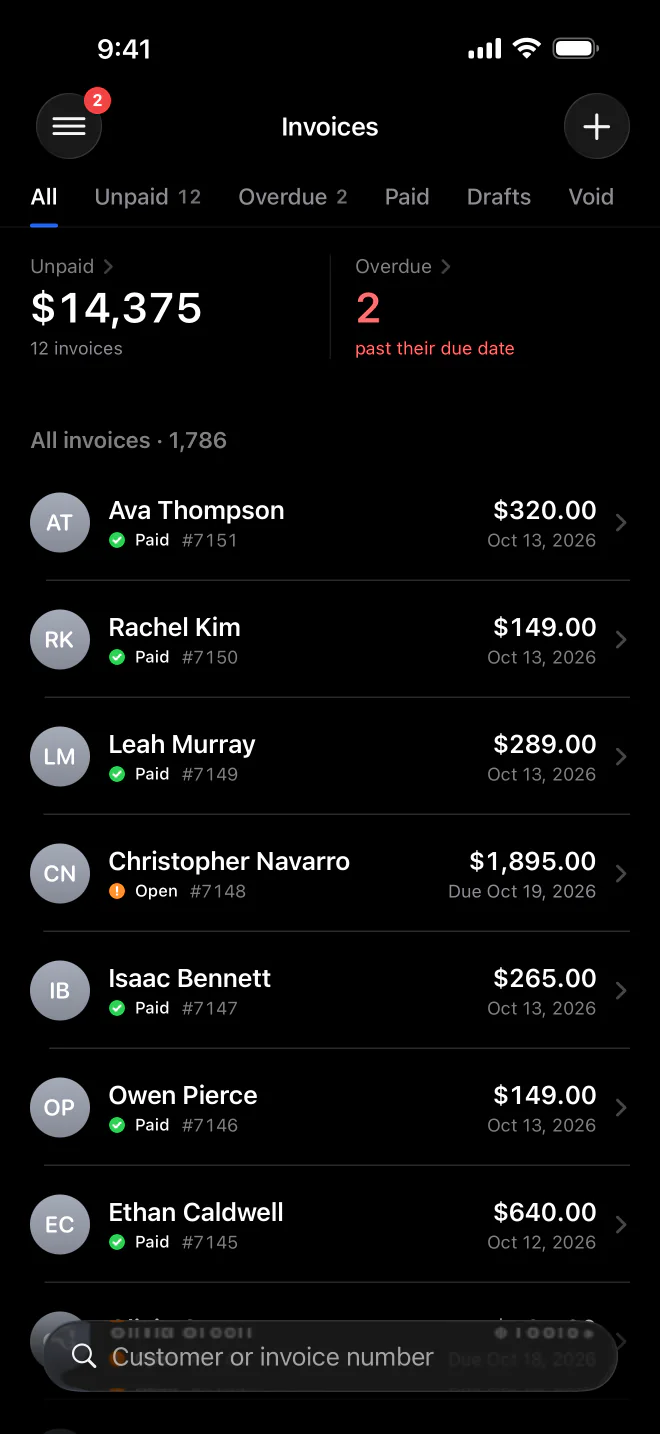
The MeridianOS™ app puts your schedule, customers, texts and invoices on your iPhone, with alerts when a lead or payment comes in. Collect payment on the spot and send the receipt before you leave.
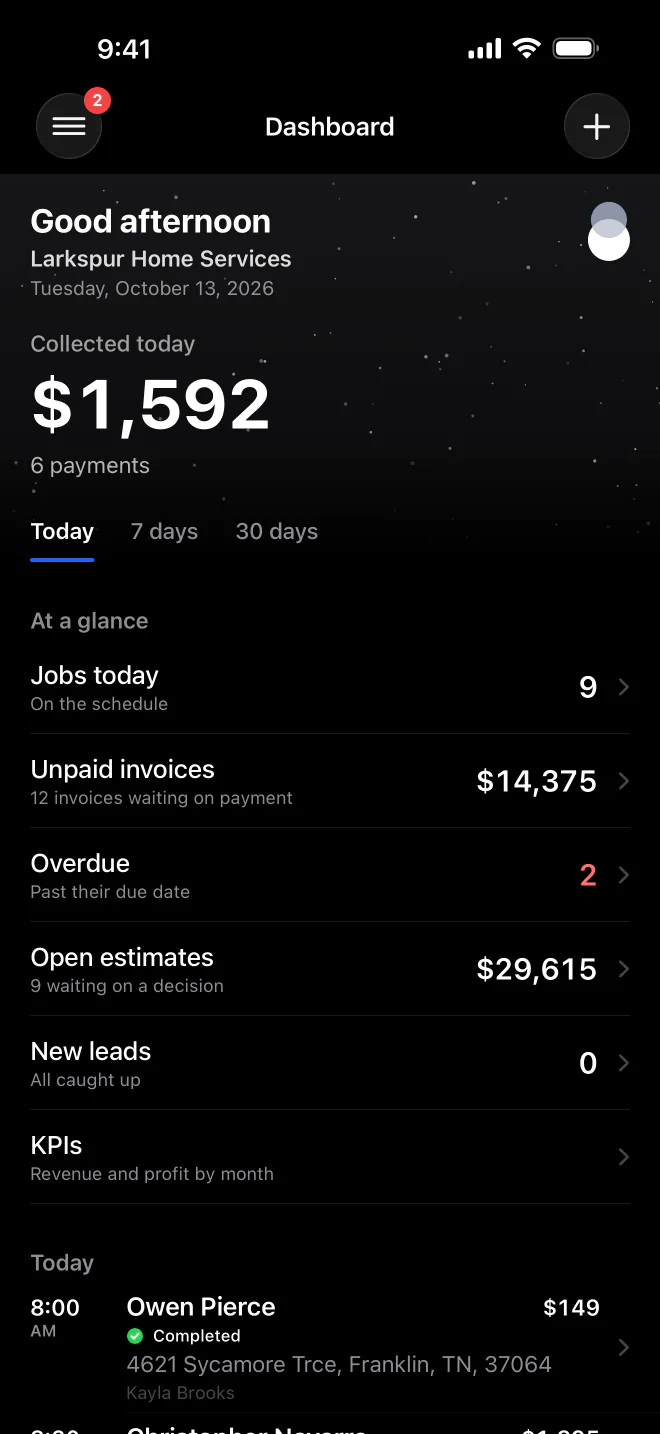
Paid in person. Use Tap to Pay on iPhone with your Stripe account connected.
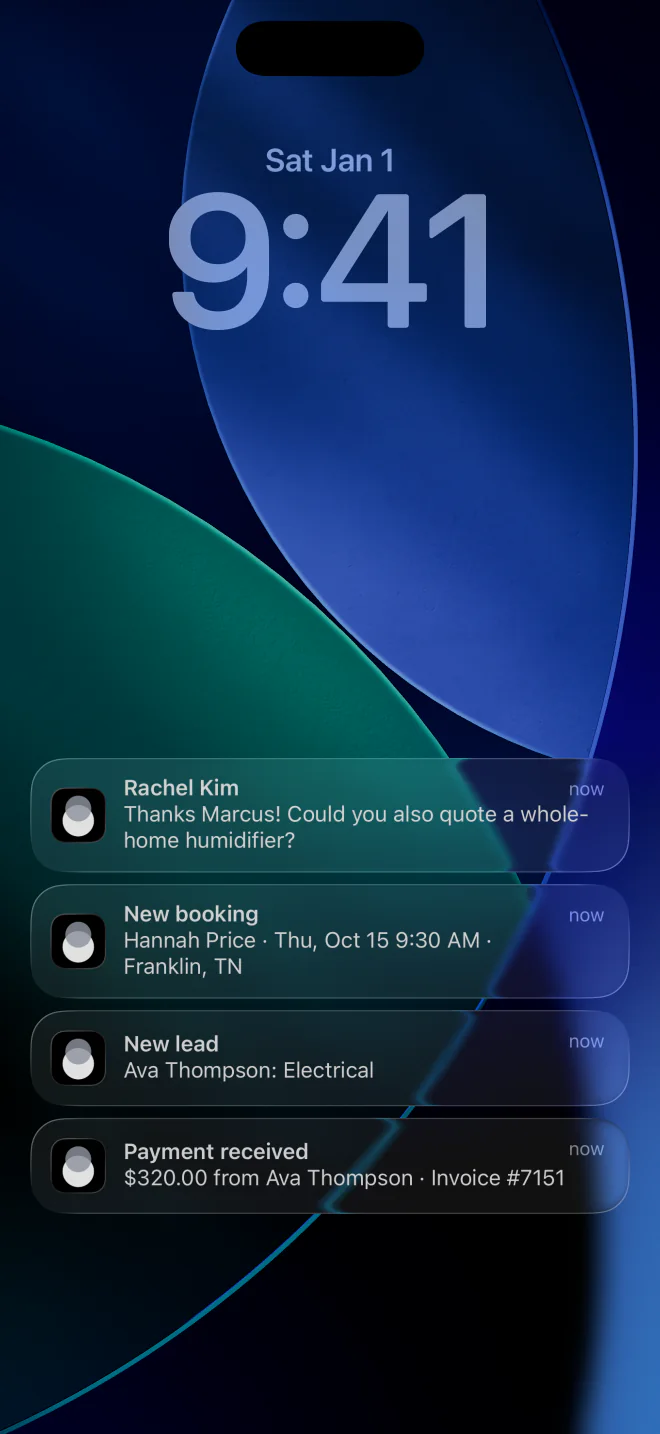
Alerts that open. Every notification opens the exact record it is about.
Face ID lock. The app locks itself after five minutes away.
Several businesses. Switch between every business you manage from one app.
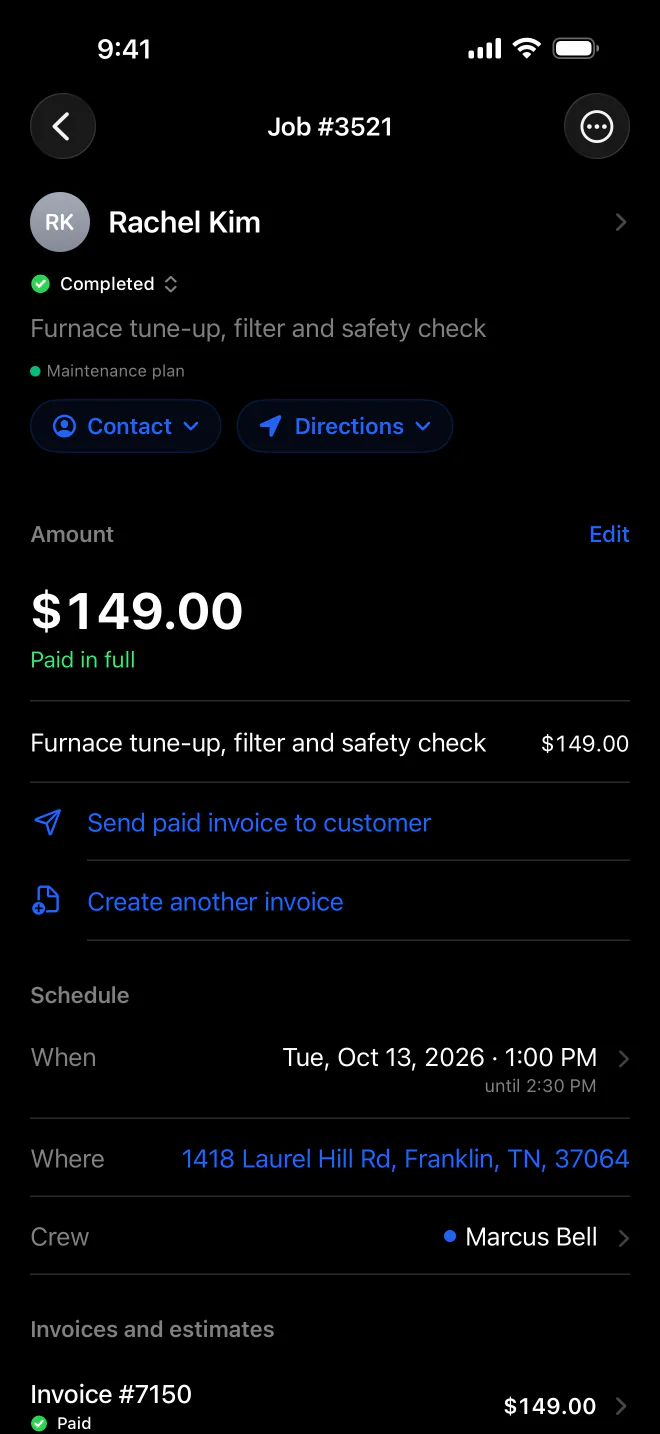
Swipe through the week and open any job to change its status, reschedule it, assign people or add notes with photos. Customer records carry their full history, with property notes for each address. The Contact and Directions buttons reach the customer or the address in one tap.
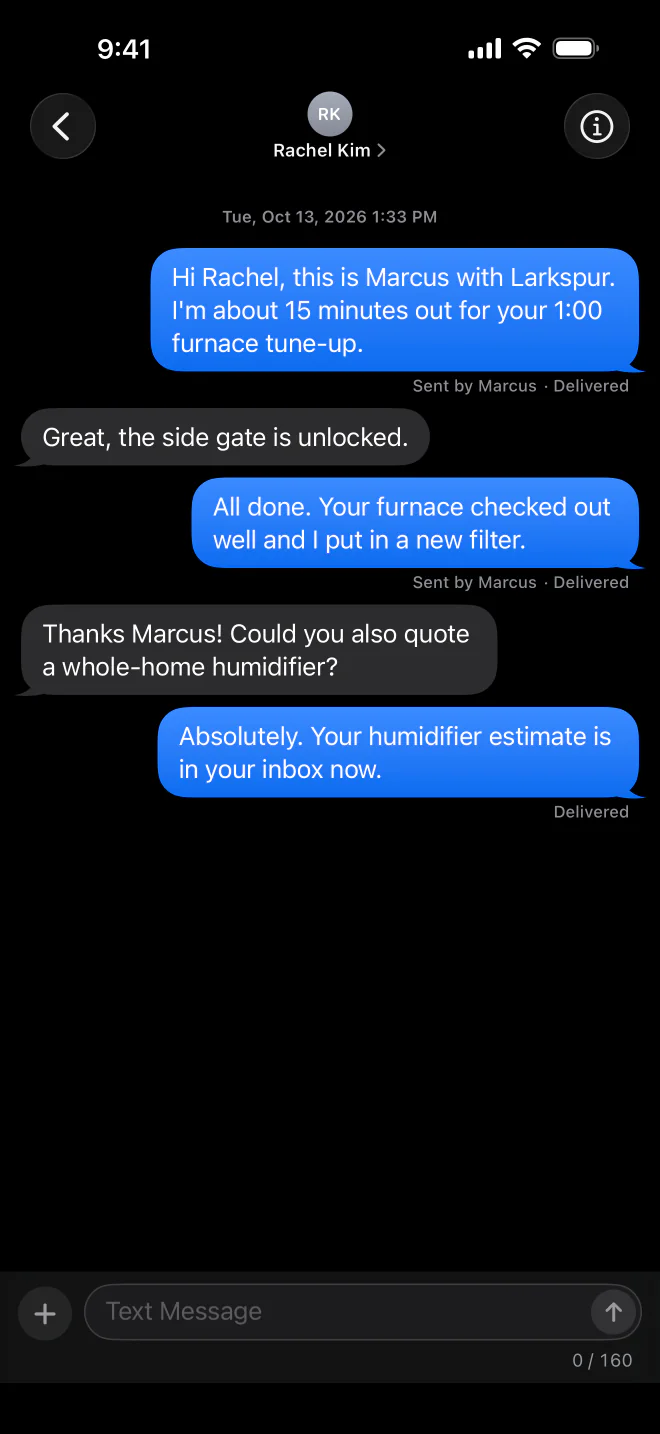
With texting turned on, Messages holds every customer conversation with photos and a delivery status on each message. Unread counts show on the app icon and in the menu. Push alerts tell you about new leads and payments, and tapping one opens that exact record.
Create estimates and invoices from your iPhone and send them by email or text. With your Stripe account connected, take a card or use Tap to Pay on iPhone on the spot, and record cash or check any time. Face ID locks the app, and passkeys make signing in quick.
Accept contactless payments right on your iPhone.
With Tap to Pay on iPhone, there’s no need for additional card readers and terminals. All you need is your iPhone and the MeridianOS app.
Terms apply.
Every notification opens the exact record it is about. If it belongs to another business you manage, the MeridianOS™ app switches to that business first.
If you remove someone's access, their app notices within minutes and signs them out with a clear message. Badges and Tap to Pay on iPhone are cleared at the same time.
Face ID lock is on by default and locks MeridianOS™ again after five minutes away. It also locks on every fresh launch of the app.
Change a job's amount and the app offers to update its invoice too. Receipt sheets show where a receipt already went, so nobody sends it twice by mistake.
No. The MeridianOS app runs on Apple devices. On an Android phone, your team signs in through the browser and uses the same employee portal.
Yes. Employees sign in to the same app and get their own version, with My Schedule, the time clock, their earnings and a personal review QR code. What they can collect depends on the Collect payments switch you set for each person.
Yes. With your Stripe account connected, you can take a card in the app or use Tap to Pay on iPhone. Cash and check can be recorded any time, with or without Stripe.
Yes. Every business you sign in to is saved with its logo and its own sign-in. Switch site in Account moves between them, and alerts from any of them open in the right one.
We will walk you through the app on a live system, from the dashboard to collecting a payment. Tell us what you do and we will reply within the hour.