Google reviews. Every review in one inbox, with replies drafted and posted for you.
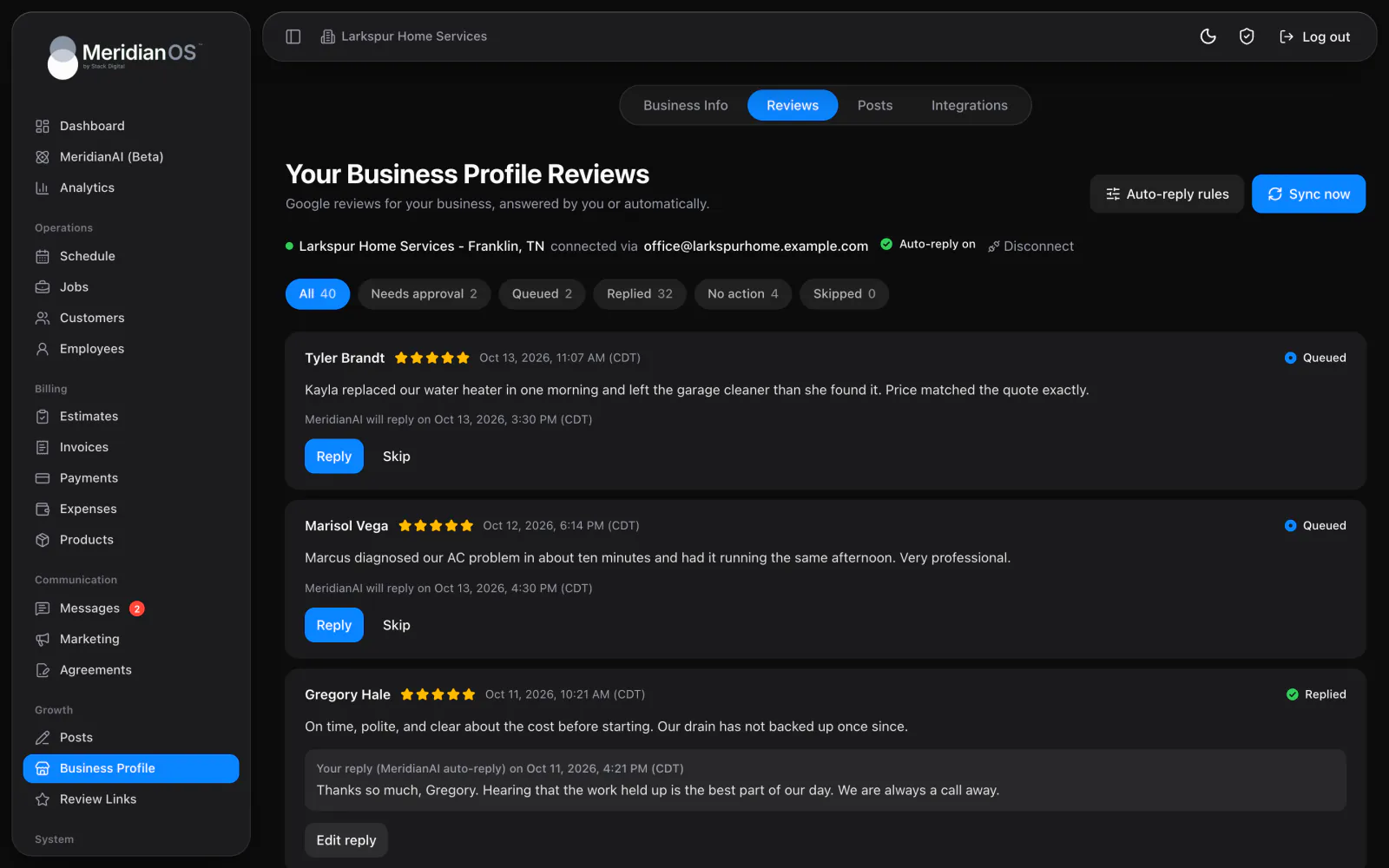
MeridianOS™ can text a review request when a job is marked completed, and every employee carries a personal QR code to your review page. Customers tap the site they prefer and leave their review there.
Texted at completion. A review request goes out when a job is marked completed.
One tap from messages. The Ask for a review button fills in the request for you.
Once every 90 days. No customer gets more than one request in that window.
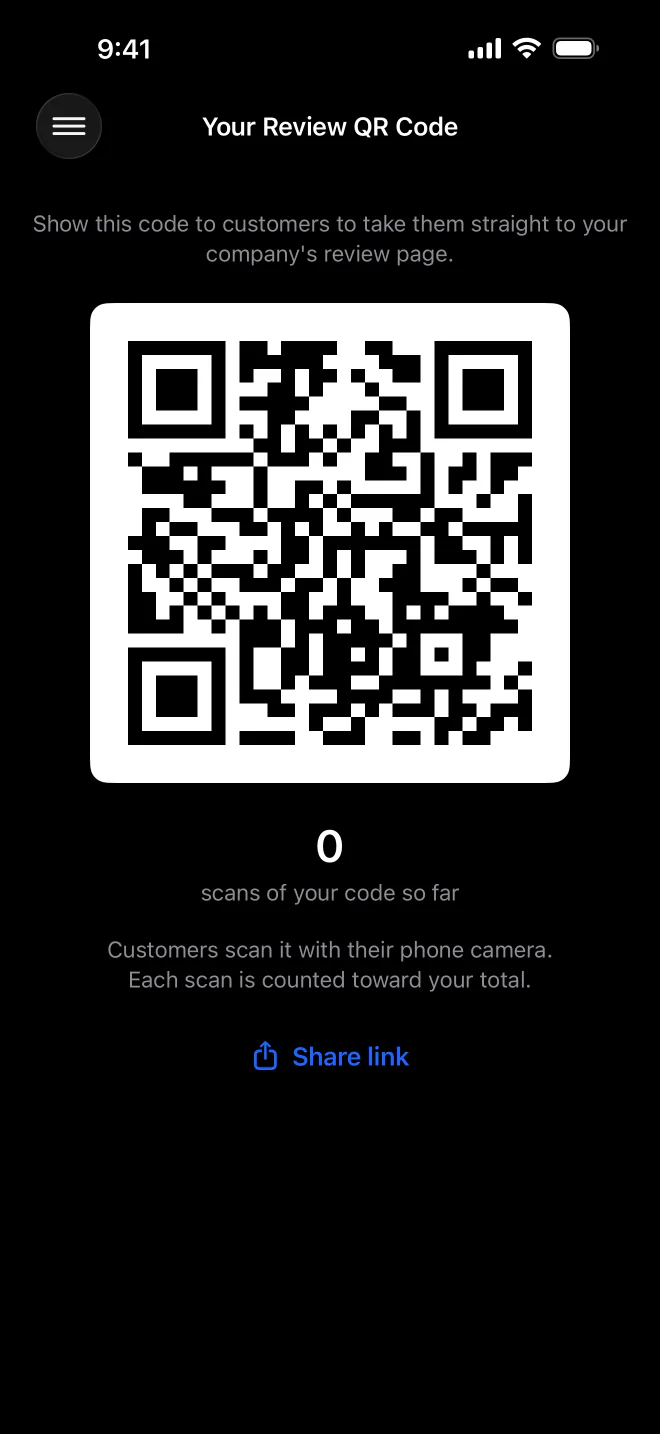
A QR code each. Every employee has a personal code with a scan count.
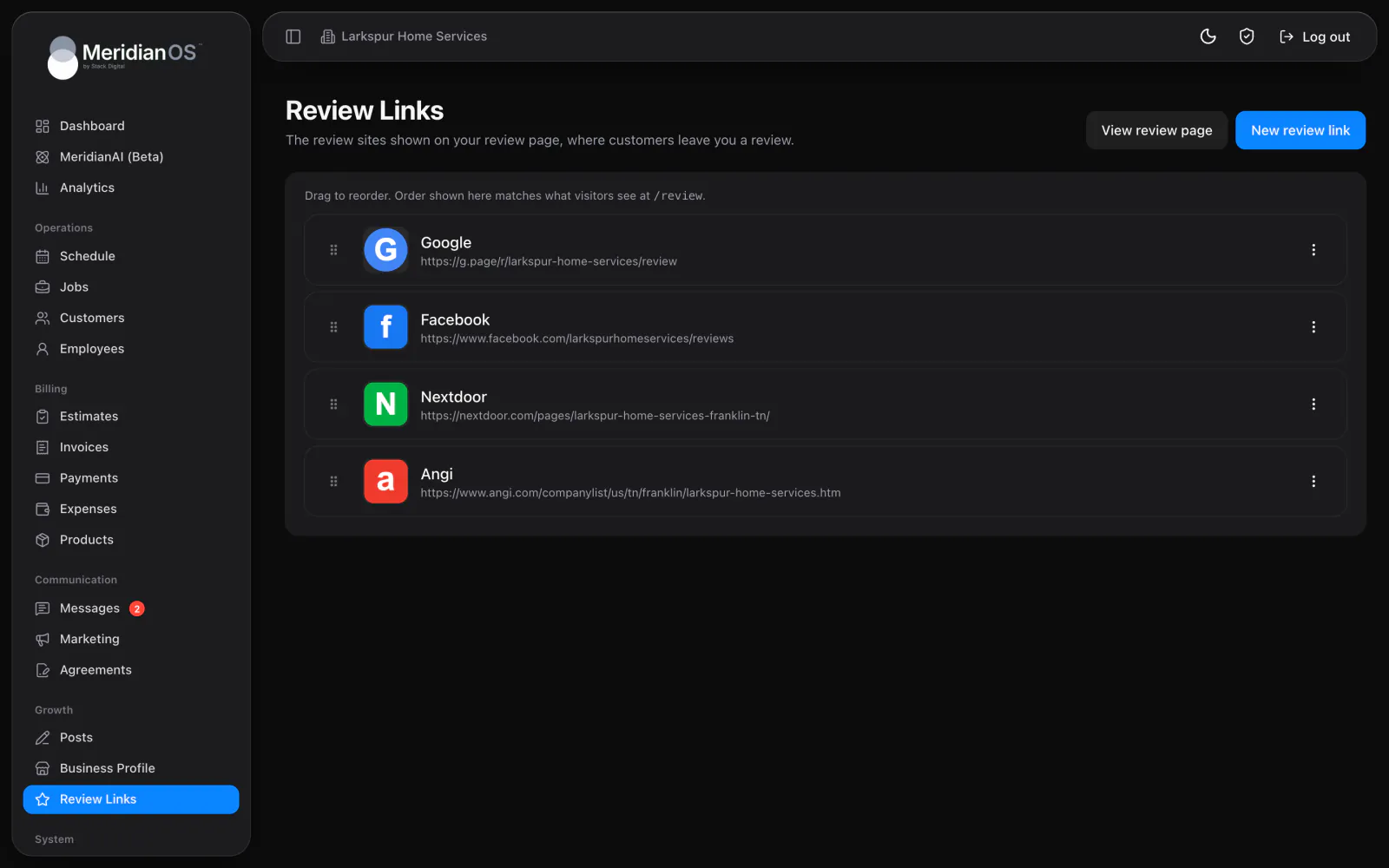
Your review page lists every review site you add, each shown with its own logo. Drag them into the order customers should see, with Google first if that matters most. The page stays out of search results, so it only reaches the customers you send there.
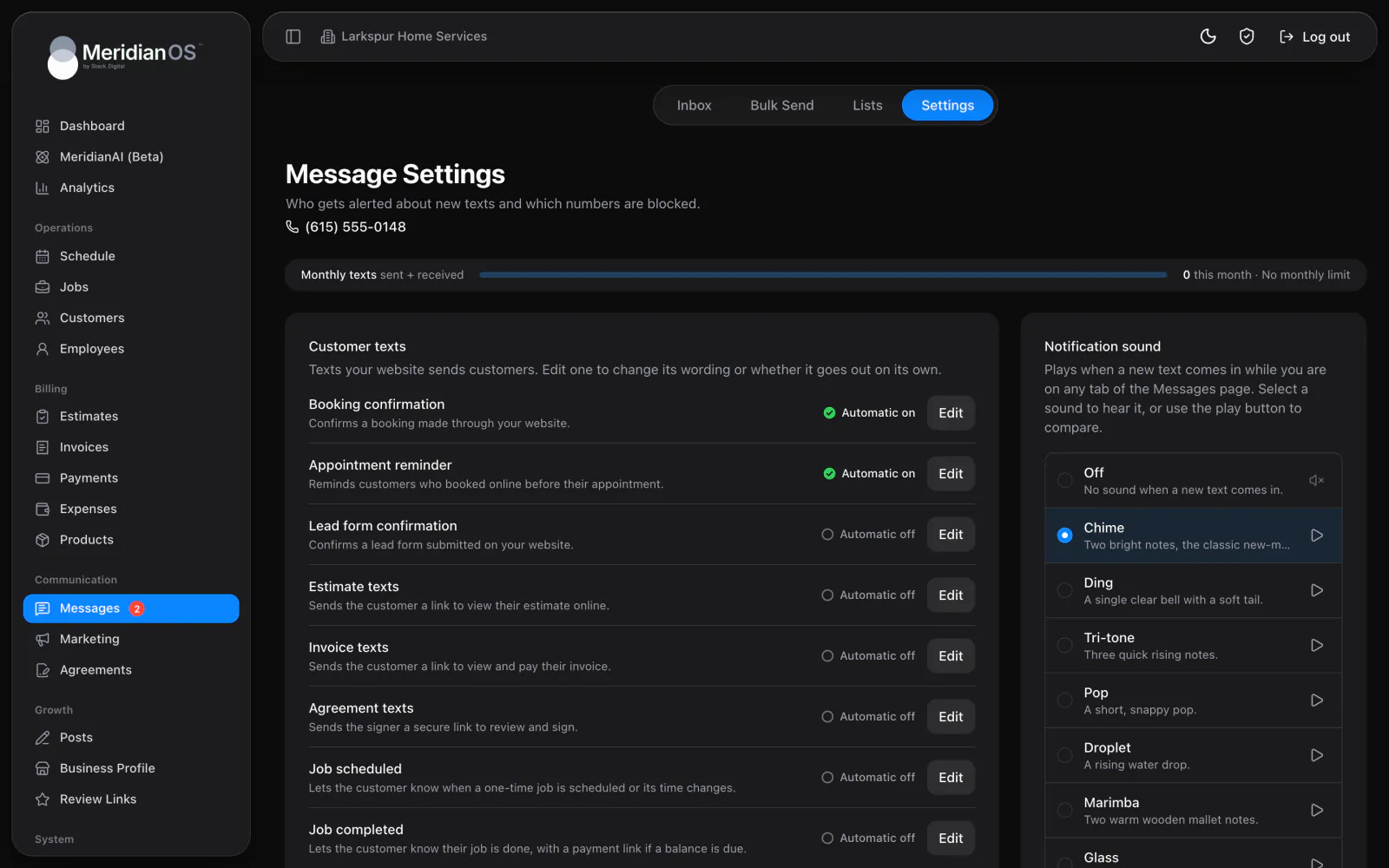
Turn on the automatic review request and MeridianOS™ texts the customer when a job is marked completed, including when a paid invoice completes it. To ask by hand, press Ask for a review in a customer's messages and the request fills in for you. The wording is yours to edit.
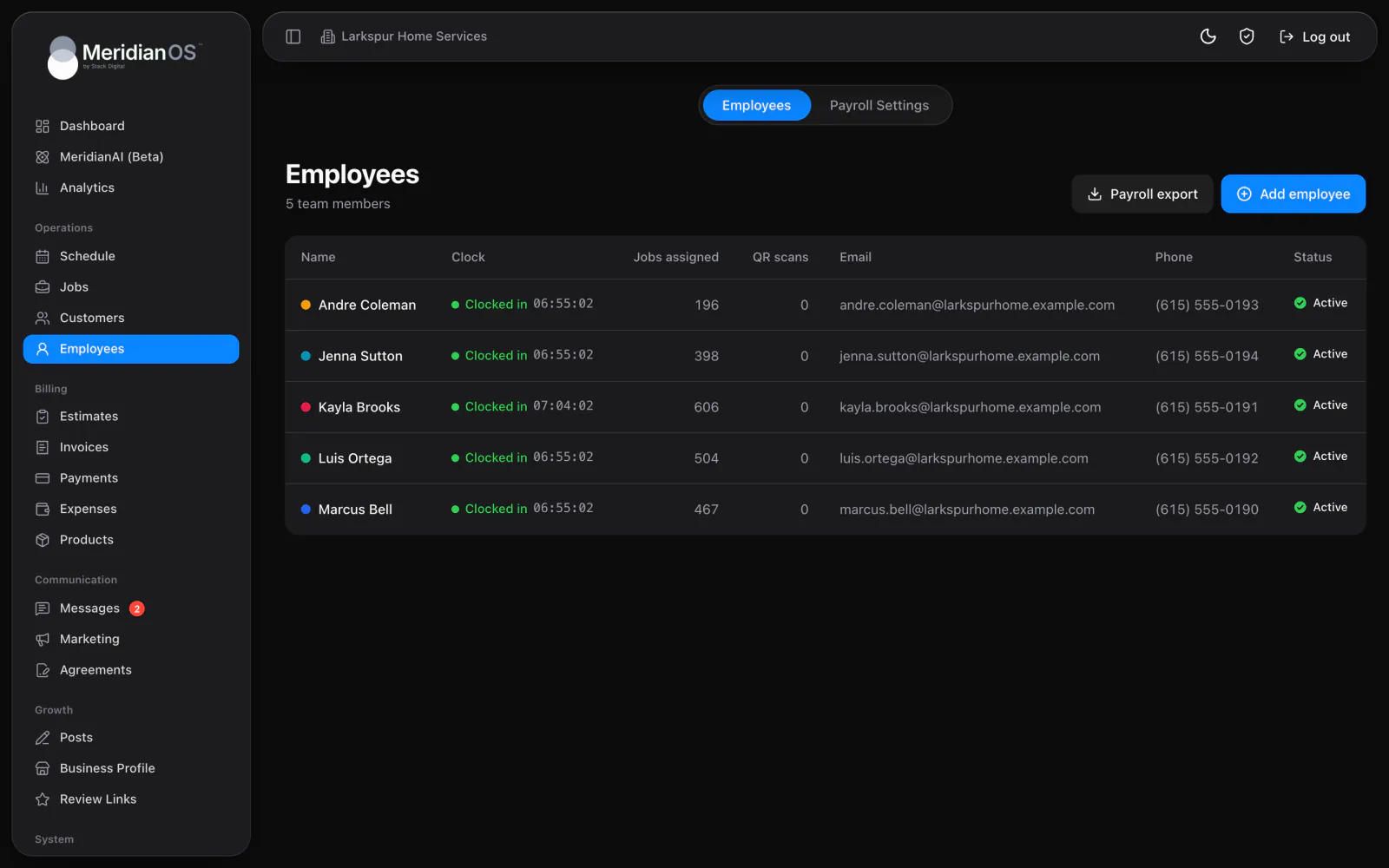
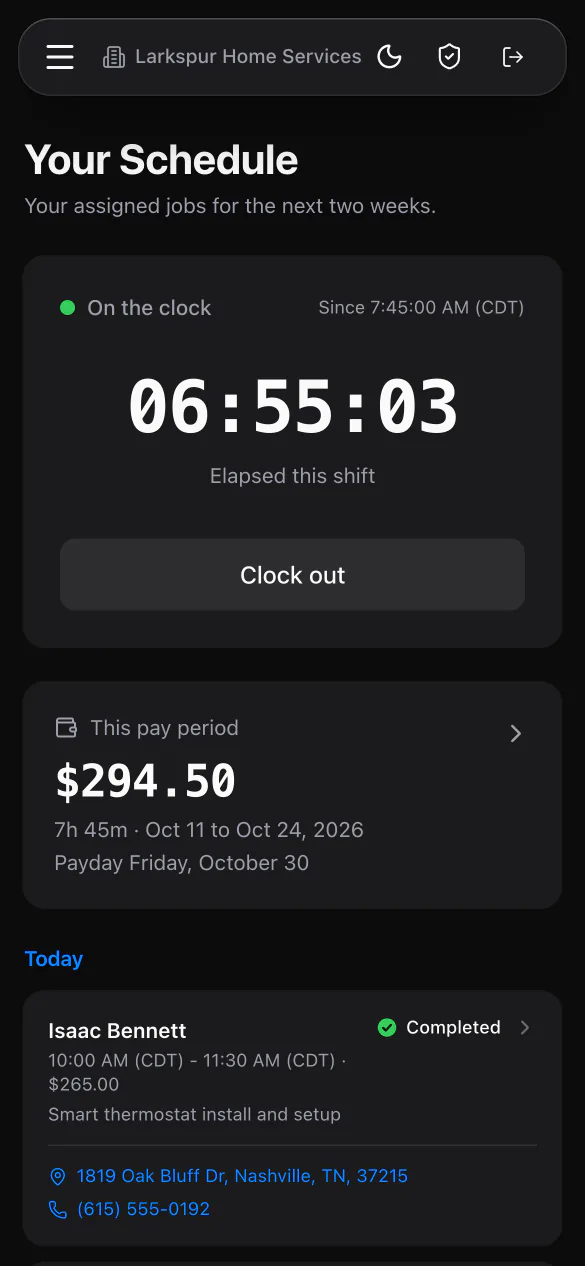
Each employee has a Review QR Code in the employee portal and the MeridianOS™ app. A customer scans it and lands on your review page, and the scan counts toward that employee. The counts show on your Employees list, so you can see who is asking.
The 90 day limit covers automatic and manual requests together. Someone on your team pressing Ask for a review cannot send a second request to a customer who was asked in the last 90 days.
When a paid invoice completes a job, the review request goes out the same as if someone had marked it completed by hand. Work that closes itself on payment still gets its ask.
Every scan of a personal QR code adds one to that employee's count before the customer reaches your review page. You see which employees are asking without anyone keeping a tally.
The review page is kept out of search engine results, so it reaches only the customers you send to it from a text or a QR code.
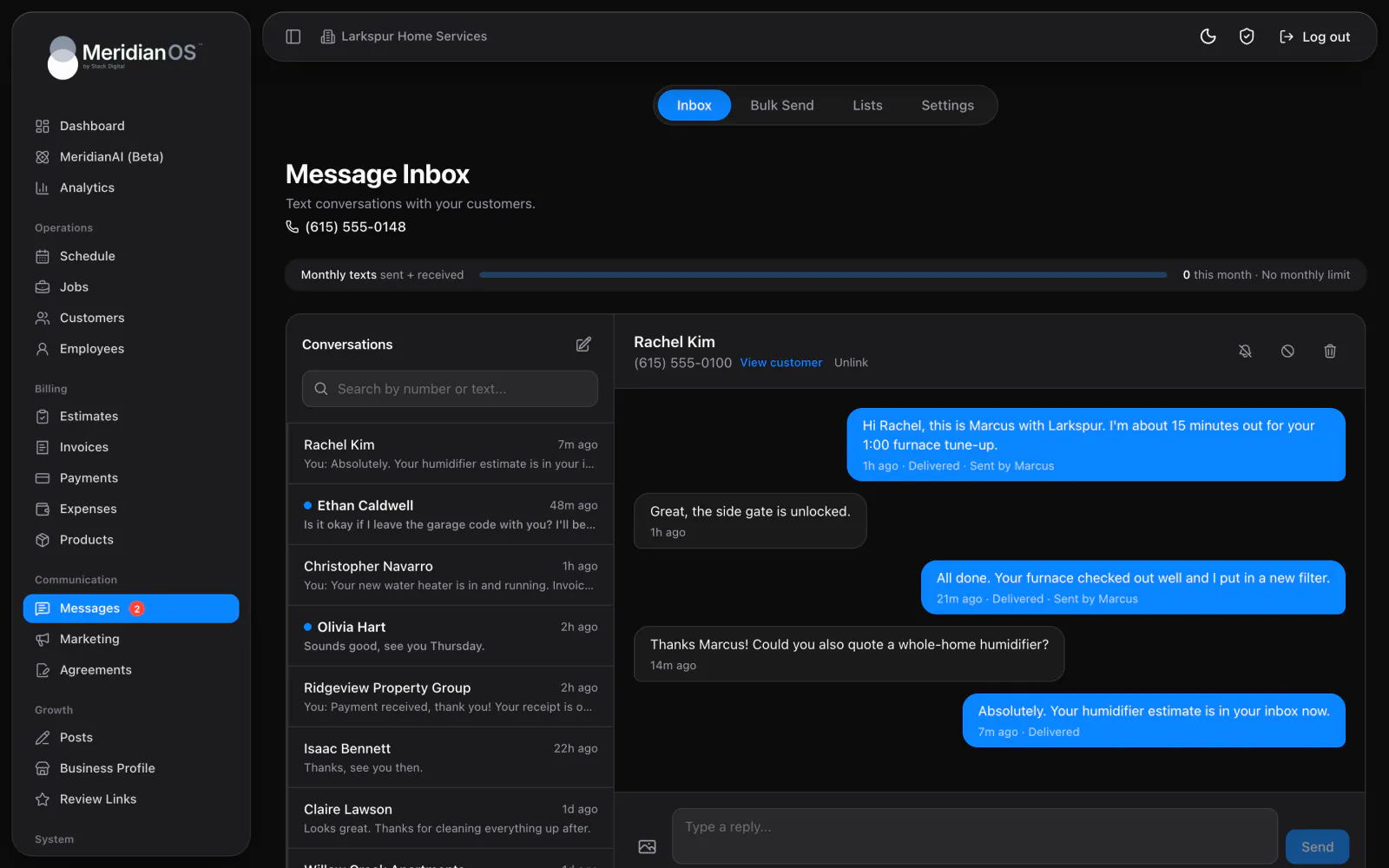
Yes. Review requests are sent by text, and texting is an add-on to MeridianOS. Once it is on for your website, you can switch on the automatic request in Messages settings.
Once every 90 days at most. The limit covers automatic texts and the Ask for a review button together, so nobody on your team can send a second request by accident.
Yes. The wording is yours to edit in Messages settings. Placeholders fill in the customer's name and your review link for each text.
Every scan of an employee's QR code adds to their count. You see the counts on the Employees list and on each employee's page, and employees see their own count next to their code.
We will show you the automatic text and an employee's QR code on a live MeridianOS™ system. Tell us what you do and we will reply within the hour.