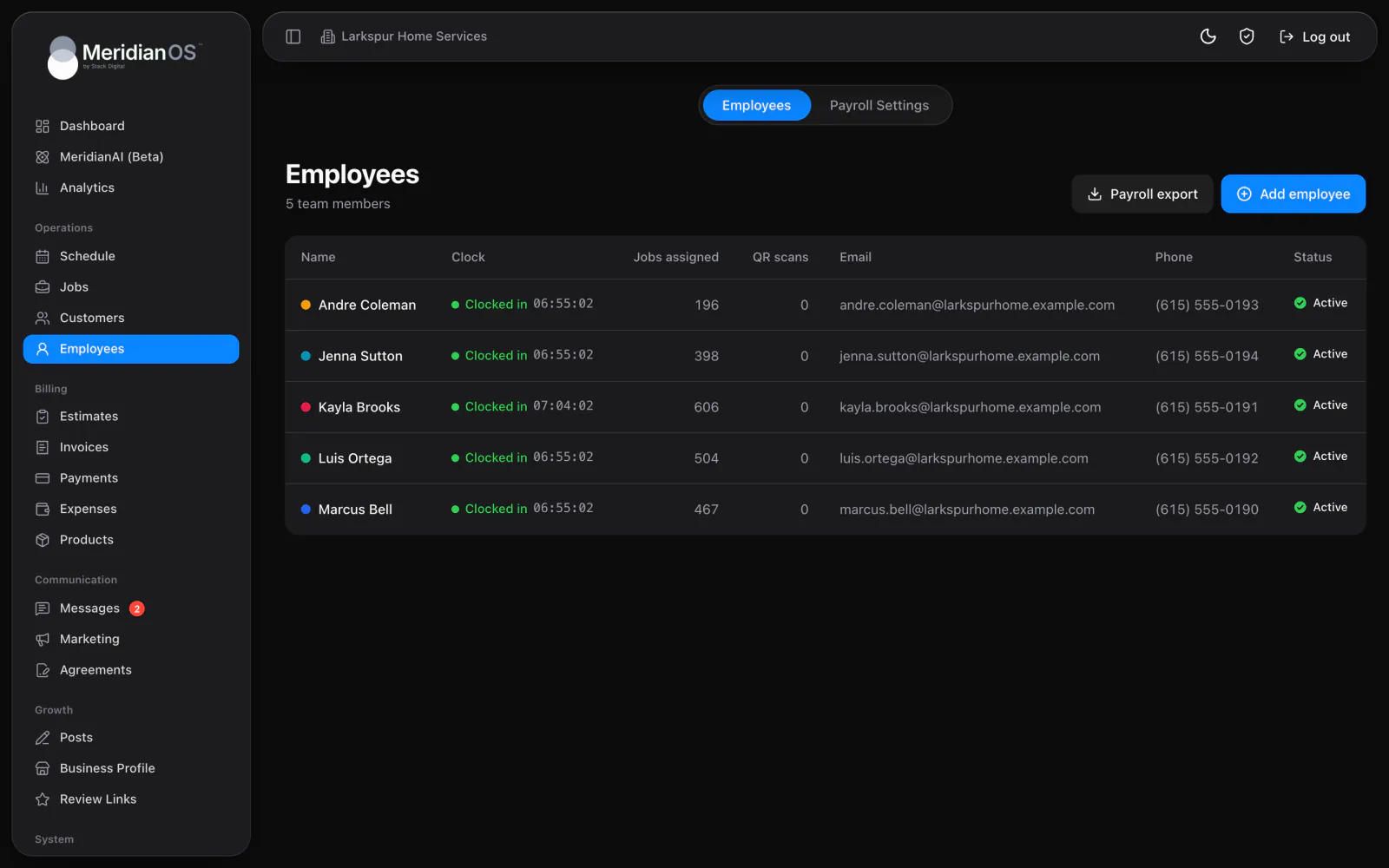
Time clock. Your team clocks in from their phones, and you see who is working right now.
Choose your state and MeridianOS™ applies its overtime rules, including daily limits and double time where they apply. Set your pay periods and paydays once, then download a file for this or last pay period with overtime already split out.
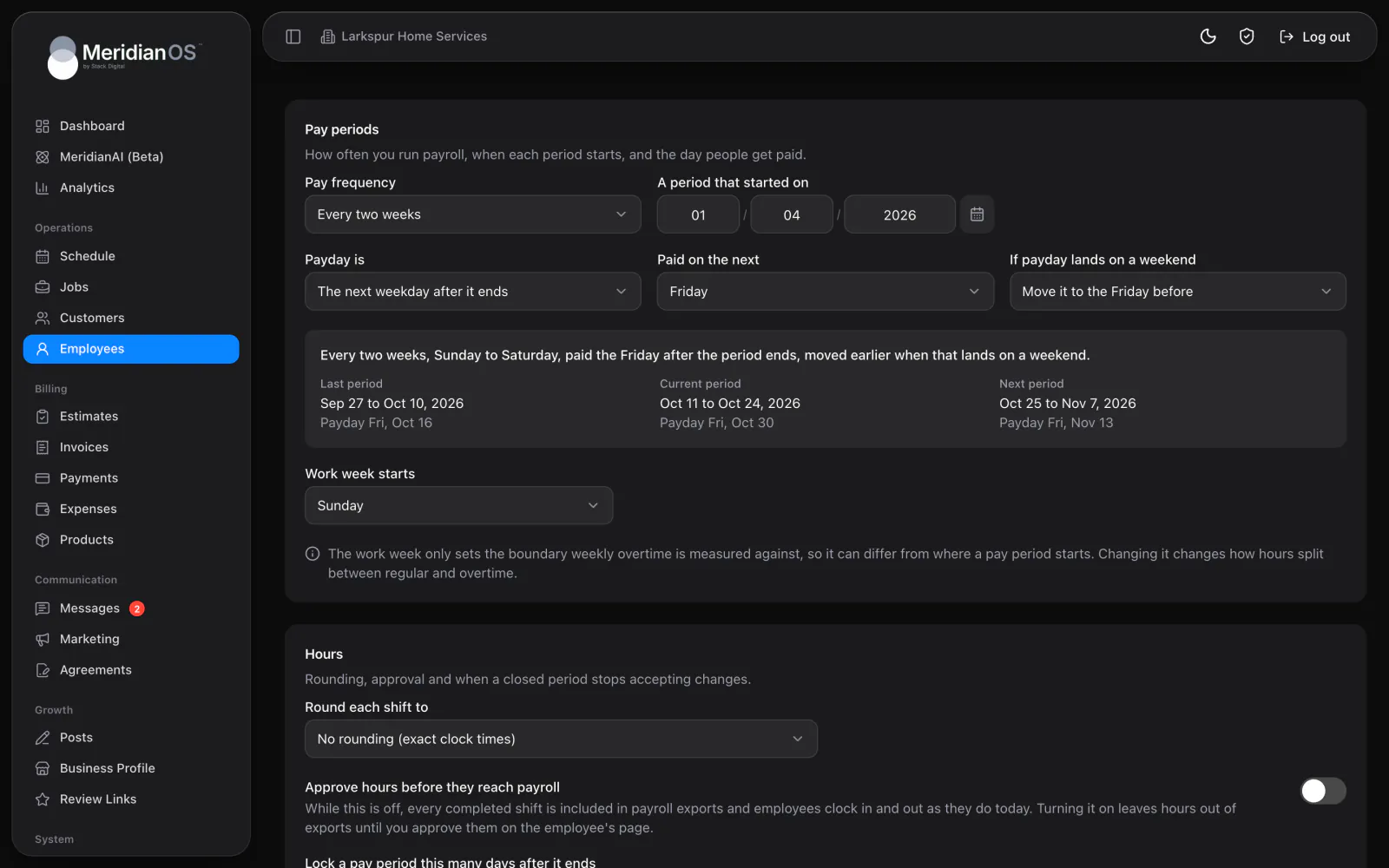
Every state listed. Pick any state, or set custom thresholds of your own.
Flexible pay periods. Weekly, every two weeks, twice a month, monthly or every so many days.
Paydays that dodge weekends. Move a weekend payday to the Friday before or Monday after.
Locked pay periods. Close a period to edits a set number of days after it ends.
Pick Federal or any of the 50 states plus DC, and MeridianOS™ applies that state's overtime rules. Alaska, California, Colorado, Kentucky and Nevada carry special rules beyond the federal 40-hour week. Custom lets you set weekly, daily, double-time and hours-in-a-row thresholds yourself.
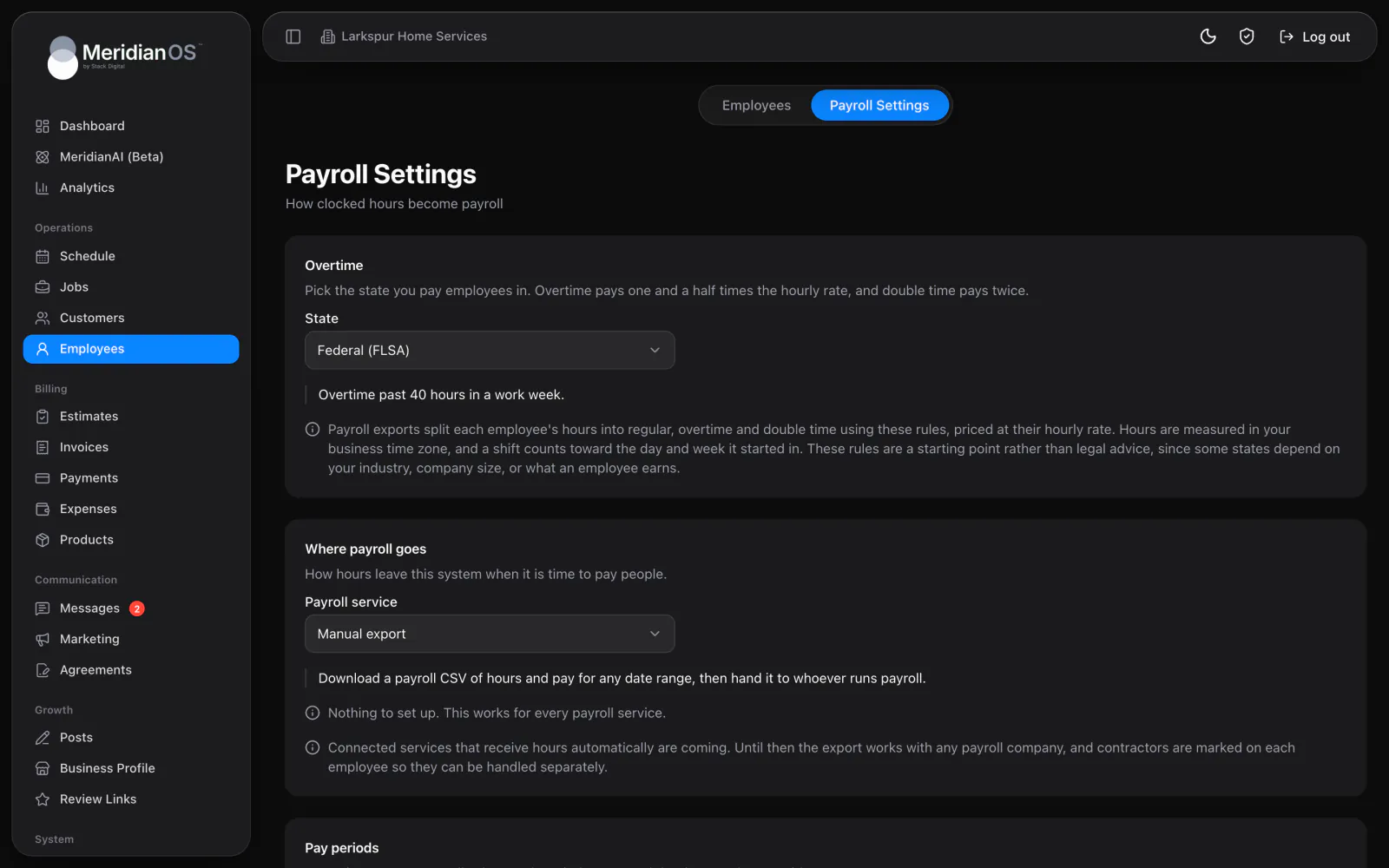
Pay weekly, every two weeks, twice a month, monthly or every so many days. Payday lands a set number of days after the period ends or on a set day of the month, and a weekend payday can move to the Friday before or the Monday after. A preview shows your recent and upcoming periods with their paydays.
Payroll export runs for everyone or for one employee, with This pay period and Last pay period one click away. Before you download, it restates your overtime, pay period, rounding and approval settings. Each row is a completed shift with its clock times, hourly rate, overtime hours and total pay.
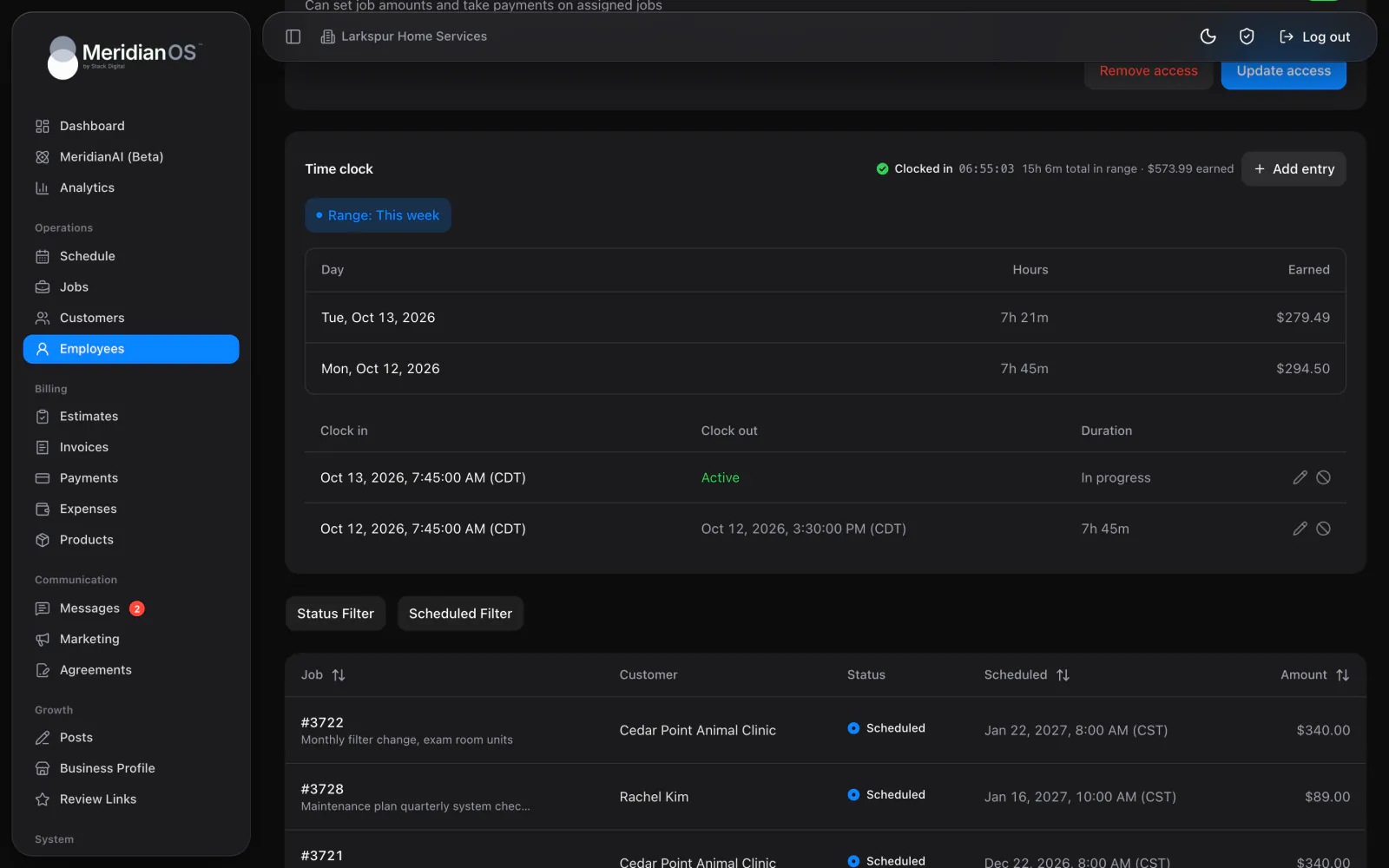
Overtime is charged to the last hours worked, so earlier shifts stay regular. Each shift in the export shows exactly which part went over.
When daily and weekly limits both apply, each overtime hour is counted once. A long day inside a long week never pays the same hour twice.
Turn on locking and a pay period closes a set number of days after it ends. After that, shifts in it cannot be changed or added.
Where a state's overtime rule depends on company size or wage, MeridianOS™ shows an advisory note when you pick it. You know to check before relying on the numbers.
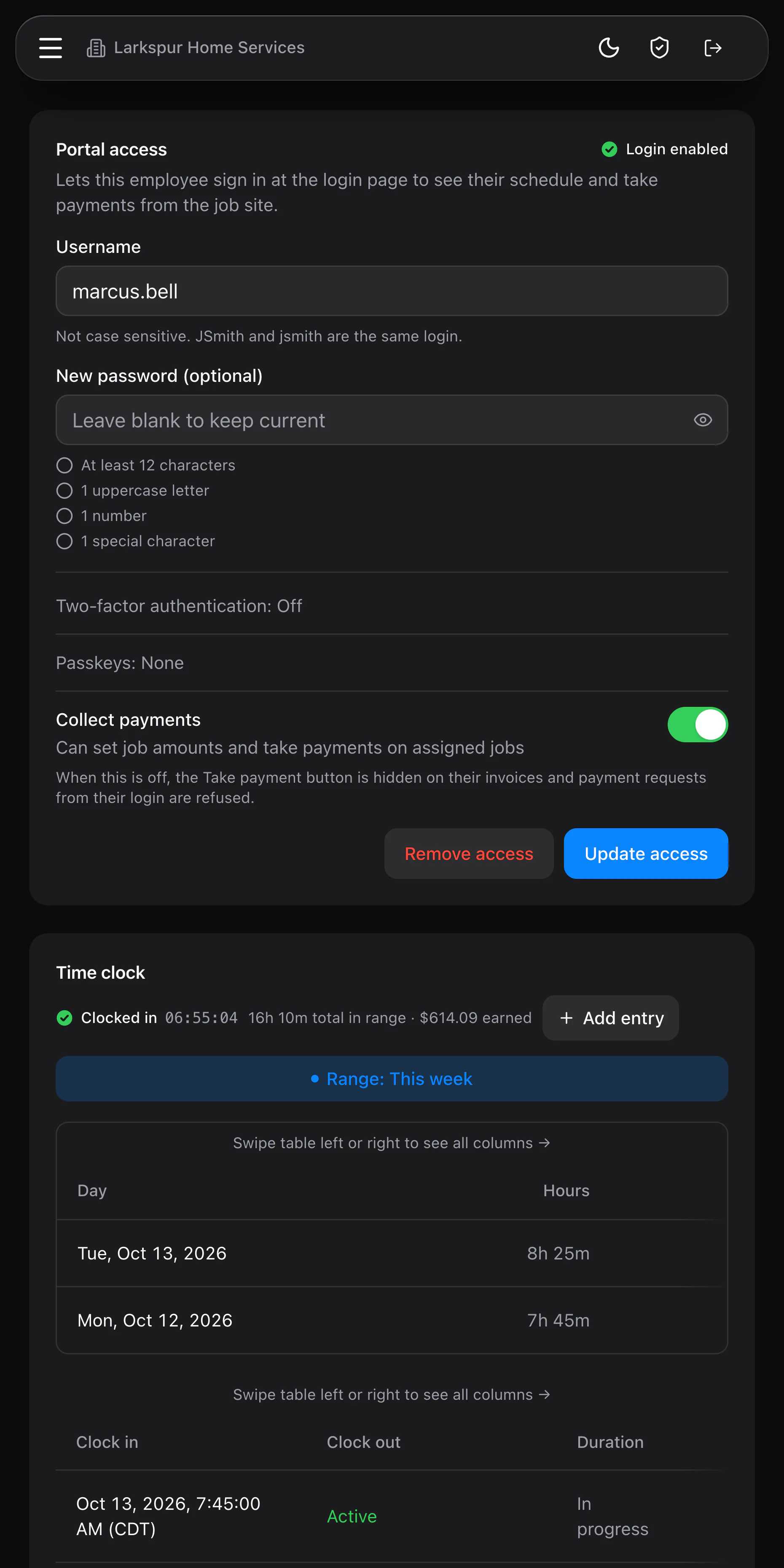
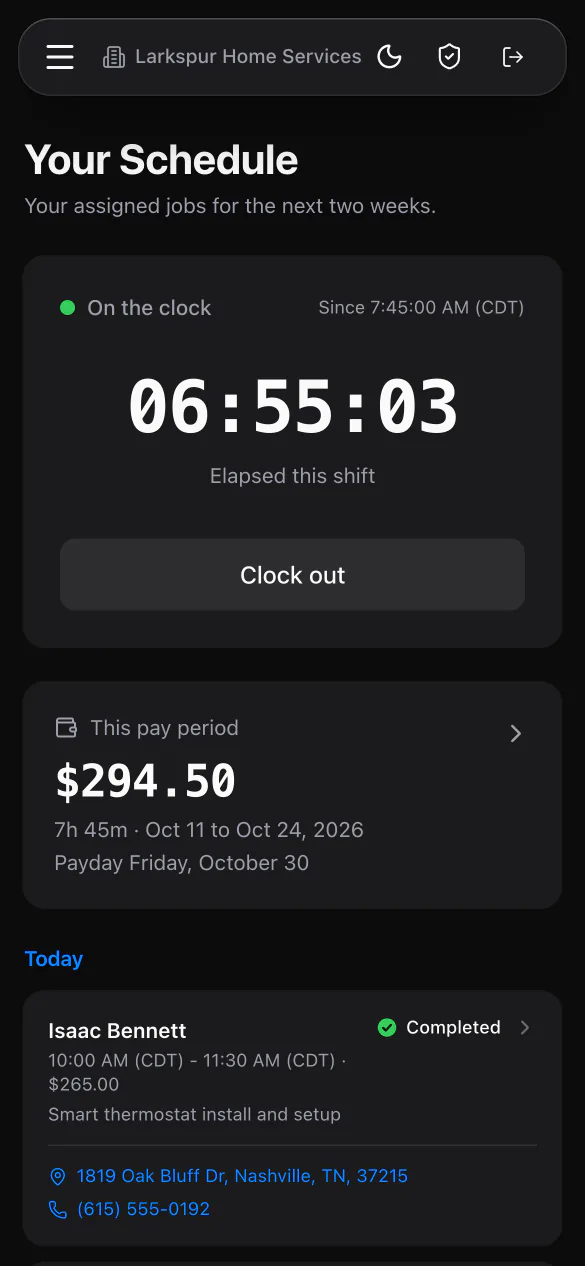
Download Payroll export for this or last pay period and hand the file to whoever runs your payroll. Each row is a completed shift with overtime and double time already split out.
No. They are a starting point, and you should confirm them for your business. Custom thresholds let you match the rules you follow.
Yes. That is the default, with payday on the Friday after the period ends. You can change the frequency or the payday rule whenever you need.
Yes. An overnight shift counts toward the day and week it started in, so its overtime lands in the right week.
We will show you your state's overtime rules and a payroll export on a live system. Tell us what you do and we will reply within the hour.