Online payments. Customers pay by card, bank transfer, Apple Pay, or Google Pay on your own website.
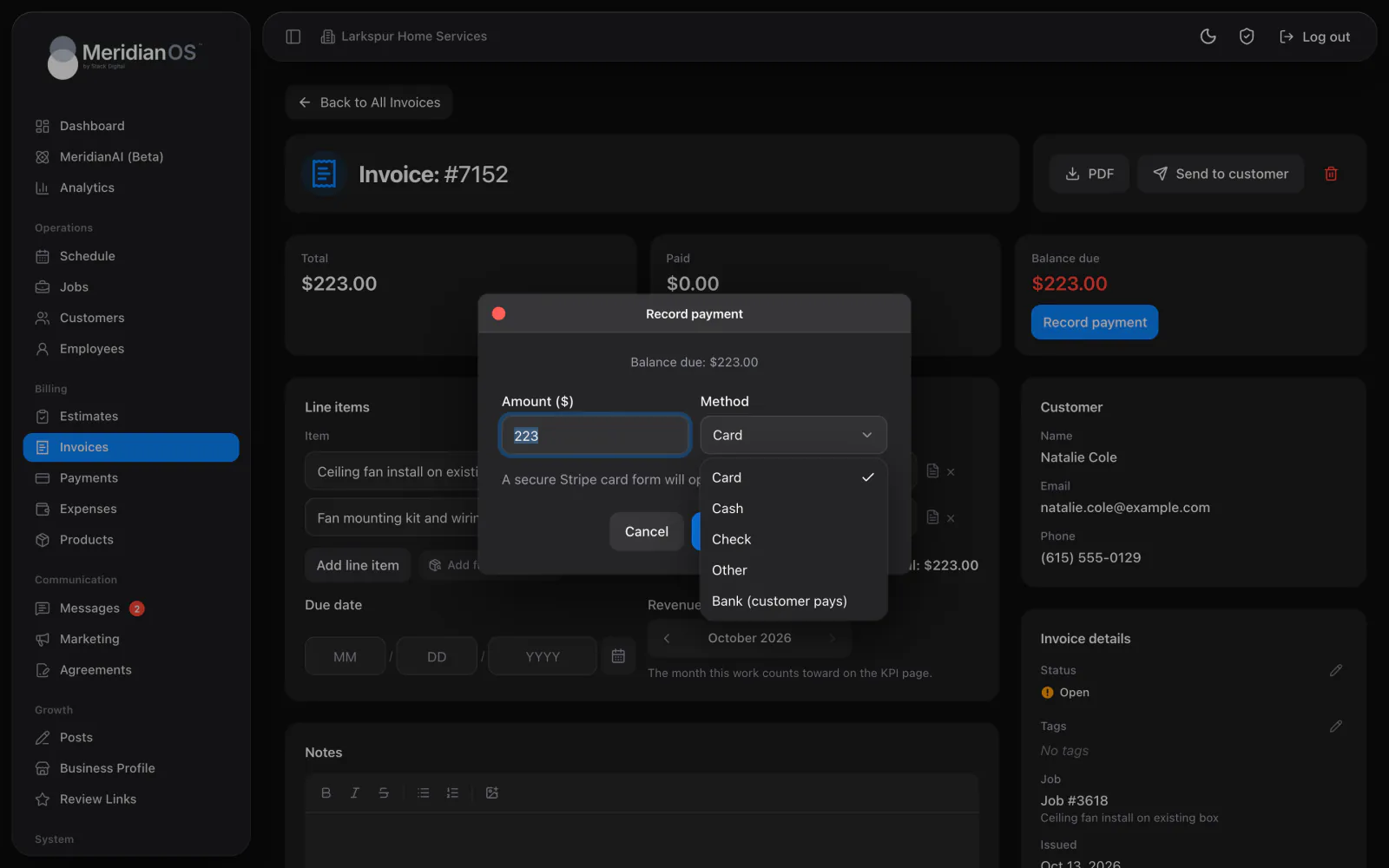
See what is available to pay out and what is already on the way to your bank. Refunds and bank disputes are handled in the same Payments area of MeridianOS™, with each invoice one click away.
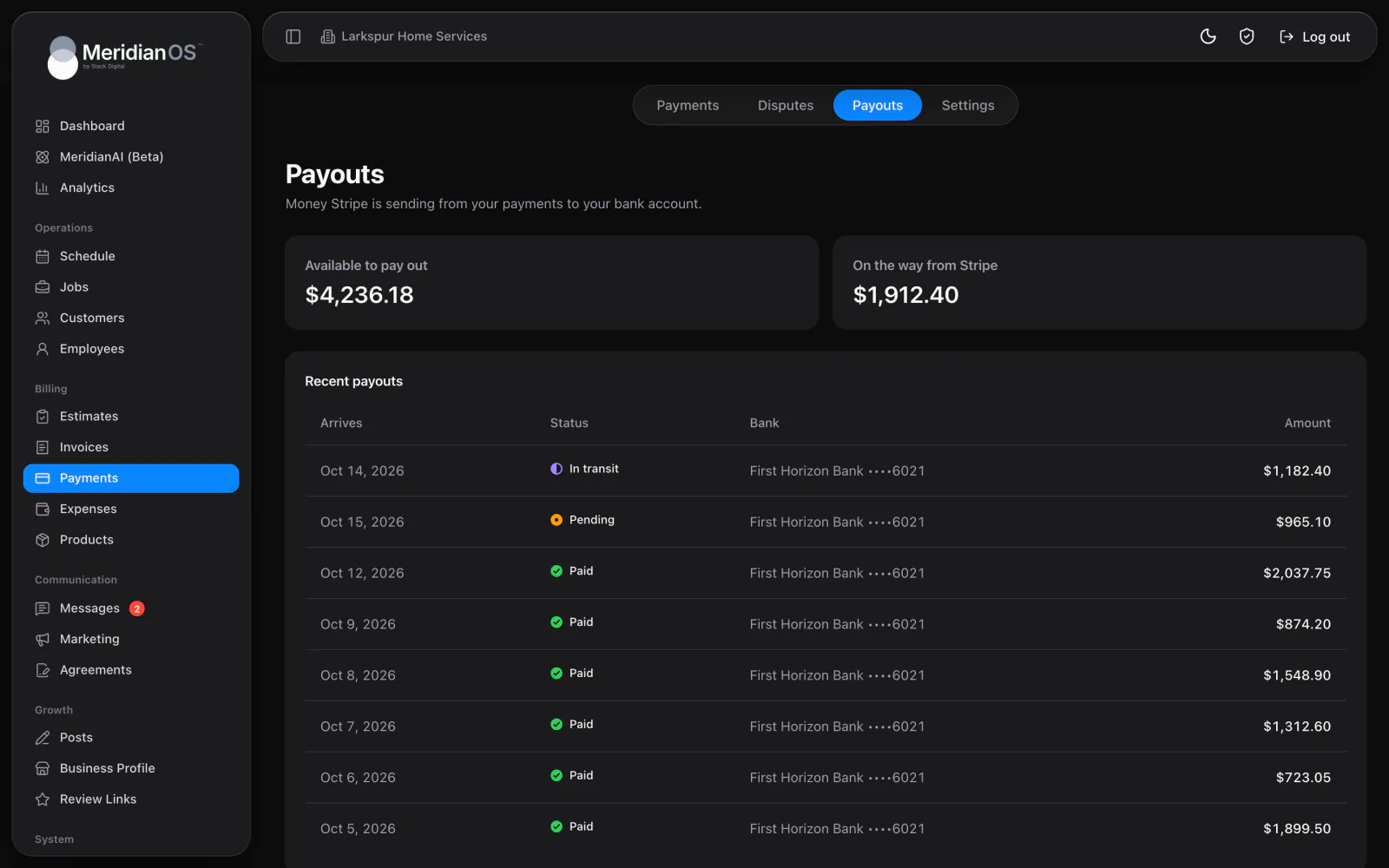
Payouts at a glance. See what is available and what is on the way from Stripe.
Full or partial refunds. Send back any amount up to the payment, with a reason.
Disputes answered here. Evidence is filled in from the invoice and the job.
Alerts that find you. Failed bank payments and dispute updates arrive in your email.
The Payouts tab shows what is available to pay out and what is already on the way from Stripe. Recent payouts list the arrival date and status, with the bank name and the last four digits of the account. The dashboard Payments card repeats the same summary.
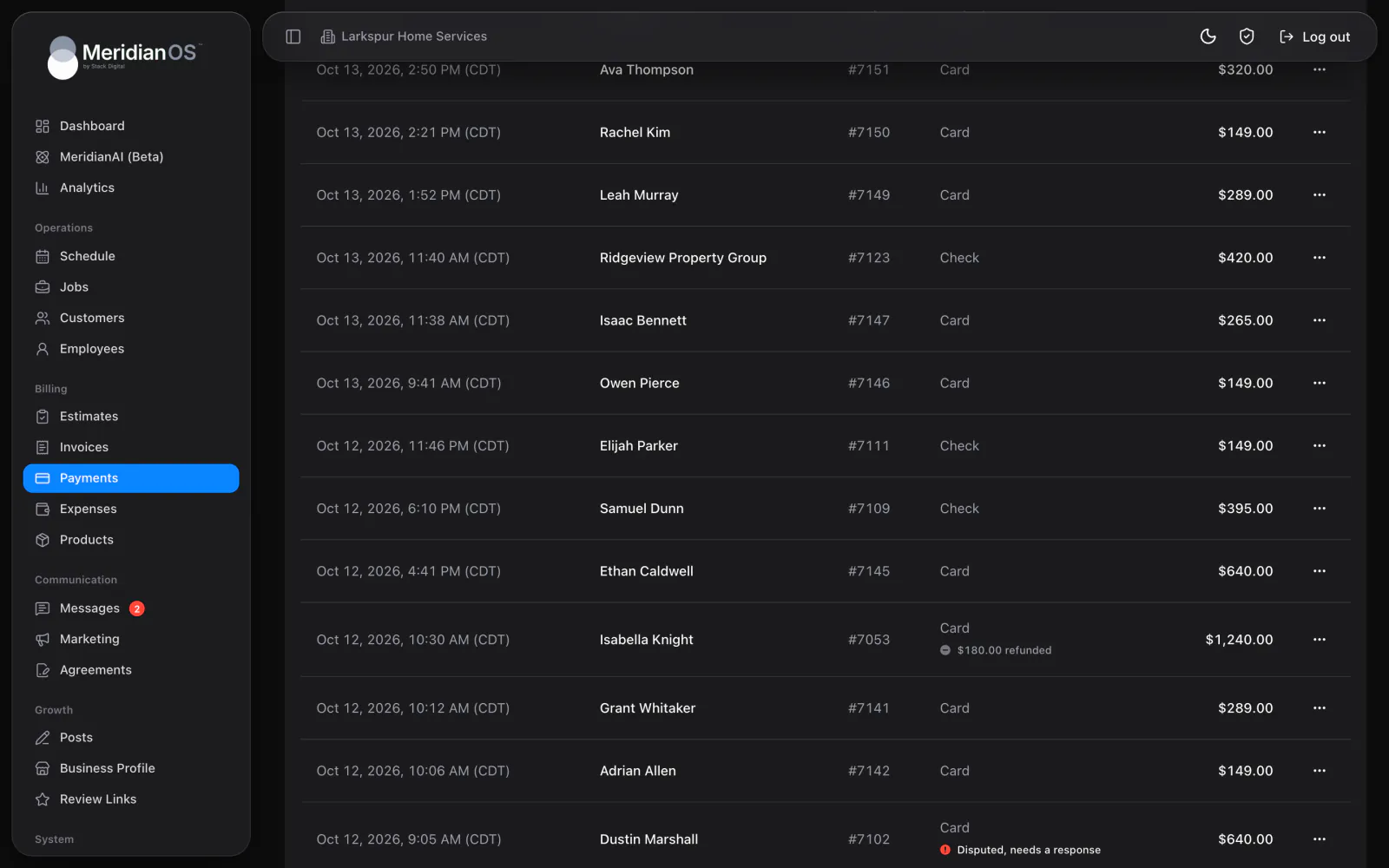
Choose Refund on an online or card payment and enter the full amount or part of it, with a reason such as a duplicate payment. The money goes back to the card or bank account the customer paid with, usually within 5 to 10 business days. Badges on the list show what is pending, failed, refunded or disputed.
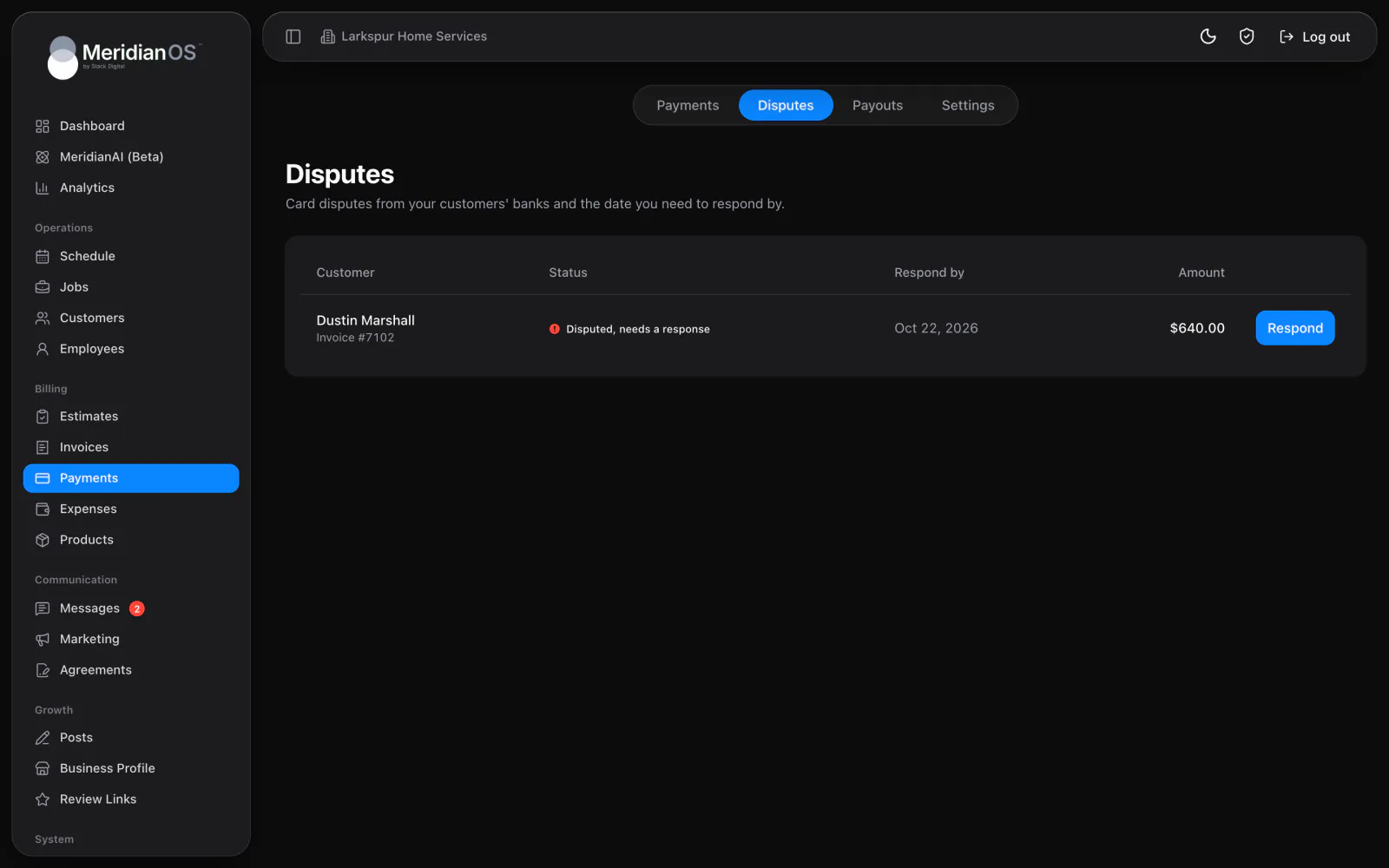
When a customer disputes a charge, MeridianOS™ explains the reason in plain words and shows the date you need to respond by. The customer's details and the work you provided are already filled in from the invoice and the job. Add your files and submit the evidence when it is ready.
A partial refund is divided in proportion across every part of the payment, tips and fees included, so each customer's lifetime value stays accurate.
If a dispute is lost, the payment is marked refunded and comes out of your totals on its own. If the outcome is later reversed, MeridianOS™ puts it back.
If you ever change Stripe accounts, a payment taken through the earlier one is never refunded against the account you use now.
Dispute evidence can only be sent to the bank once, so MeridianOS™ asks you to confirm before it goes. Until then you can save a draft and keep adding to it.
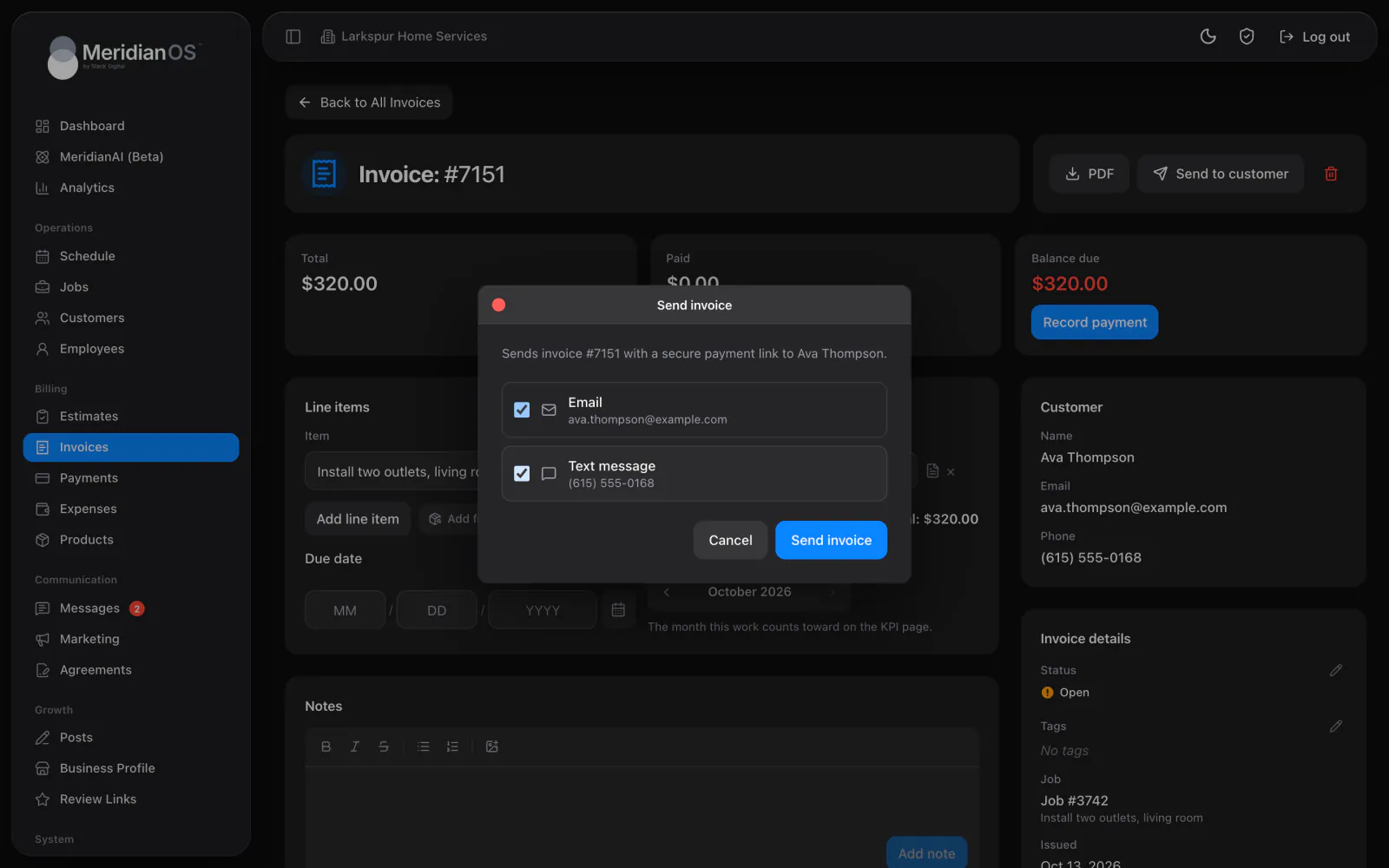
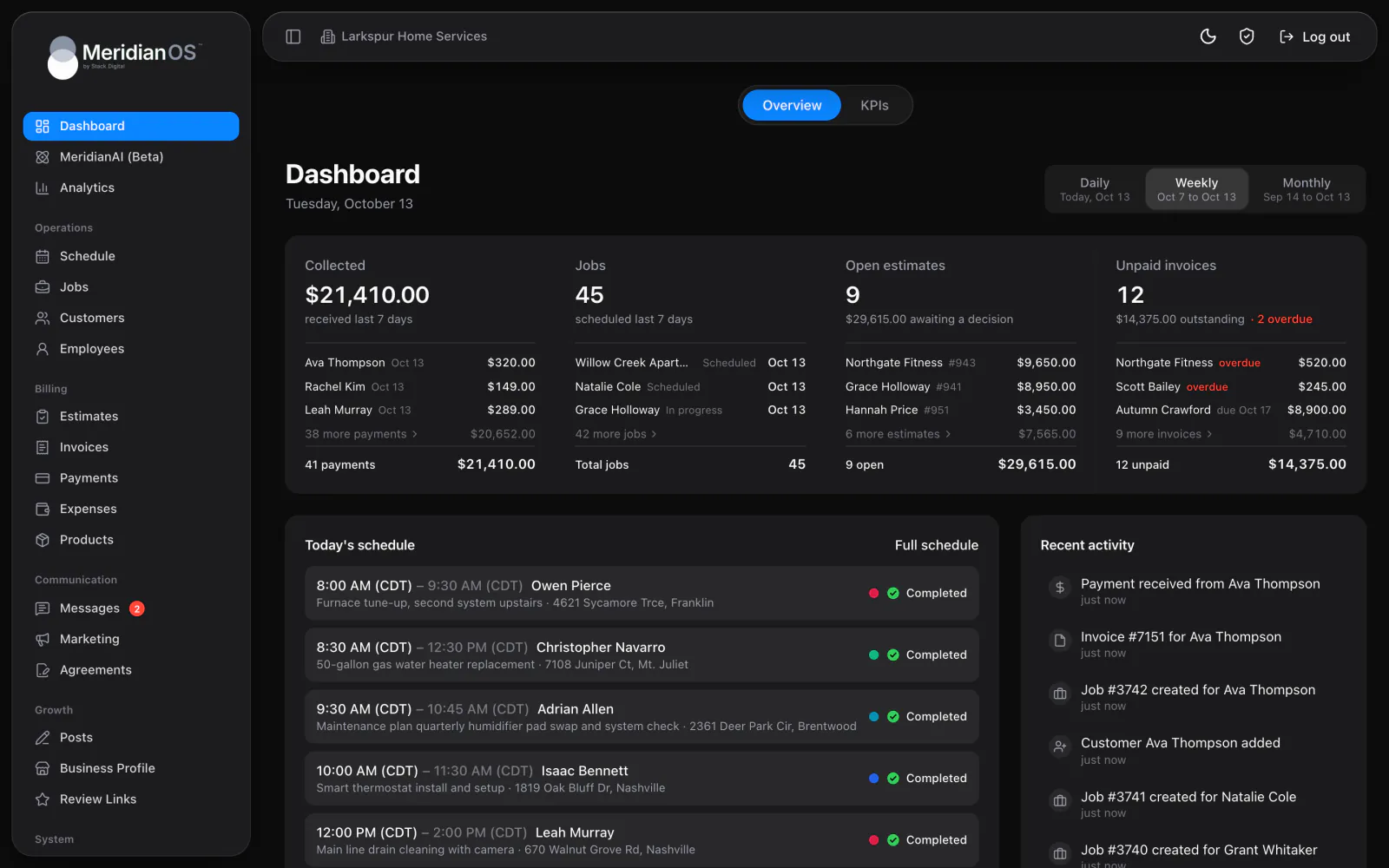
The money goes back to the card or bank account they paid with, usually within 5 to 10 business days. The payment is marked refunded in MeridianOS, and the customer's lifetime value adjusts to match.
Yes. Enter any amount up to the payment and choose a reason. The payment then shows the amount refunded on the list.
Yes. Your payout schedule and bank account are set in your Stripe Dashboard, and MeridianOS links you straight there. Every payout still shows in MeridianOS with the bank name and last four digits.
You get an email and a dashboard banner with the date you need to respond by. The evidence is already filled in from the invoice and the job, so you add your files and submit.
We will walk you through a refund and a dispute response on a live system. Tell us what you do and we will reply within the hour.