Online payments. Customers pay by card, bank transfer, Apple Pay, or Google Pay on your own website.
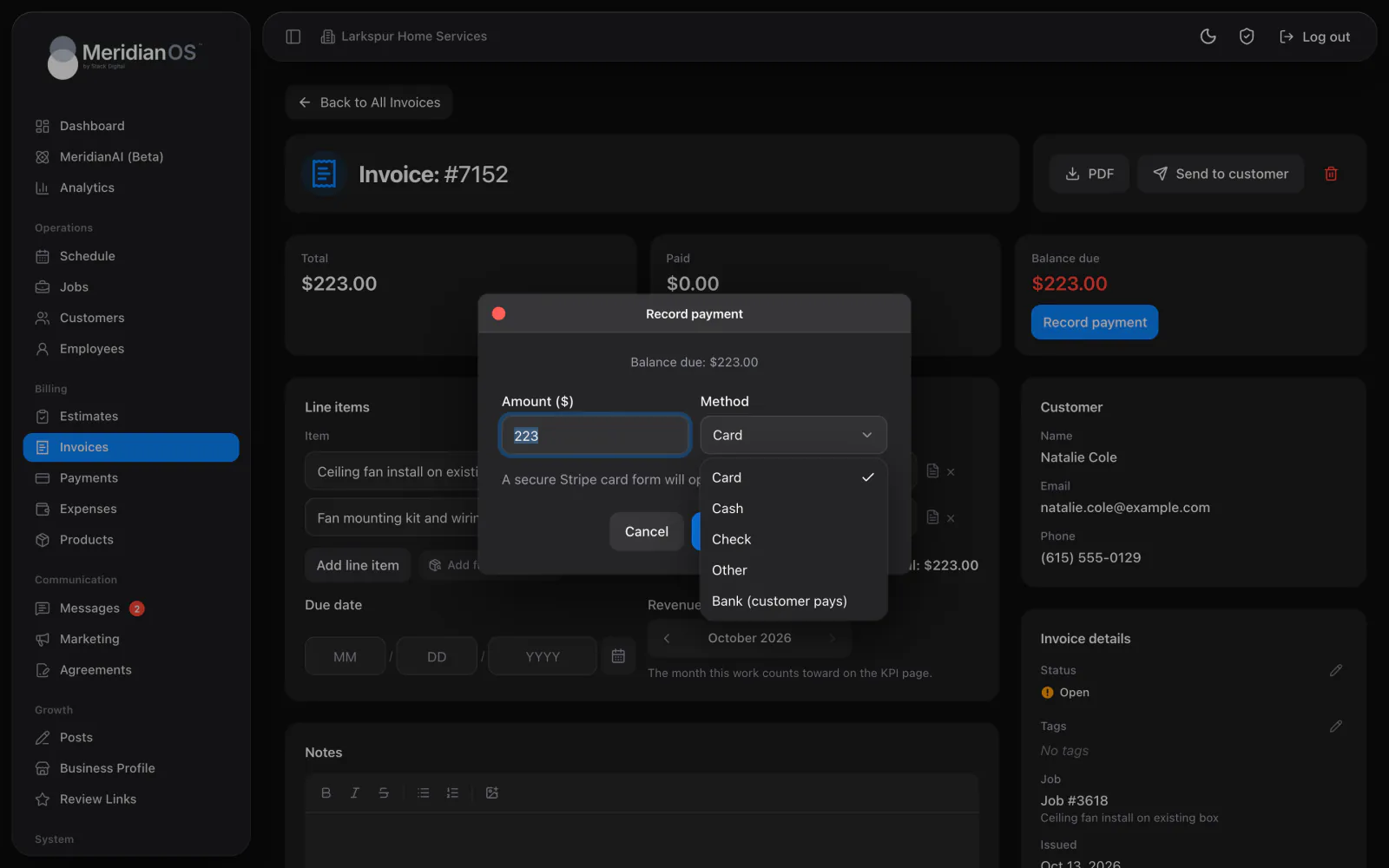
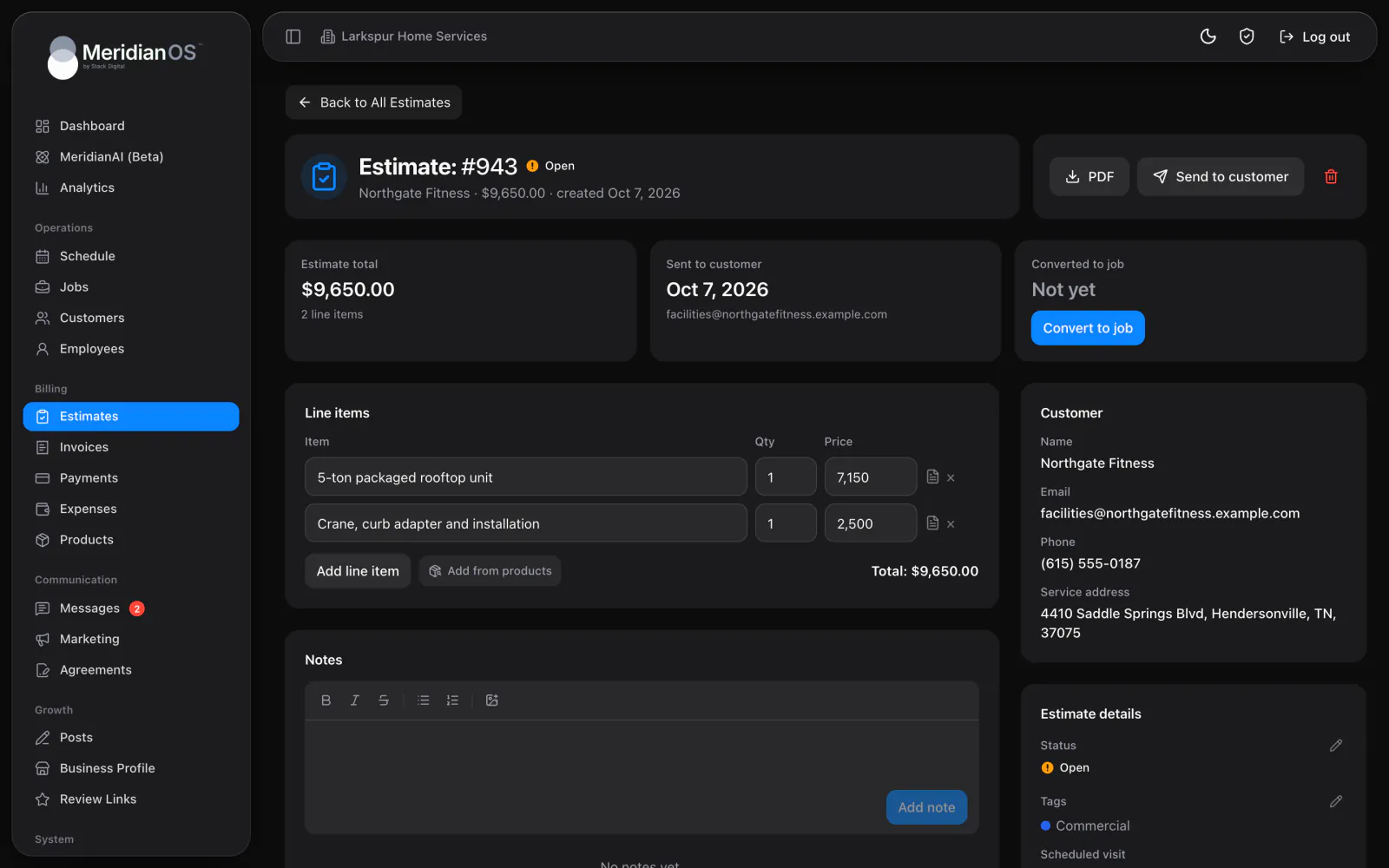
Build an invoice from the job in one click and send it by email and text with a link to pay. Reminders go out on the schedule you set, and the job closes itself when the balance is paid.
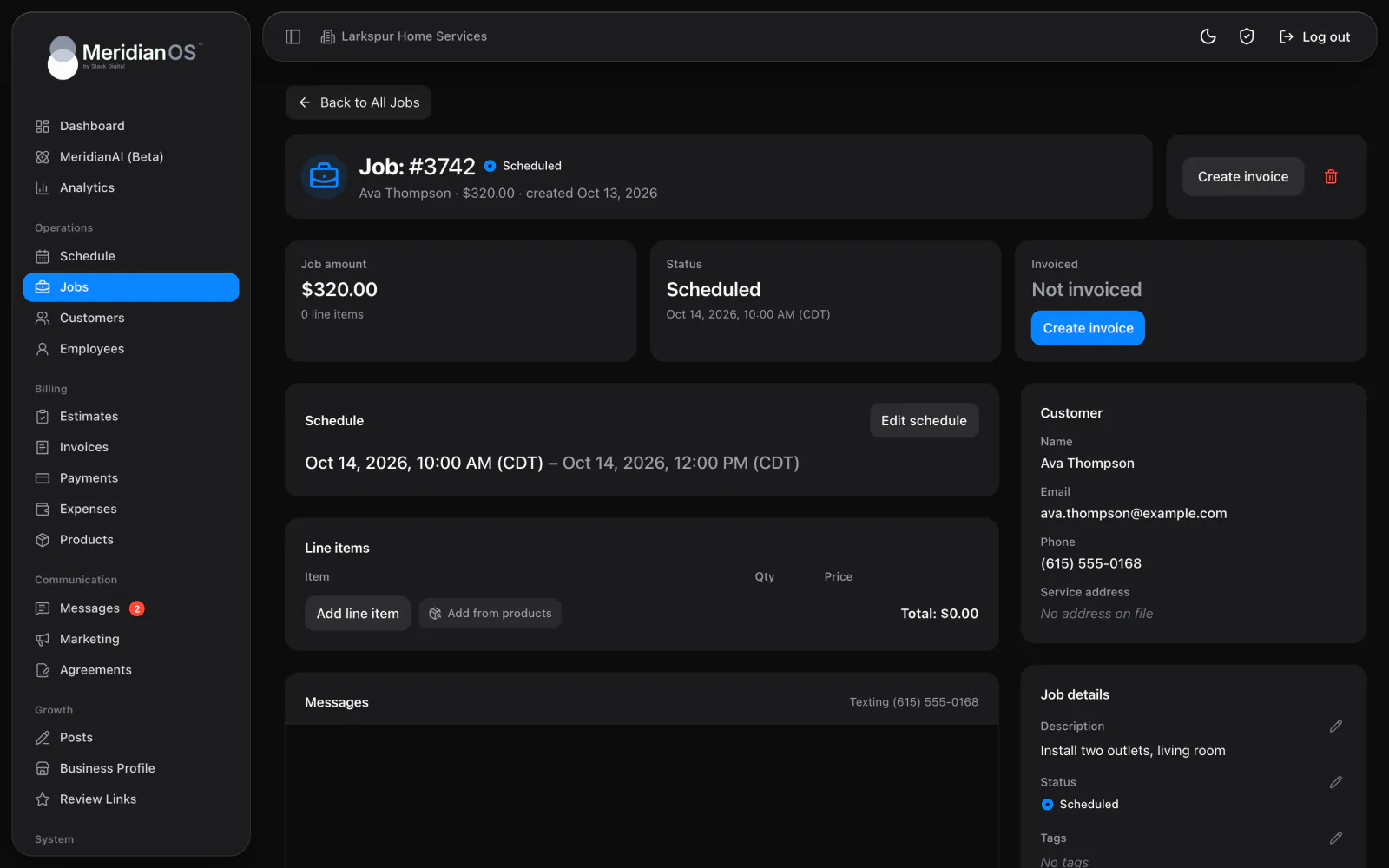
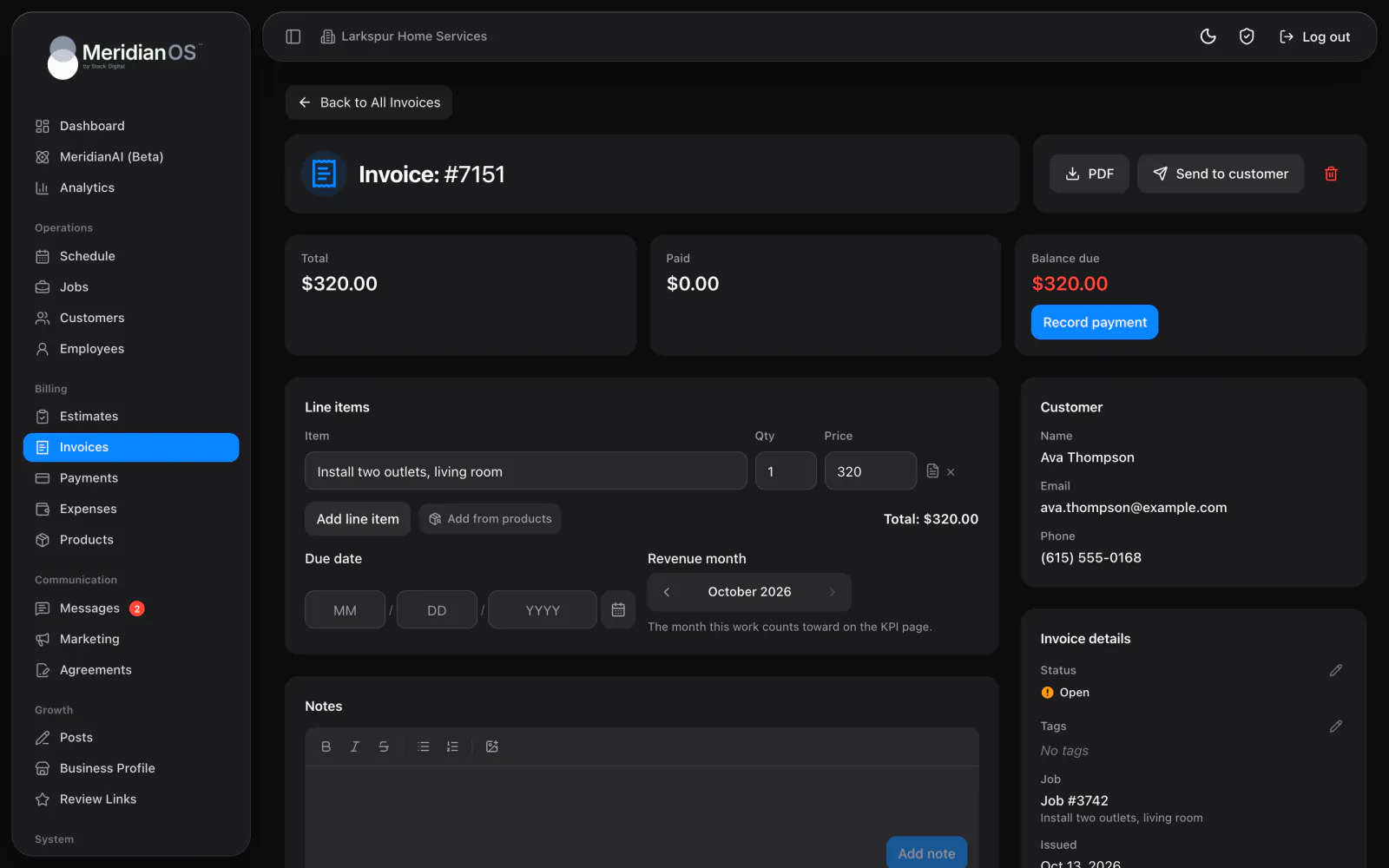
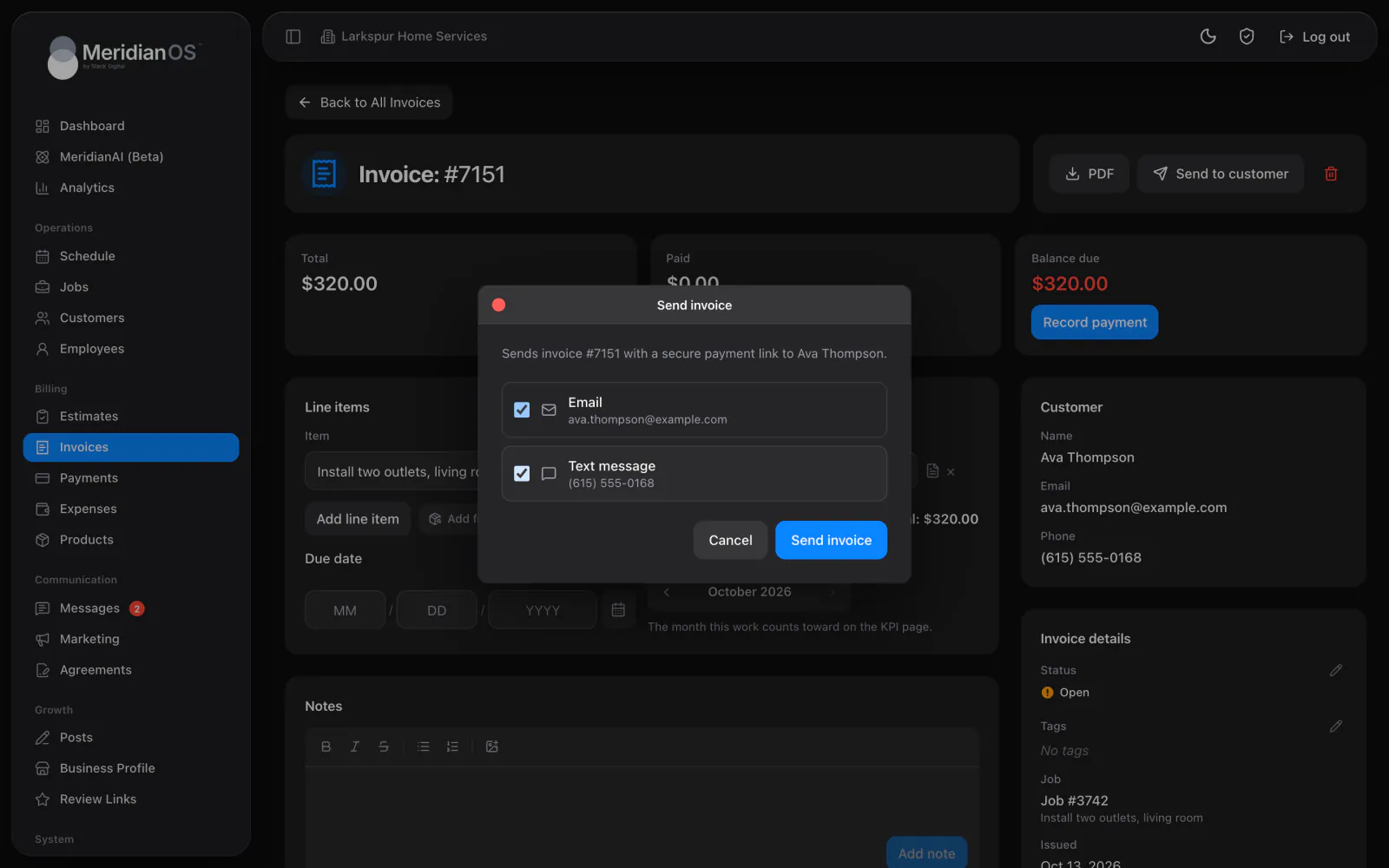
One click from the job. Create invoice copies the job's line items and payment terms.
Email and text. Every send carries the invoice with its PDF and a private link to pay.
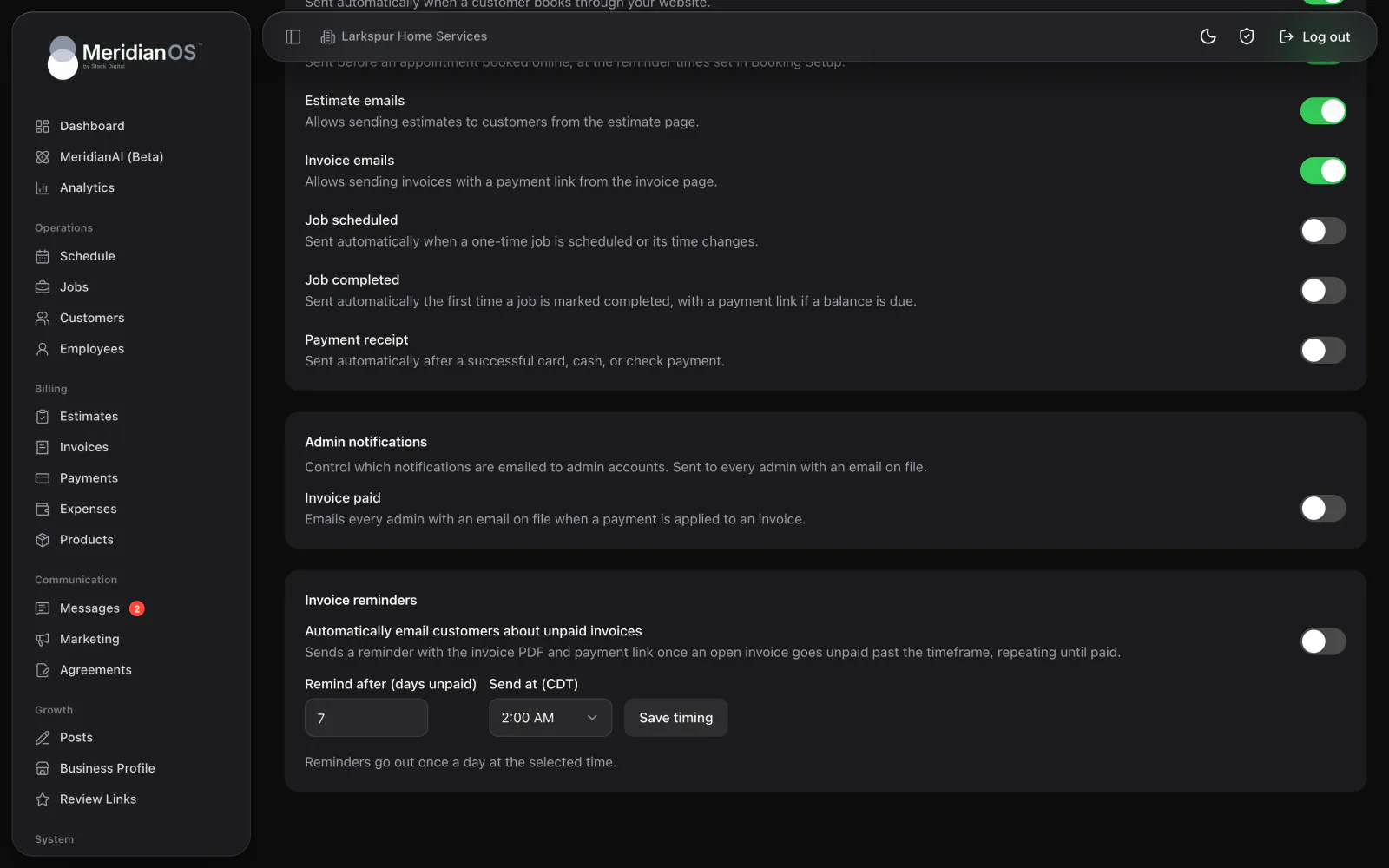
Reminders until paid. Pick how long to wait and what time of day they go out.
Partial payments. Record any amount and the balance updates on its own.
An invoice in MeridianOS™ begins with the job it belongs to. The line items and payment terms come across when you press Create invoice, with the customer already attached. Your price list is one search away, and every item stays editable for this customer.
Choose email or text each time you send, or use both. The email lists every line with the balance due and a button to view and pay, with the PDF attached. The text is a short message with a pay link, in wording you can edit.
Turn on invoice reminders and choose two things: how many days an invoice can sit unpaid, and what time of day reminders go out. MeridianOS™ then emails the customer the PDF and the pay link once a day at that time, and repeats at the same interval until it is paid.
When the pay page and the payment processor both report the same payment, MeridianOS™ records it a single time. The balance you see is the real balance.
Paying an invoice completes its job only when the visit is today or earlier and nothing else on the job is unpaid. Work a customer paid for in advance stays scheduled.
An invoice with payments on it cannot be deleted, one at a time or in bulk. MeridianOS™ points you to void it, so the record stays whole.
Each billing period is claimed before its invoice is created, so the same visits can never land on two invoices.
Yes. Every invoice has a private pay link. With your Stripe account connected, customers can pay by card, bank transfer, Apple Pay, or Google Pay, and the invoice updates on its own.
Yes. When you record a payment you can enter any amount up to the balance. The invoice shows what has been paid and what is left, and turns Paid once payments cover the total.
No. You can send invoices and record cash or check payments without it. Connecting Stripe adds online and card payments.
As soon as the invoice is paid. Until then a reminder goes out at the interval you chose, once a day at most, at the time of day you picked.
We will show you your jobs and invoices working together on a live system. Tell us what you do and we will reply within the hour.