Invoicing. Build the invoice from the job and send it by email and text with a link to pay.
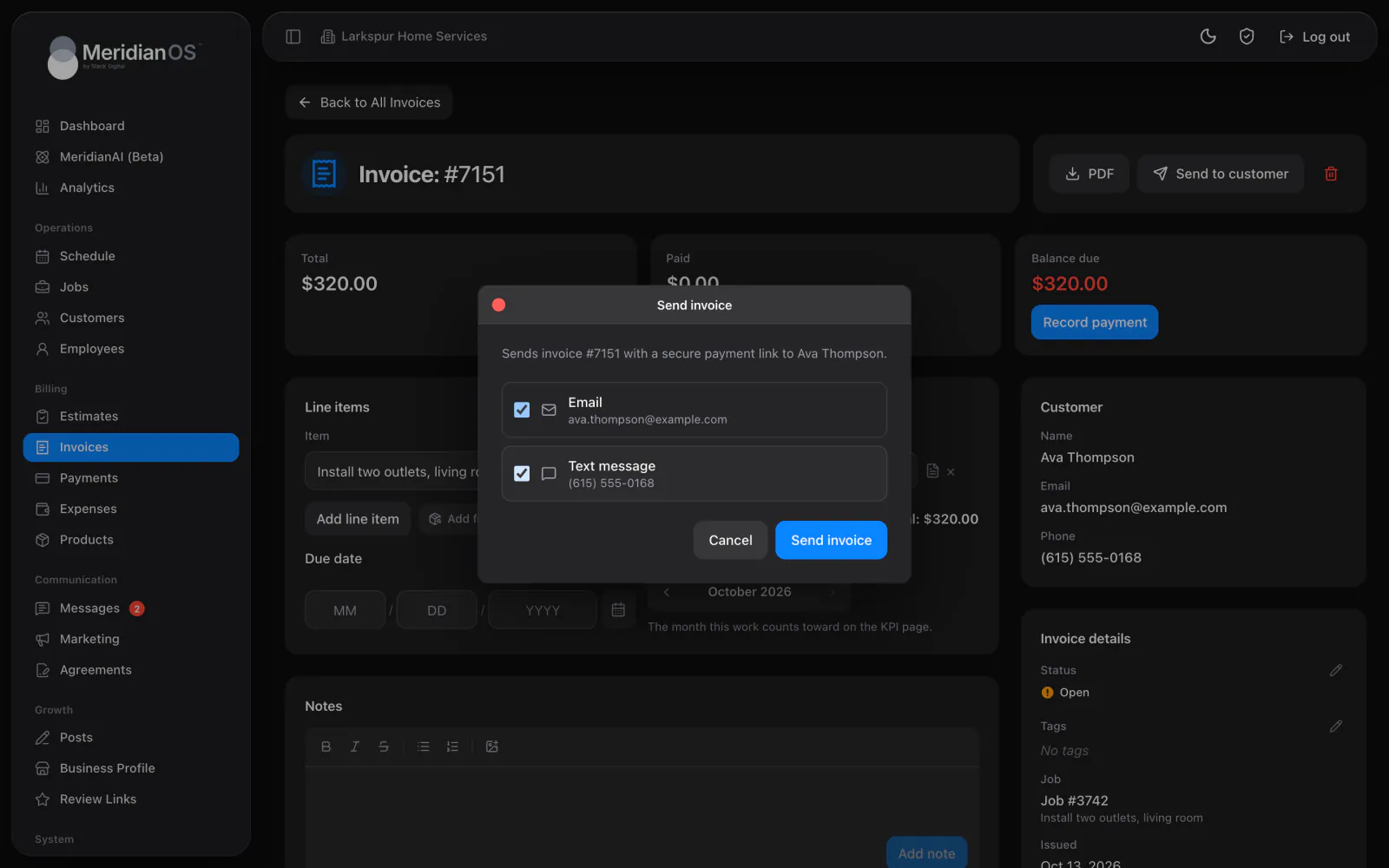
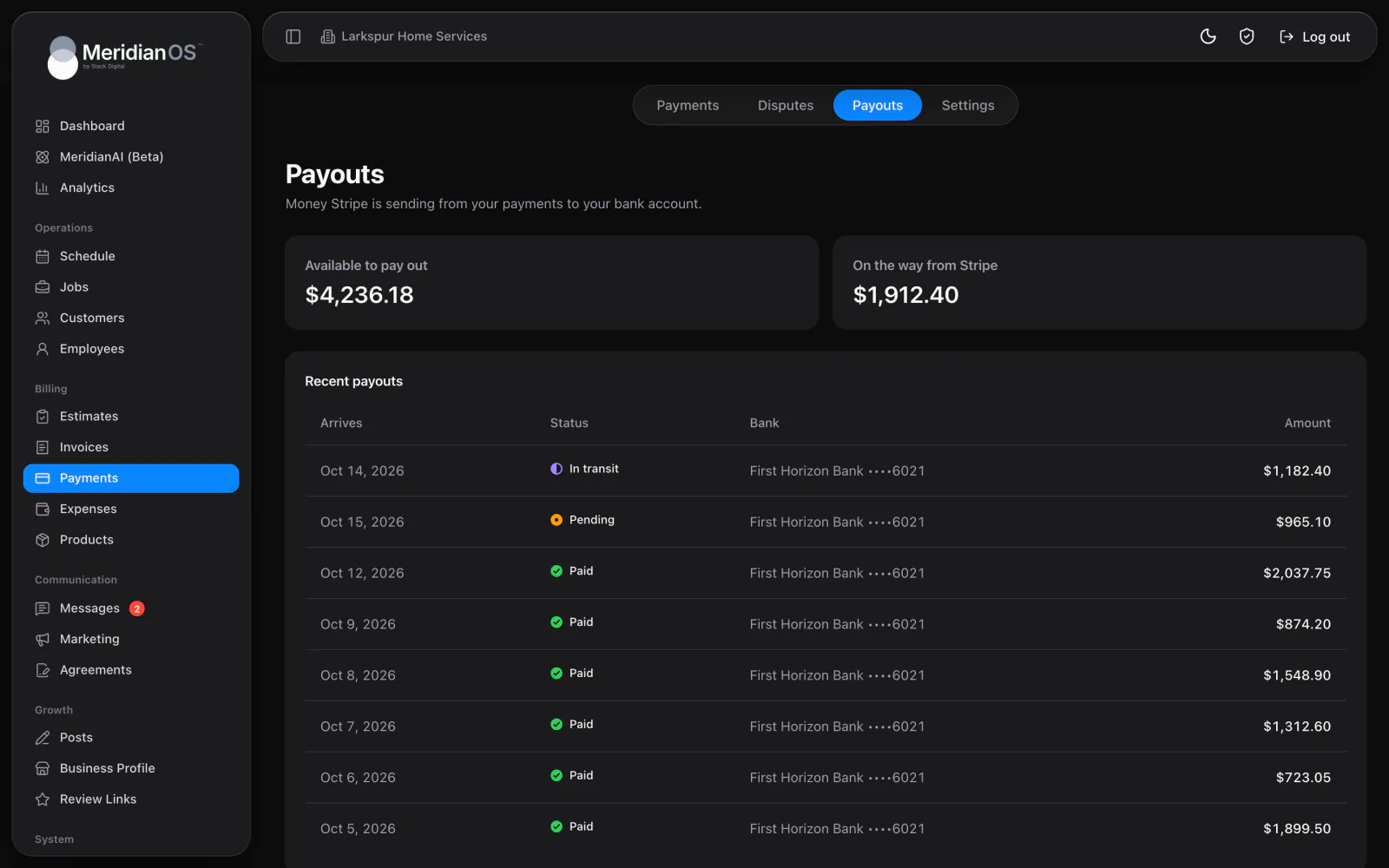
Every invoice carries a private pay link where customers pay by card, bank transfer, Apple Pay or Google Pay. The money goes straight to your own Stripe account, and the invoice updates on its own.
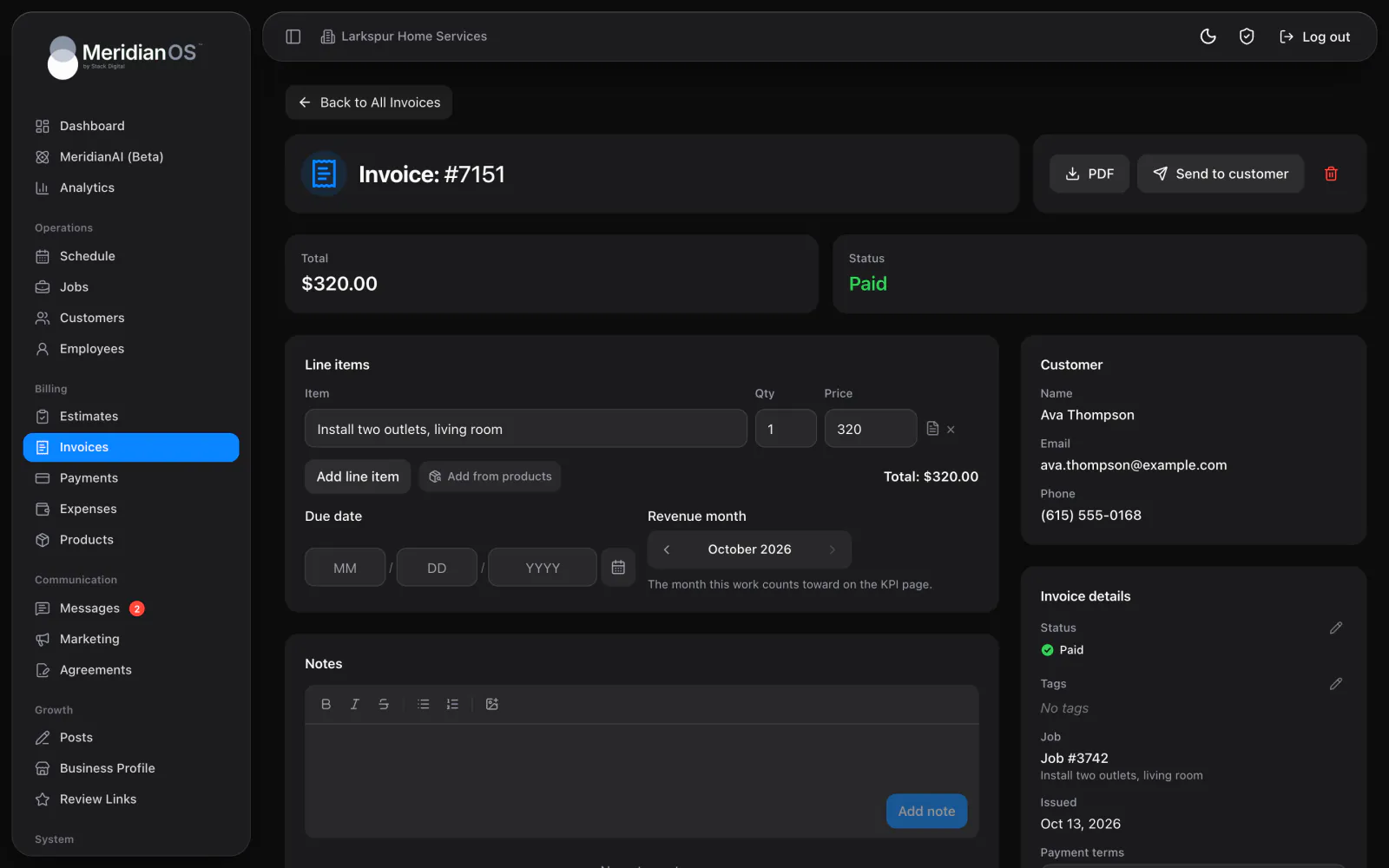
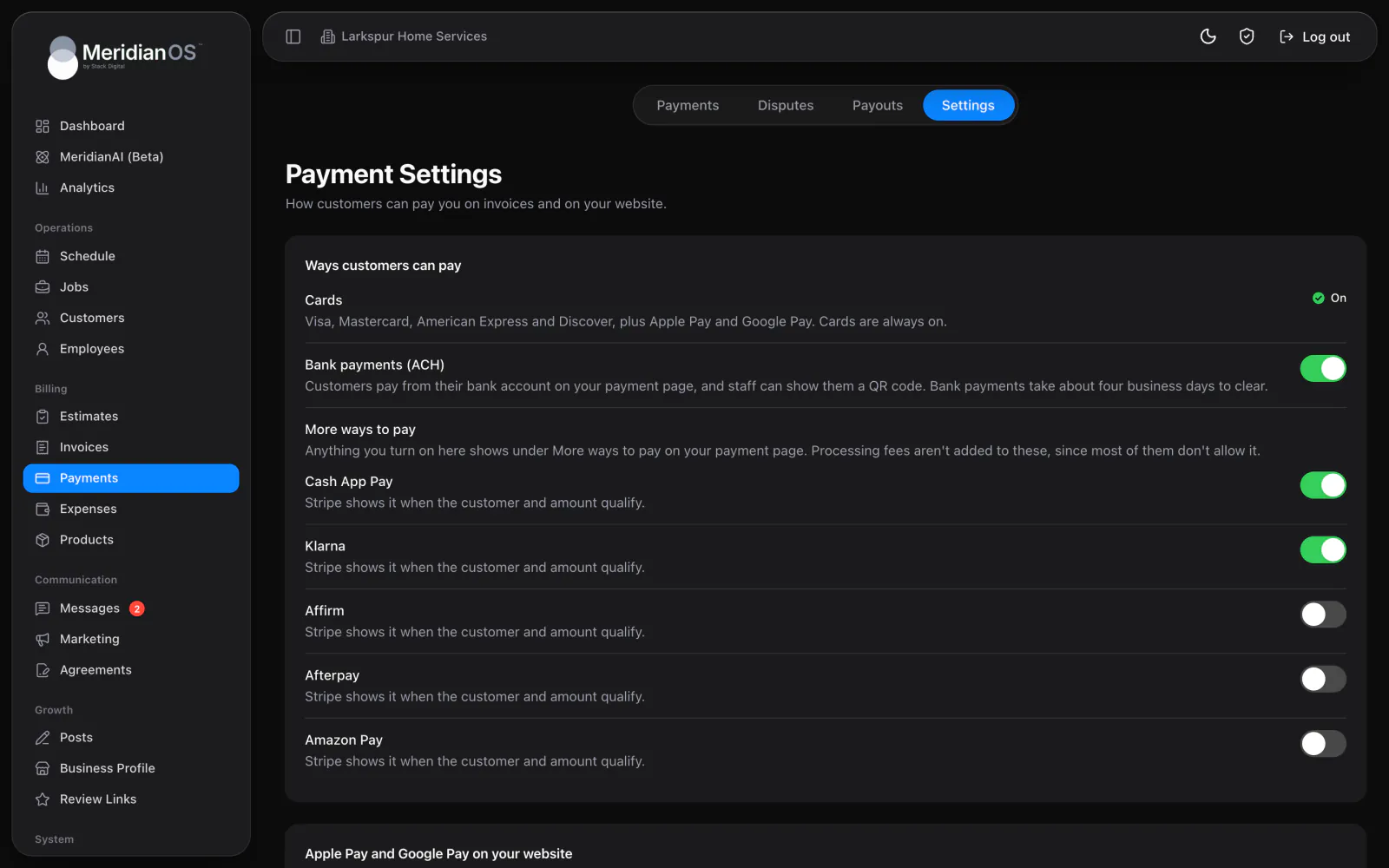
Cards and wallets. Cards are always on, with Apple Pay and Google Pay included.
Bank transfers. Turn on bank payments for customers who prefer to pay from their account.
Your own Stripe account. Payments go straight to the account you connect.
Every payment recorded. Online and in-person payments update the invoice and the payments list.
Cards are always on, with Apple Pay and Google Pay set up for your website from one button. Turn on bank payments for customers who prefer to pay from their bank account. More ways to pay adds extra methods, such as pay-later options, wherever your Stripe account allows them.
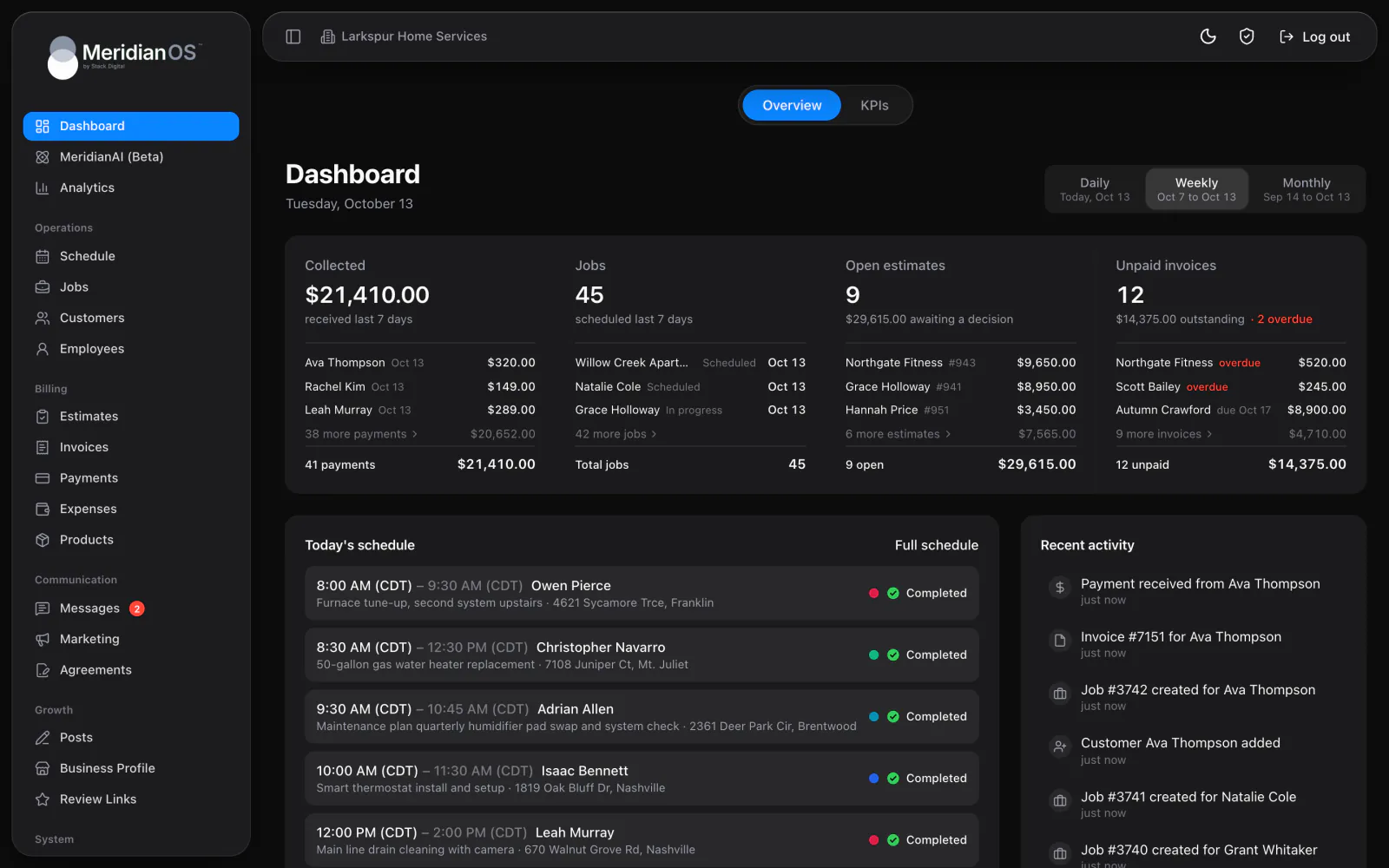
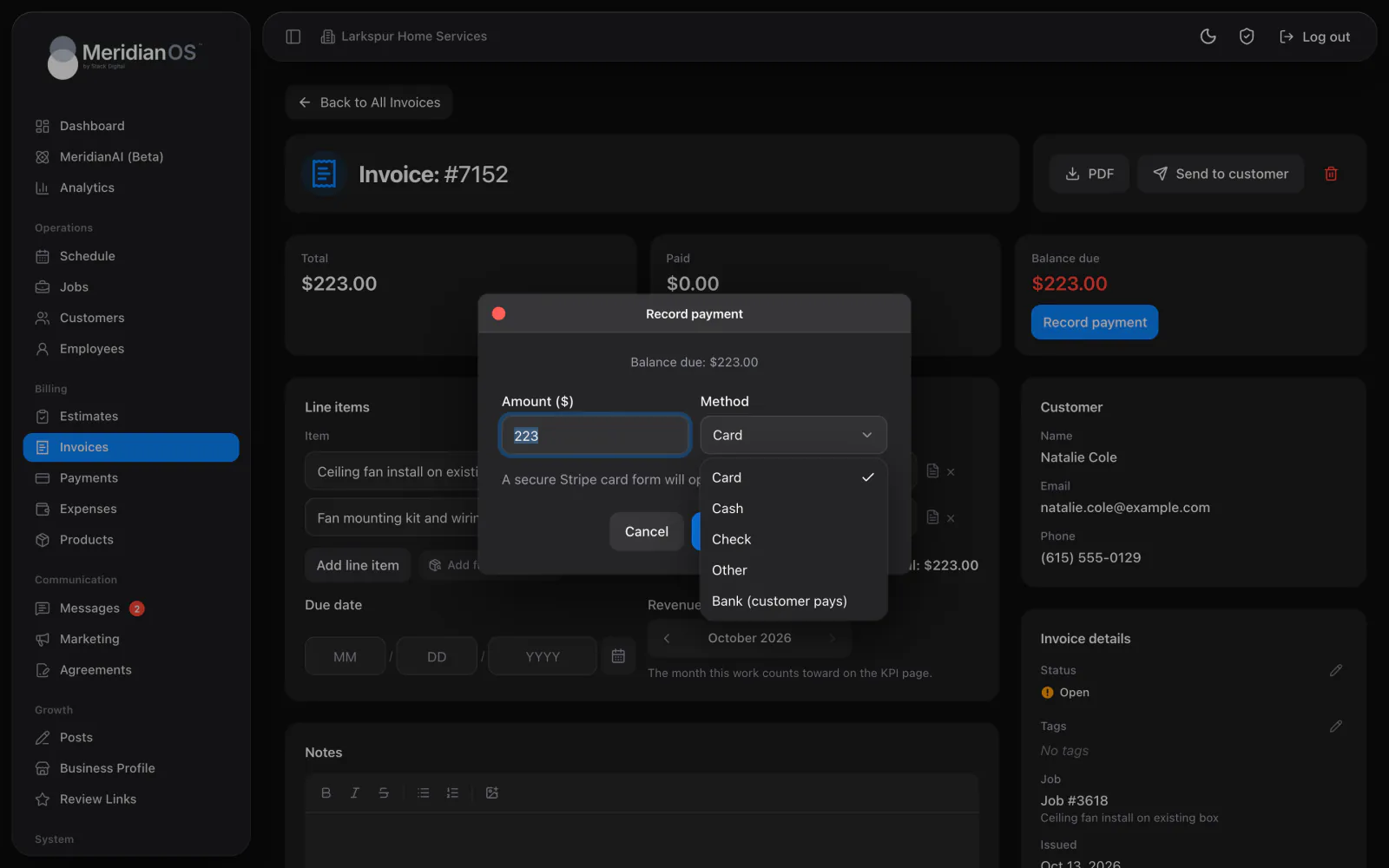
Send the private pay link, or charge the card saved from a customer's last online payment. Record cash or check with a note such as the check number, and the balance updates on its own. For a bank payment in person, show a QR code the customer scans to pay from their own phone.
The Payments page lists what your customers have paid, with filters for online and card, pending, refunded, disputed and failed. With fee pass-through on, the pay page shows the fee and the new total before the customer picks how to pay. Turn on tipping and customers can add a tip, split evenly across the people assigned to the job.
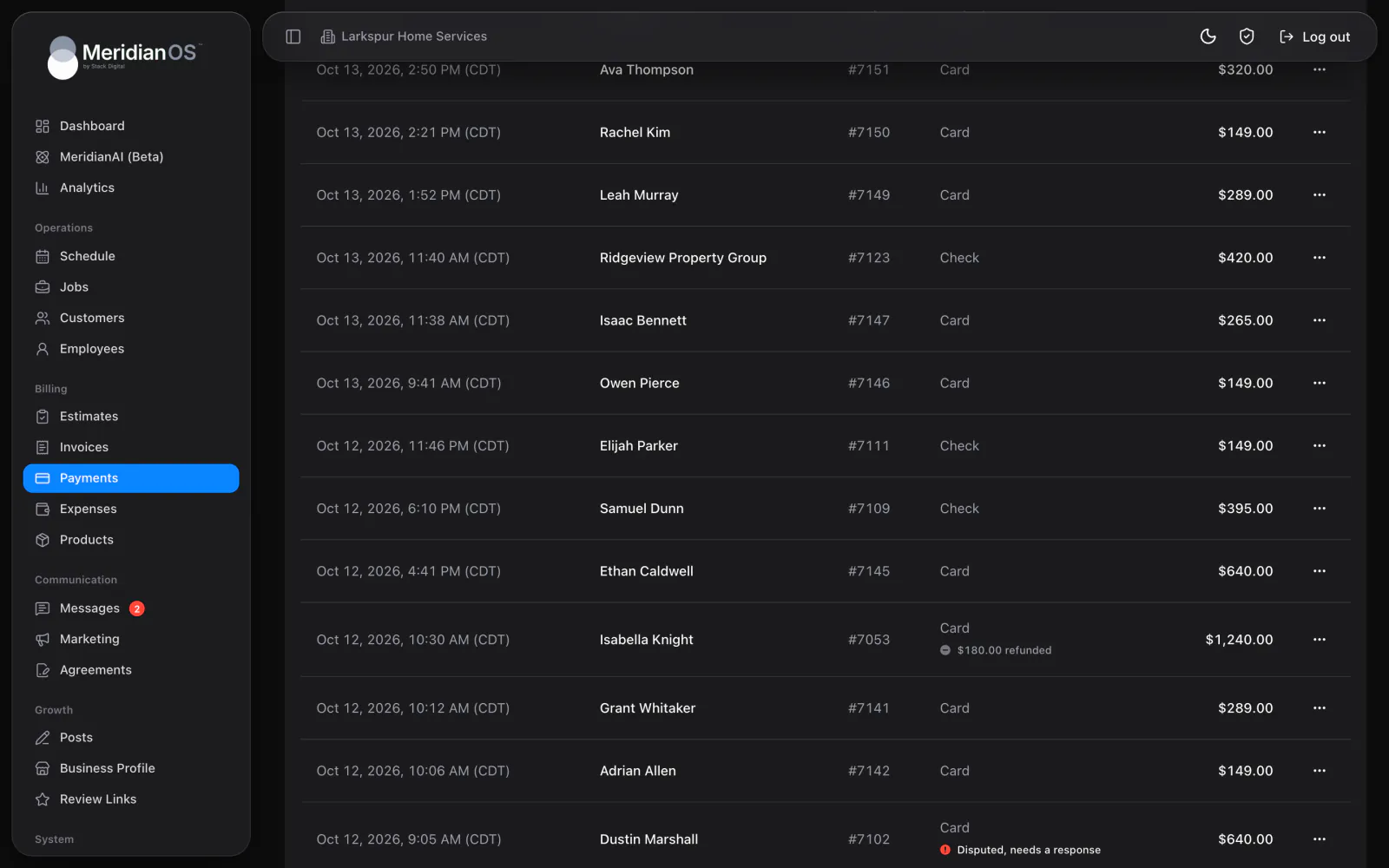
A bank transfer stays pending until it clears, and only then counts toward the balance. If the bank returns it, the payment is marked failed with a plain reason and you get an email.
With fee pass-through on, the fee is worked out for each payment method so the amount that reaches you matches the invoice. A separate setting decides whether tips carry the fee too.
When a saved card needs the bank to confirm a charge, or is no longer on your account, MeridianOS™ says so plainly and gives you the next step, such as sending the invoice link.
Automatic receipts are sent a single time per payment and follow each customer's notification setting. MeridianOS™ remembers where every receipt was emailed or texted and shows it when you resend.
Yes. Online card and bank payments need your own Stripe account connected, and the money goes straight to it. Cash and check payments can be recorded with or without it.
Yes. With fee pass-through on, the pay page shows the fee and the total before the customer picks how to pay, so you receive the full invoice amount. Turn it off and your business covers the fee.
Yes. Employees with Collect payments turned on can take payments on the jobs assigned to them. They can charge a card on their own device or record a cash or check payment.
Turn on tipping and customers can add a tip when they pay online, and your team can add one when collecting. Tips are kept separate from the invoice balance and split evenly across the people assigned to the job.
We will walk through a payment from the pay link to your Stripe account on a live system. Tell us what you do and we will reply within the hour.