Scheduling. The whole week on one calendar, with every job and who is on it.
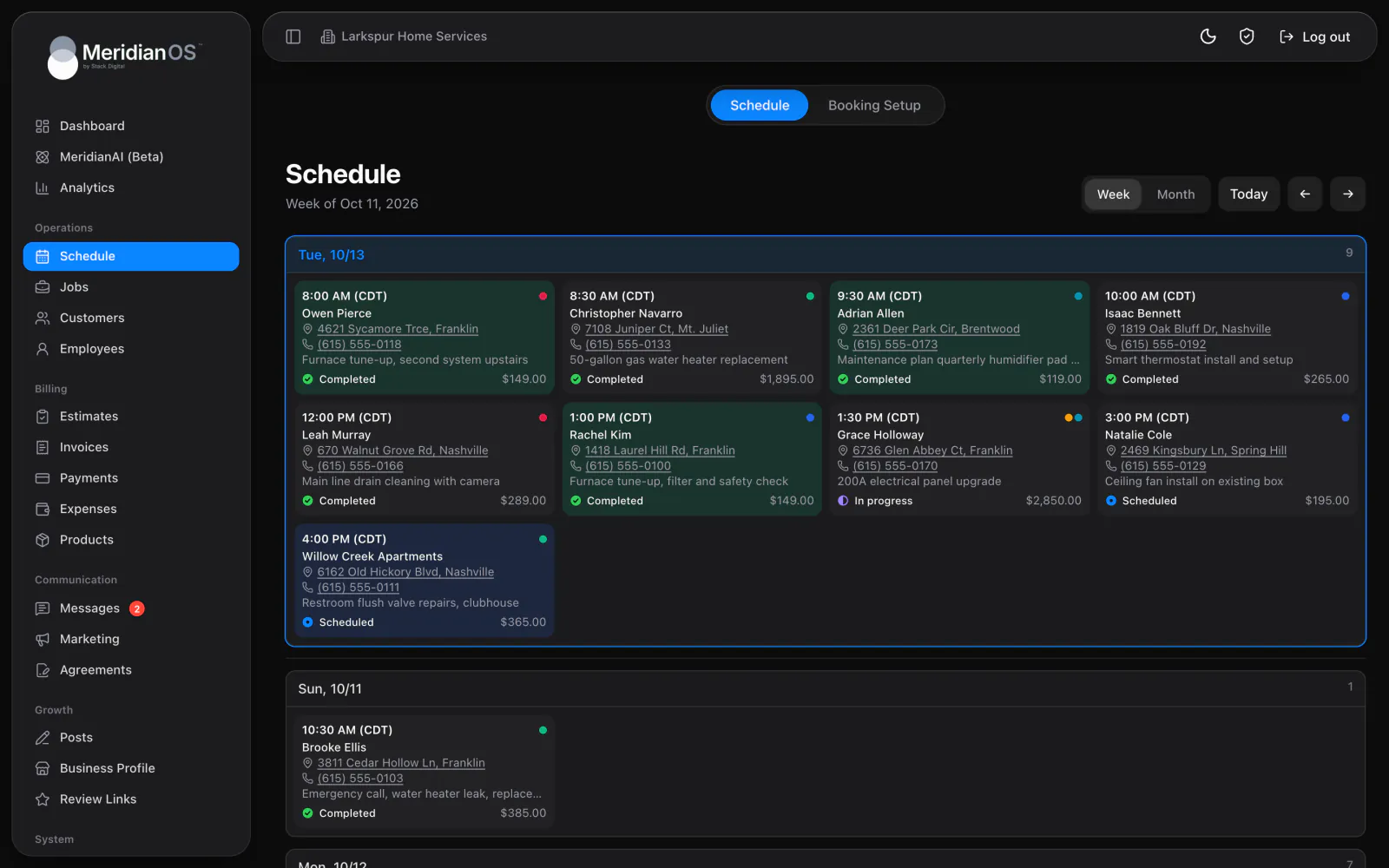
Customers pick a service and a time on your own website, and MeridianOS™ turns the booking into a job with the customer attached. Open times already account for the jobs on your schedule.
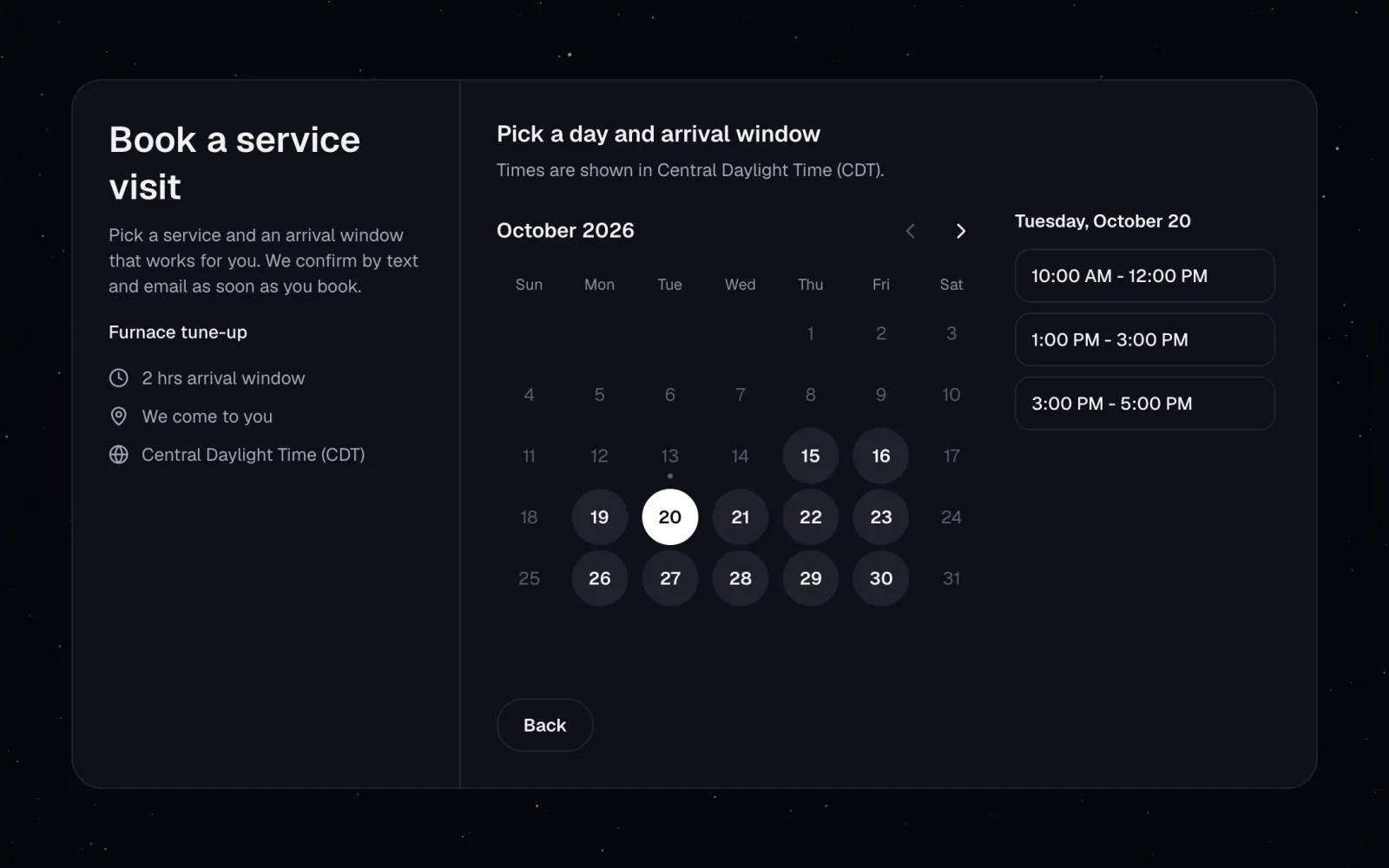
Two booking styles. Exact appointment times, or arrival windows when you go to the customer.
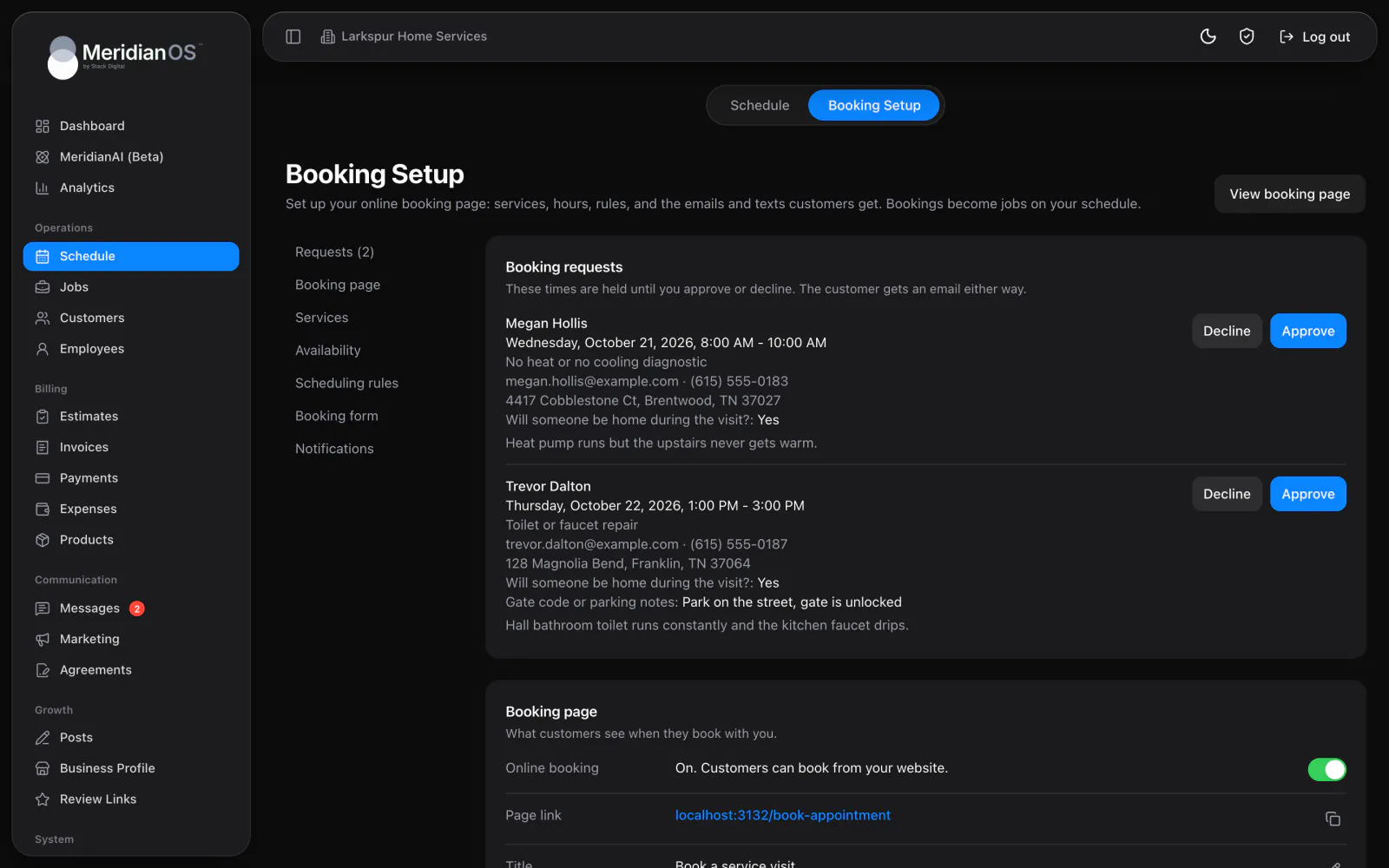
Instant or approve first. Confirm bookings right away or approve each request yourself.
Your own questions. Up to 10 custom questions, plus photos from the customer.
Self-serve changes. Customers reschedule or cancel from a private link, inside your cutoff.
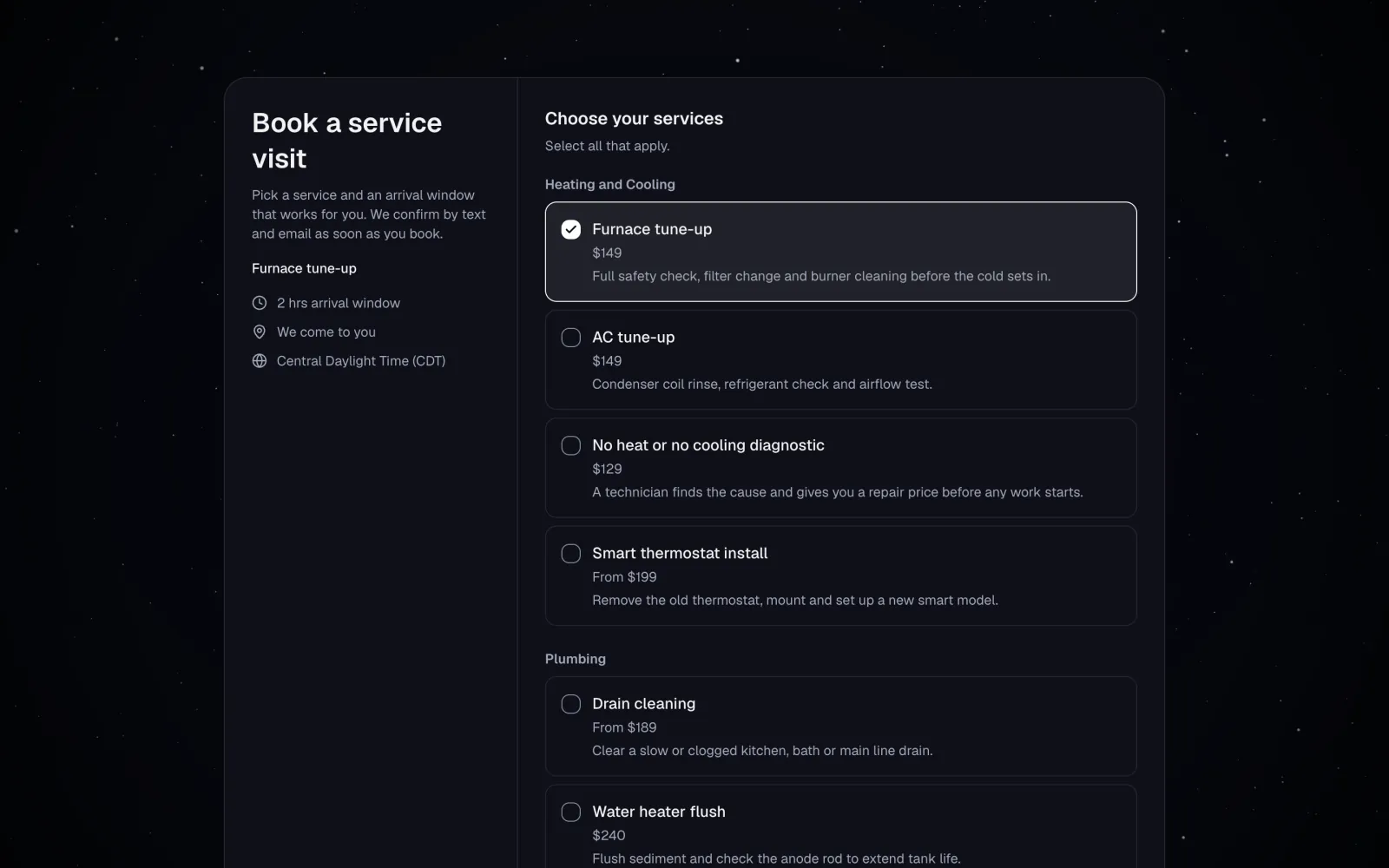
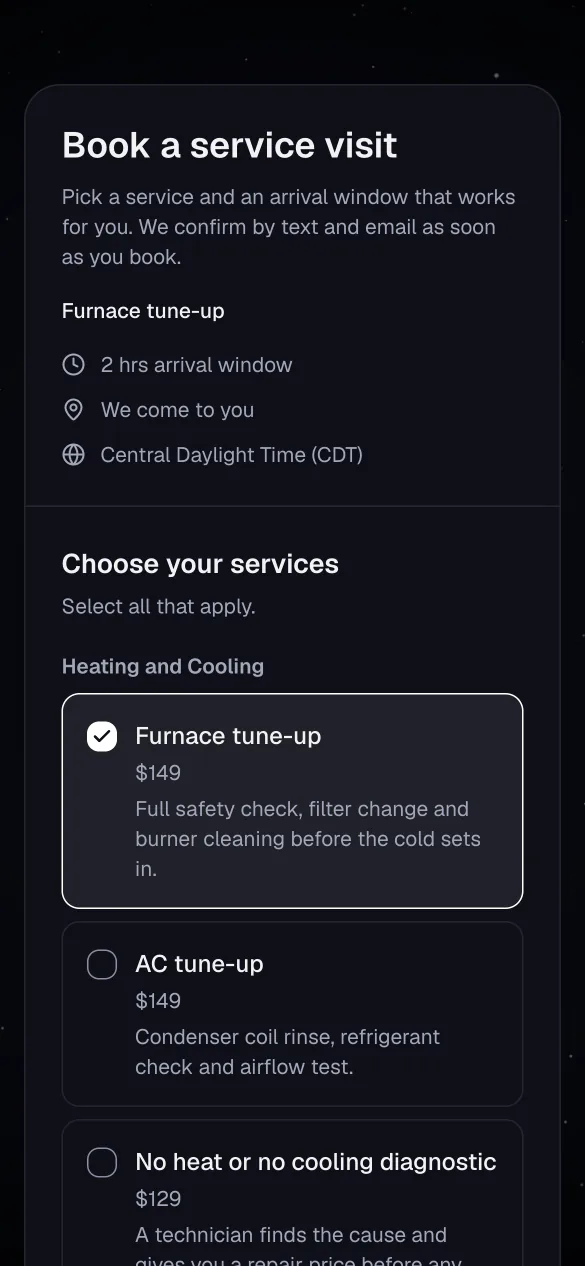
Customers choose a service, each showing its length and price the way you set it. They pick a day on a calendar where only open days can be chosen, then a start time or an arrival window, labeled in your time zone. Then they fill in your booking form, including your own questions and up to 10 photos.
Choose Confirm bookings right away or I approve each request first. With approval on, the time is held and the job is created when you press Approve, and Decline emails the customer with an optional message. A confirmed booking finds the customer by email or phone, or creates a new one as a lead.
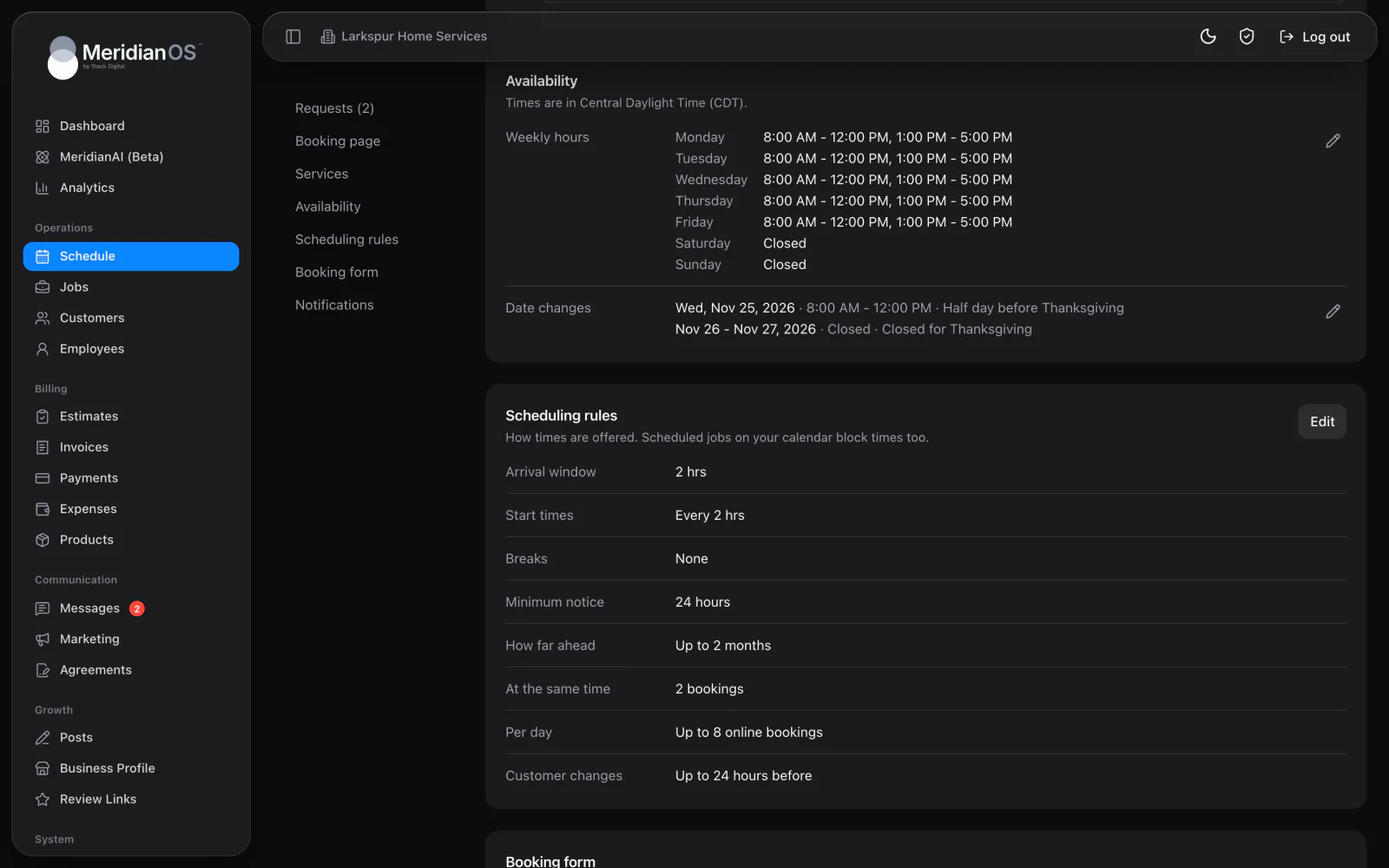
Set weekly hours with several time ranges per day, and add date changes for holidays and time off. Then decide how much notice you need and how far ahead customers can book. Open times in MeridianOS™ account for jobs already on your schedule and the breaks you set around each booking.
The open-time check and the save happen together, so two customers can never book the same slot. The second one sees a message asking them to pick another time.
Open times subtract jobs already on your MeridianOS™ schedule and apply your breaks, so an online booking cannot land on top of work you booked by phone.
When a customer moves a booking, earlier reminders are cleared so they are reminded again for the new time. A booking made inside the reminder window skips the instant reminder.
A returning customer is matched by email or by any of their phone numbers, and a repeated address is reused, so your customer list stays free of duplicates.
Yes. Every confirmation includes a private link where customers can move to any open time or cancel with an optional reason. You set the cutoff, anywhere from 1 to 72 hours before, or allow changes any time.
No. Open times subtract jobs already on your schedule and the breaks you set around each booking. Two customers cannot book the same slot either.
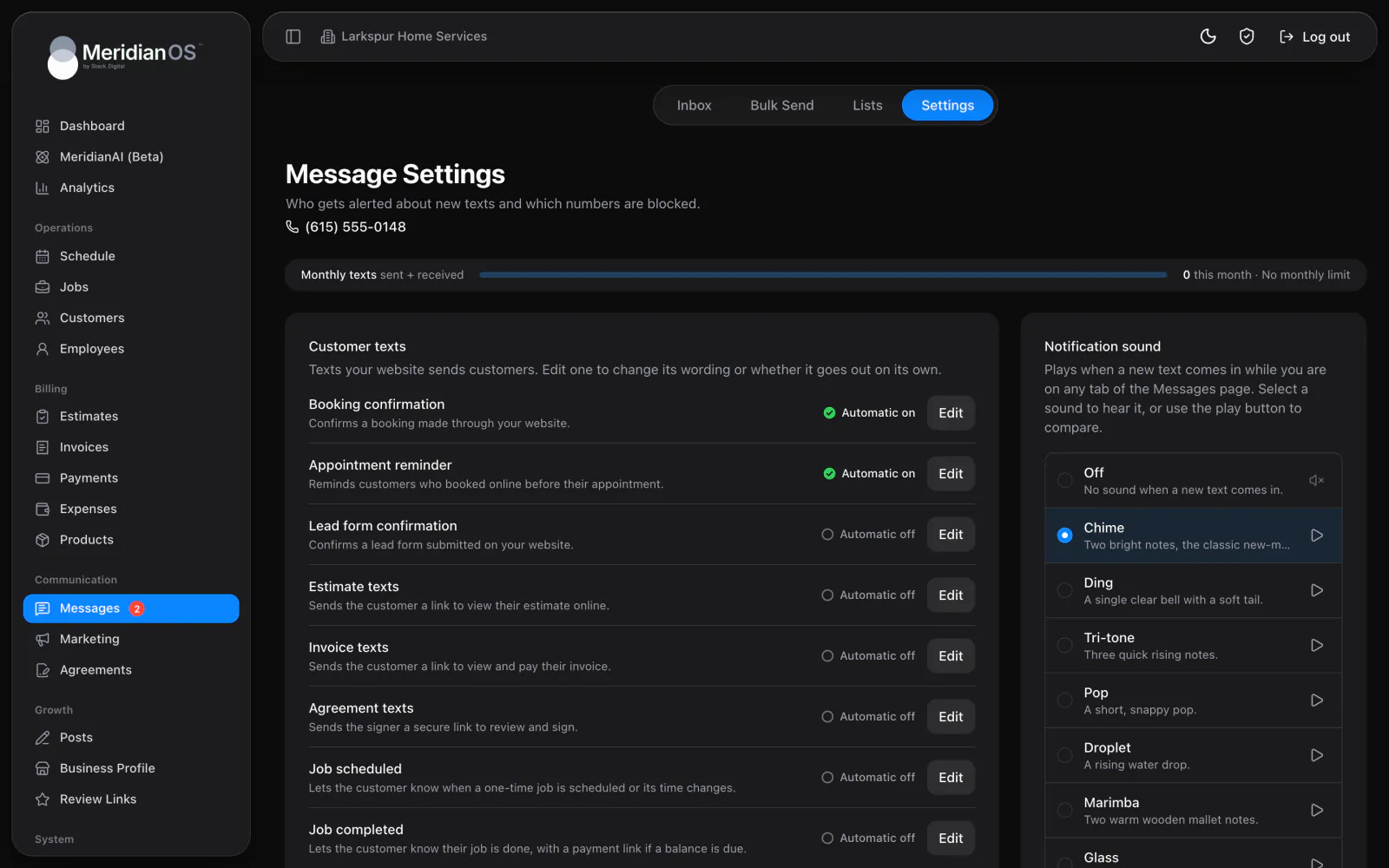
Yes. You can send up to two reminders, each from 1 hour to 3 days before, by email or text. Texts go only to customers who ticked the box for them, and texting is an add-on to MeridianOS.
Yes. Choose We come to you and customers pick an arrival window and give their address. For appointments at a set time, you choose where it happens, such as your business address or a phone call.
We will show you a booking page and the job it creates on a live system. Tell us what you do and we will reply within the hour.