Online booking. Customers pick a real open time on your website, and it lands on your schedule.
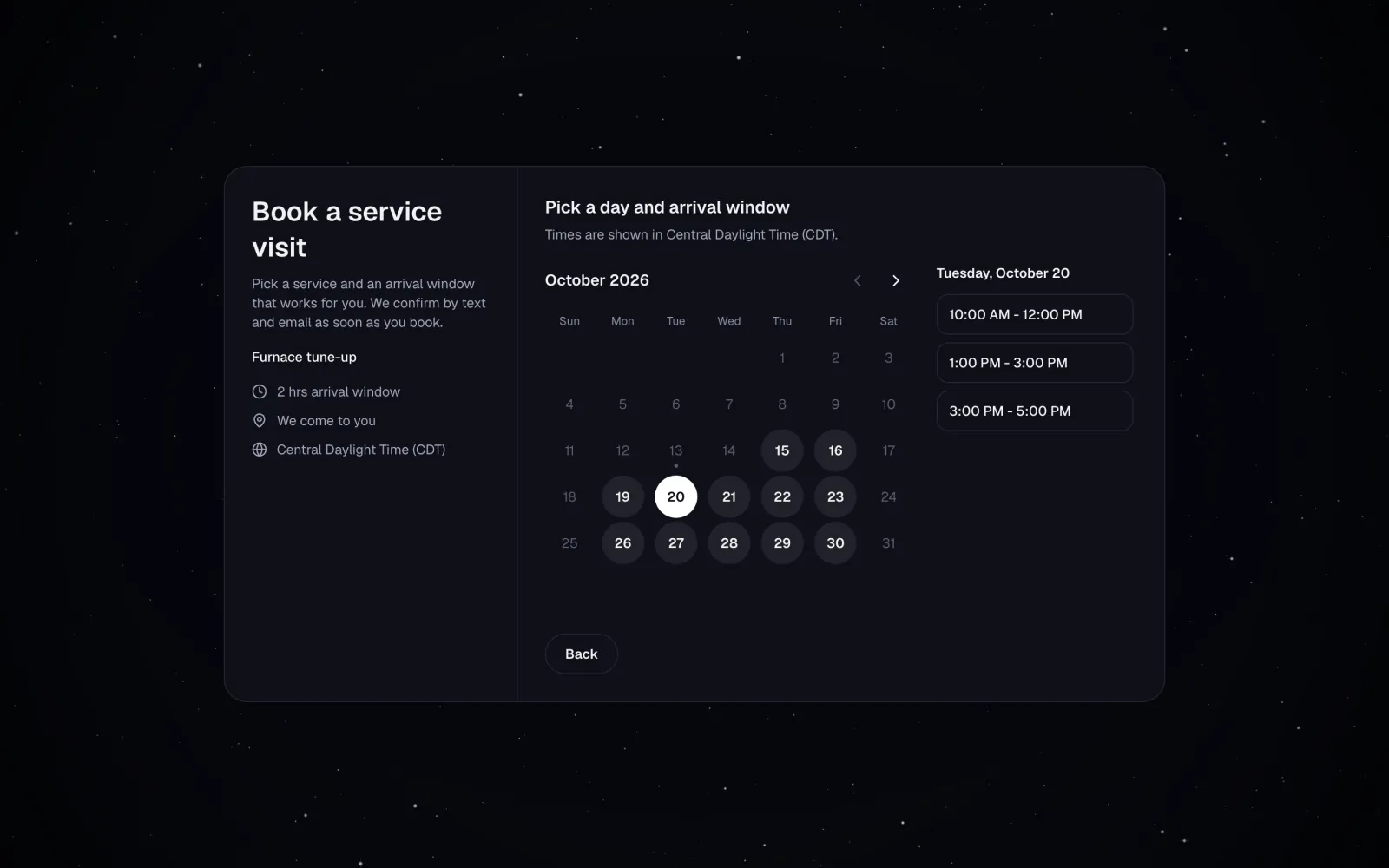
Customers book on your own website and open each estimate or invoice from a private link sent by email or text. MeridianOS™ can send the confirmations and receipts that follow, each one with your business name on it.
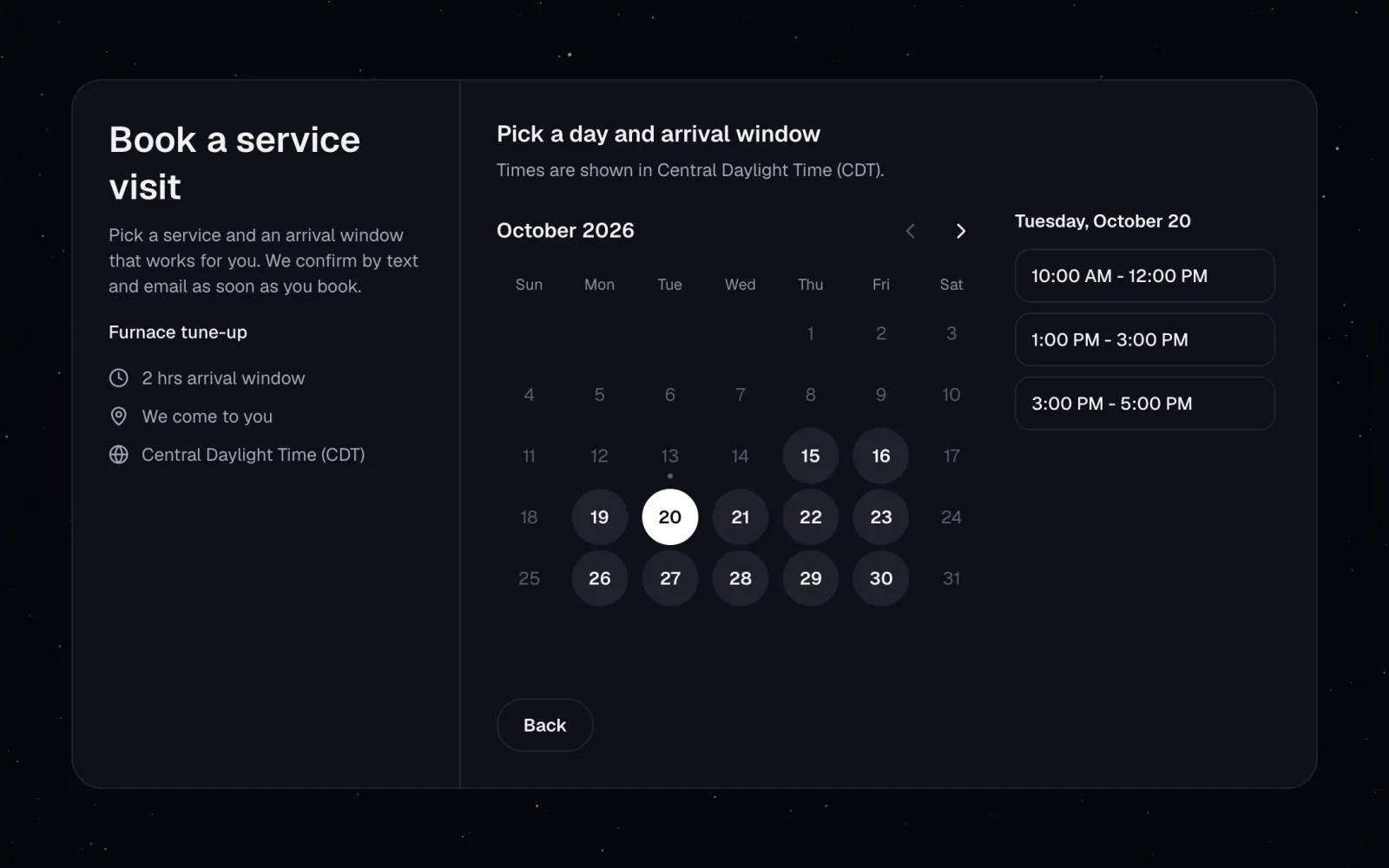
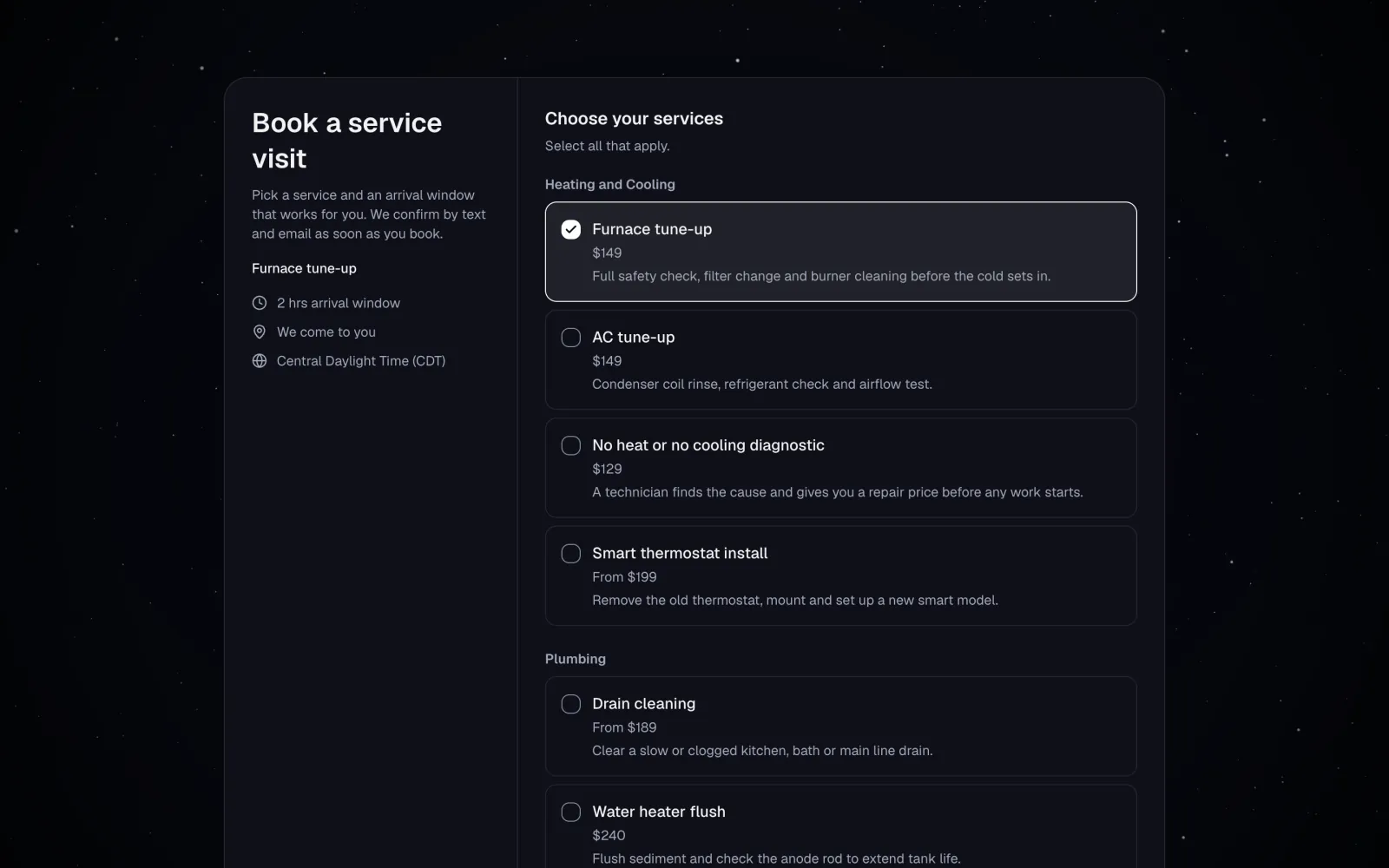
Booking on your site. Customers pick a service and a time on your own website.
Private links. Every estimate and invoice opens from its own private link.
Card or bank payments. Apple Pay and Google Pay are included once your Stripe account is connected.
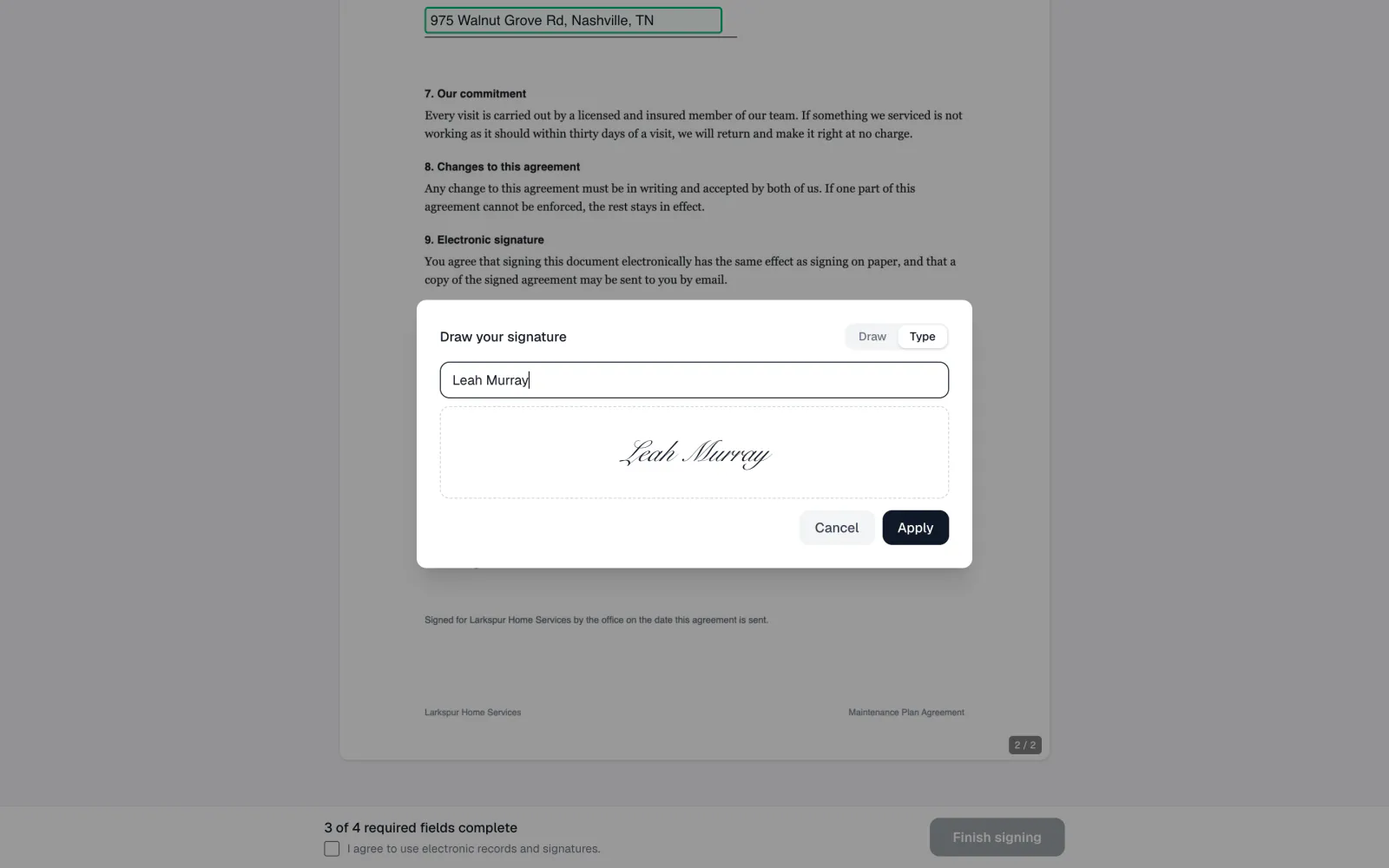
Sign on any device. Draw or type a signature, with an optional access code.
Customers book on your own website, choosing a service and an open time in your time zone. The confirmation screen says You're booked, or Request sent when you approve first, with buttons to add it to Google Calendar or download a calendar file. A private link lets them reschedule or cancel inside your cutoff.
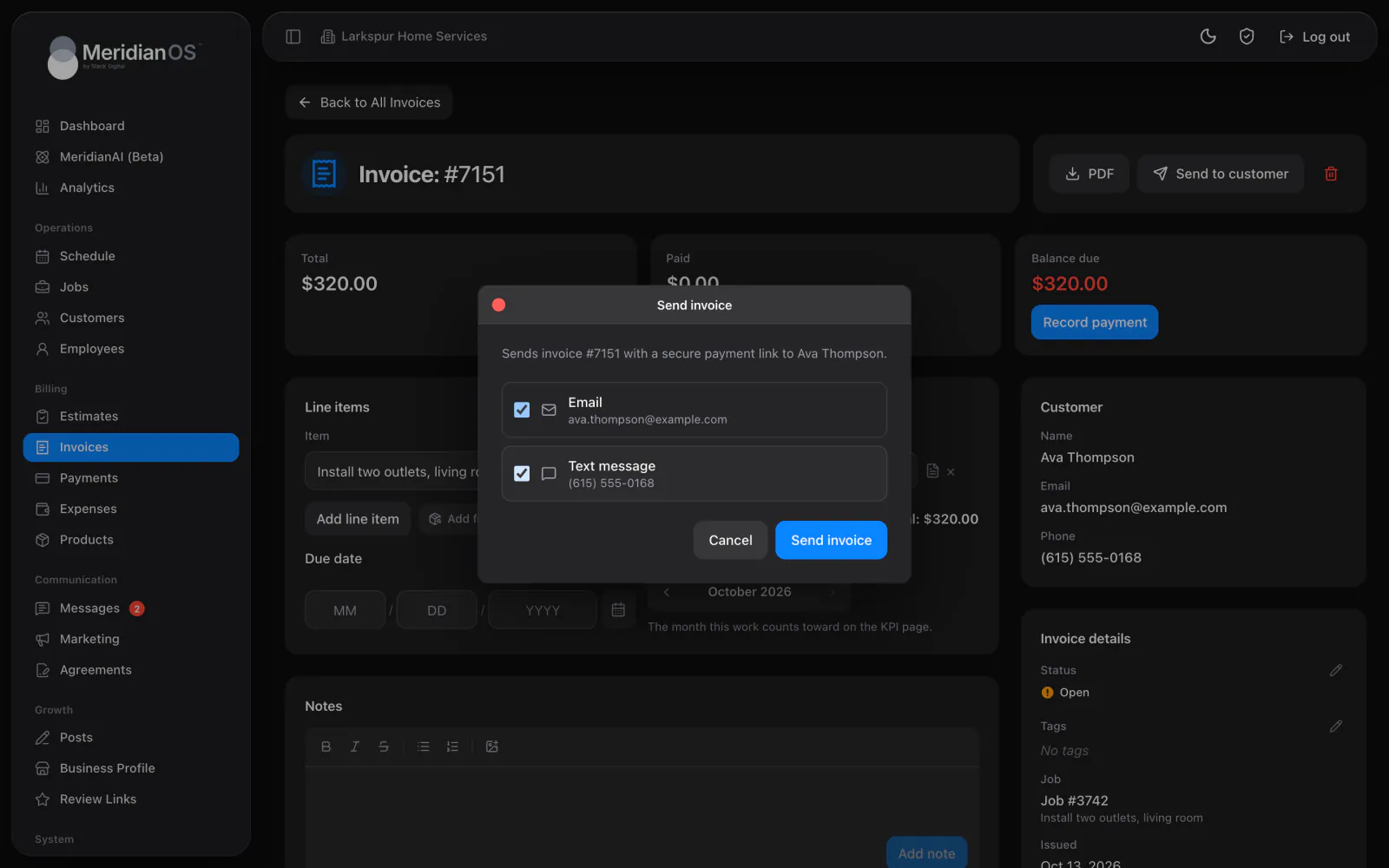
The email lists every line with the total and a button to view the estimate or view and pay the invoice, with the PDF attached. The text is a short message with a link. The invoice link opens a private pay page where customers pay the balance by card or bank transfer.
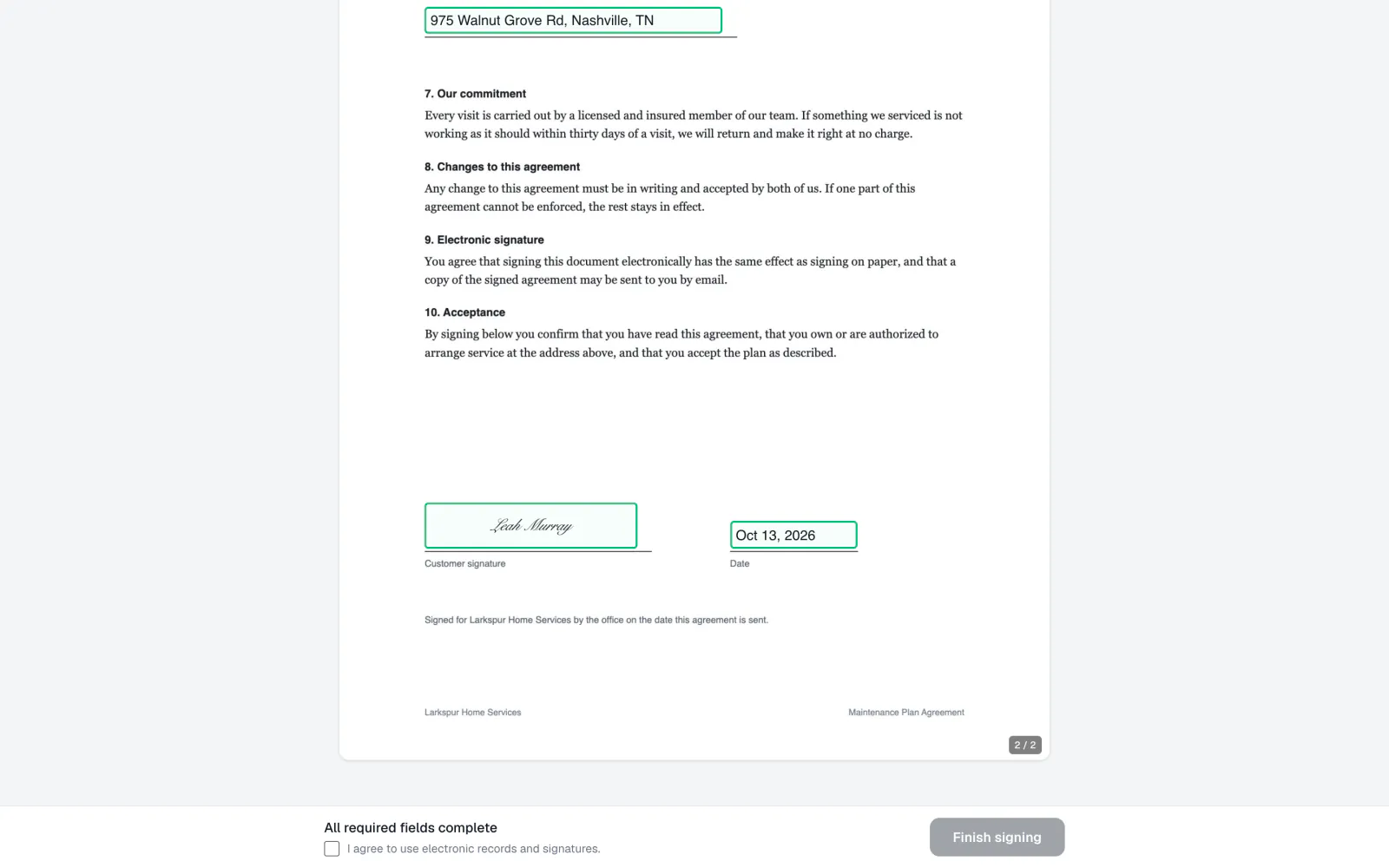
Customers open the document from an email or text, entering an access code first if you require one. Signatures can be drawn or typed and are reused across the document. When they finish, a signed copy arrives by email with the PDF attached, and every step shows in the MeridianOS™ activity log.
A bank transfer shows the customer as processing and counts toward the balance once it clears. A returned transfer is marked failed with a plain reason, and you get an email.
Unsubscribing takes a confirming click, so email security scanners that open links cannot unsubscribe anyone by accident. One-click unsubscribe from the mail app still works.
If the signed PDF cannot be produced, MeridianOS™ rolls the signature back and logs it. Two submissions at the same moment cannot both sign the same document.
Automatic texts that carry a pay or signing link fall back to shorter wording when needed, so the link always arrives in one piece.
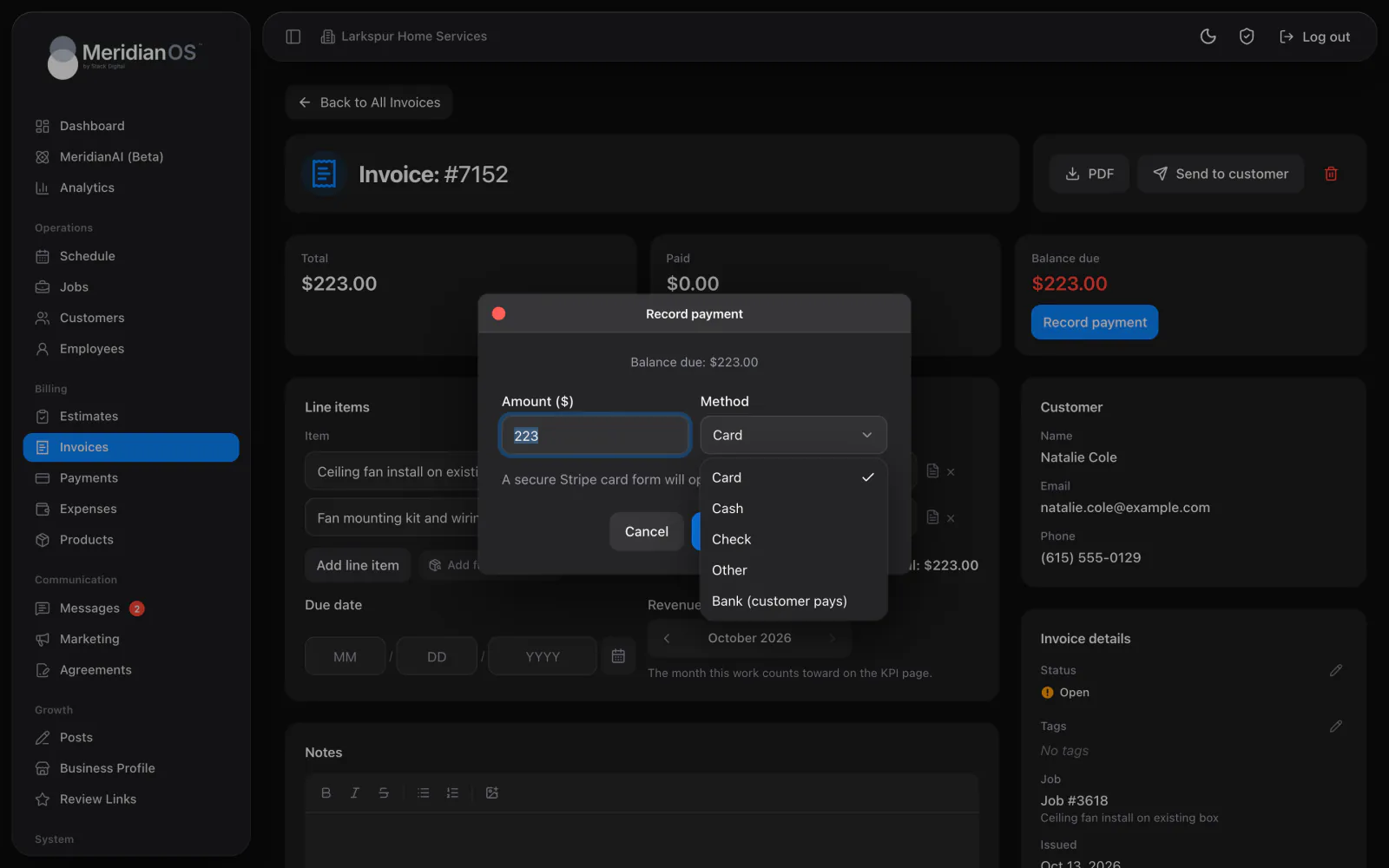
Yes. With your Stripe account connected, the pay page takes card and bank transfer, plus any extra ways to pay you turn on. Without Stripe, the page asks the customer to contact you to arrange payment.
Yes. Every confirmation includes a private link to move to any open time or cancel with an optional reason. Changes are allowed up to the cutoff you set, and the job on your schedule updates to match.
A private page with your company name, the line items with descriptions, the estimated total, and a Download PDF button. It invites them to reply to the message the link came in when they have a question or are ready to move forward.
No. Customers sign on any device by drawing or typing their signature. A signed copy is emailed to them with the PDF attached.
We will walk you through each page your customers would see, on a live system. Tell us what you do and we will reply within the hour.