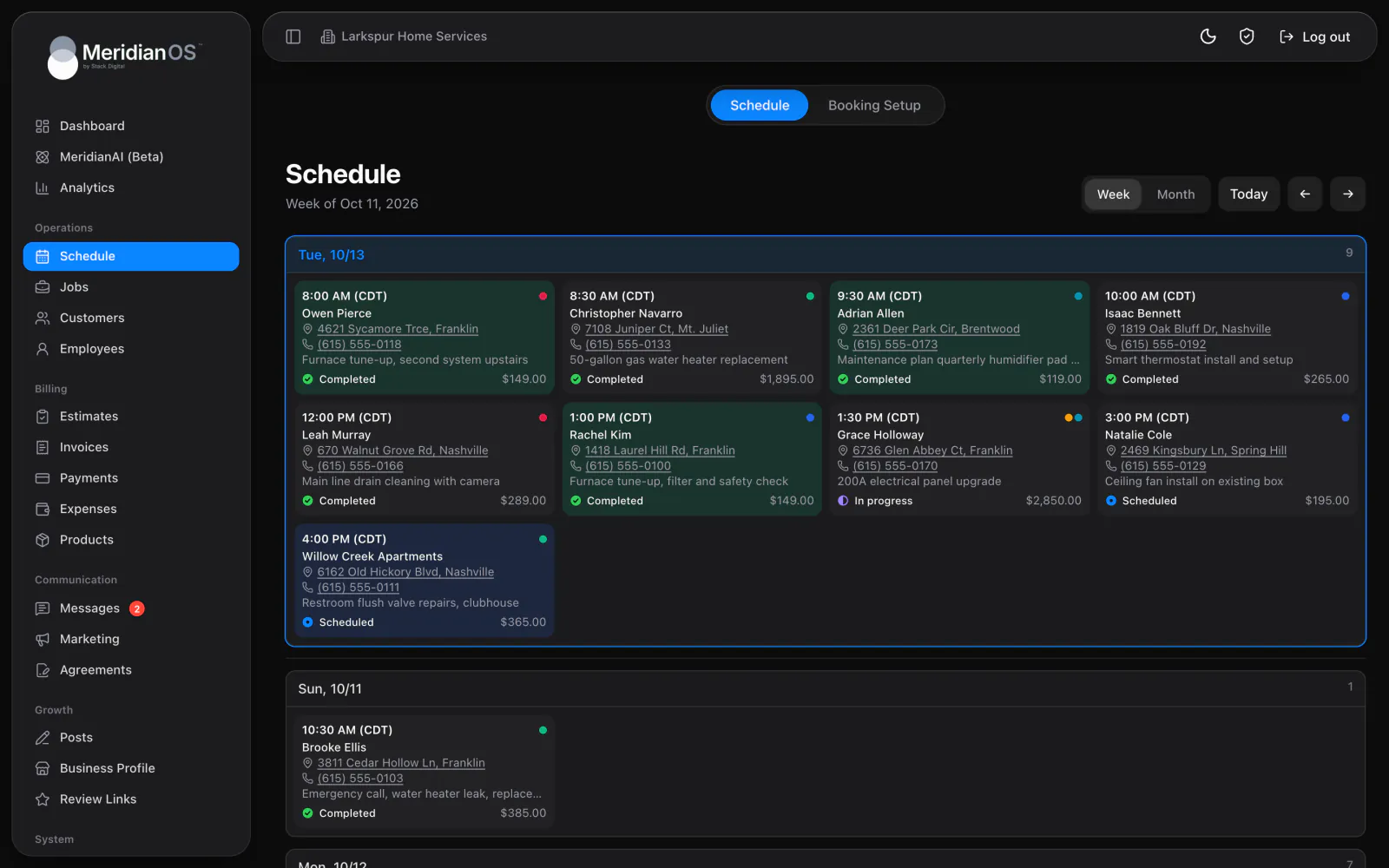
Scheduling. The whole week on one calendar, with every job and who is on it.
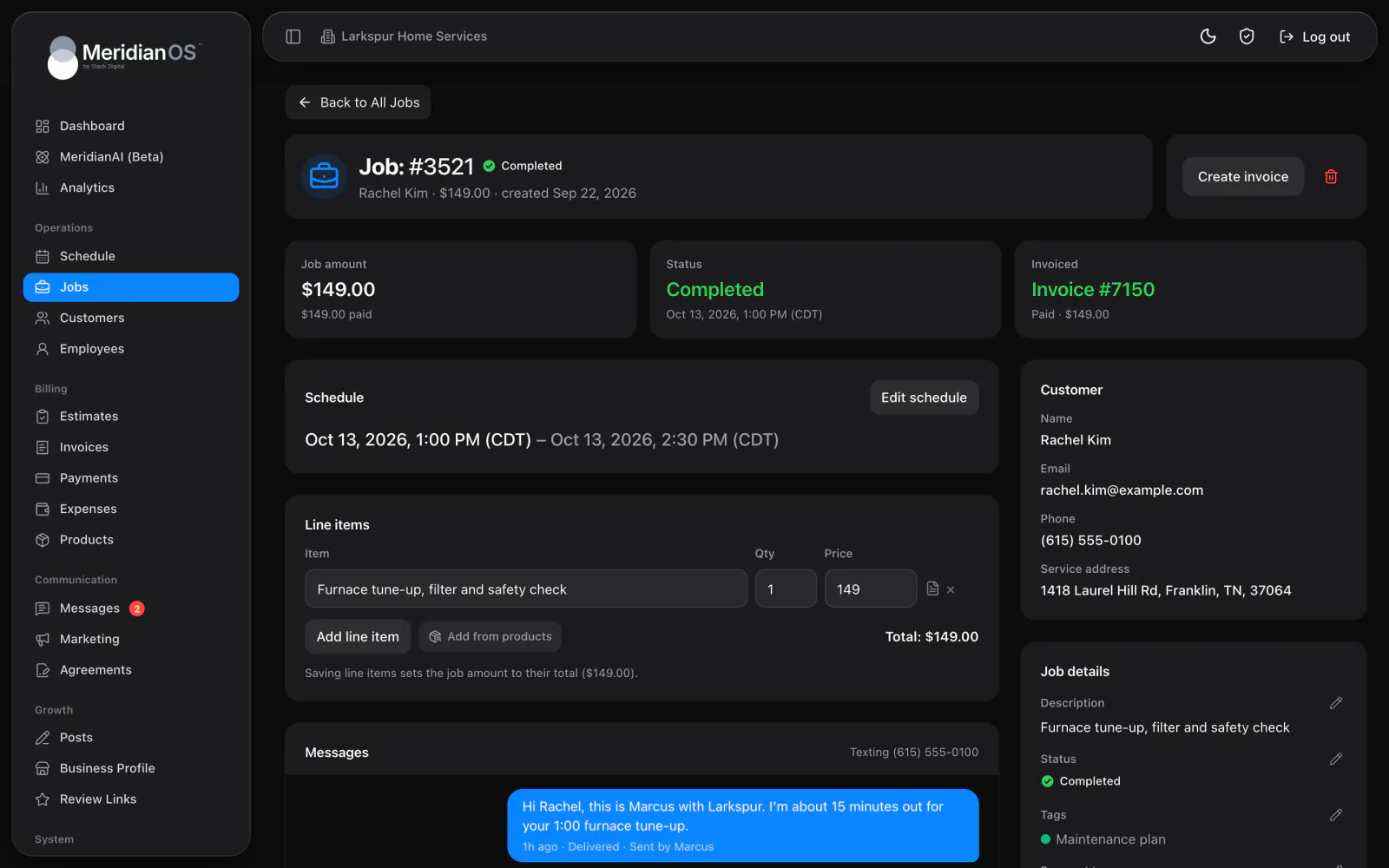
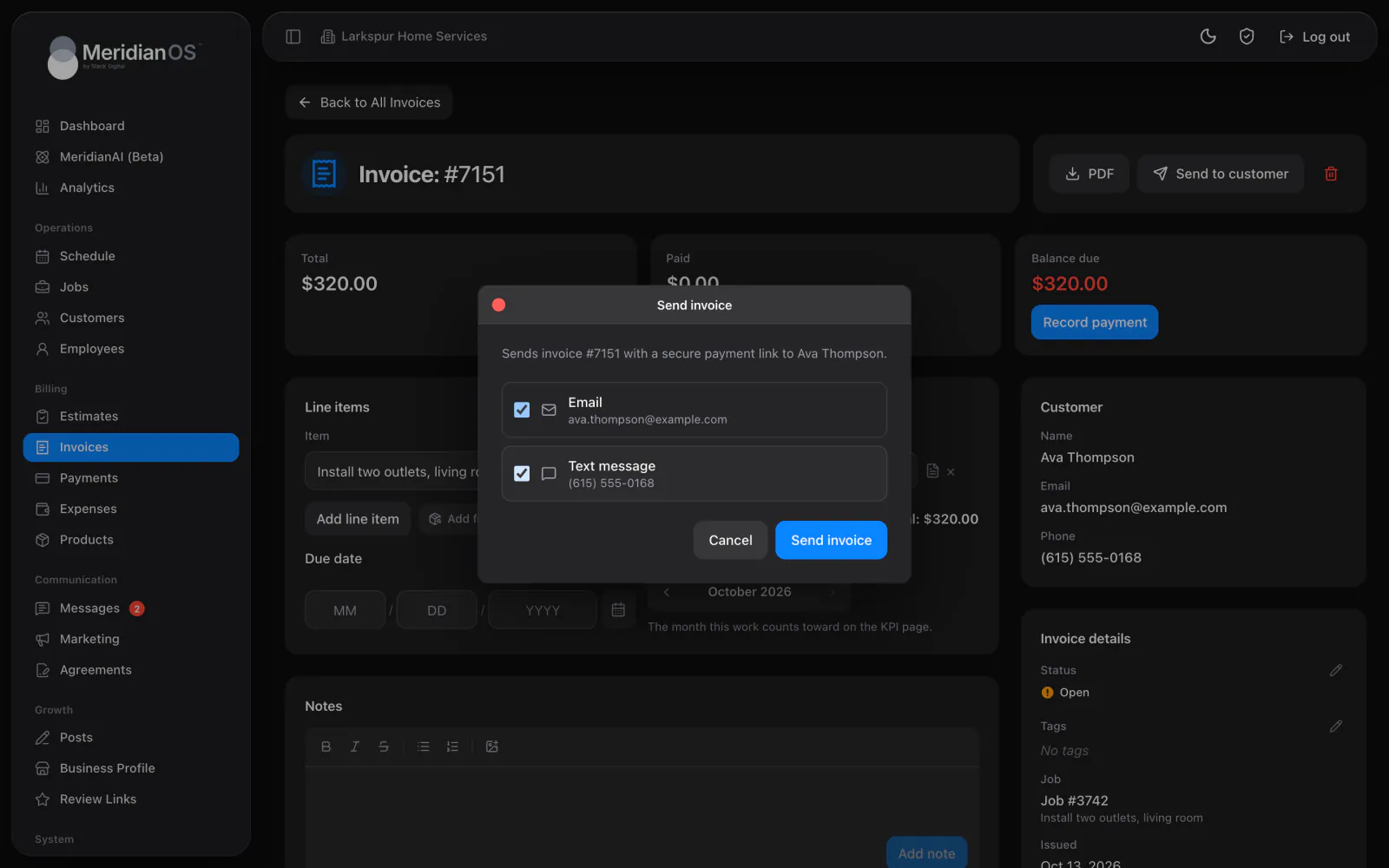
Each job in MeridianOS™ holds its schedule, line items, invoices, notes, and the text conversation with the customer. Create the invoice in one click, and when it is paid, MeridianOS™ marks the job Completed.
Five clear statuses. Needs scheduling, Scheduled, In progress, Completed, and Cancelled.
Your price list. Add from products and the job amount updates to the total.
Invoice in one click. Create invoice builds an open invoice from the job's line items.
Photos from booking. Pictures customers attach when booking online show up on the job.
The top of every job page in MeridianOS™ shows the job amount and what has been paid. Beside it sit the status and the latest invoice, or Not invoiced if there is none yet. Schedule job sets the date, start time, end time, and service address, and Edit schedule moves it.
Add line items by hand or pull them from your products list with Add from products. Each line has an item, a quantity, a price, and an optional description, and saving sets the job amount to the total. When the work is done, Create invoice builds an open invoice from those lines.
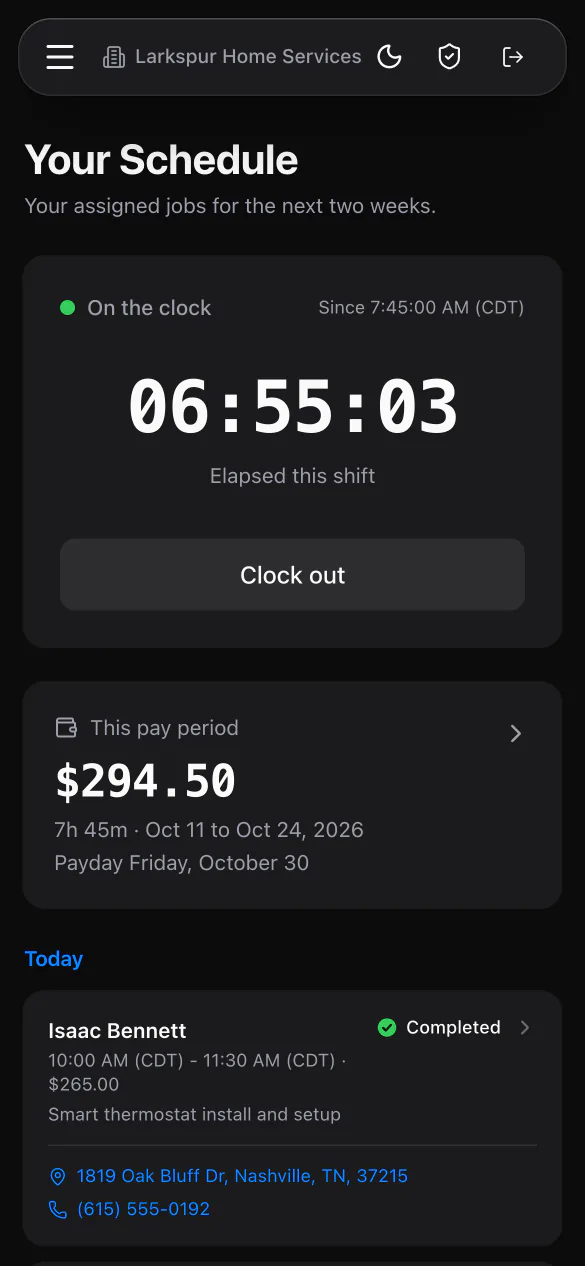
Every job has a notes feed with formatting and photos, showing who wrote each note and when. The text conversation with the customer sits on the same page, photos included. Employees open their assigned jobs in the MeridianOS™ app to add notes with photos and mark the work complete.
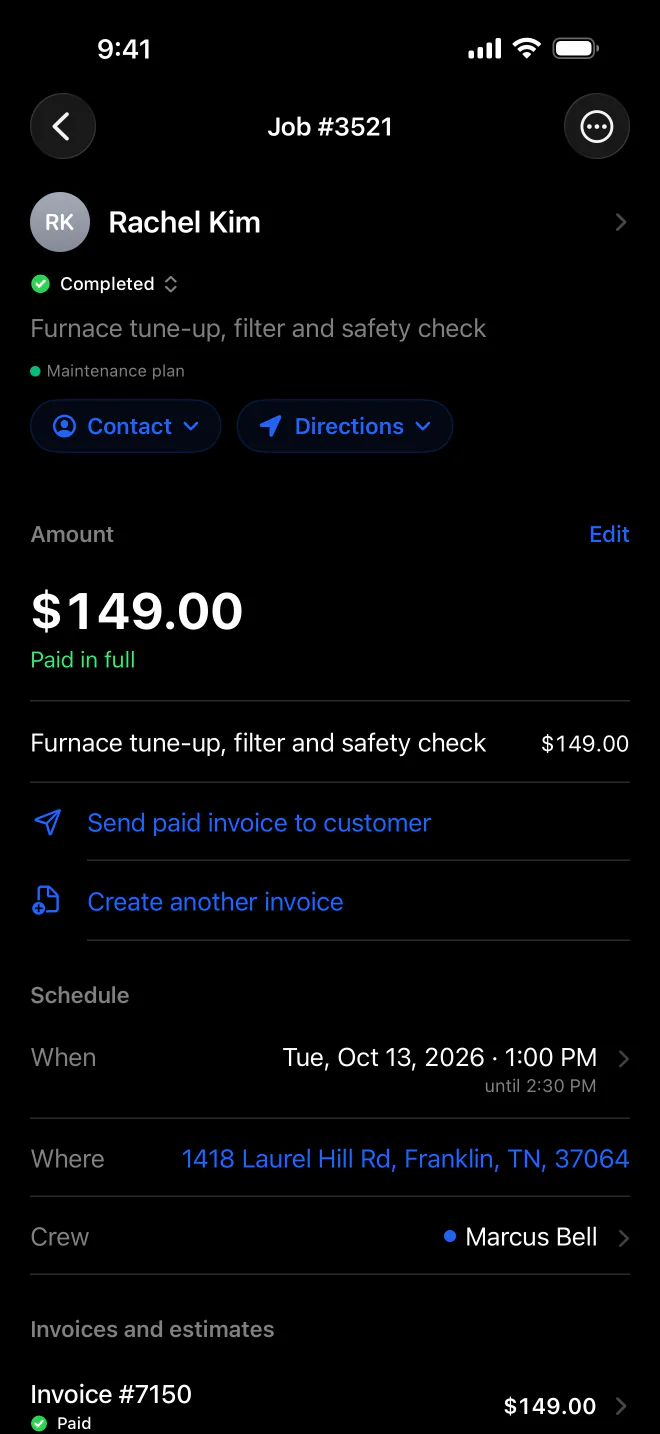
Paying an invoice completes its job only when the visit is today or earlier and no other invoice on it is still open. Work a customer paid for in advance stays on the calendar.
The completion message and the review request go out once per job, even if someone marks the same job Completed a second time.
When a job amount changes, MeridianOS™ offers to update the matching open invoice. It only offers when the new total still covers what the customer has already paid.
Delete a repeating visit and MeridianOS™ warns that deleted visits are recreated automatically while the series runs. It offers to end the series in the same step.
Yes. Convert to job on an estimate marks it Approved and creates a job for the same customer and address, with the estimate total. The job starts as Needs scheduling.
Yes. Texting is an add-on to MeridianOS, and with it on, the job page shows the whole conversation with the customer, photos included. Employees can text customers on the jobs assigned to them.
When those messages are turned on, the customer gets a completion email and text with any balance due and a link to pay. A review request text follows, once per job, and the customer's last service date updates.
Yes. Employees see their assigned jobs in the MeridianOS app, where they can add notes with photos and mark a job complete. Admins get a Job completed alert when they do.
We will show you a job from first booking to paid invoice on a live system. Tell us what you do and we will reply within the hour.