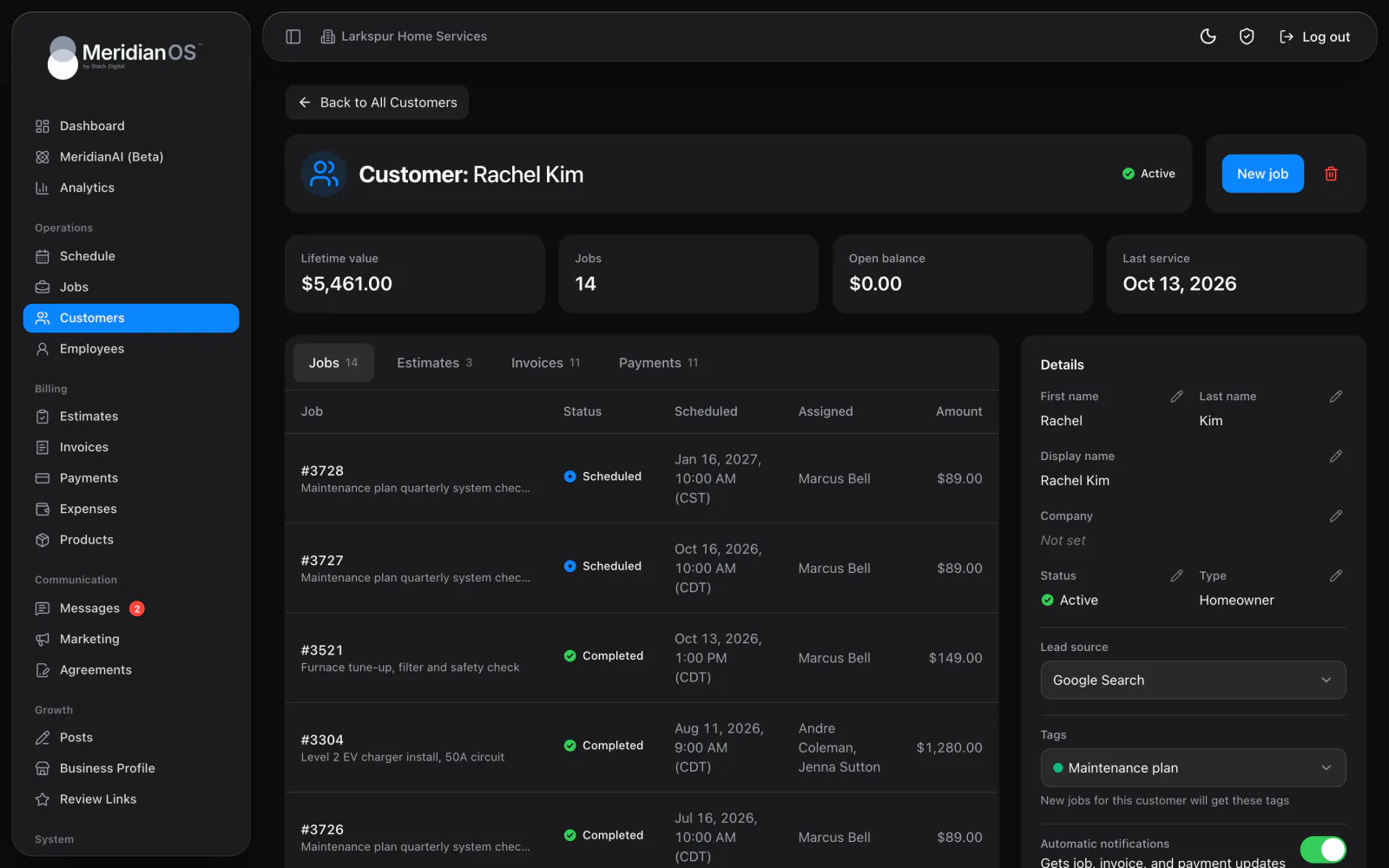
Customers. Every customer's history and conversations on one record, with what they have spent.
Choose one of five themes and build the email from blocks, with a live preview beside the editor. Send it now or schedule it, and MeridianOS™ keeps a record of exactly what each person received.
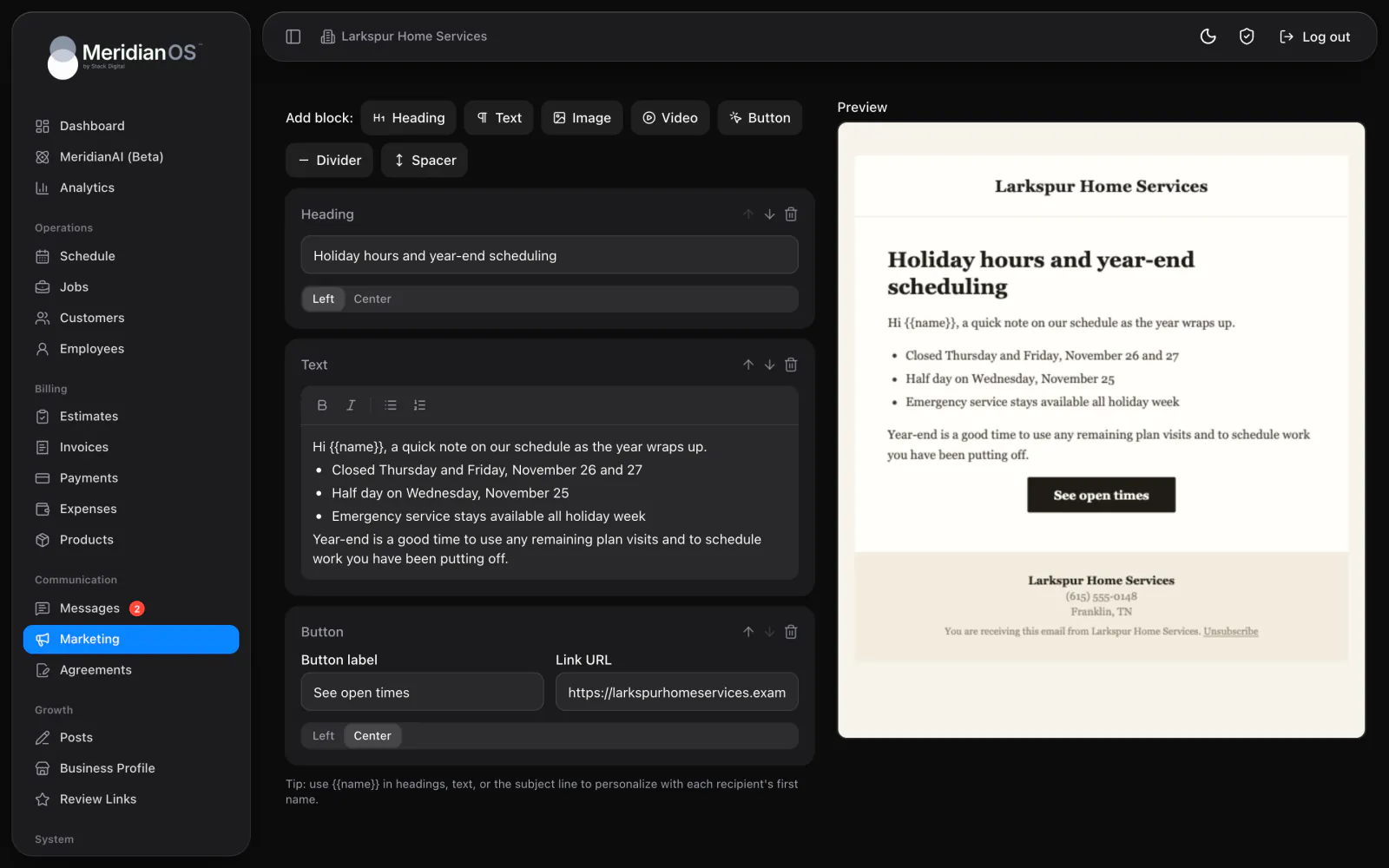
Seven kinds of blocks. Headings, text, images, video, buttons, dividers and spacers.
Five themes. Midnight, Crisp, Ember, Editorial and Forest, each with a preview.
Send or schedule. Send now, or pick a date and a half-hour time slot.
Unsubscribes handled. Every campaign carries an unsubscribe link that works on its own.
Stack headings, rich text, images, video, buttons, dividers and spacers, then move them up or down until it reads right. The live preview beside the editor shows the finished email as you work. Add {{name}} to the text or subject line and each person sees their own first name.
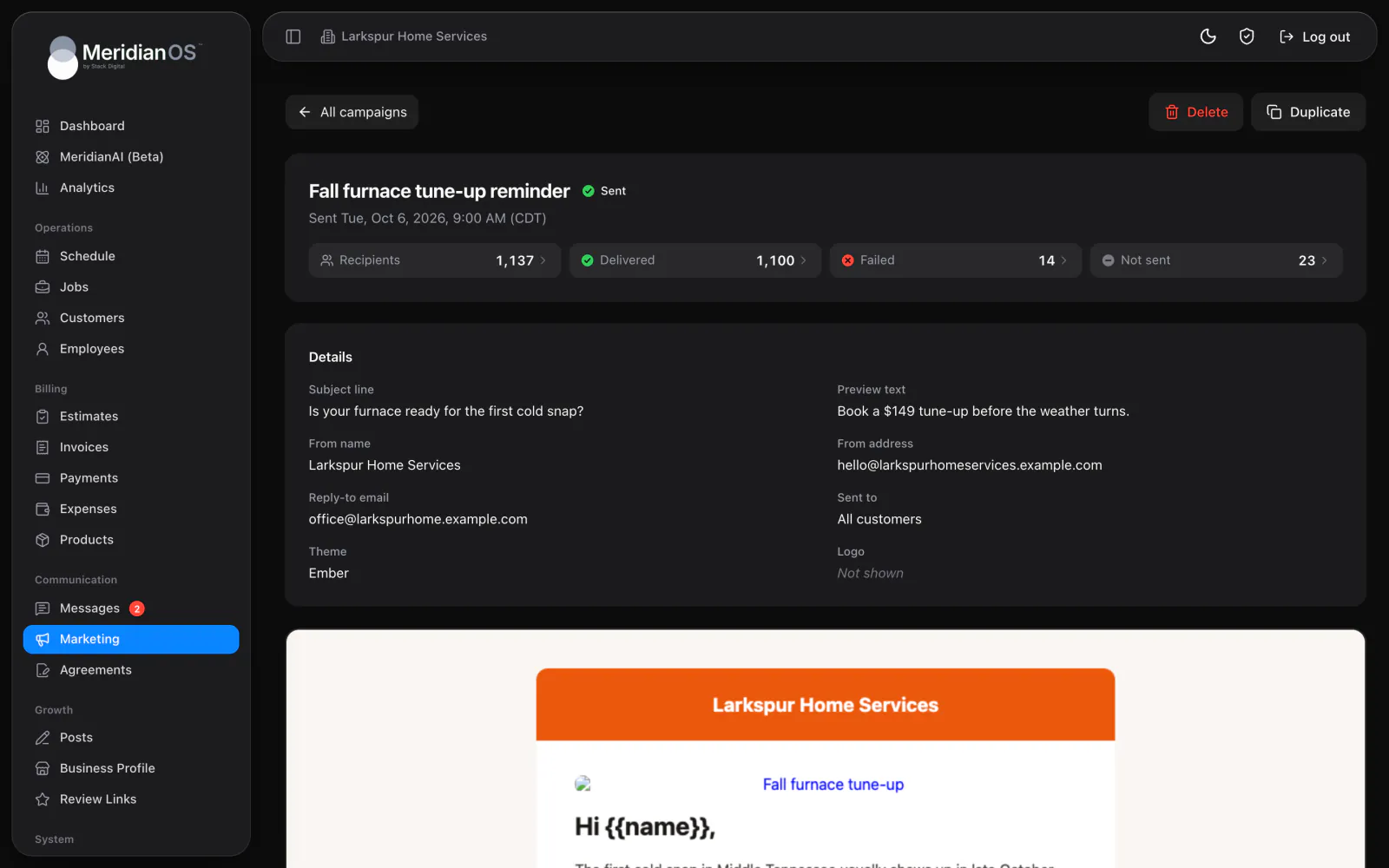
Press Send now, or pick a date and a half-hour slot in your business time zone and the campaign starts on its own. Once it is sent, tiles show recipients, delivered, failed and not sent. Open any person to see the exact email they received, with the time it went out.
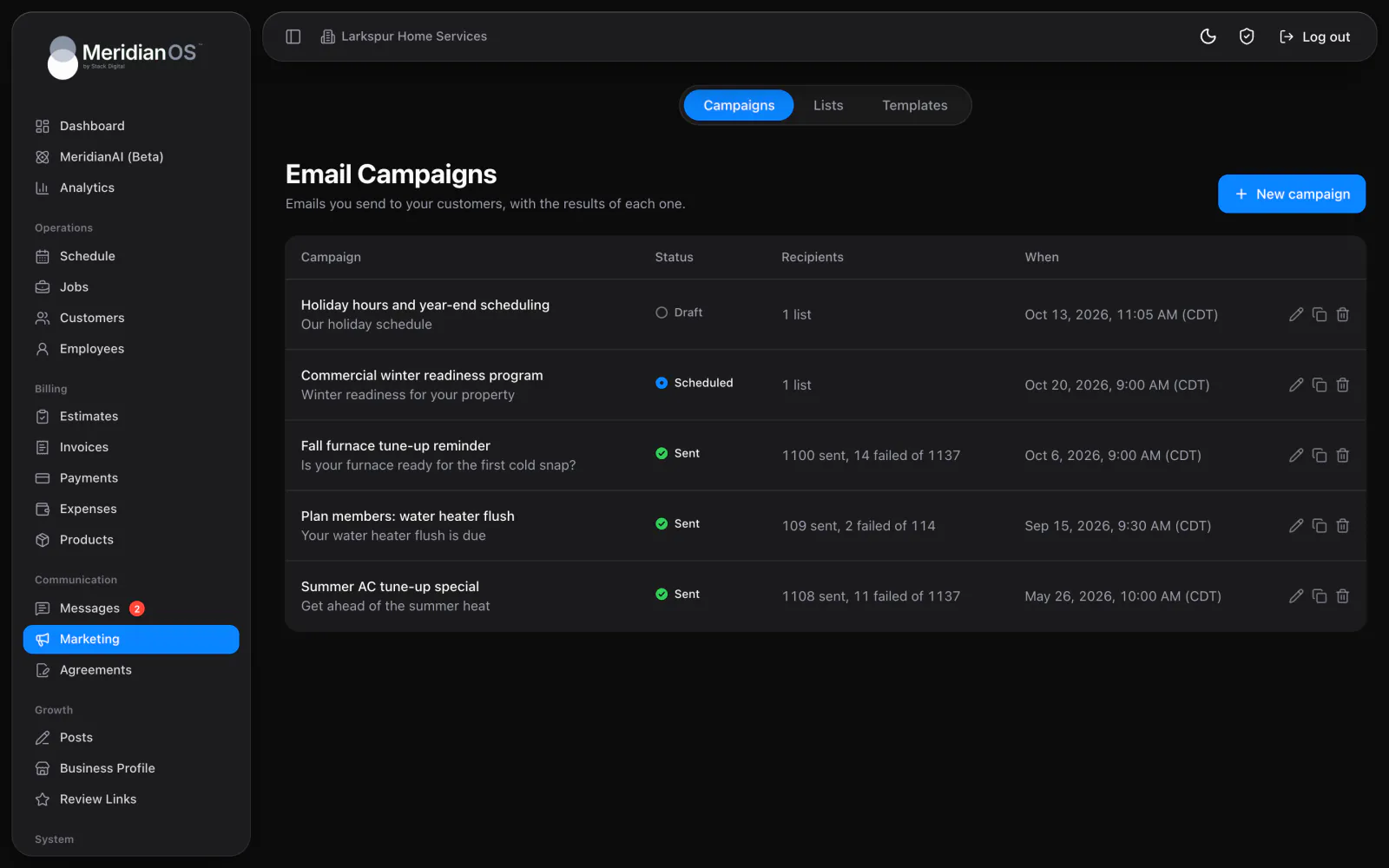
Build lists from customers, leads, texting contacts and pasted addresses, and reuse them for every campaign. Save any design as a template and start the next campaign from it. MeridianOS™ handles unsubscribes for you, and the send dialog shows how many of this month's sends you have left.
Unsubscribing takes a confirming click, so email security scanners that open links cannot remove people by accident. One-click unsubscribe from the person's mail app still works.
Each address is checked again at the moment its email goes out. The report separates people who unsubscribed before the send from people who unsubscribed after.
A scheduled campaign that would pass your monthly sending limit returns to draft before anything sends, so it never reaches only part of a list.
Each recipient is claimed before their email goes out, so a campaign never reaches the same person twice, even when sending picks up again after a pause.
Yes. Pick a date and a half-hour time slot in your business time zone, and the campaign starts on its own. You can unschedule it any time before then.
Each sent campaign shows Recipients, Delivered, Failed and Not sent. Open any of them for a searchable list with each person's status, then open a person to see the exact email they got.
They stop getting your campaigns on every list from then on. Emails about their account and invoices still reach them.
Yes. Each website has a monthly limit on marketing emails, and the send and schedule dialogs show how many you have left. A campaign that would go over the limit is held back before it sends.
We will walk you through a campaign from the first block to the sent report on a live system. Tell us what you do and we will reply within the hour.