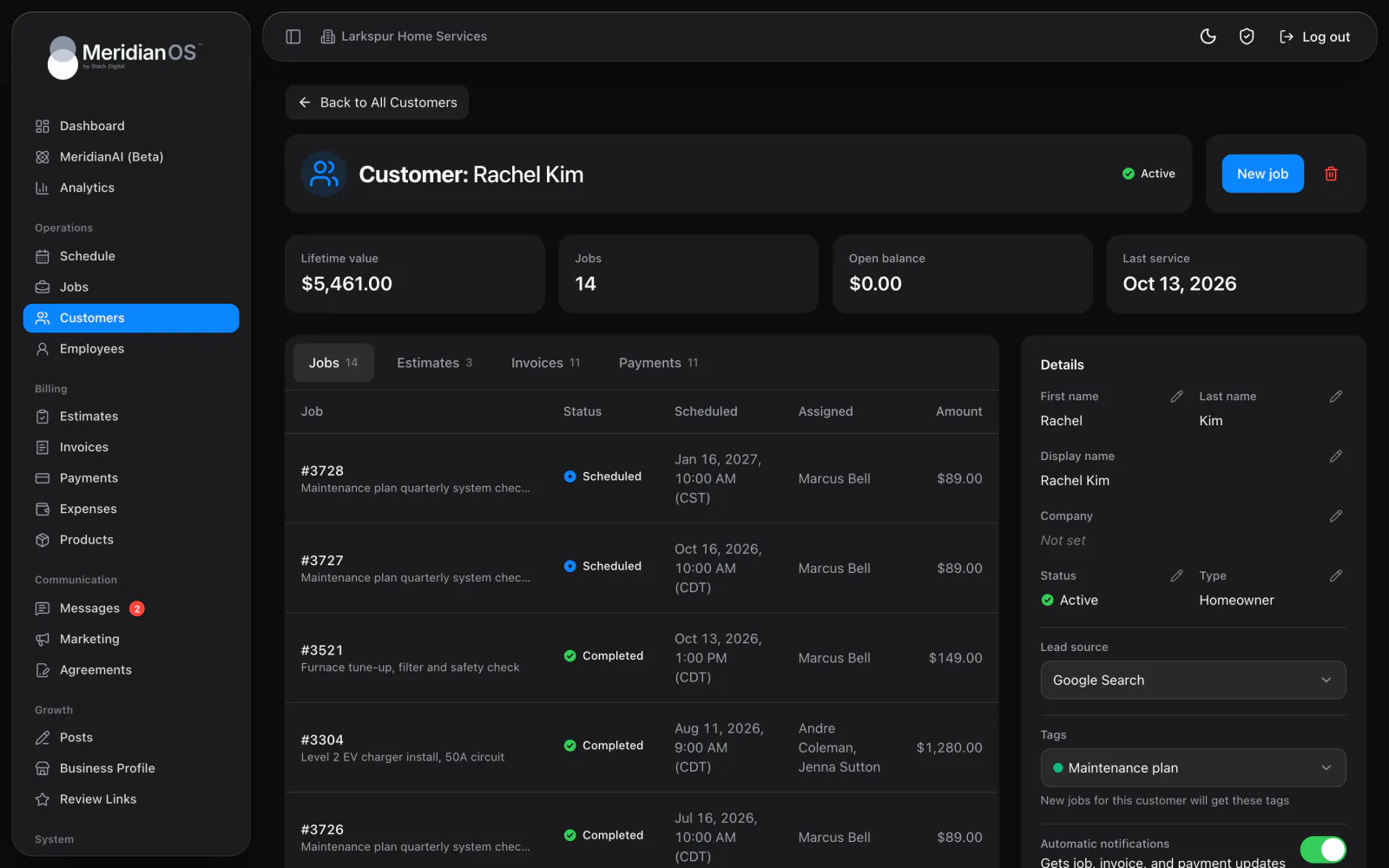
Customers. Every customer's history and conversations on one record, with what they have spent.
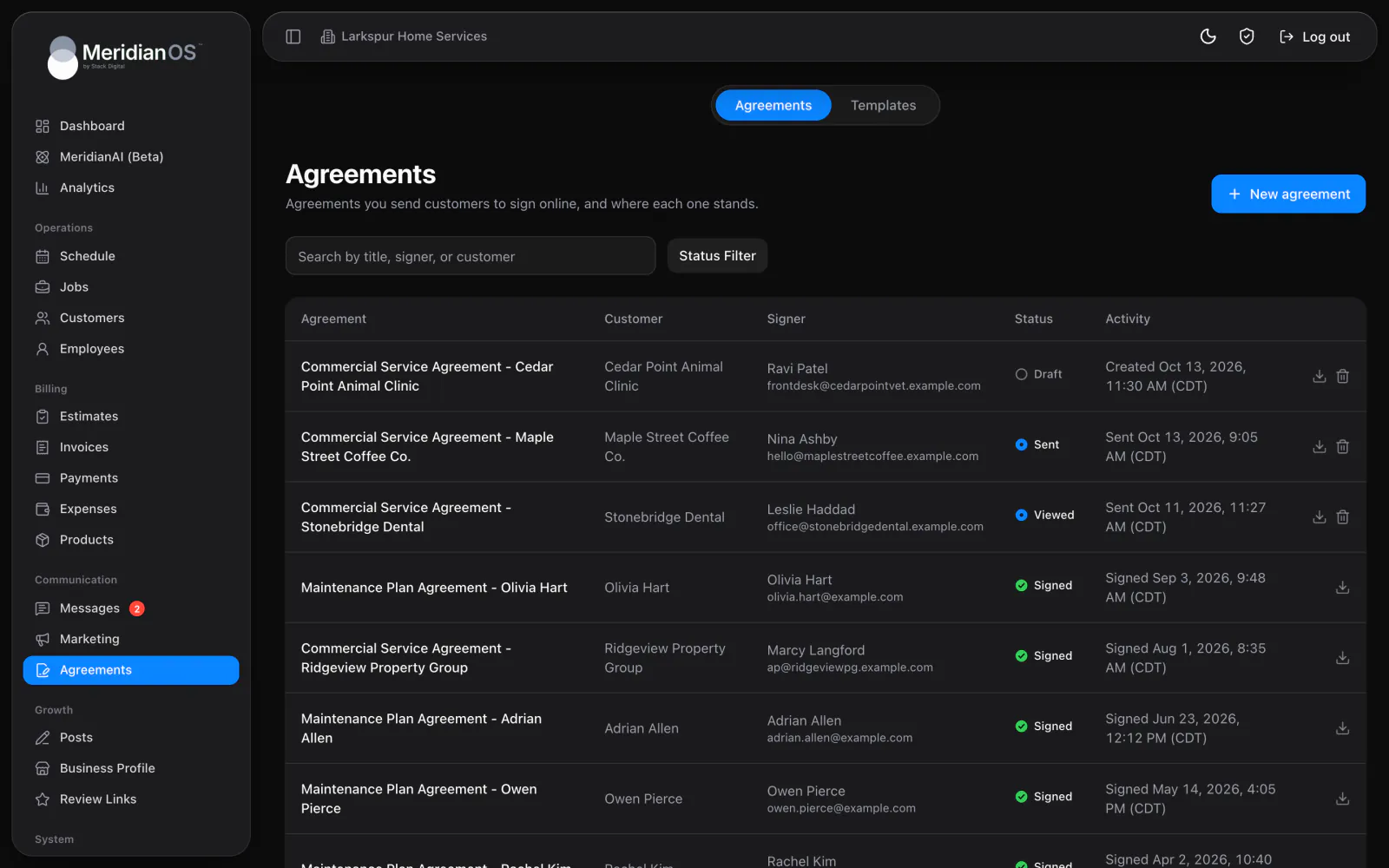
Turn your own PDF into a template with signature and date fields, then send it by email or text. Customers sign on any device, and MeridianOS™ keeps the signed copy with a certificate of every step.
Your own PDF. Upload it once and place the fields where they belong.
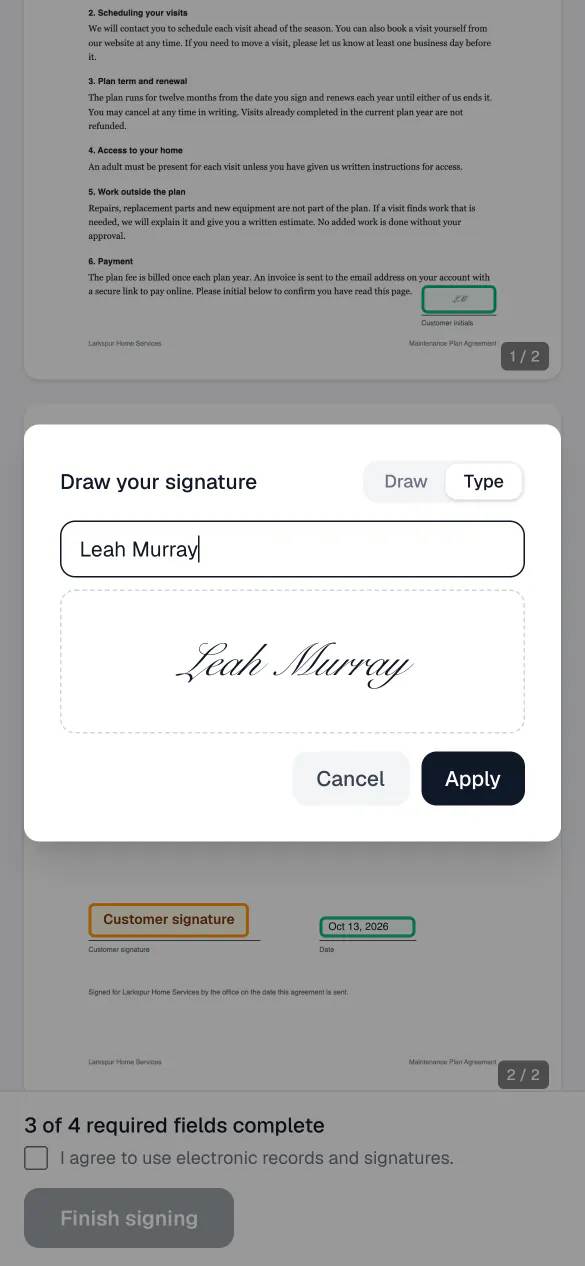
Signed on any device. Customers draw or type their signature once and reuse it across fields.
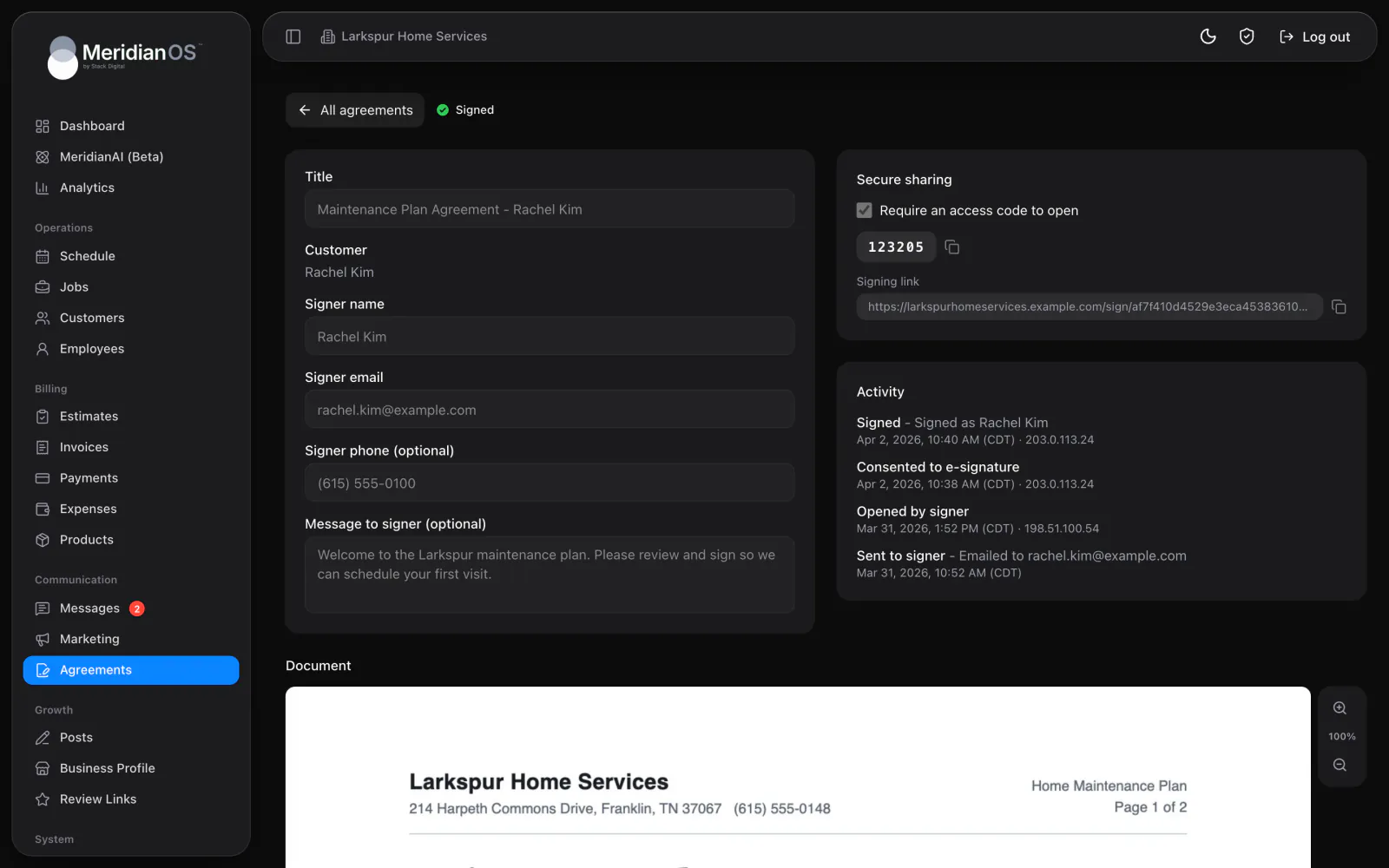
Access codes. An optional code keeps the signing link closed to anyone without it.
Locked once signed. Signed agreements are kept permanently and cannot be edited.
Upload your PDF and place signature, initials, date, text and checkbox fields where they belong on the page. Mark each field required or optional, and add your own text for the details you fill in. The list shows every agreement with its signer and status, from Draft to Signed.
Pick a template and a customer, and the signer's details fill in from their record. Add an optional message and send it by email or text. The optional access code never goes in the message, so you share it with the signer separately.
Your customer opens the link on any device and sees your document with the fields to fill highlighted. Today's date is already in place, and a counter shows how many required fields are left. They draw or type a signature once and reuse it across the document.
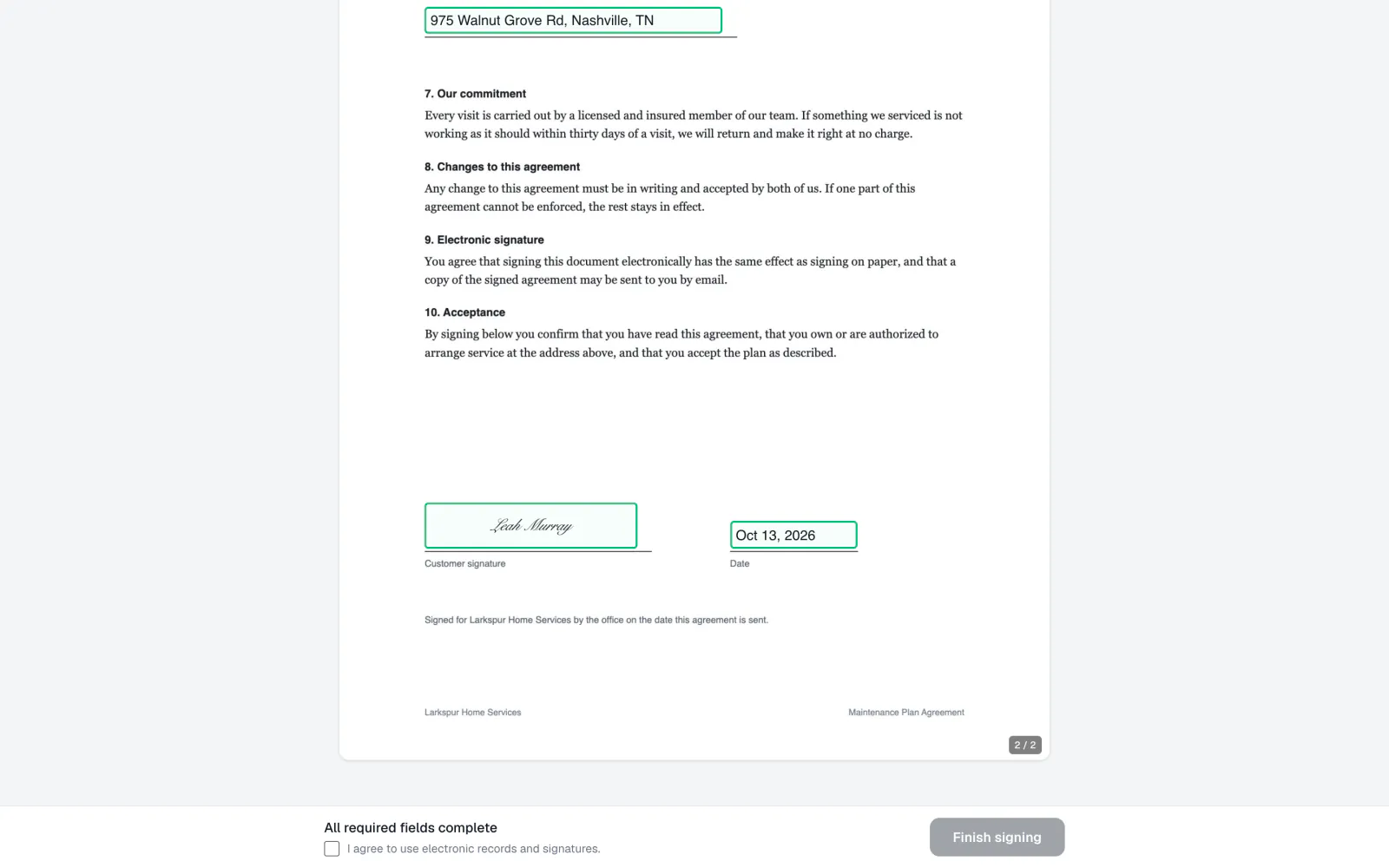
Every step lands in the activity log with its time and IP address, from the moment the agreement is sent to the moment it is signed. The signed PDF adds a Signature Certificate page, and the agreement is then locked for good.
If the signed PDF cannot be produced, the signature is rolled back and logged, so an agreement is never marked signed without its document.
Two submissions arriving at the same moment cannot both sign the same agreement. Only one goes through, so the record in MeridianOS™ stays clean.
A signer on an outdated browser sees a plain explanation on the signing page, so they are never left looking at a blank document.
An agreement cannot be sent until it has at least one signature field. MeridianOS™ also warns you when your own details are blank, before the signer ever sees them.
Yes. Any PDF up to 10 MB can become a template. You place the signature and date fields where they belong, and the template is ready for every customer who needs it.
An email with a Review and sign button, or a text with the link. They fill the highlighted fields, and a progress line shows how many required fields are left.
No. Signed agreements are kept permanently, so they cannot be edited or deleted. You can download the signed PDF with its Signature Certificate any time.
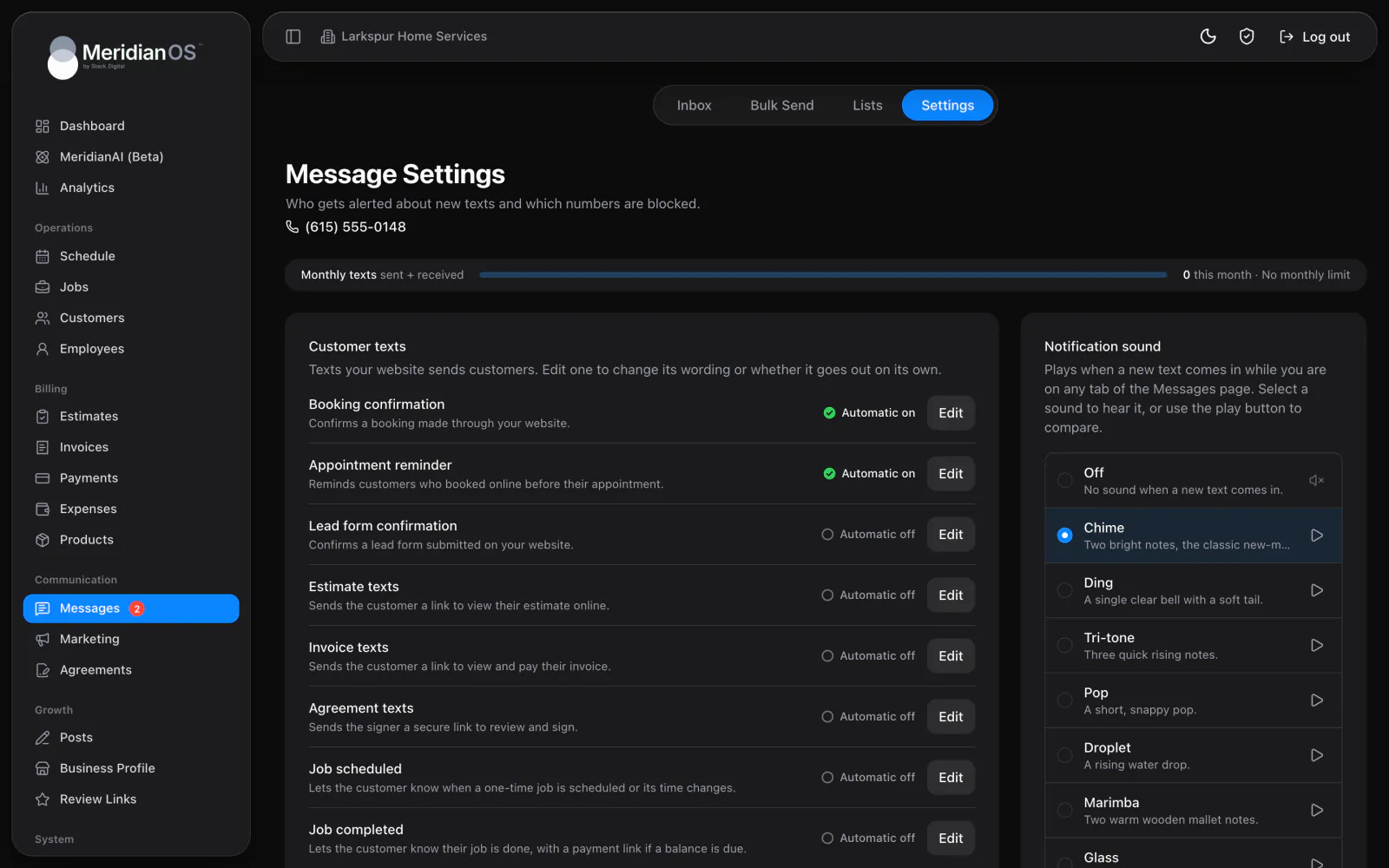
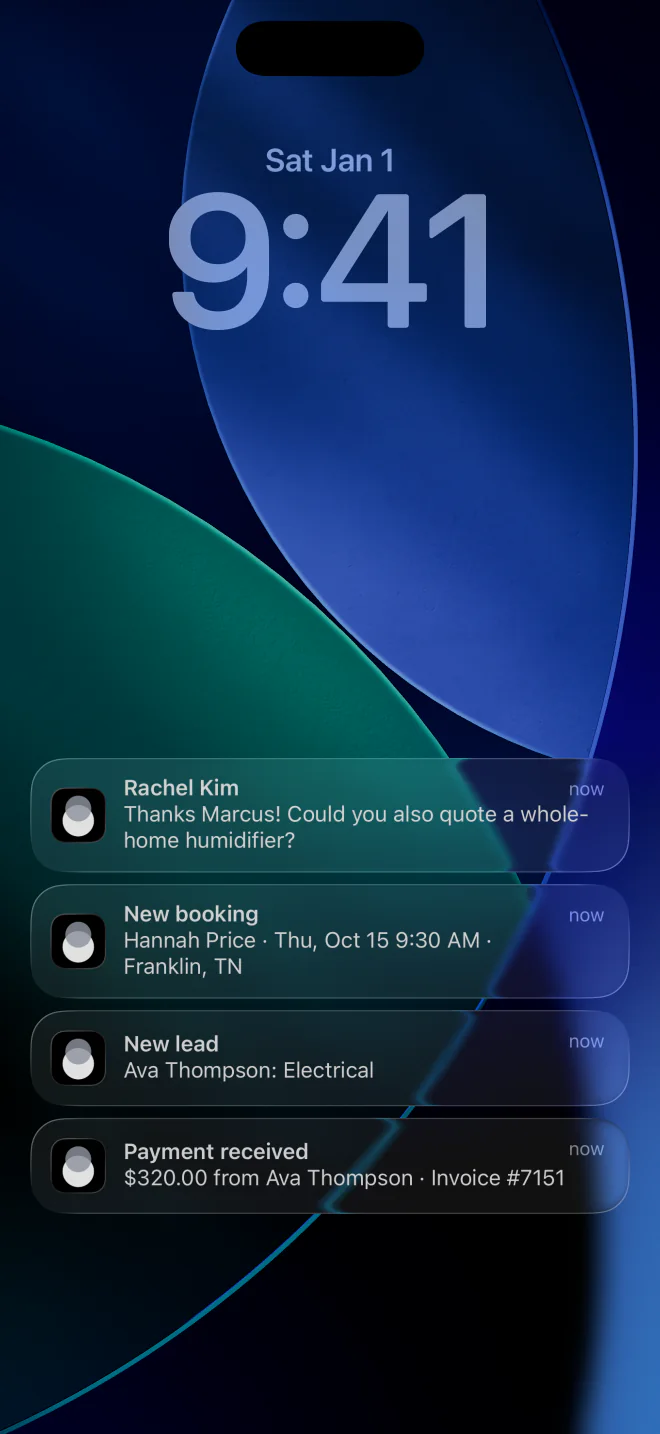
Yes. Every admin gets an email, and the MeridianOS app sends an Agreement signed alert. The customer gets their own copy by email with the signed PDF attached.
We will walk you through sending an agreement and the signed copy on a live system. Tell us what you do and we will reply within the hour.