Recurring jobs. Repeat work from daily to yearly, added to the calendar months ahead.
MeridianOS™ sends reminders and keeps repeat visits on the calendar months ahead. Blog posts, Google posts, review replies and listing checks run on their own schedules, and paid jobs close themselves.
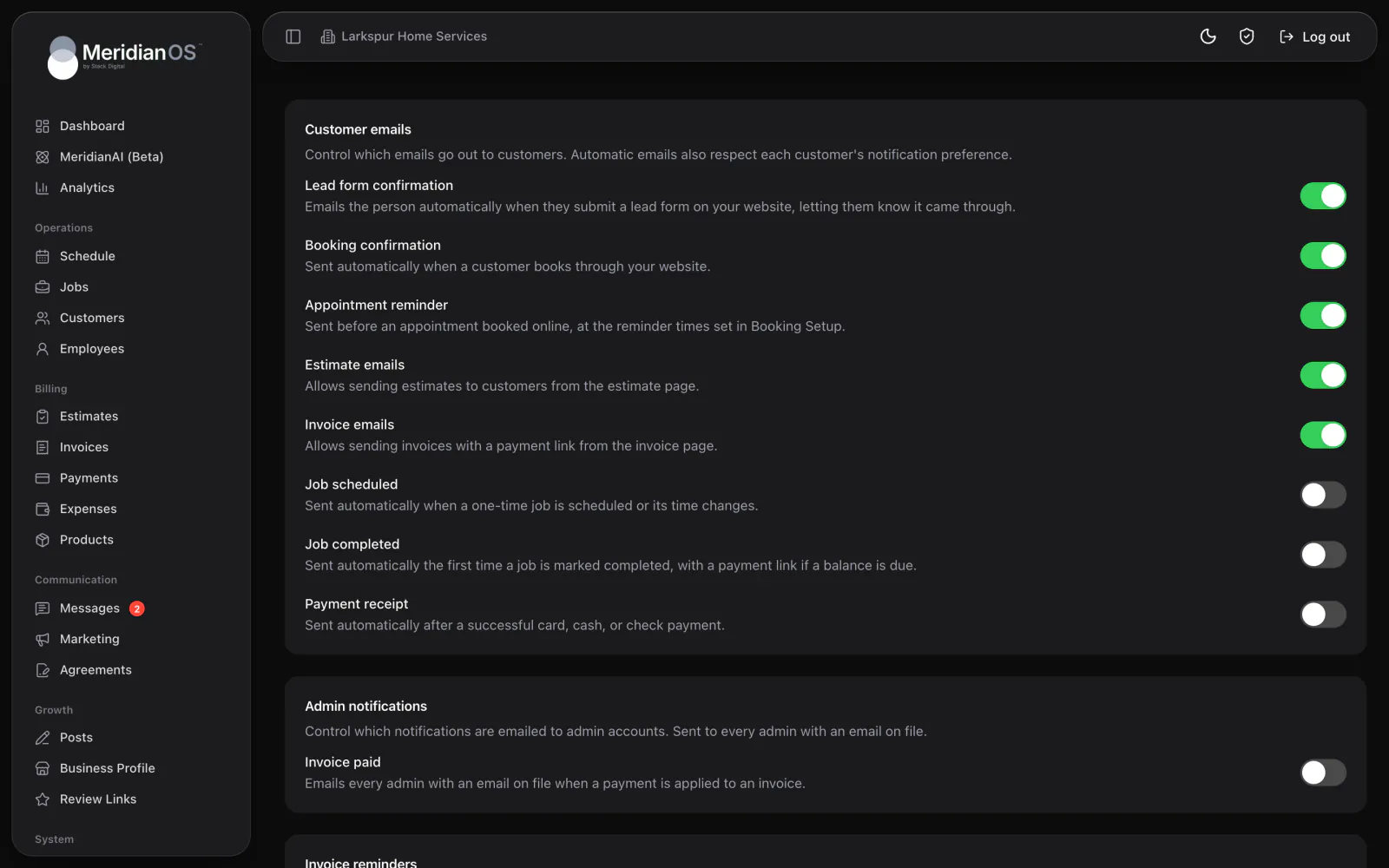
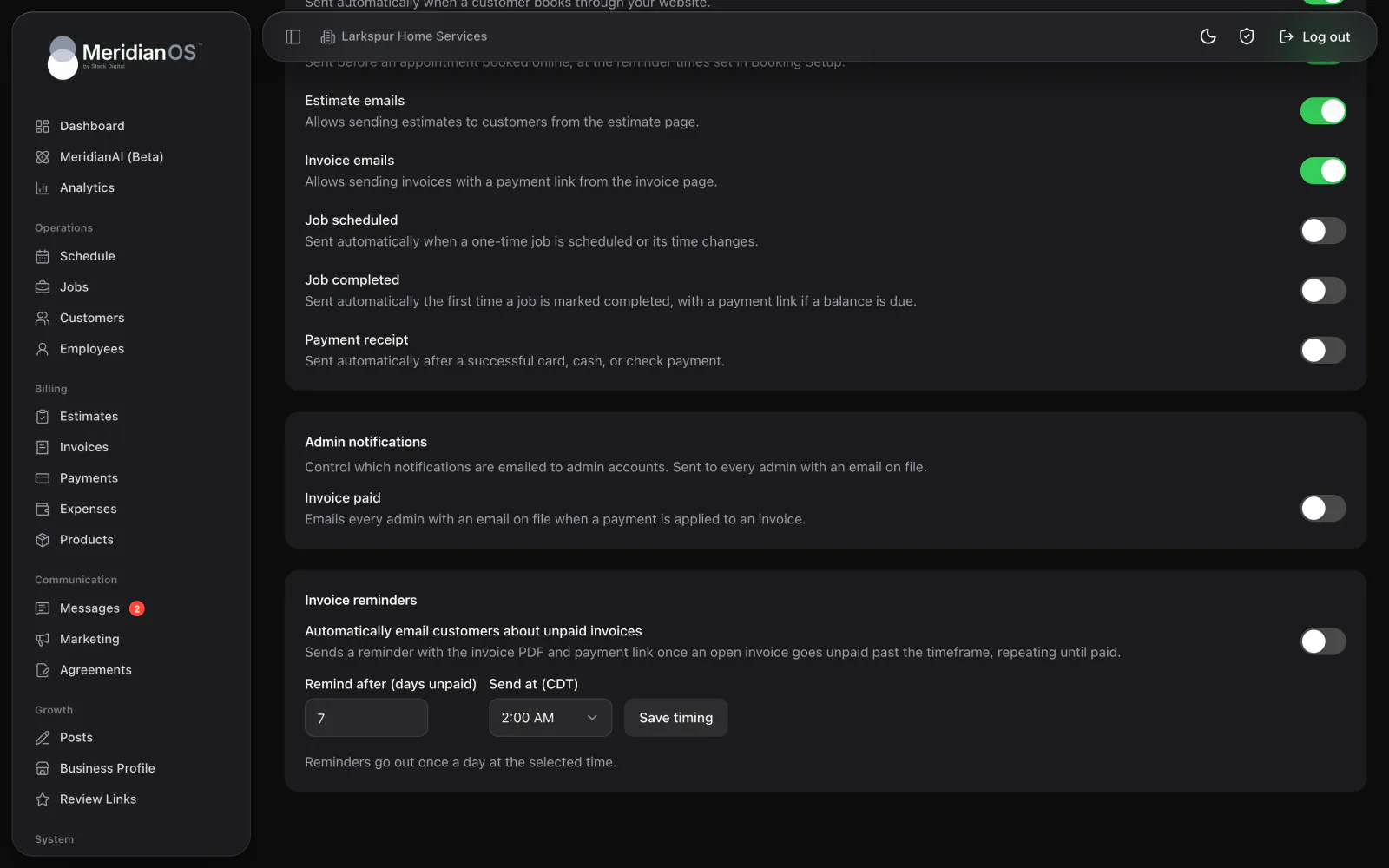
Reminders until paid. Unpaid invoices get a reminder at the time of day you choose.
Visits created ahead. Repeat jobs stay stocked on the schedule about four months out.
Paid jobs close. Past jobs with fully paid invoices are marked completed.
Posting on schedule. Your blog and each connected network post on the days you pick.
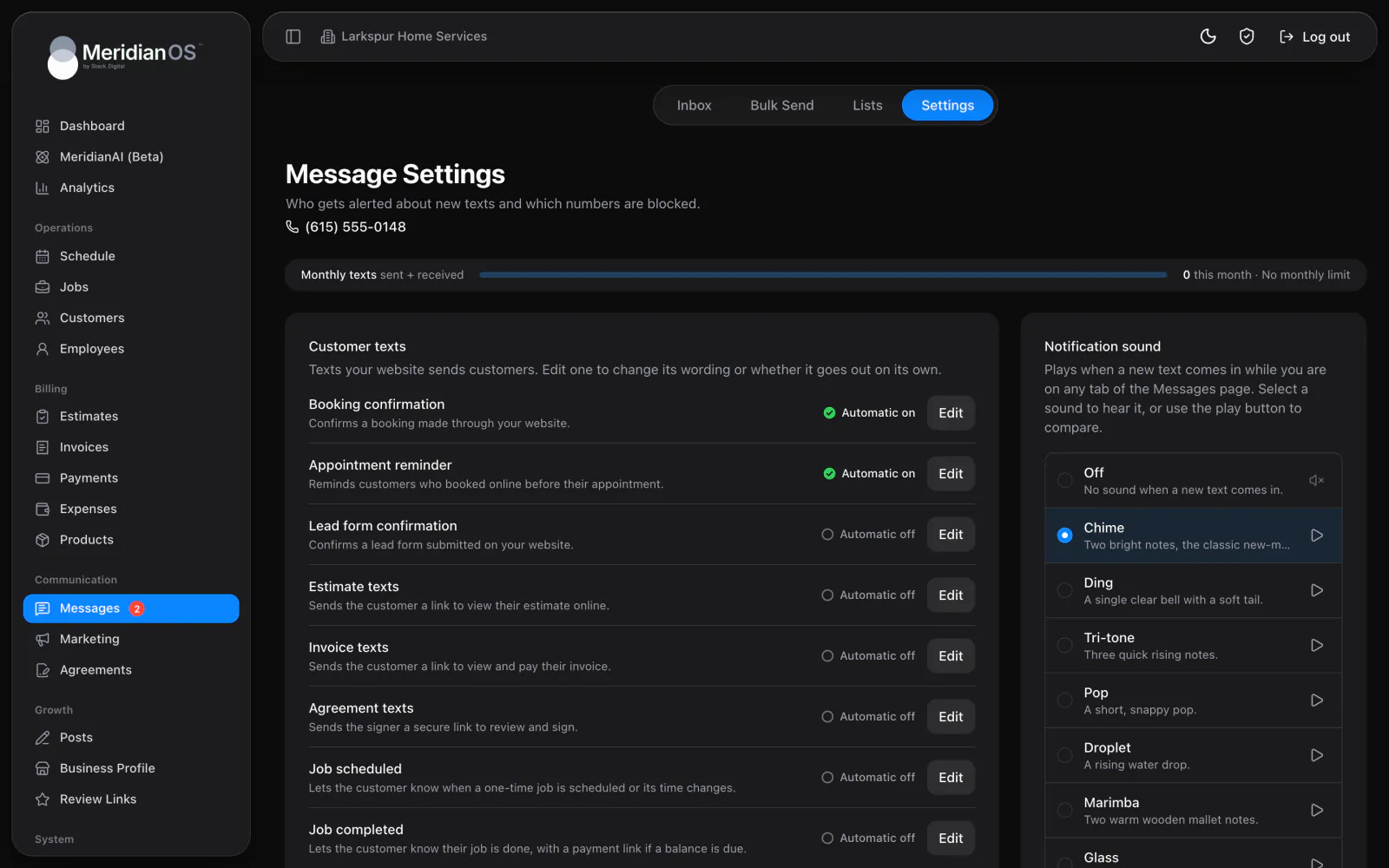
Turn on invoice reminders and pick how many days an invoice can sit unpaid and the time of day to send. MeridianOS™ emails the invoice PDF with a payment link at that time, and repeats at the same interval until it is paid. Appointment reminders go to online bookings by email or text.
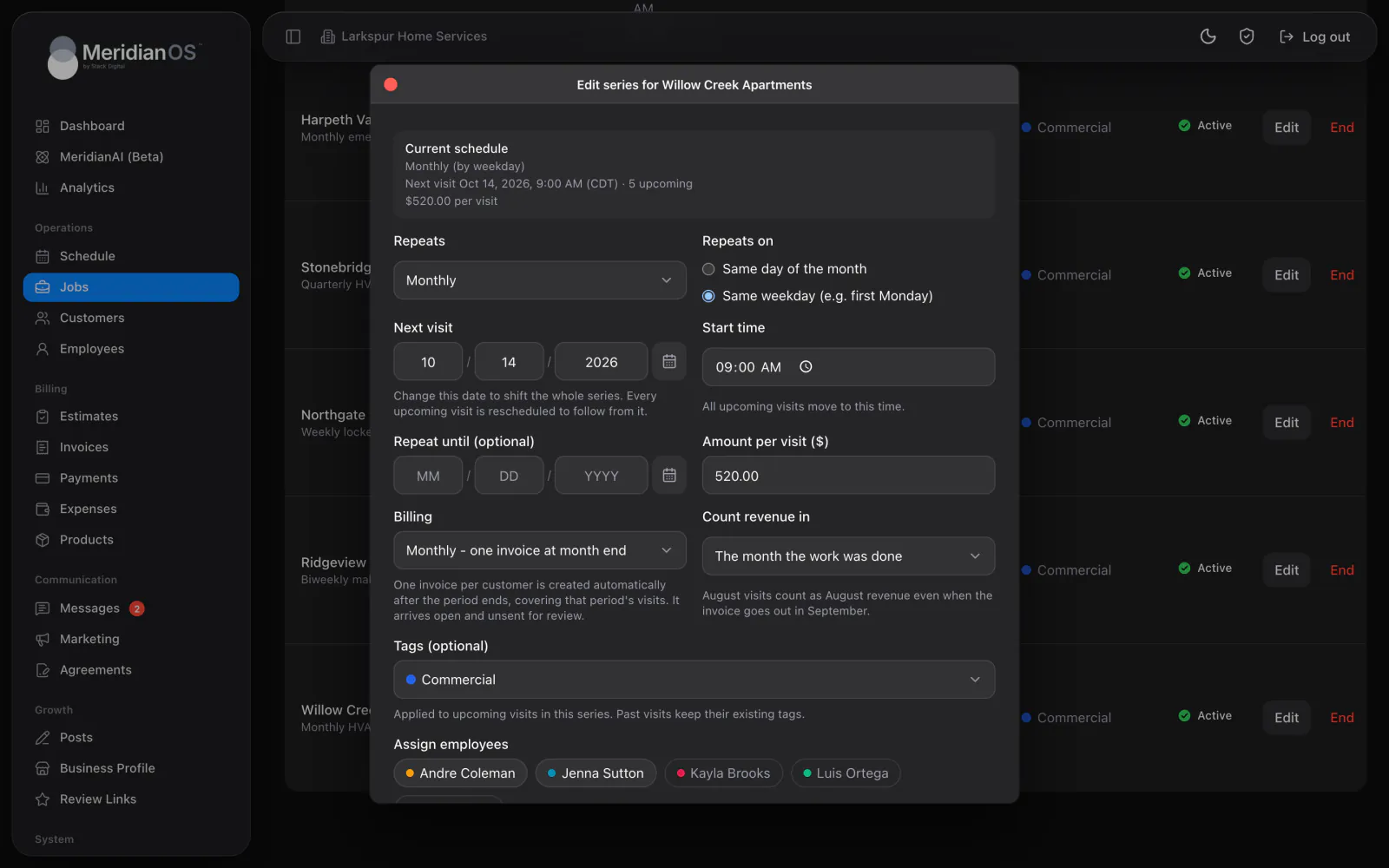
For every active repeating series, MeridianOS™ creates upcoming visits about four months ahead, copying the people assigned, tags, address and price. Series billed at week or month end get one open invoice per customer for the period's visits. Past jobs whose invoices are fully paid are marked completed on their own.
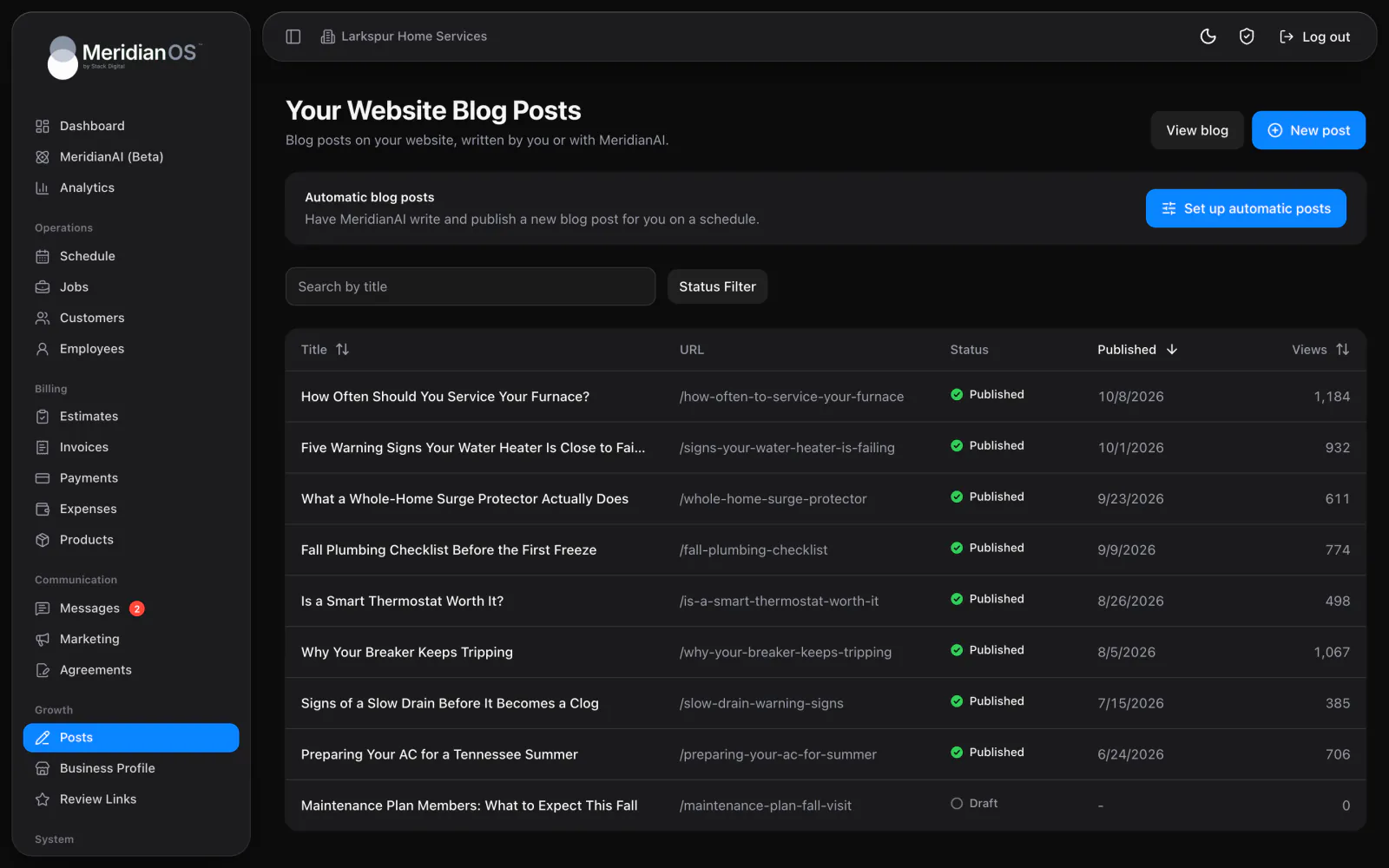
Automatic blog posts publish on the schedule you set, and Google and social posts wait for approval unless you switch that off. Review replies follow your star rating rules inside your allowed hours. Listings are checked against Google every day, and search engines are notified of new pages.
MeridianOS™ tracks when each invoice was last reminded, so a customer never gets two reminders for the same invoice on the same day.
When a customer reschedules, MeridianOS™ clears the reminders already sent so they are reminded for the new time. A booking made inside the reminder window skips the instant reminder.
An automatic review reply or Google post that fails is retried up to five times. After that it comes back to a person, so nothing fails silently.
Automatic review replies wait a random interval that only counts down during your allowed hours, so a reply never lands in the middle of the night.
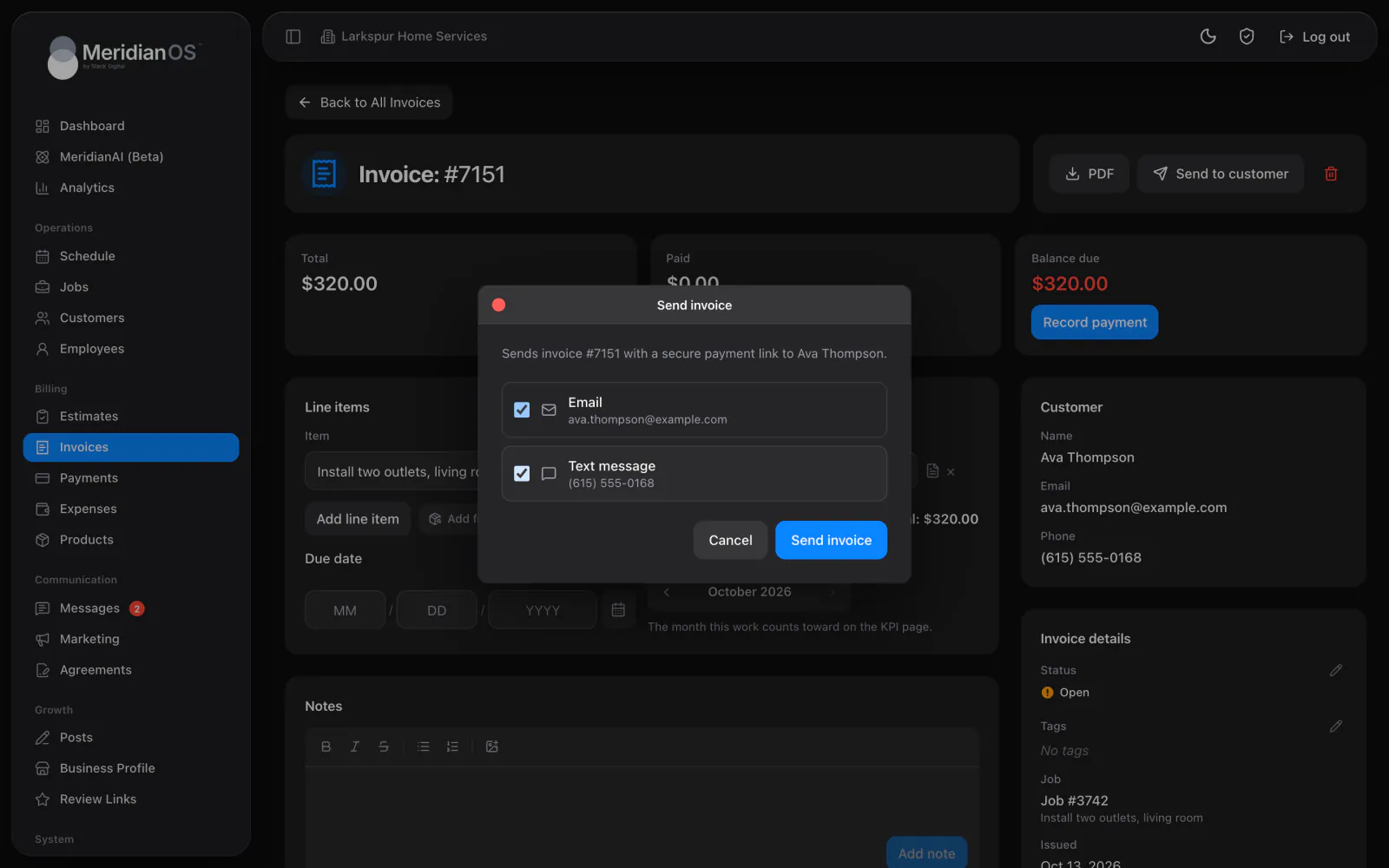
Yes. You set how many days an invoice can sit unpaid and the time of day reminders go out, in half-hour steps. Reminders repeat at that interval until the invoice is paid.
Google Business Profile and social posts wait for your approval by default, with a Post without approval switch for each. Automatic blog posts publish on their own, at a random time inside the window you set.
About four months ahead for every active series. Each new visit copies the people assigned, the tags, the address and the price, so the schedule is ready before you look.
No. When pages on your site are added or changed, search engines are notified automatically. New blog posts also appear in your sitemap.
We will show you the reminders and schedules working on a live system. Tell us what you do and we will reply within the hour.