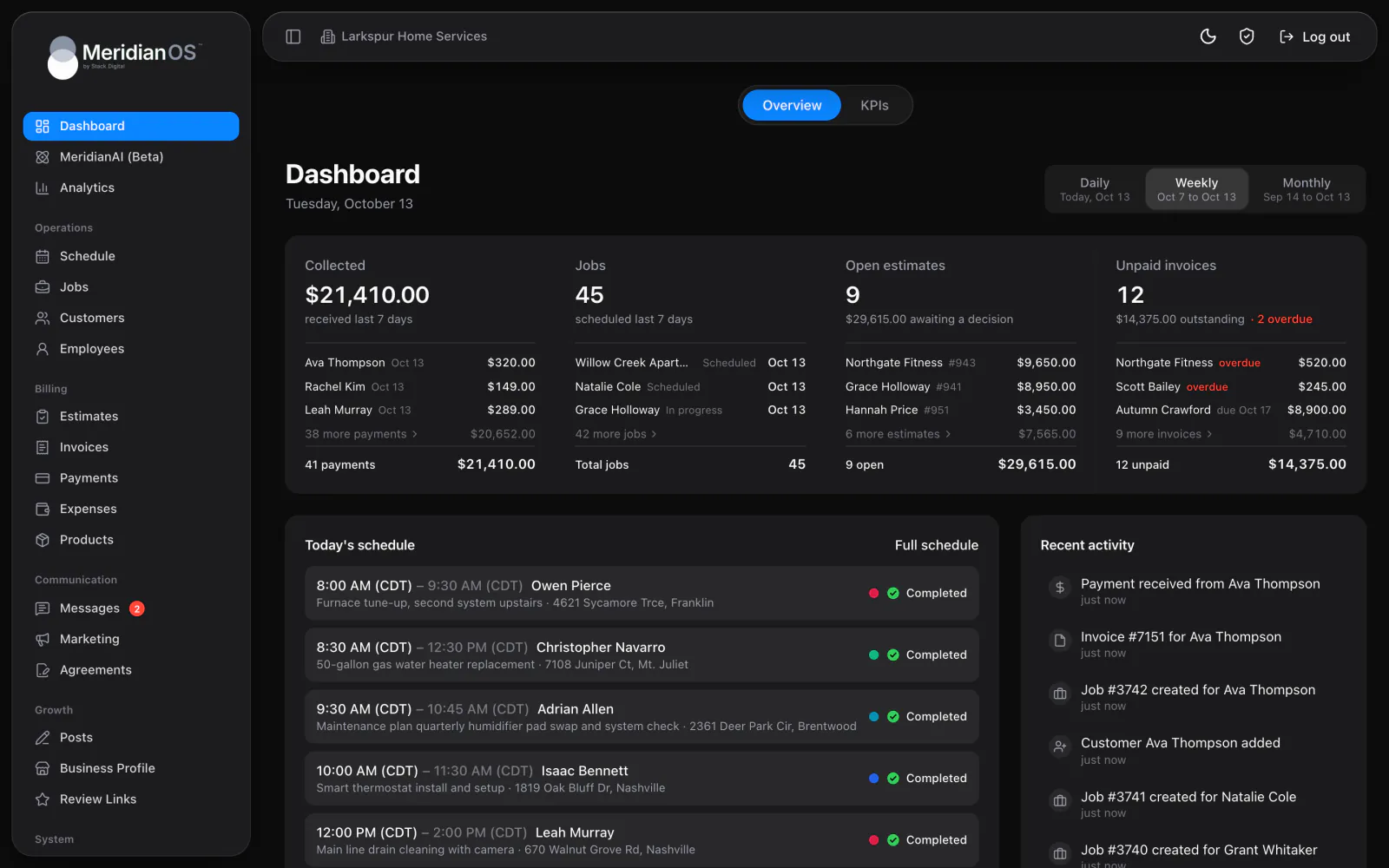
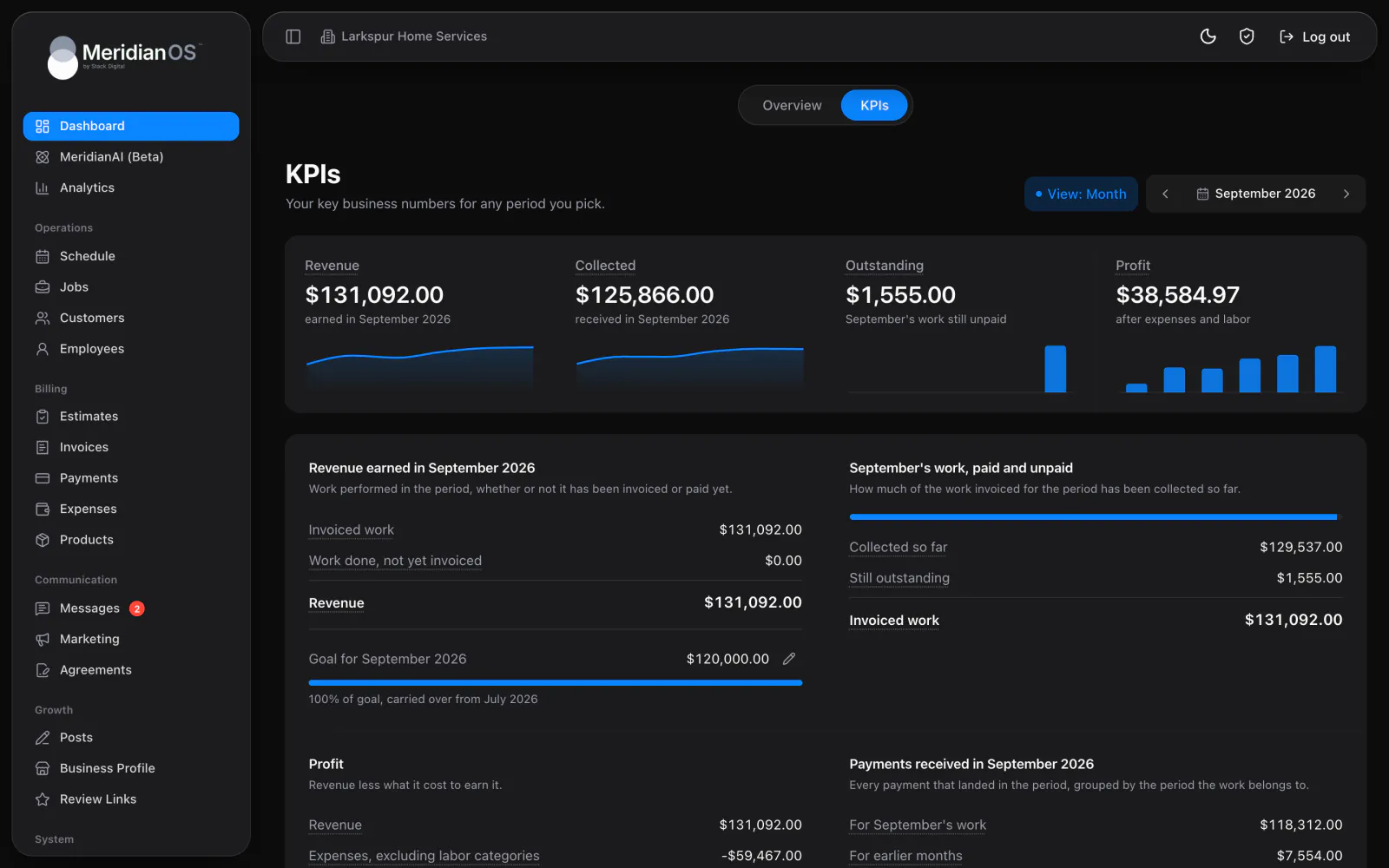
Dashboard. What you collected and what still needs you, the moment you sign in.
The Analytics page in MeridianOS™ shows visitors, sessions, page views, and live active users for any date range. A second tab reports your Google Ads results, from impressions and clicks to cost and conversions.
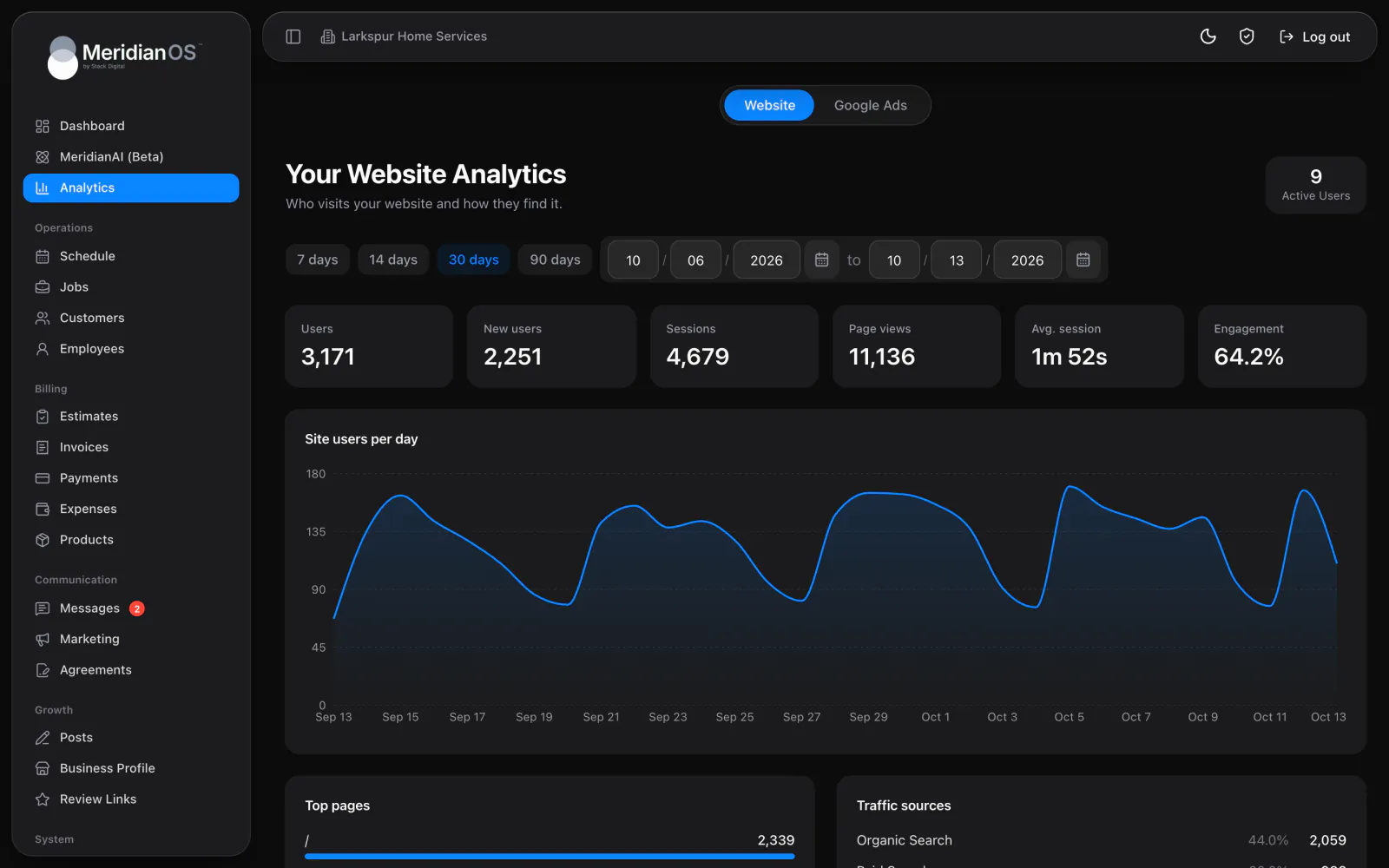
Live visitors. An Active Users count that refreshes every 15 seconds.
Any date range. Pick 7, 14, 30, or 90 days, or your own dates.
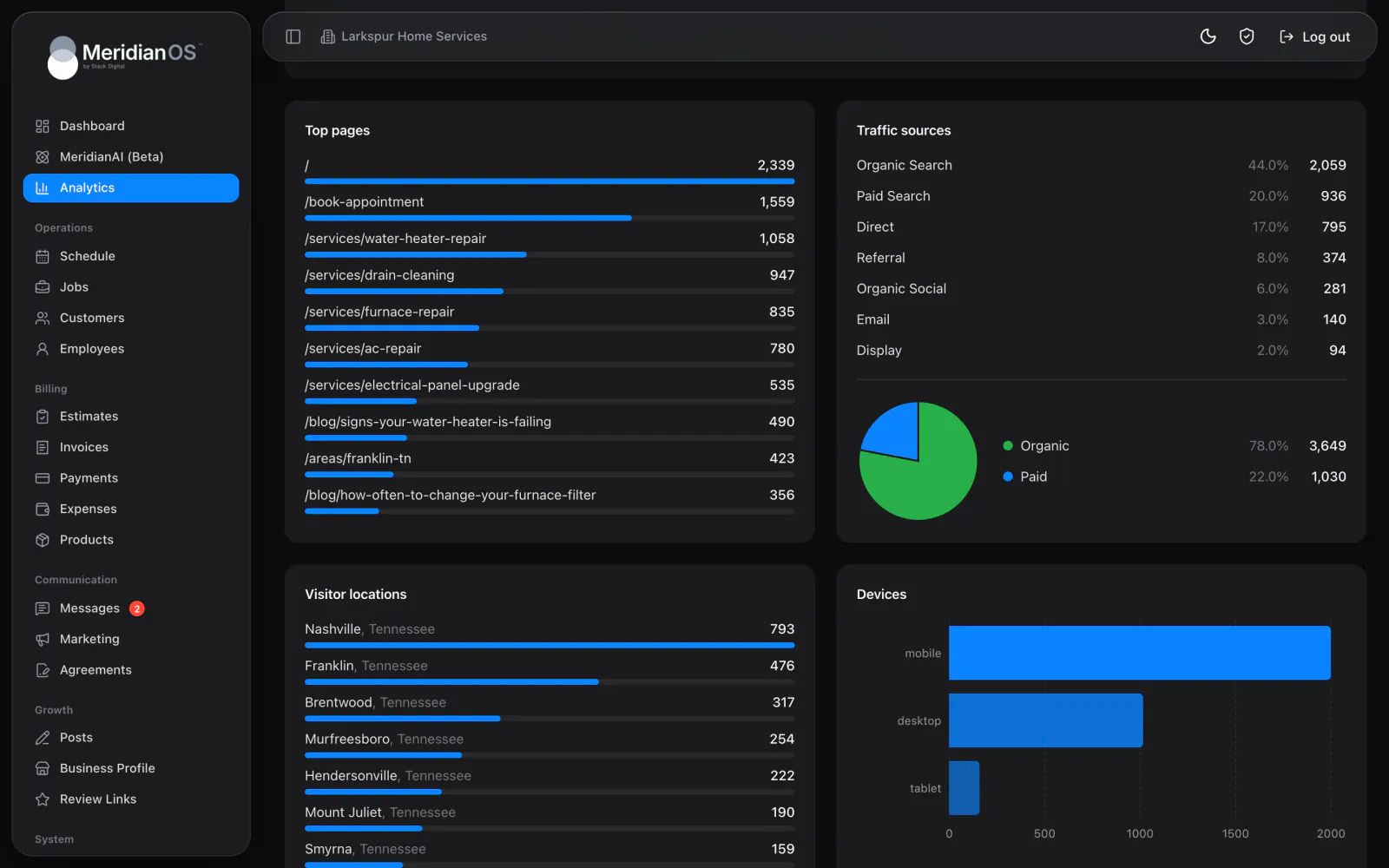
Organic and paid. A pie chart splits your traffic into organic and paid.
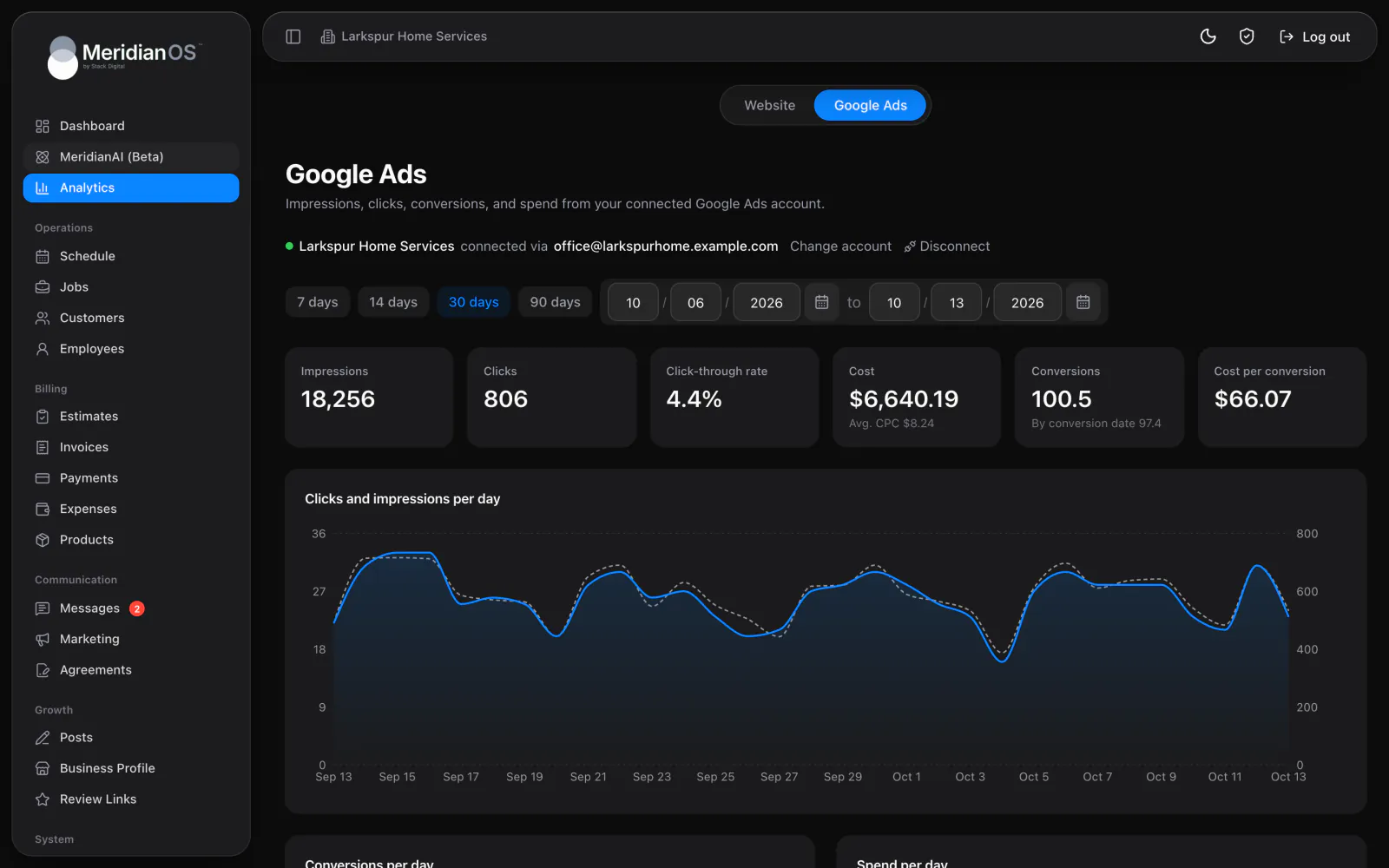
Google Ads results. Impressions, clicks, cost, and conversions beside your website numbers.
The Website tab in MeridianOS™ shows users, new users, sessions, page views, average session length, and engagement for the range you pick. A chart plots site users per day, and an Active Users counter shows how many people are on the site right now, refreshed every 15 seconds.
Top pages ranks your ten most visited pages, with admin, employee, payment, and estimate pages filtered out so only public pages count. Traffic sources lists each channel with its share and sessions, plus a pie chart of organic against paid. Visitor locations and devices round out the picture.
Connect your Google Ads account by signing in with Google, then choose the account to report on if you manage several. The tab shows impressions, clicks, click-through rate, cost, conversions, and cost per conversion, with charts per day. The connection in MeridianOS™ is read-only, so your campaigns stay as you set them.
Admin, employee, payment, and estimate pages are filtered out of Top pages, so the ranking shows only the public pages your customers find.
The Google Ads connection in MeridianOS™ reads reporting data only. Your campaigns stay exactly as you set them in your Google Ads account.
If your Google login manages several Ads accounts, MeridianOS™ lets you choose which one to report on and switch later with Change account.
Removed campaigns and campaigns with no activity are hidden from the table, so the list stays focused on the campaigns that ran.
No. The Google Ads tab reads reporting data only. You keep managing your ads in your Google Ads account.
You can pick 7, 14, 30, or 90 days, or set your own start and end dates. The same picker works on the Website and Google Ads tabs.
Yes. The Active Users counter shows how many people are on your website right now. It refreshes every 15 seconds while the page is open.
Yes. The MeridianOS app has the same Website and Google Ads tabs to view. Connecting a Google Ads account is done once on the web.
We will walk you through the Website and Google Ads tabs on a live system. Tell us what you do and we will reply within the hour.